






Customer Stories
See how TechSmith customers find inspiration and how you too can accomplish your goals in a whole new way.
Maximize ROI with TechSmith’s Visual Communication Solutions
TechSmith’s easy-to-use visual communication solutions offer ROI at any size. Learn how visual communication can make a difference for your organization.
Testimonials
Don’t just take our word for it. Let’s hear from the real MVPs – our satisfied customers!

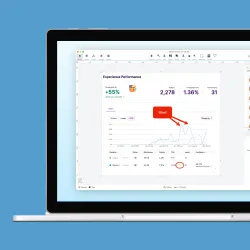
“Snagit is an amazing tool that affords its users with the ability to quickly and easily take screenshots, make annotations, highlight critical data, and easily add text. This is my go to when making instructions or process documentation.”

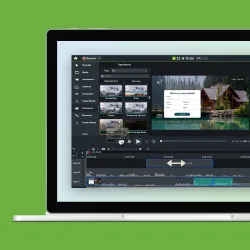
“Camtasia solves a lot of speed and quality issues we’ve experienced with some of the other video tools we have used in the past. By having the editing interface so easy and intuitive to use, we can get work done much faster.”

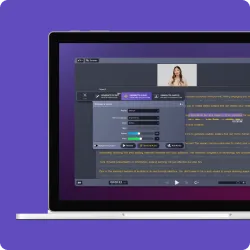
“Audiate is easy to use and saves us hours and hours of editing time. I just created two more videos yesterday and was done with the editing in 5 minutes!”