



It's the right time to upgrade
Save time. Create better videos. Make an impact.
The newest Camtasia is loaded with features to speed up your creation workflow. Create engaging, impactful video faster and easier than ever.
 Have an active maintenance agreement? Get your upgrade for free.

With my newly downloaded Camtasia 2023, I was able to edit three episodes in under 30 minutes. No joke.
Amanda Krill
Author | Strategist | Founder, She Owns
new in camtasia 2023
Accelerate your creation with Rev
You’ve never seen anything like Camtasia Rev. AI-assisted video production so you can spend more time creating and less time editing.
Automatic canvas sizing
The most common video sizes for business and creators are just a click away.
Smart content layouts
Instantly change your layout, background, and more.
One-click polish
Add filters, styles, and cursor enhancements with a single click.
Immediate results
That's all there is to it. Just export and you're done. Or, for more fine-tuning, send it to the Camtasia editor.
Easy, professional video creation
Camtasia helps you be as creative as you want to be with easy drag-and-drop features and assets.
AI-ASSISTED
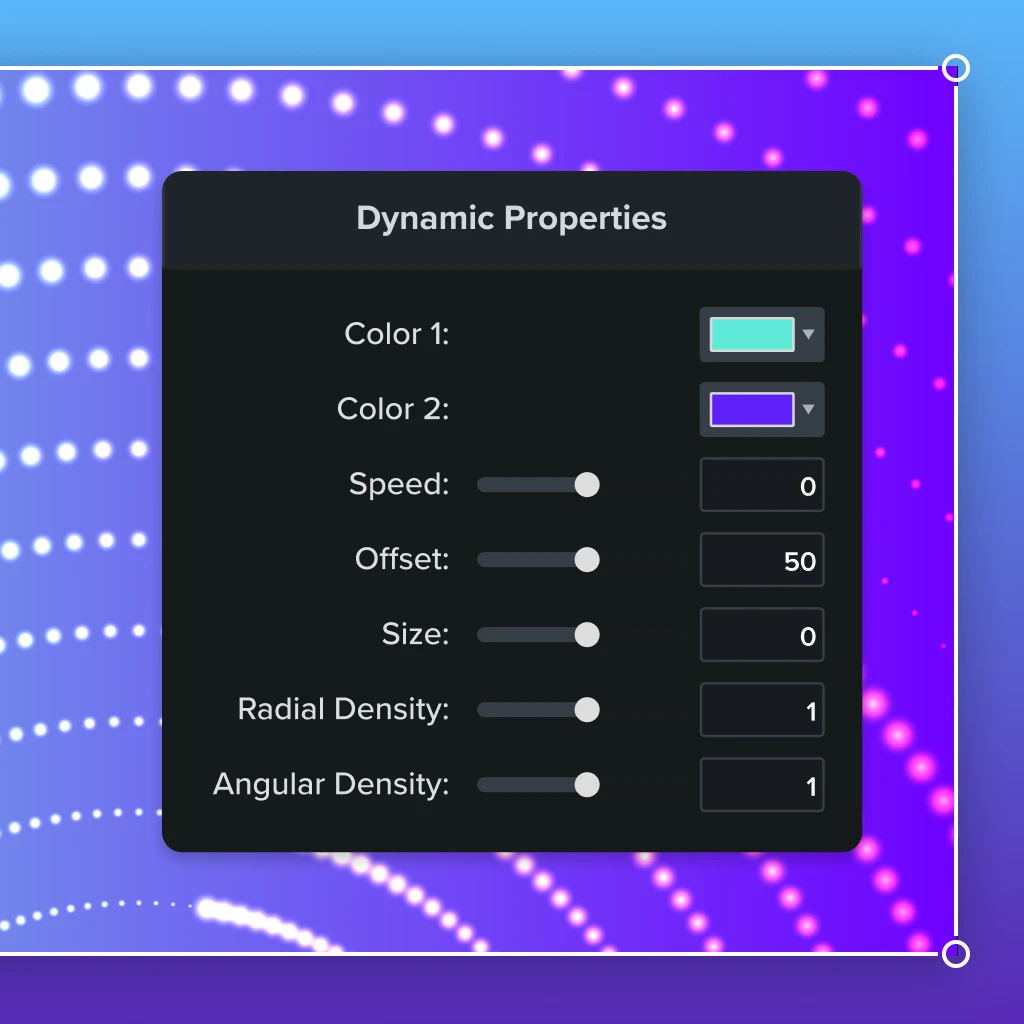
Easy dynamic backgrounds
No green screen needed.
- Add extra flare to title screens, intros, outros, and more.
- Frame your screen-recorded content for better engagement.
- Just choose your background, tweak as you need, and you're ready to go.
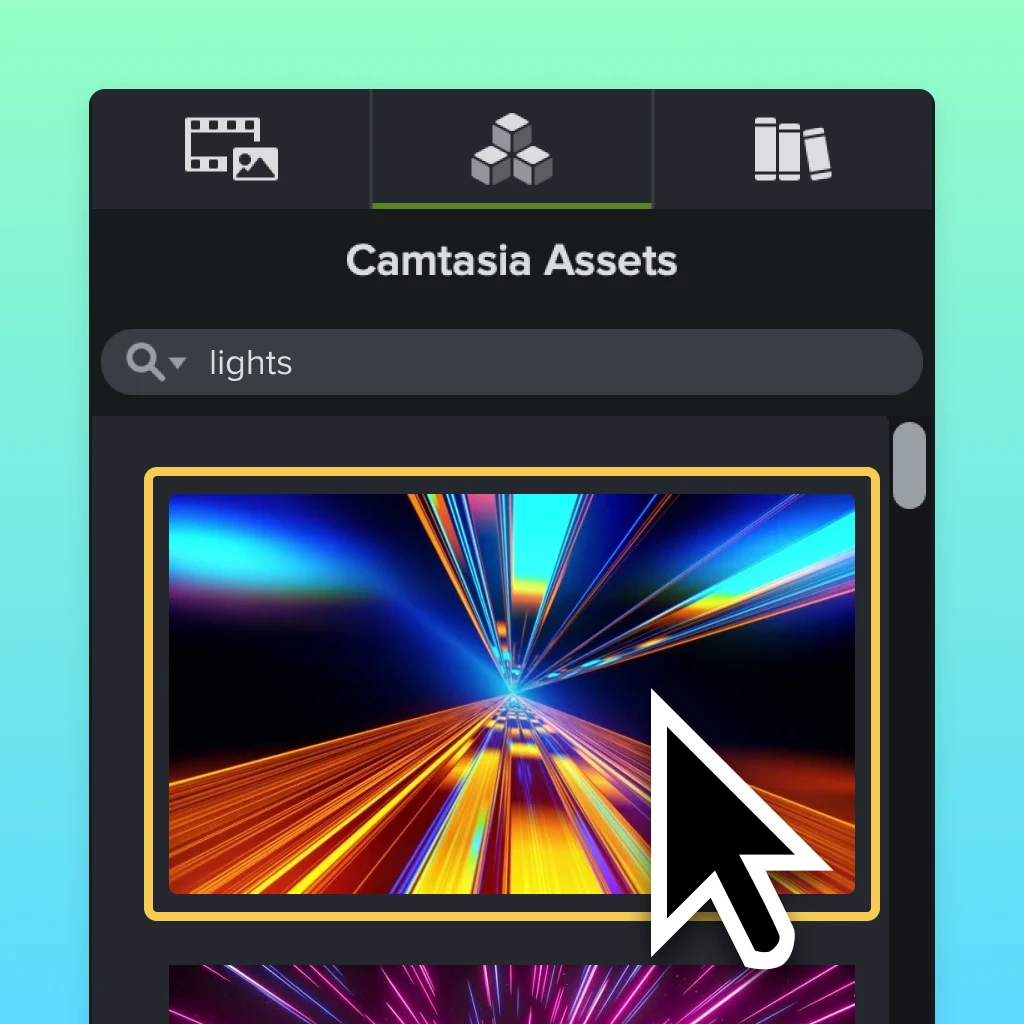
Improved Assets Integration
Use assets without leaving the editor
Browse and use over 20 million professional, royalty-free video assets directly in Camtasia.
- Quickly find what you need and add it to your video.
- Choose from Camtasia's free assets, or, or subscribe to Assets for Camtasia for millions more.
- Professional-quality assets like music, videos, backgrounds, images, and more.
Draw and keep attention
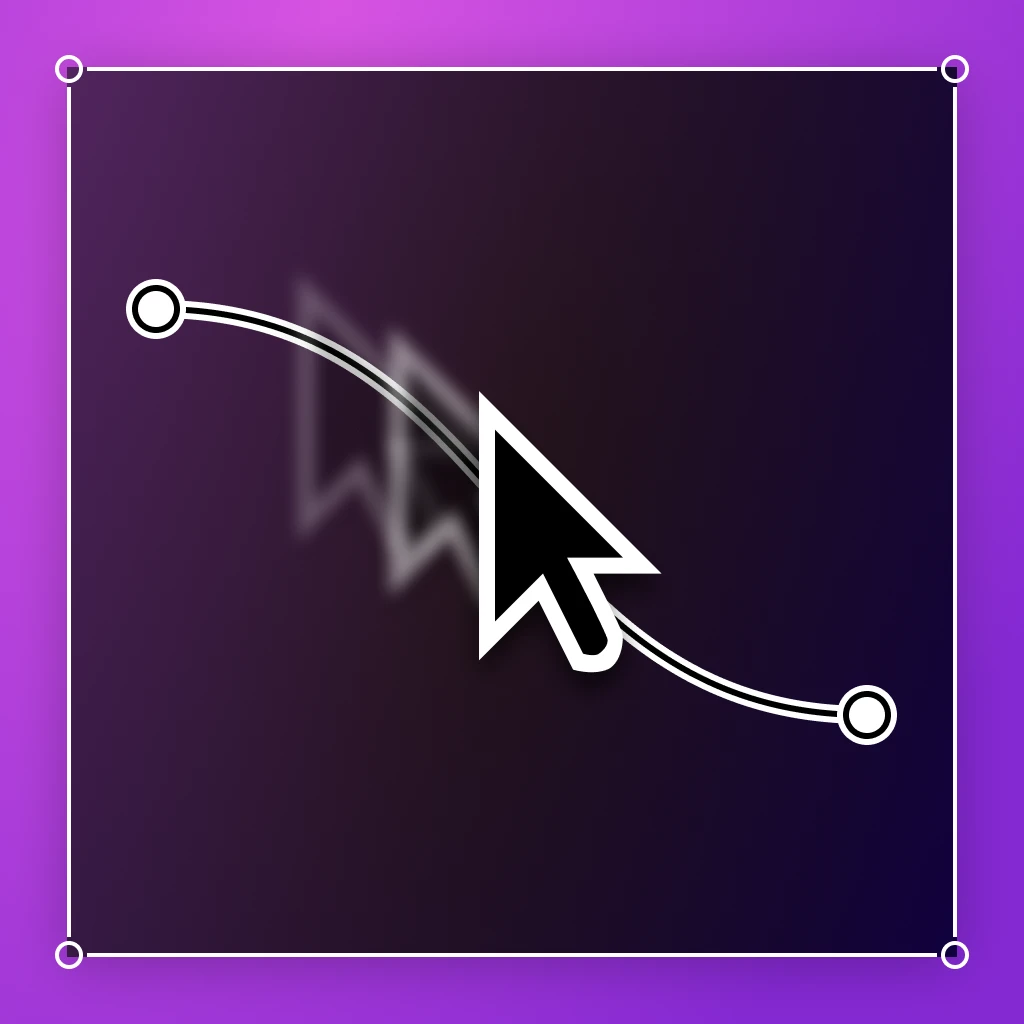
Make your cursor the main character
Use the cursor data captured by the Camtasia recorder to create better content.
- Resize your cursor or replace it with a custom one.
- Smooth your cursor path for a more professional look.
- Create a custom cursor path.
JKL editing
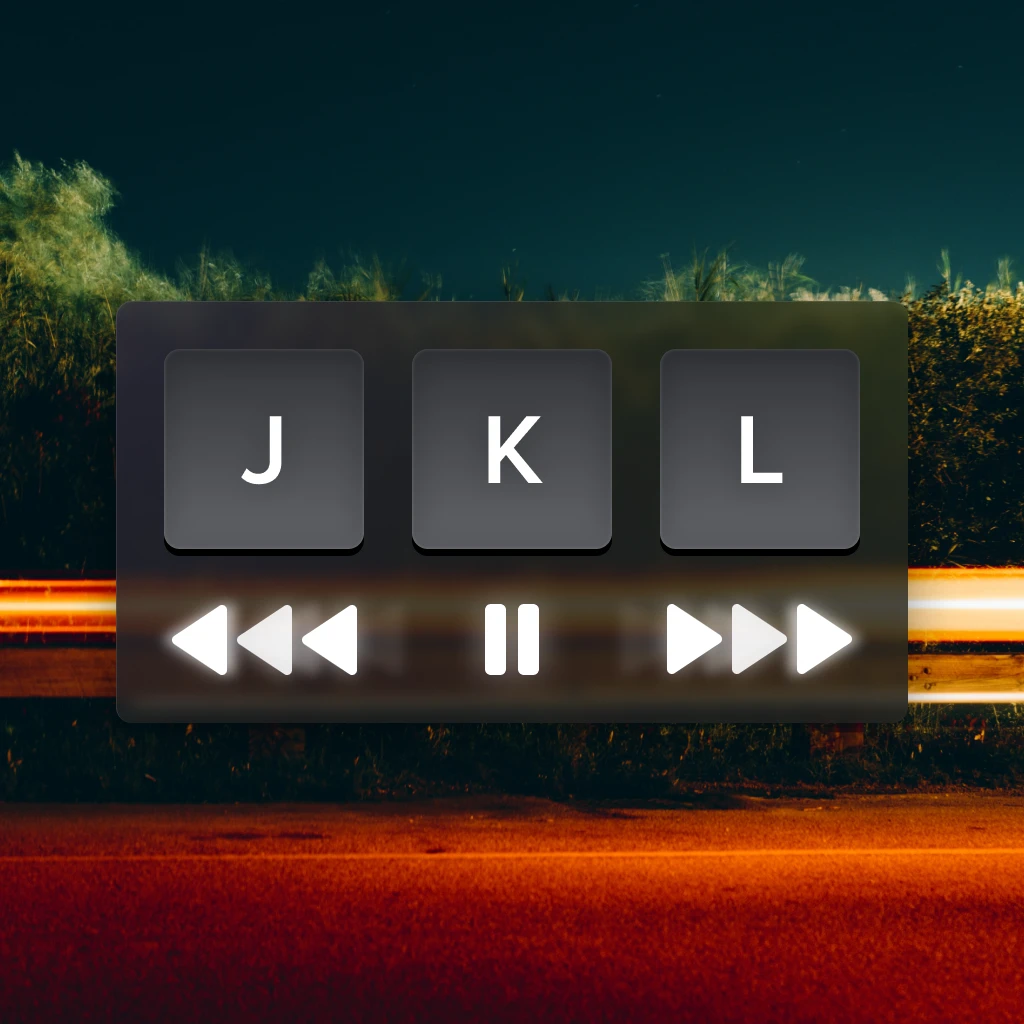
Edit projects faster with variable speed playback
Scrub less and edit more with variable speed playback keyboard shortcuts.
- Increase editing speed and efficiency.
- Easy keyboard-controlled playback.
- Perfect for longer video content.
Packed with features
Camtasia Rev
Create and publish incredible videos faster than ever before.
Background Removal
Remove your video's background with a single click.
4K Video
Record and create videos at 4K up to 60 frames per second.
Professional-quality transitions
Choose from dozens of transitions to give your videos that professional polish.
Crystal-clear screen recording
Industry-leading screen recording quality ensures your videos look amazing.
Record your camera and mic
Crystal-clear video and audio recordings.
Capture system audio
Capture audio from any application running on your system.
Creative filters
Create social-media-ready video effects with a single click.
Free assets
Professional-quality assets such as video footage, music, images, and dynamic backgrounds.
Canvas rulers
Experience more precision when placing and arranging items on your video canvas.
But don’t take our word for it
Video creators love Camtasia
I love Camtasia, used it for years and it keeps getting better each revision. Well done to the team!
Stew
I’ve been using Camtasia since its earliest versions and it just keeps getting better. Tech assistance is awesome with a degree of follow-through that I haven’t experienced elsewhere.
RobD
I recommend Camtasia and the 2023 newest version, as it is still the easiest learning curve, price point, and professional output.
LolaNOLA
Stop Missing Out
Upgrade to Camtasia 2023 today


Camtasia Upgrade
camtasia-single-upgrade-cmb
Upgrade to Camtasia 2023
One license + first year of Maintenance