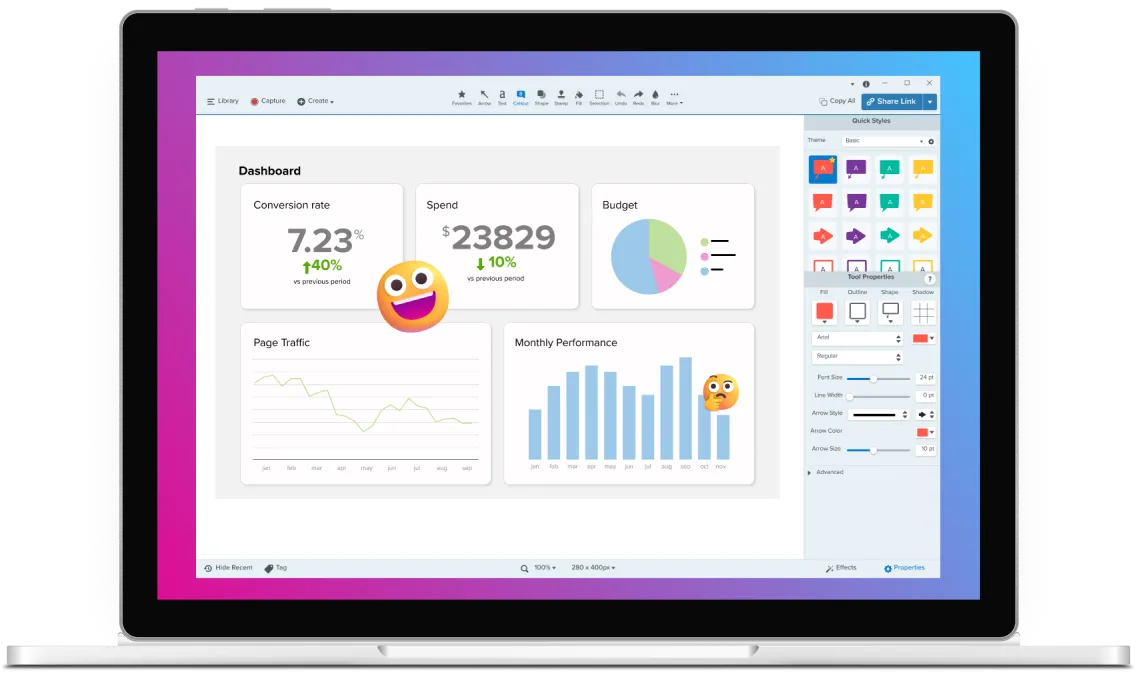






Choose the right screen recorder for your project
Pick the tool that fits your team’s workflow best: Camtasia Snagit on your desktop or Camtasia Online in your browser.
Camtasia Snagit
Record your screen, take screenshots, and build step-by-step guides on your desktop
Camtasia Online
Free browser recording of screen, camera, and audio. No installations or watermarks.Camtasia Snagit or Camtasia Online: Which fits your workflow?
Skip to text version of this table
| Camtasia Snagit | Camtasia Online | |
|---|---|---|
| . What it is | Camtasia Snagit, What it is. A desktop tool for screenshots, screen recording, and step-by-step guide creation | Camtasia Online, What it is. A free browser-based recorder for quick screen, camera, and audio recordings |
| . Recording format | Camtasia Snagit, Recording format. Separate screen, camera, and audio tracks (Rich Recording Technology) | Camtasia Online, Recording format. Scene-based recording, up to 5 minutes per scene, unlimited scenes |
| . Software download required | Camtasia Snagit, Software download required. Yes; Windows and Mac | Camtasia Online, Software download required. No; works in Microsoft Edge and Google Chrome browsers |
| . Editing features included | Camtasia Snagit, Editing features included. Yes; Smart Redact, audio effects, background removal or blurring, image crop / resize / rotate tools, Smart Redact, and more via Snagit Editor | Camtasia Online, Editing features included. Yes; predesigned looks, animated backgrounds, transitions, audio effects, scene trimming and splitting |
| . Cost | Camtasia Snagit, Cost. Included in Camtasia Pro | Camtasia Online, Cost. Free |
| . Best starting point when… | Camtasia Snagit, Best starting point when…. You need documentation, screenshots, or a video with step-by-step guidance | Camtasia Online, Best starting point when…. You need a quick recording with no software install, or want to collaborate on a video in the browser |
Table content (text version)
Below is a plain-text summary of this comparison table. Each row lists the feature or row name, then each column’s value.
- What it is. Camtasia Snagit: A desktop tool for screenshots, screen recording, and step-by-step guide creation. Camtasia Online: A free browser-based recorder for quick screen, camera, and audio recordings
- Recording format. Camtasia Snagit: Separate screen, camera, and audio tracks (Rich Recording Technology). Camtasia Online: Scene-based recording, up to 5 minutes per scene, unlimited scenes
- Software download required. Camtasia Snagit: Yes; Windows and Mac. Camtasia Online: No; works in Microsoft Edge and Google Chrome browsers
- Editing features included. Camtasia Snagit: Yes; Smart Redact, audio effects, background removal or blurring, image crop / resize / rotate tools, Smart Redact, and more via Snagit Editor. Camtasia Online: Yes; predesigned looks, animated backgrounds, transitions, audio effects, scene trimming and splitting
- Cost. Camtasia Snagit: Included in Camtasia Pro. Camtasia Online: Free
- Best starting point when…. Camtasia Snagit: You need documentation, screenshots, or a video with step-by-step guidance. Camtasia Online: You need a quick recording with no software install, or want to collaborate on a video in the browser
From one recording to a full training library
Camtasia Editor gives you the tools you need to turn your Camtasia Online or Snagit recordings into a full training library.

Multitrack recording
Record natively in Camtasia Editor or send from Camtasia Snagit to keep screen, camera, and audio on separate tracks for simpler edits.

Cursor effects and annotations
Camtasia Editor automatically highlights cursor movement, so viewers stay oriented through fast or complex screen sequences.

Automated captions
Captions generate as editable text through Camtasia Audiate, so accessible transcripts are ready without extra work.

Saved Library styles
Create reusable libraries, templates, and presets, then package and share them with your team to keep common elements consistent.
Turn screen recordings into knowledge your team can reuse with Camtasia Editor
Recordings from Camtasia Snagit or Camtasia Online move seamlessly into Camtasia Editor to create polished, reusable training assets. Record, refine, and reuse material wherever your team trains — no production team required.
Expertise your whole team can access
Your subject matter experts explain the same process live, over and over. Repurpose a single Camtasia Online or Snagit recording into training materials, documentation, and onboarding resources without recreating it every time.

Clean edits without a full re-record
Separate tracks mean a noisy mic or misclick only affects one layer. Clean up cursor movement, audio, or captions separately in Camtasia Editor so the recording becomes a tightened up, polished lesson.

A consistent look across every trainer
Create reusable libraries, templates, and presets in Camtasia Editor, then package and share them with your team to keep common elements consistent, no matter which team member created the asset.

Trusted by teams at leading enterprises


Get more from every recording
Try Camtasia Snagit or Camtasia Online, and give your experts a way to record each walkthrough once.