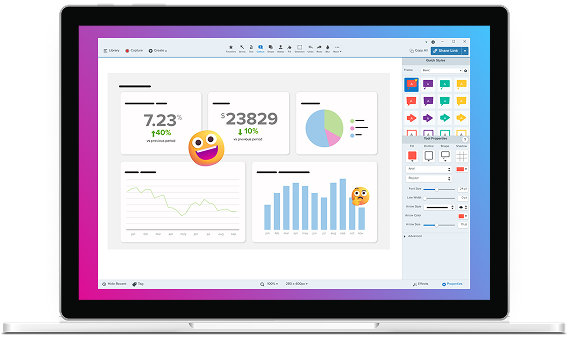
Now a part of the Camtasia product suite
Work moves faster when you Snagit
Camtasia Snagit is the easiest way to capture, mark up, and share what’s on your screen so you can skip the endless back-and-forth. Now even further integrated with Camtasia, making it easier than ever to turn quick captures into polished, professional videos.

Screen recording software trusted by 100% of Fortune 500 companies




powered by ai
Easy to use, but full of advanced features
Don’t let clumsy built-in snipping tools hold you back. Snagit has all the tools you need, making it the best screen capture software for professionals.

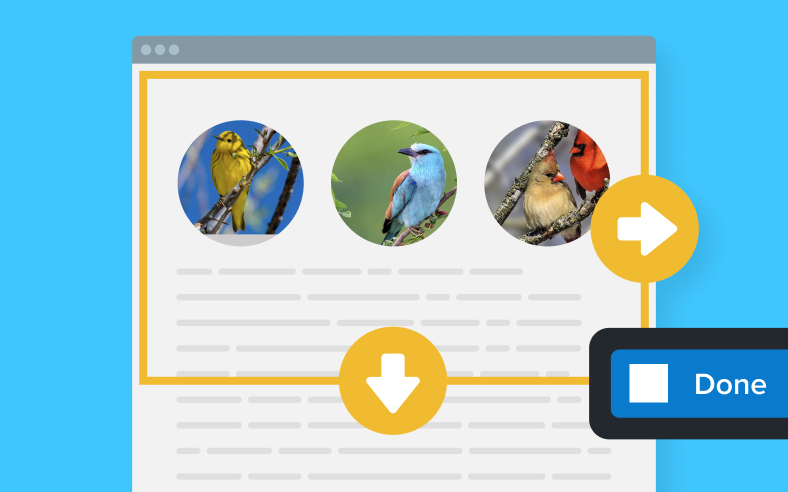
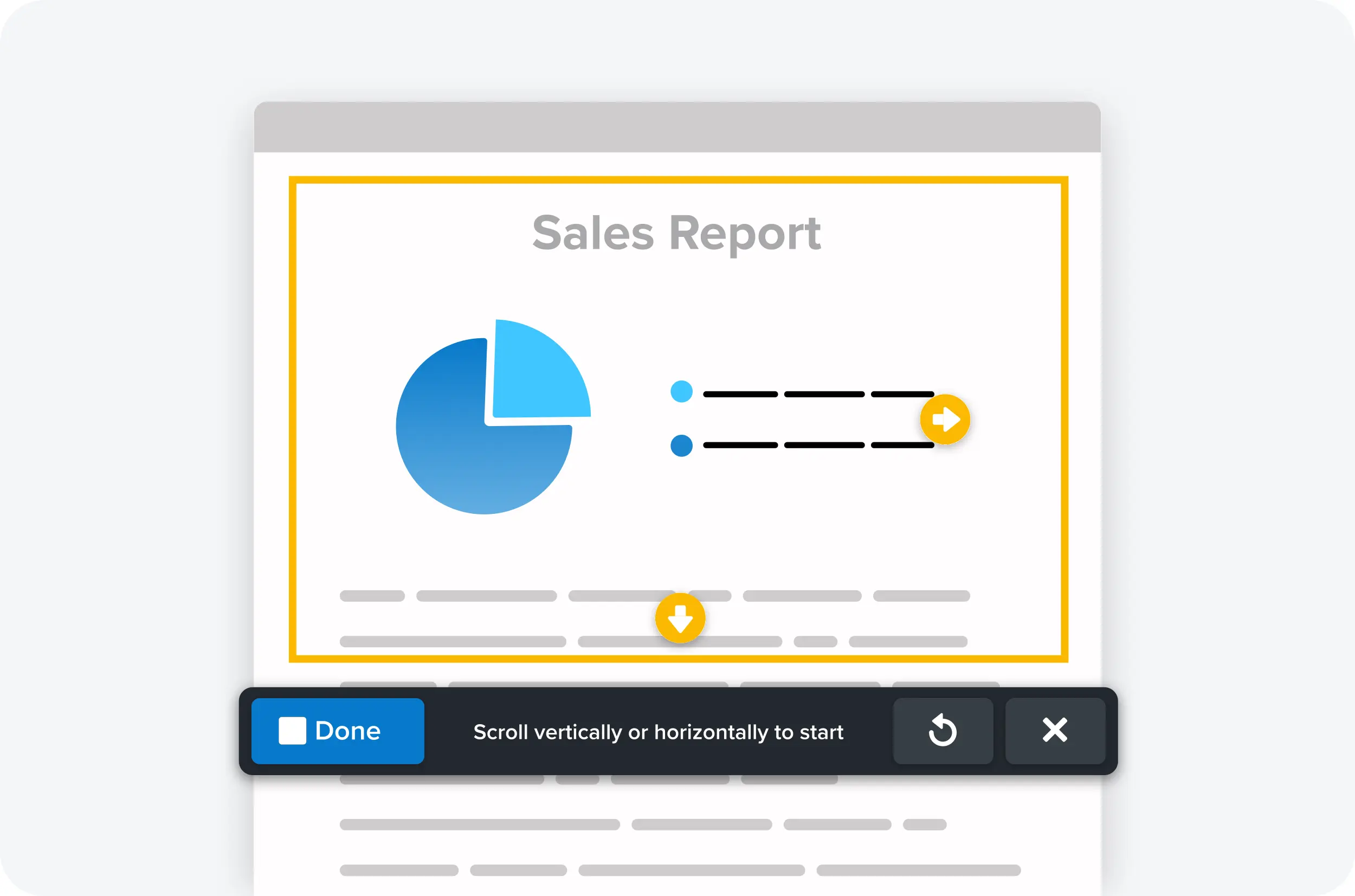
Scrolling capture
Capture content that extends beyond the screen, like full web pages, data sets with lots of columns, and more.
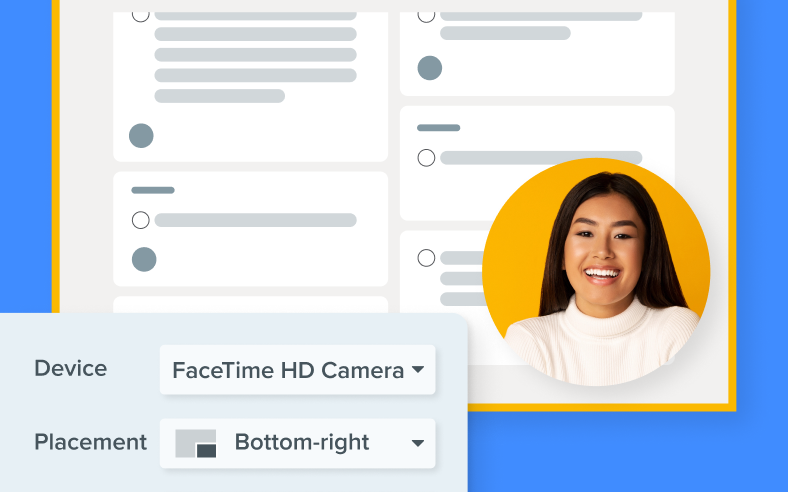
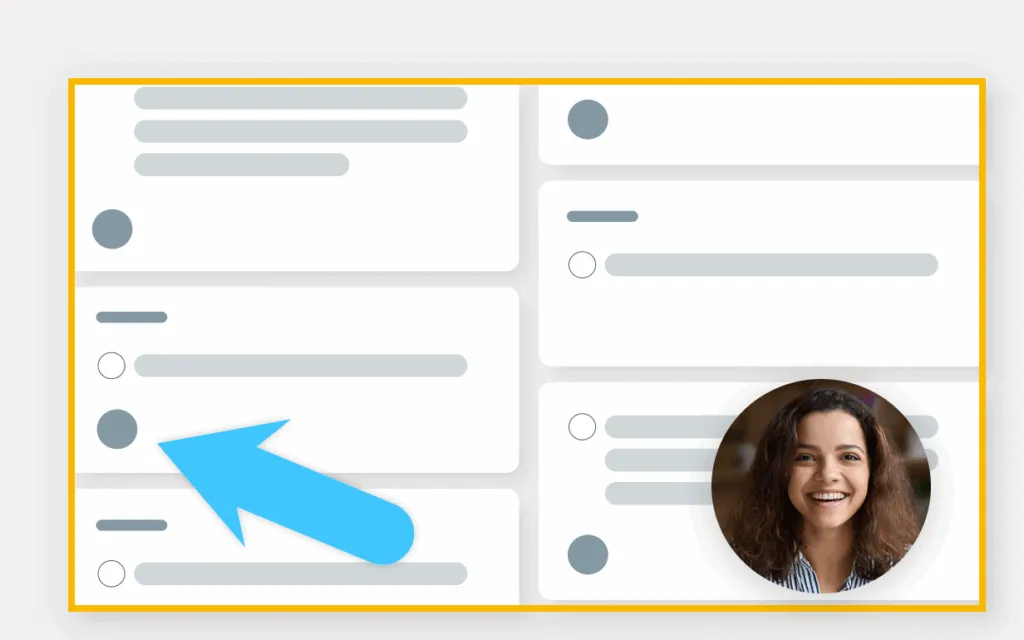
Record picture-in-picture video
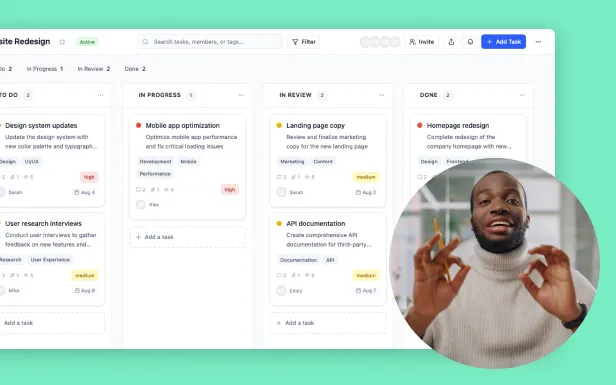
Integrate your webcam video into screen recordings for a more personal and engaging viewer experience.
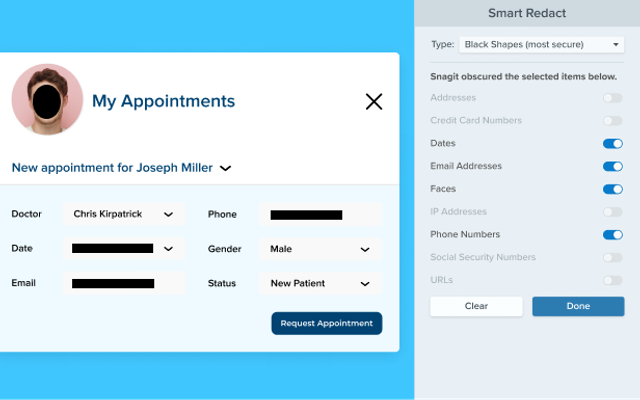
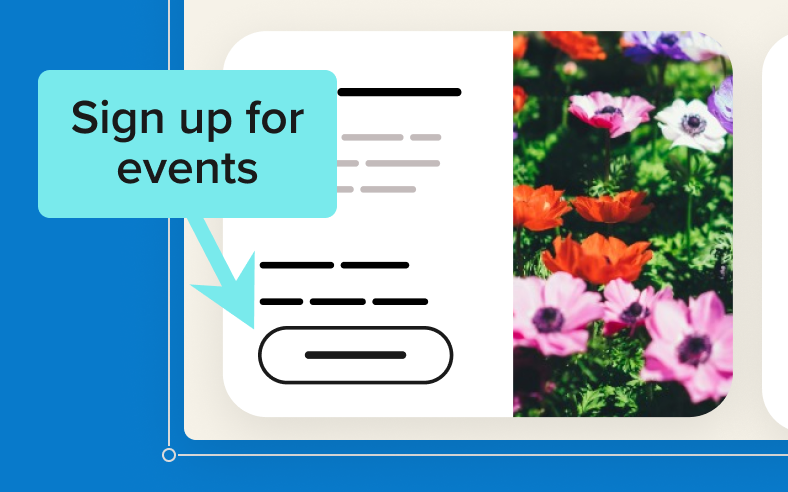
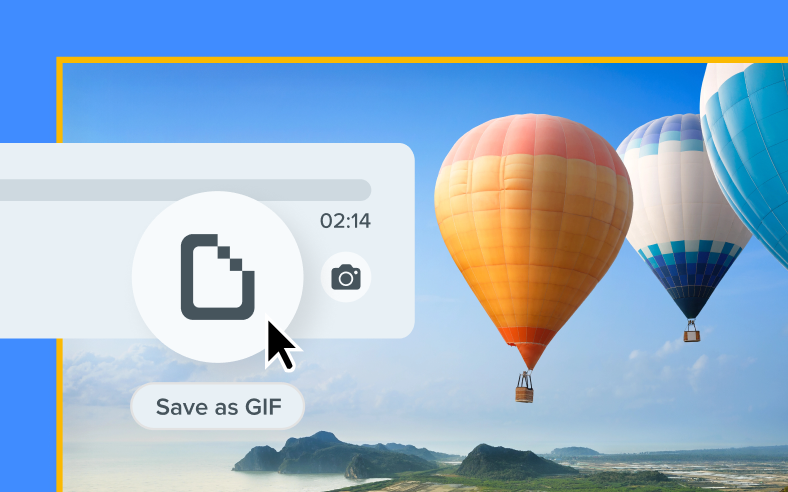
Create GIFs
Effortlessly transform your videos into GIFs.
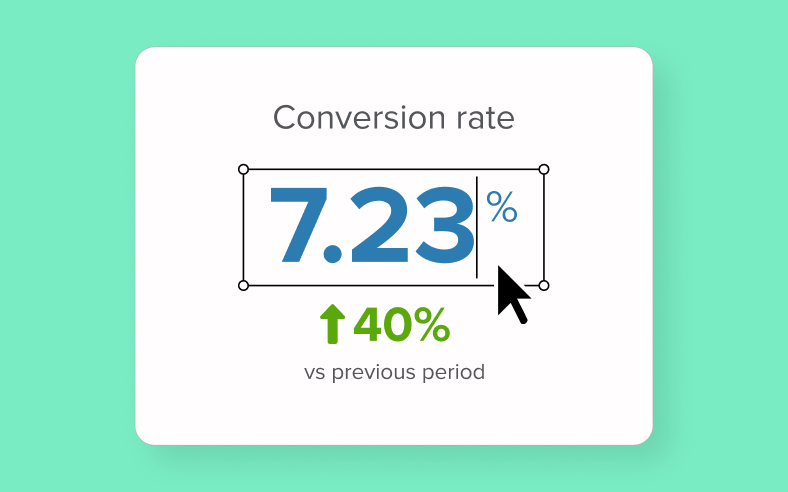
Text recognition
Edit, copy, or delete text within screenshots.

Built for results
Screenshots that speak for themselves
Quickly turn those “Wait, what?” moments into “Aha!” moments with Snagit.
Capture anything
Grab a region, window, full screen, or scrolling page
Stop stitching screenshots together and use Screentelligence® to save exactly what you need, every time.
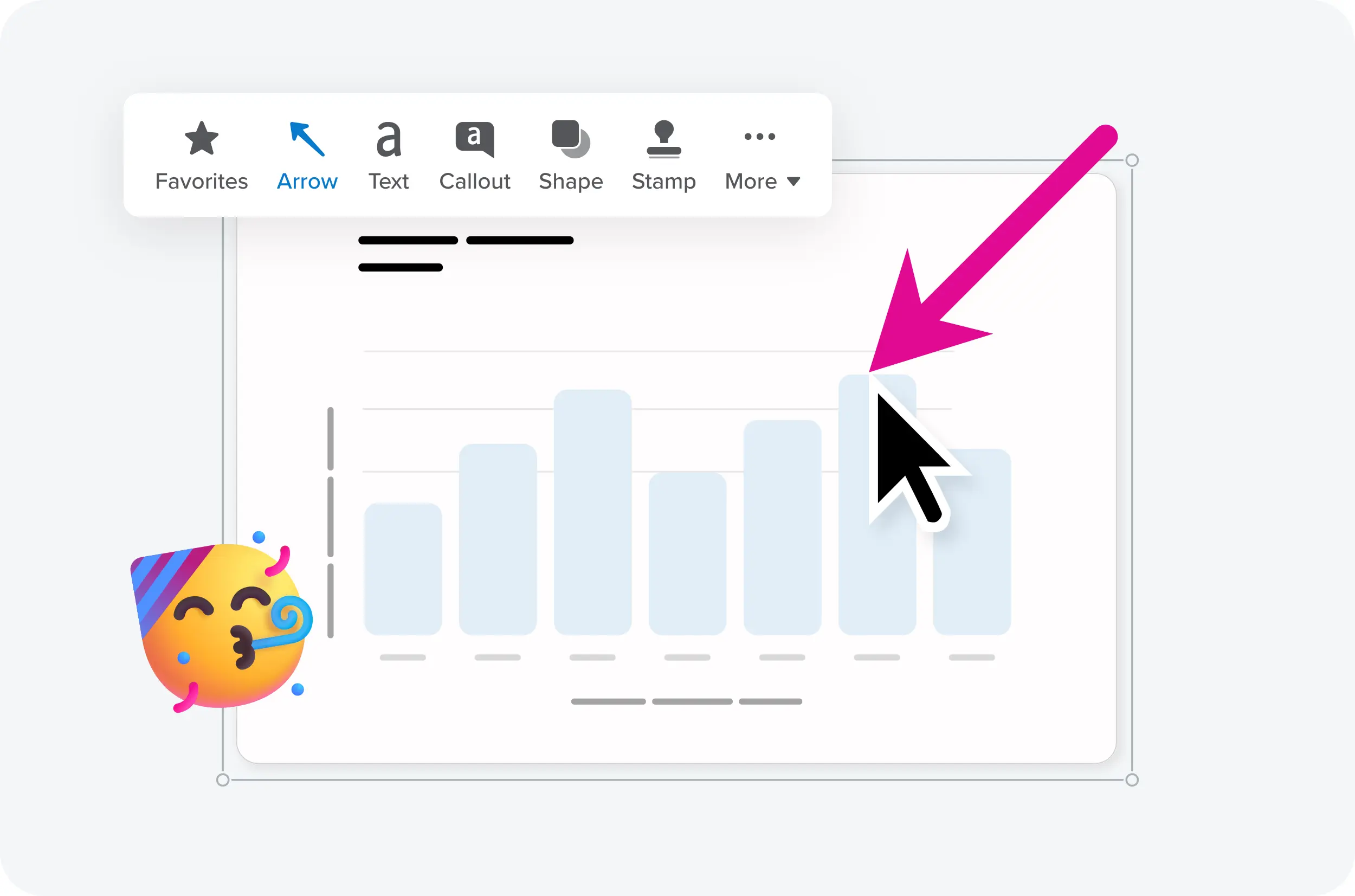
provide clarity
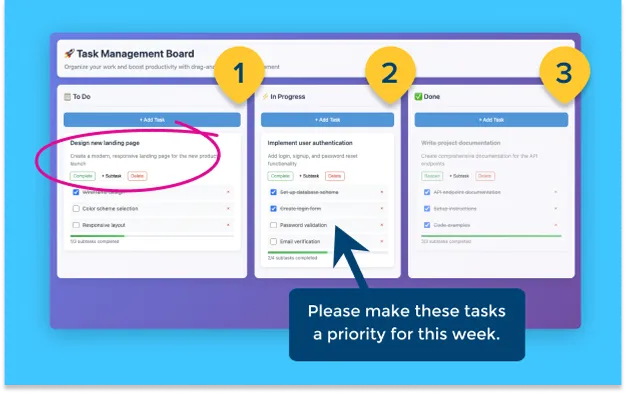
Add arrows, highlights, text, and step numbers
Skip the confusion and make directions impossible to miss.
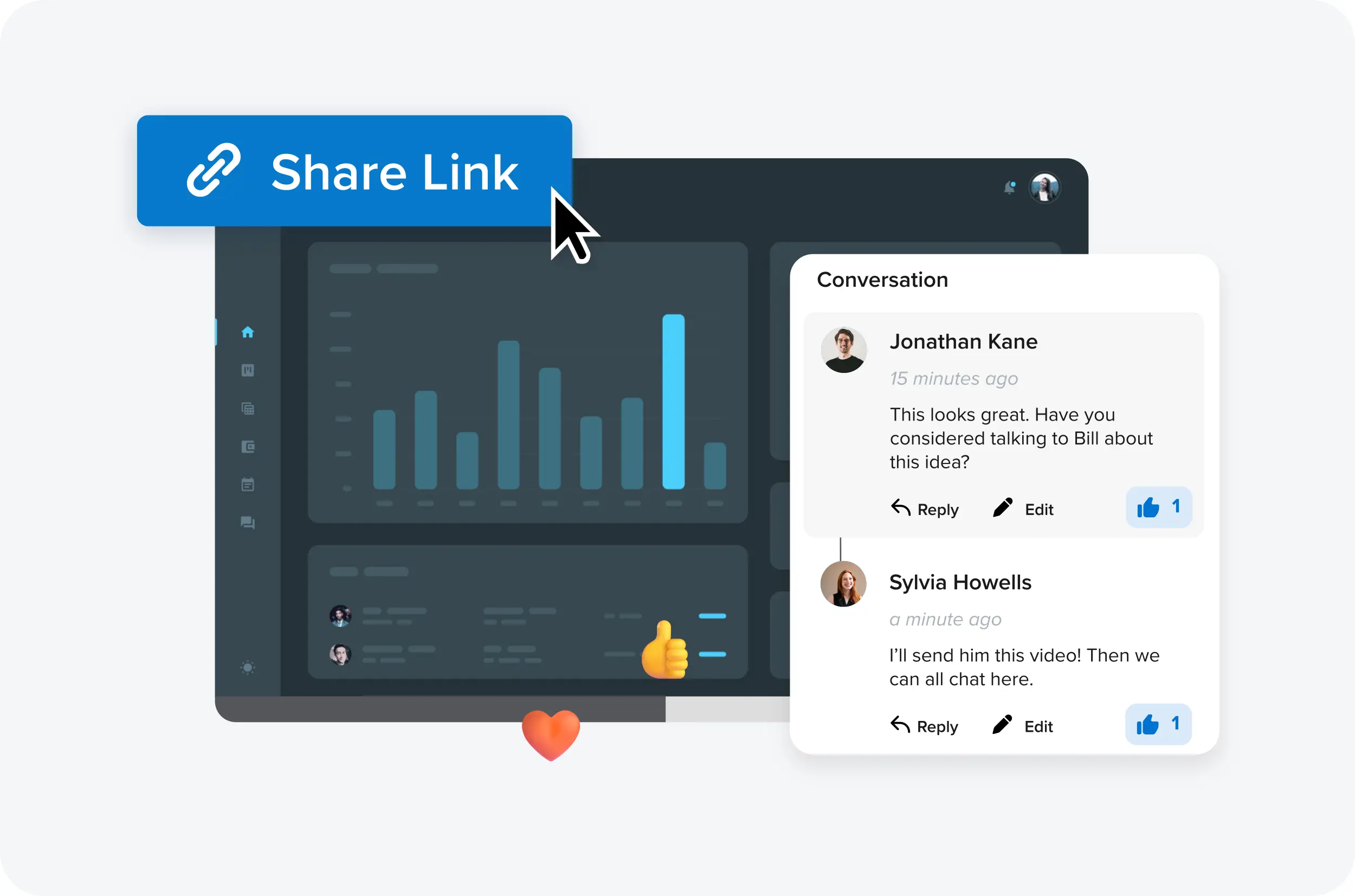
Share instantly
Drop captures straight into email, Slack, docs, and more
Cut the back-and-forth and keep work moving.
STAY ORGANIZED
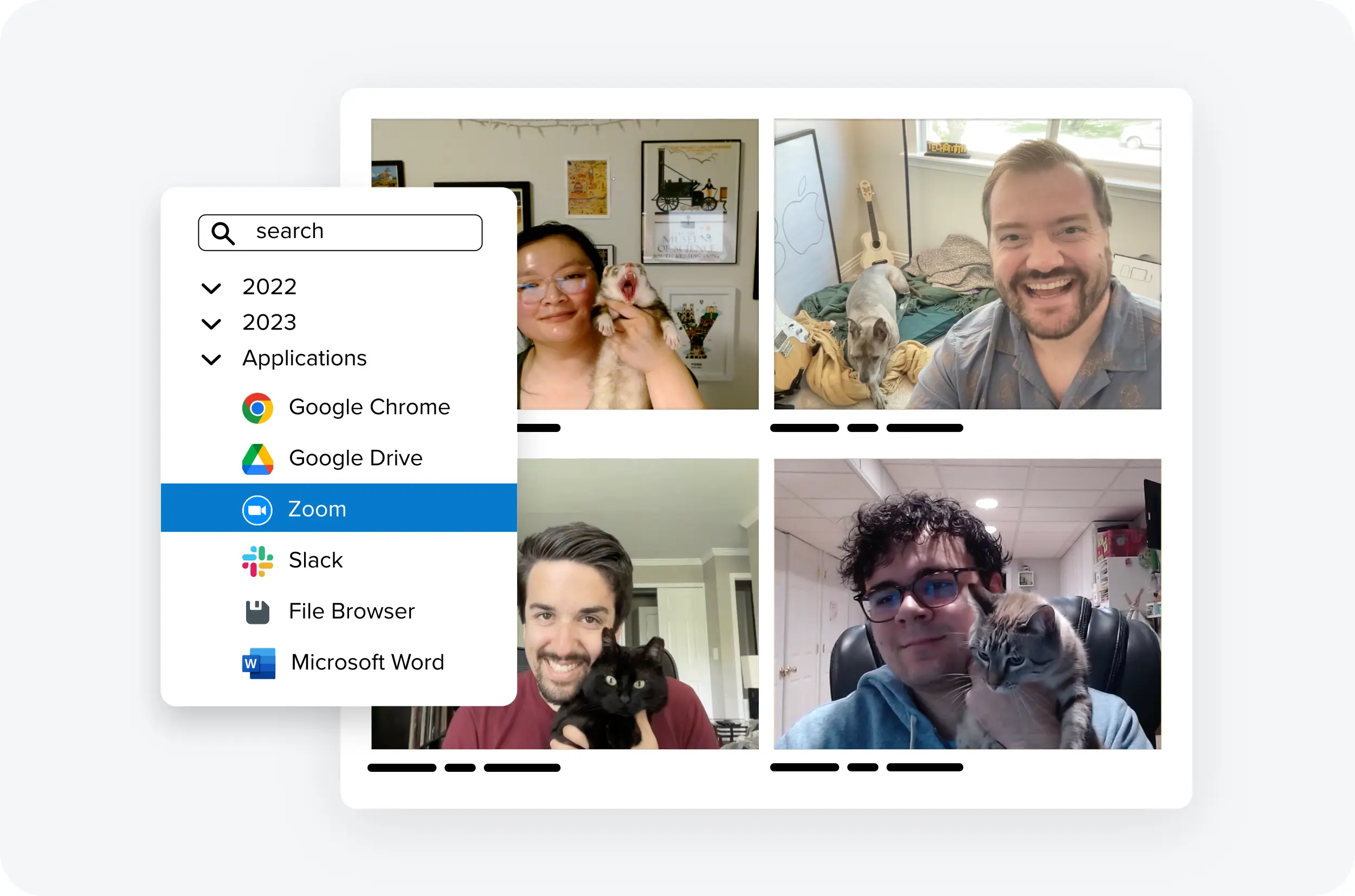
Keep every capture in a searchable, taggable library
Stop wondering where that one screenshot went.
TRUSTED BY PROFESSIONALS
Loved by everyone who is tired of long emails
Don’t just take our word for it. See how Snagit has become a tool
millions of users can’t live without.

Snagit has definitely improved my day-to-day job. It ties up a whole conversation that would’ve probably been seven or eight emails back and forth.

Making the switch to Snagit for our asynchronous communication was the absolute right thing to do. It’s like that fundamental to how we do our work now.
When I found Snagit, I was absolutely ready to pay my own money to use that tool. They continue to give me things I didn’t even know I needed yet.
Voted the best by our happy customers, over and over again.




Get started today