









Asynchronous communication made easy with Screencast
Review and collaborate on videos
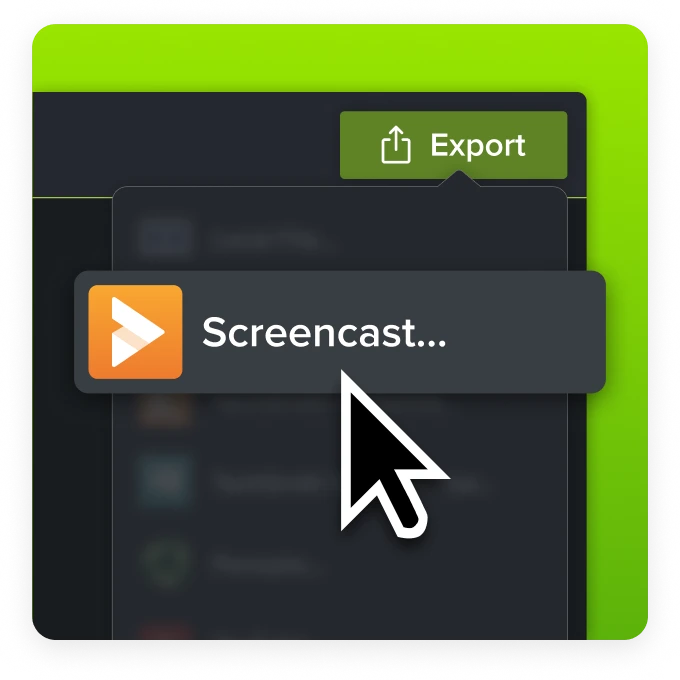
Share and comment on screenshots and video messages
Record async video messages with Snagit, edit with easy-to-use tools, and share out your recordings to anyone, anywhere with Screencast.
Collaborate on projects
Ask questions, provide feedback, and make decisions without adding another meeting to your calendar.
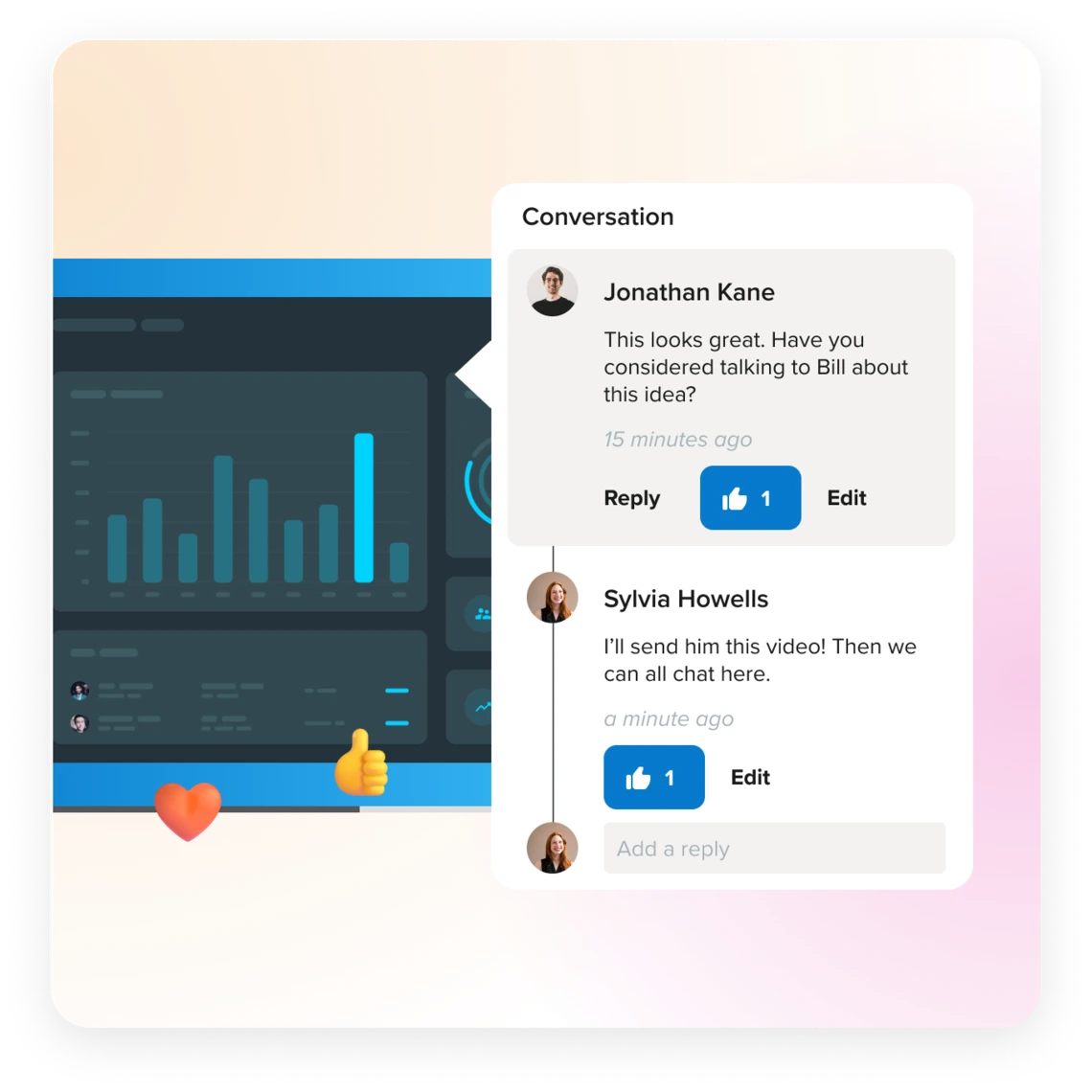
Conversations and comments
Individualized comment threads, emoji reactions, and time-stamped annotations make working together on new ideas using video messages simple.
CollectionsKeep group projects on track with shareable collections your team can contribute to.
Let AI do the work
Work smarter, not harder, by leveraging AI* with Screencast Pro.
Titles and descriptions
Save precious time and stay effortlessly organized with AI-generated titles and descriptions.*
CaptionsMake your videos more accessible and easy-to-follow with AI-generated captions.*
*Only available in English.

Get Screencast Today
An essential tool for your Snagit and Camtasia creations. Share with anyone, anywhere, even if they don’t use TechSmith products.
Free Account
- Share unlimited* screenshots and up to 25 videos.
Pro Yearly
- Share unlimited* screenshots and videos.
- Plus access to the AI-assisted features.
Pro Monthly
- Share unlimited* screenshots and videos.
- Plus access to the AI-assisted features.
| Features | Free | Pro |
|---|---|---|
| Video Storage | Up to 25 videos | Unlimited* |
| Image Storage | Unlimited* | Unlimited* |
| Storage time | 12 months | Duration of subscription |
| Comments, reactions, and collections |

|
|
| No log in required for viewers |
|
|
| Access phrase protected media (optional) |
|
|
| Organize content into Collections |
|
|
| AI-generated captions |

|
|
| AI-generated video titles and descriptions |
|
|
| AI-generated video chapters |
|
|
| Custom logo |
|
|
| Technical support |
|
|
*Subject to the Terms of Service