









Distance learning is now a central part of modern education. It used to be limited to correspondence courses by mail; now it includes interactive digital classrooms that connect people worldwide. This shift has expanded learning opportunities — and created new challenges for students and educators.
This guide explains what distance learning is, how it compares to traditional education, the types of formats available, and the tools and strategies that make it successful.
What is distance learning?
Distance learning is an educational method where teachers and students are physically separated, with technology bridging the gap. Lessons, assignments, and communication happen through digital platforms rather than in a classroom.
Today, distance learning comprises fully online courses (degrees or certifications completed remotely), hybrid or blended models (a mix of in-person and online elements), and professional training modules for ongoing skill development.
The essentials of distance learning include:
- Physical separation: Students and instructors aren’t in the same space.
- Technology-driven: Internet, video conferencing, and digital platforms enable interaction.
- Flexible timing: Classes can be synchronous (live) or asynchronous (self-paced).
- Structured curriculum: Organized goals and assessments maintain accountability.
This flexibility supports diverse learners: college students, working professionals, K-12 students, and adult learners who build new skills, often on their own time and at their own pace.
Make great educational videos
Create engaging videos that drive student success with Camtasia’s easy drag-and-drop editing.
Free Download
How does distance education compare to traditional learning?
Both distance learning and traditional classrooms deliver structured education, but the experiences differ.
Traditional classrooms allow spontaneous discussions and in-person collaboration. Distance learning utilizes planned digital communication through forums, video calls, and shared documents.
Resource access also shifts: printed handouts and physical labs are replaced by online libraries, simulations, and multimedia tools that learners can access at any time from anywhere.
Distance learning continues to grow in use and accessibility:
- University students can earn degrees entirely online
- Corporate employees can complete professional development courses
- K-12 students attend virtual classrooms during emergencies
- Adult learners can acquire new skills through self-paced modules
Take a look at several aspects of learning and the impact distance learning has on those aspects:
| Aspect | Traditional classroom | Distance learning | Impact of the distance learning approach |
| Location | Fixed classroom | Anywhere with internet (or even Wi-Fi) access | Expands accessibility |
| Schedule | Set class times | Flexible or fixed | Fits different lifestyles and schedules |
| Interaction | Face-to-face | Digital communication | Requires intentional engagement |
| Resources | Often a mix of printed and multimedia learning materials | Digital content | Enables robust multimedia learning |
| Pace | Instructor-led | Often self-paced | Personalizes the experience |
Synchronous vs. asynchronous learning
Two main formats shape the distance learning experience: synchronous and asynchronous. Most successful programs use a mix of both.
Synchronous learning
Synchronous distance learning mirrors traditional classrooms, but in an online format. Students and instructors meet virtually at scheduled times. Examples of synchronous learning include attending instructor-led classroom lectures, virtual workshops, and live online seminars.
Key features of synchronous learning:
- Live video classes via video conference software, like Zoom or Teams
- Real-time Q&A and discussion sessions
- Group collaboration during lessons
- Immediate feedback from instructors
The structured schedule helps learners stay accountable, while live sessions preserve some of the energy of face-to-face interaction.
Asynchronous learning
Asynchronous learning offers flexibility. This is increasingly important, as 44% of college students work while going to school. Examples of asynchronous learning include participating in online discussions, watching pre-recorded lecture videos, using digital textbooks, and engaging in training simulations.
With this learning model, students access materials on their own schedule, working through lectures, assignments, and discussions at their own pace.
Key features of asynchronous learning:
- Recorded lectures and downloadable materials
- Discussion boards with delayed interaction
- Self-paced assignments
- Flexible deadlines within course requirements
Asynchronous learning supports full-time or part-time students balancing work, family, or unpredictable schedules. It also encourages self-motivation and time management.
Combining both approaches
Blended learning combines asynchronous content for knowledge delivery with synchronous sessions for discussion and clarification. Examples include:
- University programs with recorded lectures and weekly live discussions
- Corporate training that pairs self-paced modules with monthly check-ins
- Certification or accreditation courses offering on-demand material plus live exam prep
This hybrid structure provides flexibility while maintaining consistent instructor interaction.
Benefits and challenges of distance learning
Distance education has clear advantages but also distinct challenges that affect different learners in different ways.
Flexibility and accessibility
Distance education courses expand access for:
- Working professionals balancing jobs and coursework
- Parents managing childcare responsibilities
- International students studying across time zones
- Learners with mobility or transportation barriers
For example, a nurse working night shifts can study during the day, while a software engineer in Tokyo can attend a U.S.-based online program.
Technology hurdles
The same technology that enables online learning can create obstacles. Students may struggle with:
- Hardware needs: Reliable computers, webcams, microphones, and internet connections
- Software familiarity: Navigating LMS platforms, video conferencing tools, or project systems
- Digital literacy: Knowing how to manage files, communicate online, or solve tech issues
Organizations often provide resources and support centers to help learners navigate stumbling blocks.
Collaboration challenges and opportunities
It’s true: online learning environments often lack the spontaneity of hallway chats. But digital learning tools present fresh ways to collaborate:
- Chat threads give quieter learners a voice.
- Recorded meetings allow review later.
- Shared documents enable simultaneous editing.
- Global projects connect students from different countries.
Collaboration in distance learning requires planning, but it often results in diverse, inclusive contributions.
Motivation and accountability
Without the structure of in-person classes, learners must create their own routines to be successful. But these routines don’t have to be difficult. Learners can: use calendars or apps to track assignments, set weekly goals, join study groups, and establish a dedicated study space.
Self-discipline is crucial to their success with distance learning courses.
Essential tools for distance education
Technology is the backbone of distance learning. Choosing the right tools can transform online education from a compromise into a strong alternative to traditional classrooms.
Learning management systems (LMS)
An LMS organizes course materials, assignments, and communications in one platform. Students log in to access content, submit work, and track progress.
Popular LMS options:
- Canvas: Intuitive and mobile-friendly
- Moodle: Open-source and customizable
- Blackboard: Feature-rich for institutions
- Google Classroom: Simple setup with Google integration
These platforms streamline teaching and learning, making it easier to manage course content and engagement.
Video and screen recording tools
Visual demonstrations help learners understand complex processes. Screen recording and video creation tools are central to distance learning programs.
- Snagit: Capture screenshots or short recordings with built-in annotation tools — ideal for quick visual explanations.
- Camtasia: Create complete tutorials and training videos with advanced editing features, like transitions, animations, and templates, for polished results.
- Camtasia Audiate: Clean up narration by automatically removing background noise or filler words, making audio easier to follow.
Crystal-clear screen recording
Why settle for blurry screen content? Camtasia Editor’s screen recorder captures everything at up to 4K!
Free Download
Together, these tools help educators create clear, high-quality instructional videos that enhance learner engagement and improve retention.
Collaboration platforms
Collaboration tools support group projects and interactive classes:
- Video conferencing: Zoom, Microsoft Teams for live sessions and office hours.
- Digital whiteboards: Miro, Jamboard for brainstorming.
- Project management tools: Asana, Monday.com to track group assignments and deadlines.
- Document sharing: Google Docs, Office 365 for simultaneous editing.
These platforms keep learners connected, even when spread across different locations.
Practical strategies for success
Distance learning requires new approaches from students and educators.
Time management
Flexibility can easily turn into procrastination without a clear structure. Successful learners:
- Block out study hours, like class time.
- Use the Pomodoro technique (25-minute focused sessions).
- Plan assignments on a weekly basis to avoid last-minute work.
- Build in buffer time in case of technical issues.
Learners who consistently manage their time and schedules turn the flexibility of distance learning into a strength.
Communication best practices
Because distance education lacks nonverbal cues, clear communication is essential. Best practices include:
- Reading messages daily and responding within 24–48 hours.
- Using clear and concise subject lines in emails (include course name and topic if applicable).
- Maintaining a professional tone (think workplace communication).
- Following video call etiquette (mute when not speaking, avoid background noise).
These habits strengthen relationships with instructors and peers while reducing (or preventing!) misunderstandings.
Creating engaging visual content
Visual communication improves understanding and retention. Both instructors and students can benefit from integrating visual content into lessons and projects.
Examples:
- Instructors recording tutorials with annotations to highlight steps
- Students creating video responses or walkthroughs to show problem-solving
- Teams collaborating on whiteboards or annotated documents
Tools like Snagit make quick visual explanations simple, while Camtasia offers full video editing for professional-quality lectures and tutorials. Visual elements can turn abstract ideas into clear, memorable examples.
Record your screen with Snagit
Snagit makes it easy to share quick updates and how-to’s by capturing exactly what’s happening on your screen.
Get Snagit
Ready to succeed in distance learning?
Distance learning is no longer a stopgap — it’s a lasting model that’s shaping the future of education and training. To build effective programs, focus on what makes distance learning thrive: flexibility that supports learners juggling work, family, or geography; engaging experiences powered by visual communication and interactive tools; and real-world skill development in areas like time management, digital communication, and self-motivation.
The right technology matters, too — tools like Camtasia, Snagit, and Audiate make it easier to create and deliver high-quality content.
As education continues to evolve, distance learning will remain an essential model that combines accessibility with innovation. Institutions and organizations that invest in strong online programs and the right tools will be best positioned to support learners everywhere.
Ready to create engaging distance learning content? Take a look at TechSmith’s suite of tools today.
Looking for professional screen recording software?
From simple screen captures to polished video editing, TechSmith has everything you need to create professional-quality content.
Learn More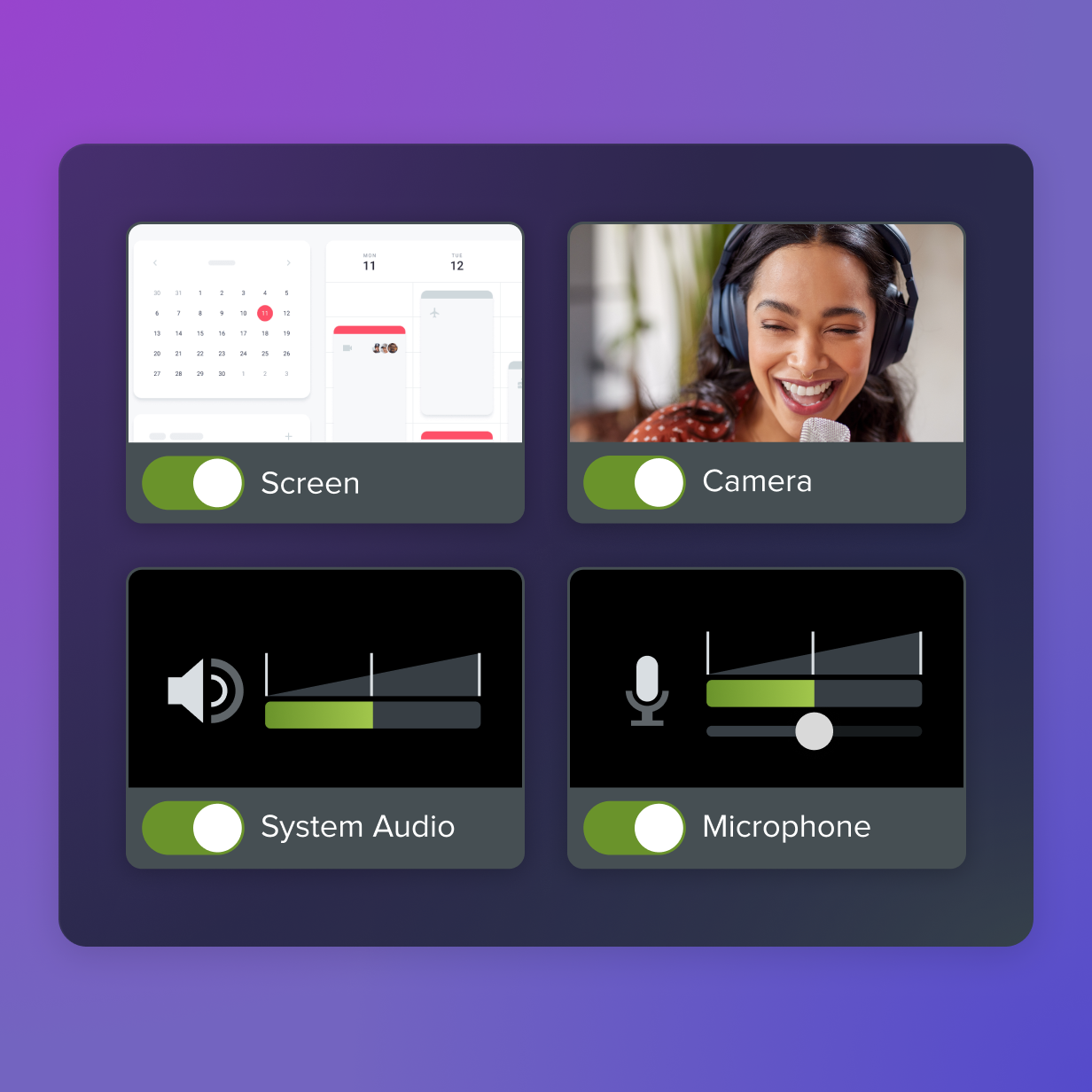
Share