


Knowing how to write an effective shot list can be the difference between a smooth shoot day and one that’s full of last-minute scrambling. Professional filmmaking teams don’t just show up and wing it — they rely on a well-structured plan that guides them from the very first setup to the final frame.
Without that plan, even the most creative ideas can unravel under time constraints, budget pressures, and the logistics of managing crew members and gear.
That’s why video pre-production is so important. A strong shot list template is one of the most valuable tools you can have. In this guide, we’ll walk through the essential components, the step-by-step process for creating one, and practical organization tips for different types of projects.
What is a shot list?
A shot list is a detailed document that maps out every camera shot you’ll need to capture for your video project. It tells you exactly what’s in the frame, which camera angle to use, and how long each shot should last.
While a storyboard gives you a broad visual outline, a shot list is more granular. It breaks down each moment into individual shots, complete with technical details so you know exactly how to film them.
A solid shot list eliminates guesswork and keeps everyone on the same page, leading to:
- Time savings: You can make decisions in minutes instead of hours.
- Complete coverage: You won’t miss a crucial angle in post-production.
- Clear communication: The entire team understands the creative vision.
- Budget control: No costly reshoots because you captured everything the first time.
If you’re visualizing early, tools like Snagit can help you storyboard your ideas. Then, when you’re ready to record, Camtasia makes it simple to execute those shots exactly as planned.
Annotate and edit screenshots with Snagit
Professional mark-up tools and powerful features make it easy to create helpful images.
Try it Free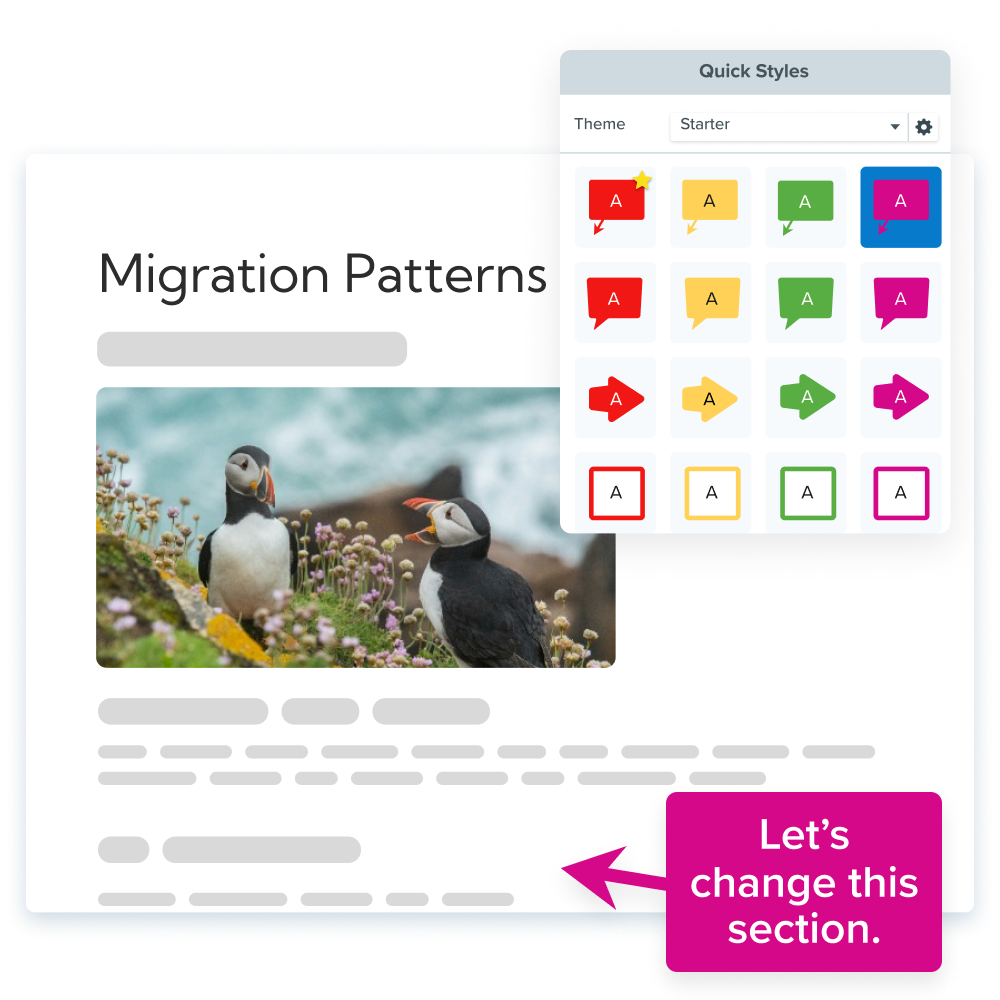
Must-have shot list components
A professional shot list includes specific elements that turn broad ideas into clear filming instructions. Whether you’re an experienced cinematographer or a beginner new to screenwriting and cinematography, understanding these elements is key.
| Element | Purpose | Example | Common Mistake |
| Shot number | Quick reference and organization | 1A, 1B, 2A | Using confusing codes |
| Scene number | Connects shot to story structure | Scene 3, Page 12 | Vague descriptions |
| Shot size | Defines framing | Wide shot, medium shot, close-up | Inconsistent terminology |
| Camera angle | Sets perspective | Eye level, low angle | Missing angle details |
| Camera movement | Describes motion | Pan left, dolly in | Unclear directions |
| Subject/action | What happens in frame | “Actor enters door” | Incomplete action notes |
| Duration | Estimated shot length | 5 seconds | No timing info |
| Audio notes | Sound requirements | Dialogue, room tone | Forgetting audio needs |
| Equipment | Special gear needed | Tripod, slider | Last-minute gear hunts |
These work together to create a comprehensive shot list template. For example, shot size affects how much context or emotion the viewer feels: a close-up draws attention to facial expressions, while an extreme close-up might highlight a single tear drop.
How to make a shot list step by step
Transforming your ideas into a usable, on-set tool is easier if you follow a clear process:
1. Identify scenes and script references
Every shot list starts with understanding your content structure. Without this foundation, your individual shots can lack context and purpose. If you need help with scripting, check out this guide on how to write a script for video.
To organize this first step, you’ll need to break your video into main sections or story beats and assign simple reference codes to each one (like Scene 1, Scene 2, etc.). Make sure you note the purpose of each scene in your overall video, so everyone understands the context and goal.
A three-minute tutorial video might break down like this:
- Opening (0:00-0:15): Hook and problem introduction
- Demo Section 1 (0:15-1:30): Step-by-step process
- Demo Section 2 (1:30-2:30): Advanced techniques
- Closing (2:30-3:00): Summary and call-to-action
These reference codes form the backbone of your shot list, connecting each individual shot to the larger structure.
2. Choose shot types and angles
Shot selection directly impacts how viewers understand your content, and different shot sizes serve specific purposes in conveying information and emotion.
- Wide shot: Establishes location and context
- Medium shot: Shows subjects in relation to their environment
- Close-up: Reveals detail and emotion
- Over-the-shoulder shot: Connects two subjects in conversation
Angles also matter: Eye level feels conversational, low angles give power, and high angle shots create vulnerability or give an overview.
When choosing shots and angles, ask yourself: “What does the viewer need to see at this moment?” Ideally, you want to use at least a few different shot types to maintain visual interest, but make sure you choose angles you can realistically achieve with your equipment.
3. Add camera movements and timing
Camera movement adds energy and style to your videos, and each movement type serves a different storytelling purpose.
- Static shots create stability and focus.
- Pans follow action across the frame.
- Tilts reveal height or depth.
- Dolly movements create smooth forward or backward motion.
For timing estimates, use this simple formula: setup time + action time + safety buffer = total shot duration. A 10–second dialogue shot might need 2 minutes for setup, 10 seconds for the actual take, plus 5–10 seconds as a safety buffer.
Realistic timing prevents rushed productions and allows time for multiple takes when needed.
4. Note actions and audio details
Video combines both visual and auditory elements, so don’t forget to document both. Be specific: “John walks through door” beats “John enters.”
Don’t forget to include audio details, like dialogue, ambient sounds, music cues, and planned post-production sound effects.
Pro tip: Be sure to capture 30–60 seconds of room tone (the natural sound of each location without dialogue or action) to give editors matching ambient sound for seamless cuts.
5. Organize by location and schedule
Grouping shots by location can dramatically reduce shooting time and crew fatigue. Plus, it makes it much easier to double-check that you have all the shots you need before moving on to the next location.
We recommend organizing shots by setup complexity to minimize equipment changes and maximize shooting efficiency.
Example:
- Office Location: Shots 1A, 1B, 3C, 5A (all wide shots first, then close-ups)
- Outdoor Location: Shots 2A, 2B, 4A (shoot during golden hour)
- Studio Location: Shots 3A, 3B, 5B, 5C (controlled environment last)
6. Share and revise
Collaboration helps you catch oversights and get fresh ideas or creative solutions, so share your shot list with key team members before filming begins. Camera operators can identify technical challenges, while audio engineers can spot potential sound issues.
Shot lists function as living documents that adapt to production realities while maintaining their core purpose as organizational tools. You might have to make adjustments for weather changes, location restrictions, or equipment issues, but the fundamental structure stays intact.
Shot list tips for different video types
Not all videos require the same level of detail in their shot lists. Here are our top tips for setting up shot lists for different types of video projects.
Tutorials
Tutorial shot lists work best when they’re simple and structured around teaching clarity. Consistency in framing and sequencing supports learning by reducing visual distractions. Use:
- Wide shots of workspace or materials
- Sequential process shots
- Close-ups on key steps
- Screen recordings for digital how-tos
- Cutaways for easier editing
Screen recording tools are a great way to streamline tutorial creation, especially when you’re demonstrating software. They capture digital processes directly without the need for clunky camera setups.
Looking for professional screen recording software?
From simple screen captures to polished video editing, TechSmith has everything you need to create professional-quality content.
Learn More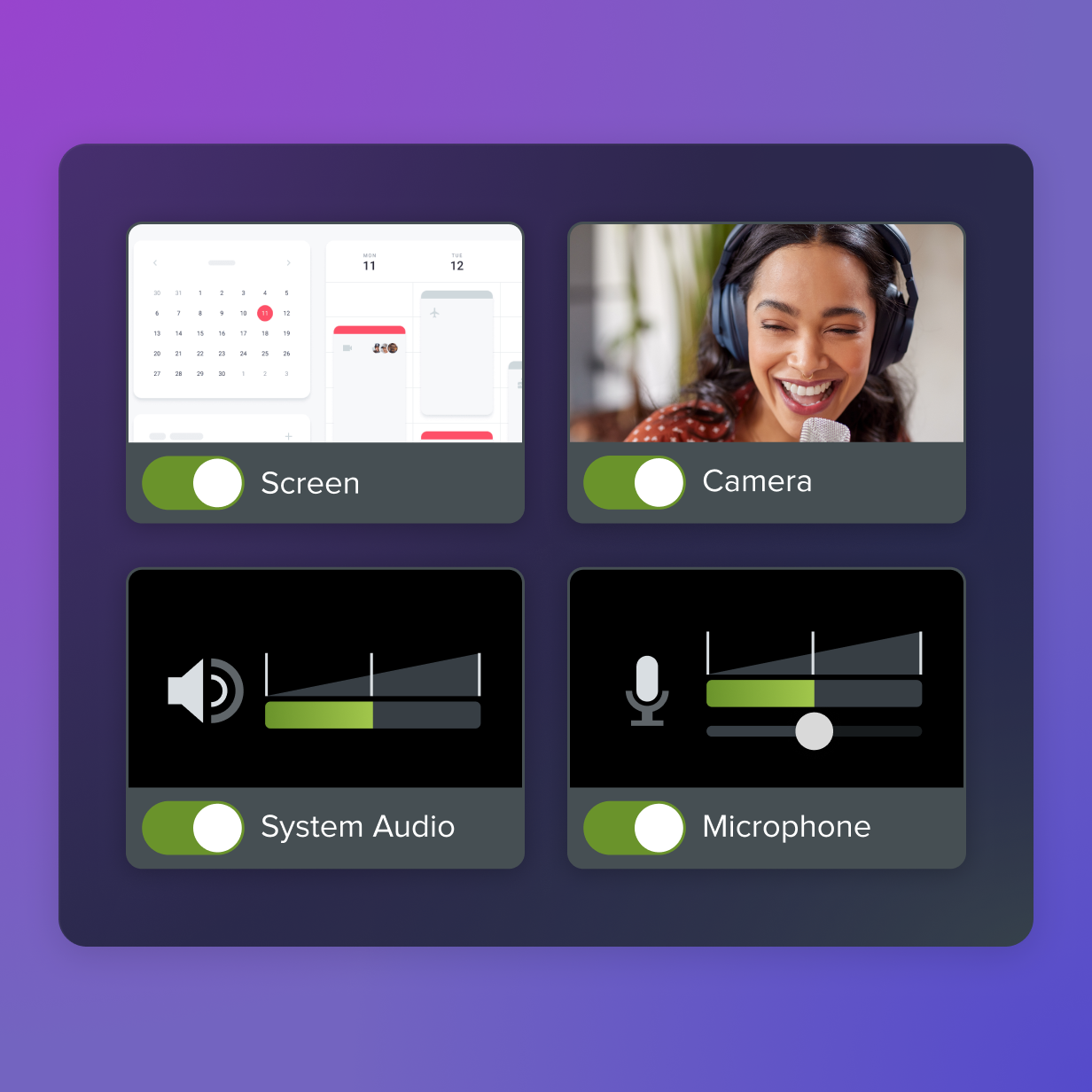
Corporate projects
Corporate shoots often prioritize speed and brand consistency over cinematic flair. Interviews form the backbone of most corporate videos, and they usually feature simple setups with consistent lighting and framing. B-roll footage covers the company’s work environment or products, providing visual interest during talking segments.
To keep it streamlined:
- Limit gear swaps and location changes
- Use employees, not actors
- Stay flexible for reschedules
- Stick to a simple flow: intro, message, branding
Cinematic film production
Film projects need more detailed shot lists to balance creative vision with filmmaking logistics. Keep production on track with shot lists that:
- Group shots by camera setup to minimize gear transport.
- Include coverage shots from multiple angles for editorial flexibility.
- Add continuity notes for props and costumes.
- Specify lens choices and lighting setups.
- Mark priority shots versus optional shots.
4 shot list mistakes to avoid
Even seasoned pros can hit snags during production. Here are a few common shot list pitfalls and how to avoid them.
1. Over-complicating your shot list
Problem: Trying to create blockbuster-level detail for a basic project can stall your progress. A product demo doesn’t need 50 shots.
Solution: Match your list to your project’s scale. A simple tutorial might only need 8–12 well-planned shots: an establishing shot, close-ups of key steps, and a closing shot.
Result: Finished videos — not abandoned projects. Simple shot lists get finished, while overly complex ones often never translate into actual footage.
2. Ignoring location logistics
Problem: Planning shots without scoping your space leads to frustration — like trying a dolly move in a cramped office.
Solution: Visit locations in advance. Know your space, light, and any obstacles before committing to complex shots.
Result: Shot lists you can actually execute. When you understand location constraints, you create shots that work within those boundaries rather than fighting against them.
3. Forgetting post-production needs
Problem: Skipping b-roll or cutaways can leave editors with nothing to work with. A creator might film a perfect interview but forget to capture cutaway shots, leaving no way to cover awkward pauses.
Solution: Plan for edit-friendly footage. Think: reaction shots, wide shots that can cover jump cuts, and detail shots that provide visual interest during voice-overs.
Result: Flexible footage that tells your story effectively. When you plan for post-production during the shot list phase, editors have the material they need to create polished final videos.
4. Rigid adherence to the list
Problem: Being too tied to your plan can mean missing golden moments — like capturing an unscripted laugh during an interview.
Solution: Use shot lists as guides, not unchangeable scripts. Get your must-have shots, but be open to spontaneous ideas. Some of the best footage happens in the moment!
Result: Videos that capture both planned and magical moments. The best footage often combines careful planning with spontaneous creativity.
Finalize your vision and make every video count
A strong shot list helps you turn ideas into polished video content. It:
- Reduces confusion on set
- Cuts unnecessary stress and costs
- Improves video quality across the board
Start small. Build the habit. Each project you plan boosts your skills and confidence.
Whether you’re producing tutorials, corporate videos, or creative films, the planning process you follow today shapes your success tomorrow. Shot lists create the foundation for professional video production, regardless of project size or complexity.
Ready to turn your video ideas into reality? TechSmith’s products make it simple — check out the full suite now.
Go from screen recording to polished video
A screen recording is just the start. Camtasia’s editor helps you add the callouts, animations, and edits you need to create a truly professional video.
Free Download
You can create a shot list using spreadsheet programs like Excel or Google Sheets, specialized film production software like StudioBinder, or even simple word processors. The key is choosing a format that’s easy to share and update.
For small projects like tutorials or simple promotional videos, your shot list can be relatively simple. Focus on capturing the essential shot types, angles, and content for each scene rather than creating an exhaustive Hollywood-style breakdown.
Estimate timing by considering setup time (equipment positioning), action time (the actual content), and a safety buffer. For example, a 15–second shot might need 5 minutes of setup, 15 seconds of action, and a 5–second buffer.
Yes, shot lists are flexible guides, not rigid rules. While it’s important to capture your planned shots, remaining open to on-set inspiration or adjusting for unexpected challenges often leads to better results.
Share