Add Comments or Labels
Snagit makes it easy to add comments or labels to your images to improve workplace communication.



Snagit makes it easy to add comments or labels to your images to improve workplace communication.

Add annotations to draw attention or to comment on areas in an image.
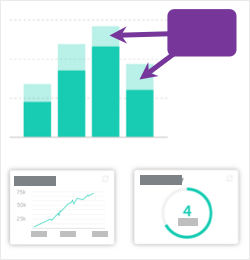

Note: If the tool is not visible in the toolbar, click the More dropdown.

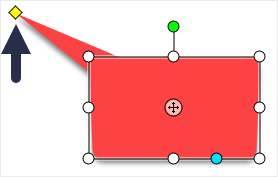


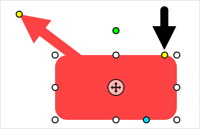

For more information, see the Callout Tool.
Add captions, headings, or other text to an image.
Note: To add text with a background color, border, or arrow, use the Callout Tool rather than the Text tool.


Note: If the tool is not visible in the toolbar, click the More dropdown.
For more information, see the Text Tool.
Add steps to illustrate a process or call out specific areas in an image.


Note: If the tool is not visible in the toolbar, click the More dropdown.
For more information, see the Step Tool.
The best screen capture software for professionals
* Have Snagit 2024 or earlier? Check out our previous version help.