









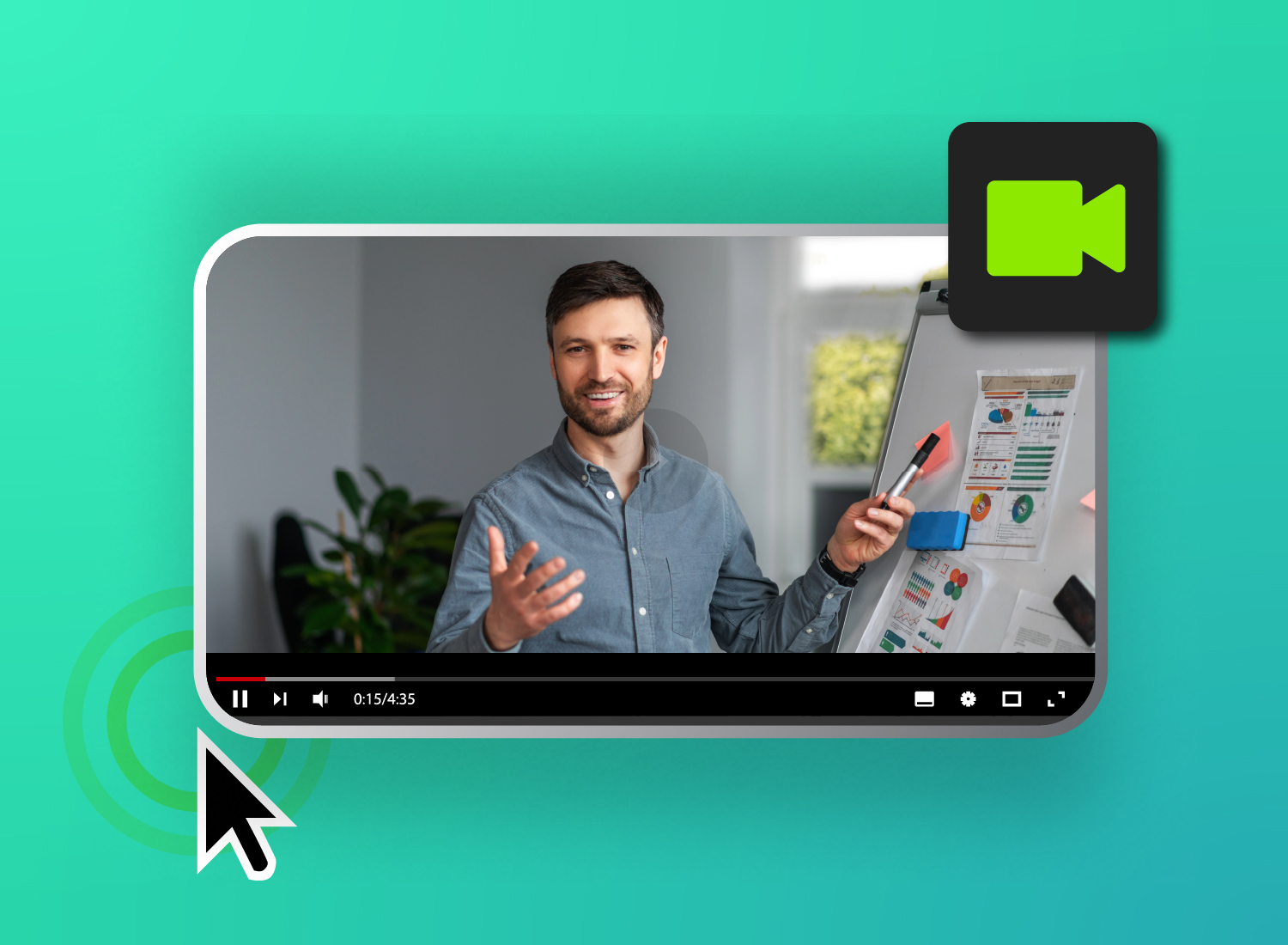
An explainer video is a short, goal-driven video that uses visuals and narration to clearly explain a product, service, process, or idea.
Explainer videos help people quickly understand a product, service, process, or idea. Marketing teams, product teams, training teams, and educators use them to show what matters and help viewers take the next step.
In this guide, you’ll learn what an explainer video is, compare common formats, and follow a simple process to create one. You can use the same approach for product marketing, employee training, onboarding, and customer education.
Key takeaways
- An explainer video focuses on one clear message so viewers can understand it fast.
- The right format depends on your goal, whether you need animation, live action, a screencast, a tutorial, or a product demo.
- You can create an explainer video in five steps: plan your story, draft a script, record, enhance, and export.
- Clear audio, readable visuals, and simple pacing make explainer videos easier to follow.
What is an explainer video?
Ever heard of an elevator pitch? You spend a minute or less pitching an idea or product to someone in a persuasive way. The goal is to catch their attention and pique their curiosity, and that’s what explainer videos do.
These modern-day elevator pitches are short videos that quickly communicate the value of a product, service, or idea.
The best explainer videos are concise, goal-driven, and engaging. They zero in on a single message, keeping viewers focused and holding their attention with storytelling and visuals. They highlight what matters most and make the next step feel obvious.
Explainer videos are used almost everywhere — from landing pages and YouTube ads to email campaigns and employee training.
8 types of explainer videos (+ pros and use cases)
Explainer videos come in several different types, each with its own advantages and use cases:
1. 2D and 3D animation
Animated explainer videos bring stories to life in ways that live action sometimes can’t. That makes them a great choice for abstract concepts and features. They’re also ideal to use when you have products that just don’t photograph well.
Animation offers two styles to choose from: 2D and 3D.
2D animation is flat and quicker to produce. That’s perfect for fast-moving campaigns or video content that needs a clear, approachable look. 3D animation adds depth and realism, making it ideal for industries like tech or manufacturing, where detail and precision matter more.
Animated explainer videos give you a lot of creative freedom and the ability to simplify complex ideas. Common uses include product demos, feature highlights, and conceptual storytelling that turns dense material into something viewers can follow easily.
2. Live action
Watching a real person share a genuine message can create an instant connection between your viewers and your message. Live action explainer videos build authenticity, encouraging viewers to trust your messaging. That’s something graphics and animation can’t always accomplish.
Featuring staff, leaders, customers, or other people in your video helps viewers relate to the story you’re telling on a personal level, driving your message home.
So live action is a smart choice for service-based businesses, leadership communication, and testimonials — places where credibility and human connection make all the difference.
This type of explainer video offers relatability and lets you showcase environments and real-world interactions. You might use it for policy rollouts, company culture videos, service explainers, or leadership messages that need to inspire confidence and trust while putting a human face to your brand.
3. Screencast explainer videos
Screencasts are recordings of computer screens, combined with elements such as narration or annotations, that guide viewers. It’s among the clearest ways to demonstrate software or digital workflows, making it a top choice for tutorials and product walkthroughs. You might also use it for internal training.
Screencast explainer videos offer accessibility and clarity, allowing viewers to follow each step without confusion. They’re also straightforward and budget-friendly to produce and easy to update as products evolve or needs change.
Common ways to use this format include showing employees how to use new software, walking customers through features before purchase, and rolling out new internal systems. It’s also helpful for delivering how-to content for customers or rolling out new internal systems.
With tools like Camtasia Editor, your team can produce professional screencasts with callouts and narration, making learning simple and engaging.
Need to show your screen?
Skip the downloads. Use Camtasia online to record your screen, camera, and microphone right in your browser for free.
Start Recording
4. Whiteboard drawing
Whiteboard animation uses hand-drawn-style illustrations that appear as if they’re being created right in front of the viewer on the screen. That offers a unique kind of charm — it feels like a lesson unfolding step by step, making it especially useful for educational content or topics that need clear explanations.
The real strength of whiteboard drawing explainer videos lies in their ability to break down complex concepts into smaller, simpler parts. Viewers stay engaged as the story builds, waiting to see the whole picture. At the end, zooming out to reveal everything in context reinforces understanding and helps viewers remember what they’ve learned.
In fact, memorability and engagement are among the biggest advantages of using this type. Some common use cases for it include online learning, training videos, company policy explainers — really any concept that benefits from a visual step-by-step approach.
5. Motion graphics
Motion graphics give life to graphic design elements — text, icons, charts, UI elements — through animation. But unlike character-driven animation, this style focuses on movement and design to communicate ideas clearly and quickly. That produces sleek, modern content with a polished look.
Motion graphics are fast-paced and visually clean, making them a perfect fit for short social explainer videos where branding and clarity take precedence. They grab and hold viewers’ attention without being overwhelming, making info easy to understand in just a few seconds.
With this type of video, you get a strong visual appeal and a professional look that’s easy to align with your brand identity. Common projects include data visualization, product feature overviews, and brief social media explainers that catch immediate attention and leave a lasting impression.
6. Tutorial videos
Tutorial videos are step-by-step educational guides that show viewers how to do something from start to finish. While screencasts mainly focus on screen recordings, tutorials may include a mix of formats — live camera demonstrations, whiteboard explanations, slide-based instruction — whatever best fits the topic.
Tutorials continue to educate and support your audience long after you create them, making them perfect when you want high long-term value. They’re reusable and provide strong support for employees and customers.
You may find them helpful for onboarding new users or staff and answering common customer support questions. Or you might use them for more detailed walkthroughs, like product training and how-to guides for tools or processes.
7. Product demo videos
Product demo explainer videos showcase real features in action, letting your viewers see exactly how a product works and why it matters. These demos can take different forms, such as software screencasts, live walkthroughs of physical products, or animated overlays highlighting key features.
The best demos focus on the value proposition rather than showing viewers every single button or switch. Connecting features directly to benefits means it’s easy for audiences to understand how the product solves their problem.
In turn, product explainer videos can help accelerate purchasing decisions by reducing uncertainty about how a product works or why viewers may need it.
You can use these explainer videos for things like onboarding workflows, landing pages, sales presentations, and customer education content. They work well anytime you have prospects or users who need a compelling look at how a product can make their lives easier.
8. Educational videos
Educational explainer videos are designed to teach broader concepts rather than to promote products or services. They tend to blend multiple styles — narration, live instruction, animated visuals, whiteboard sequences — to make learning approachable and engaging for a wide range of audiences.
A good explainer video excels at delivering structured knowledge in an easy-to-digest, easy-to-remember format. They help learners connect the dots between theory and practice while holding their attention with visuals and clear pacing.
Educational explainer videos offer considerable flexibility and allow you to scale training for large groups. Training teams, influencers, and institutions are just a few types of creators that often use them.
You might consider this type if you need to make employee onboarding programs or compliance training modules. It’s also suitable for things like professional development and academic instruction, including continuing education content.
How to create an effective explainer video
Here’s the short version: plan your message, write a script, record your content, enhance it with helpful visuals, and export it for easy sharing.
The thought of tackling video production intimidates many readers.
Modern tools give you the ability to make professional explainer videos in a matter of hours, not weeks, and you don’t need advanced or special skills.
This five-step process provides a proven framework that works for any kind of explainer video you need to create. Training materials, product demos, video marketing content — you can use this framework for all kinds of content. Each step builds naturally on the previous one, helping you run through the whole process smoothly.
1. Plan your story
Even though it’s visual content, every effective explainer video starts with a clear story, not a bunch of fancy graphics. Your narrative is what keeps your viewers engaged and thinking about your message long after the video ends.
Story planning with scripts and storyboards in pre-production helps you make your video purposeful and entertaining.
The story planning process looks something like this:
- Identify your single core message that you want your viewers to remember.
- Define your target audience and their level of knowledge to ensure the content speaks directly to them.
- Map the viewer’s journey from problem to solution.
- Shape that journey with a simple three-act structure.
That might sound complicated, but it’s really not. Here’s a basic story structure template to show you how it works:
- Hook (0-10 seconds): Present the problem your audience faces.
- Explanation (10-50 seconds): Show how your solution works.
- Call-to-action or CTA (50-60 seconds): Tell viewers what to do next.
2. Draft a simple script
Explainer video scripts aren’t like traditional written content. They use conversational language designed to be spoken aloud via voice-over and supported by visuals, rather than dense text. A strong script works hand in hand with on-screen storytelling elements, making the message easy to follow and retain.
When planning your video, answer key questions to shape your script, like:
How long should the video be to capture and keep their attention?
What specific problem does my audience face?
What’s the one thing they must understand?
What objections might they have, and how can I address them?
What action should they take after watching?
How can visuals reinforce each key point?
What tone or style will connect the best with my audience?
Let Audiate write your script!
No more blank pages! Instantly generate amazing, customizable scripts in any length, tone, and style!
Get Audiate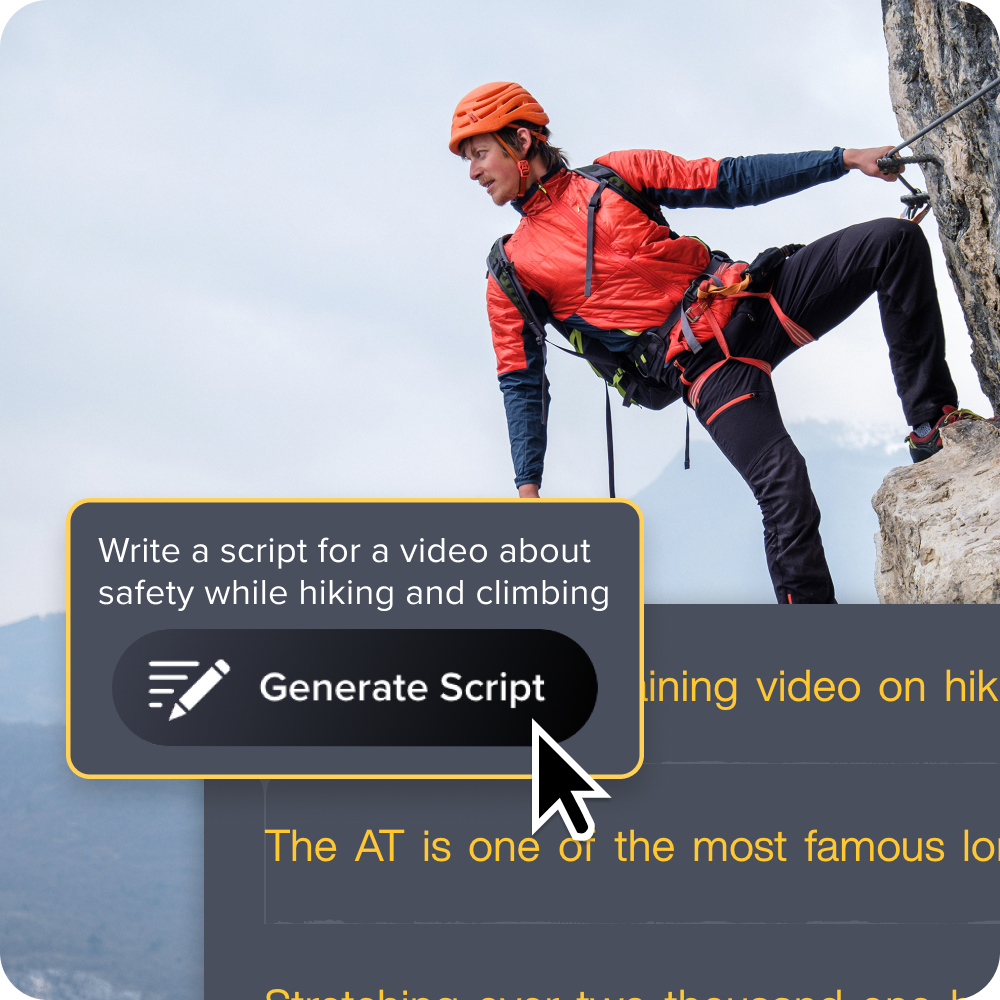
3. Record or capture your screens
Recording quality has a big impact on viewer trust and engagement. Poor audio or visual quality, such as dim lighting, discourages viewers from watching your videos rather than drawing them in. While you don’t need expensive equipment to make professional-looking recordings, you do need to pay attention to key details.
Some best practices to follow when recording include:
- Choose between screen recording, webcam, or a combination based on the content.
- Ensure clean audio (viewers usually forgive less-than-optimal video but not poor audio).
- Prepare your recording equipment ahead of time.
- Do practice runs to ensure smooth delivery.
With built-in editing capabilities, screen recording software like Camtasia Editor can help streamline your workflow from capture to the final video.
Crystal-clear screen recording
Why settle for blurry screen content? Camtasia Editor’s screen recorder captures everything at up to 4K!
Free Download
4. Enhance with animations
It’s tempting to think of animations as just decoration for your video, but they actually provide important context, guide attention, and reinforce key messages.
In fact, using animation can help boost viewer comprehension and retention.
Animations can serve different purposes in your explainer videos:
- Callouts and arrows direct audience attention.
- Text overlays reinforce spoken points.
- Transitions show relationships between points or concepts.
- Motion graphics visualize data to make it easier to grasp.
Using animation allows you to include smooth transitions and avoid jarring jump cuts. It also lets you show progression throughout your video and emphasize key points or highlight important areas.
Just make sure you:
- Keep text on screen for at least three seconds.
- Sync animations with narration.
- Avoid more than one animation at a time.
- Use consistent animation styles throughout.
5. Export for easy sharing
Once your explainer video is finished, you can share it directly or promote it to potential customers on social media, on landing pages, on YouTube, and more.
But you’ll want to make sure your video looks professional on any platform or device, and that means making the right export decisions. Otherwise, viewers may end up with a lower quality version or give up on watching your video because it takes too long to load.
Keep use case in mind when deciding on export options:
- Internal training: Prioritize quality over file size.
- Email sharing: Balance quality with attachment limits.
- Social media: Follow platform-specific requirements.
- Website embedding: Optimize for fast loading.
Next steps for creating your explainer video
Now that you know what an explainer video is and the different types you can choose from, depending on your message and audience, you’re ready to start creating your own explainer videos.
Use the video creation framework above as a starting point, but don’t be afraid to adapt the process based on your specific goals, whether that’s simplifying complex processes, explaining products to your customers, or training employees.
If you want a practical place to start, explore Camtasia’s screen recording and video editing tools.
FAQs
What is an explainer video?
An explainer video is a short video that clearly communicates the value of a product, service, process, or idea. The best ones stay focused on a single message and use visuals and narration to make it easy to follow. You can use them for marketing, training, onboarding, and customer education.
What are the main types of explainer videos?
This guide covers eight common types: 2D and 3D animation, live action, screencast explainer videos, whiteboard drawing, motion graphics, tutorial videos, product demo videos, and educational videos. Each format has different strengths depending on what you need to explain. For example, screencasts work well for software, while live action is useful when trust and human connection matter most.
When should you use a screencast explainer video?
Use a screencast explainer video when you need to show software, a digital workflow, or an on-screen process step by step. It is especially helpful for tutorials, product walkthroughs, customer how-to content, and internal training. Because viewers can follow each click and action, screencasts are one of the clearest ways to explain how something works on a screen.
How do you make an explainer video?
Start by planning your story and choosing the one message you want viewers to remember. Then draft a simple script, record your screen or camera footage, enhance the video with helpful animations, and export it for the way you plan to share it. This five-step process works for training videos, product demos, and marketing content.
How long should an explainer video be?
Many explainer videos work best when they stay short and focused on one message. The story template in this guide maps to about a minute, with a hook, explanation, and clear call to action. Some formats, like tutorials and training videos, can be longer when viewers need a more detailed walkthrough.
Share