



Capture more with Snagit 2024
Get precious time back in your day with new features that make moving work forward faster than ever. Save 44% and get the next version free when you upgrade today.
Users with active maintenance plans can get access to this upgrade for free. Find your free upgrade.
Get up to speed fast
We're here to help you learn what's new with live webinars, tutorials, and exceptional customer support.
Try it risk-free
Enjoy peace of mind with our 30-day money-back guarantee for Snagit 2024.
Keep both versions
Hang onto your current version of Snagit, or have it automatically uninstalled. It's your choice.
Get Snagit 2025
Your upgrade comes with Maintenance, which means you can get the next version for free.
What's new
Time-saving features that help you create and collaborate faster than ever.
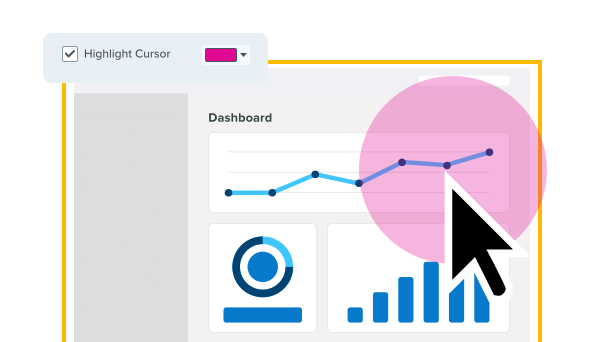
Highlight your cursor
Highlight your cursor to emphasize important content. Customize your highlight with colors.
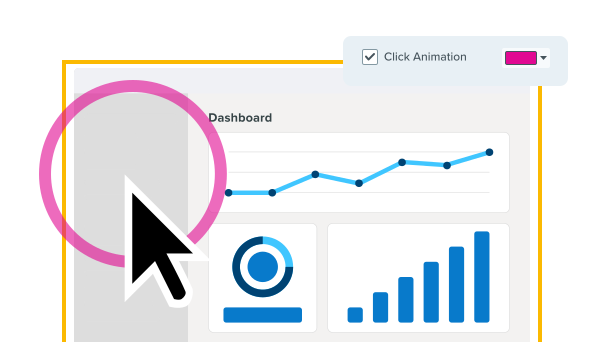
Animate each click
Save time by showing exactly where you clicked using click animations.
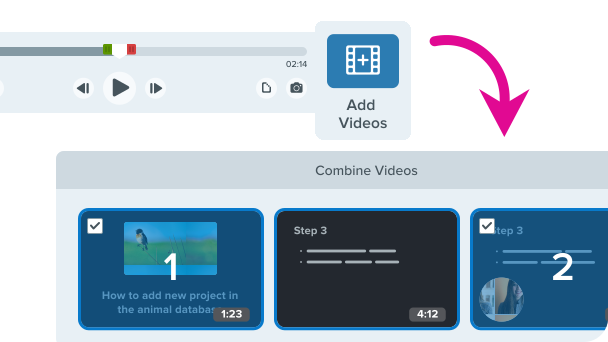
Stitch multiple videos together
Quickly select what videos you want from a filtered view of your library and merge them into one.
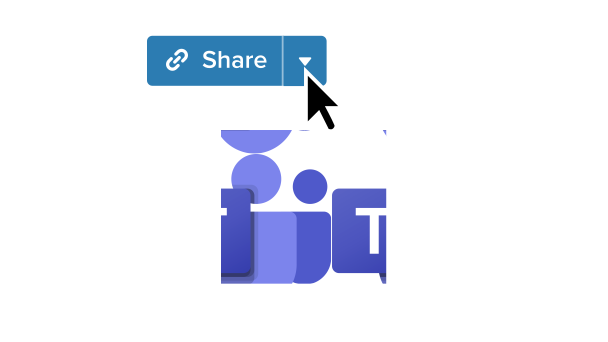
Export to Microsoft Teams
Accelerate decision-making and collaboration with new Microsoft Teams integration.
What's better
Quality of life improvements to some of your favorite Snagit tools.


New stamps
Refreshed default emojis and stamps to give you more ways to express yourself.
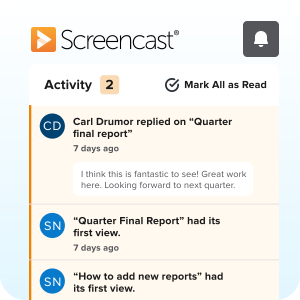
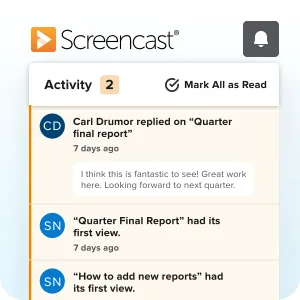
Stay connected
Never miss a beat with improved Screencast notifications and custom settings.
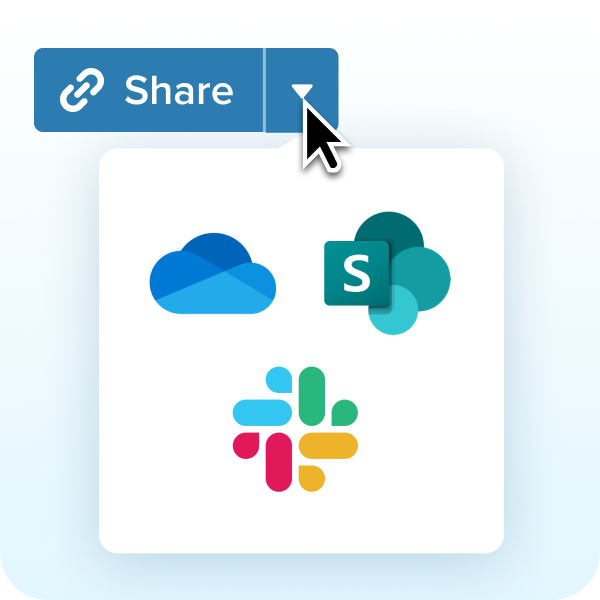
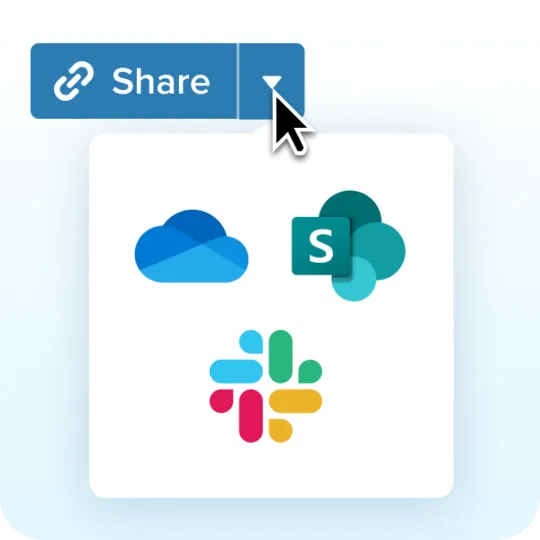
Better sharing
Improved exporting to Sharepoint, Slack, and OneDrive.
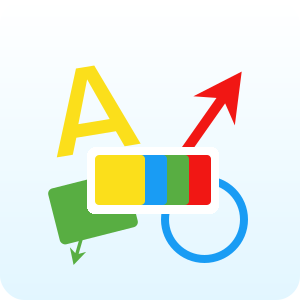
New starter theme
Updated default colors to help your content stand out and stay accessible.

"Snagit has saved me a ton of hours."
Iris Johnson | Manager of Training & Culture at LightEdge Solutions
Upgrade Today
Compatible with Windows and MacOS. Maintenance includes phone, chat, and email support.


Snagit Upgrade
snagit-single-upgrade-cmb-sub
Upgrade to Snagit 2024
One license + first year of Maintenance