


Game recorder
Camtasia is the ultimate game recorder for gamers and content creators looking to capture every moment of their gameplay with precision and quality. Camtasia empowers you to create polished, professional gaming videos—without the hassle of complex settings.
How to record gameplay
Camtasia’s streamlined interface makes recording your game easy, with just a few simple steps:
1
Step 1: Set up your recording preferences
Open Camtasia Recorder and select your video resolution and frame rate. For Windows, choose up to 4K at 60FPS with the H.264 codec, or on a Mac, go up to 5K at 60FPS with the H.264 or H.265 codec.
2
Step 2: Enable additional inputs
Customize your recording by enabling camera, microphone, and system audio. Each input will be recorded on a separate track, giving you full control over editing each element individually.
3
Step 3: Start recording and capture your game
Launch your game and hit record! Camtasia captures your gameplay with fluid motion, and the final FPS will match your in-game performance, ensuring a high-quality recording.
Why choose Camtasia for game recording
Camtasia offers several unique benefits that make it stand out from other game recorders:
Professional-quality recordings
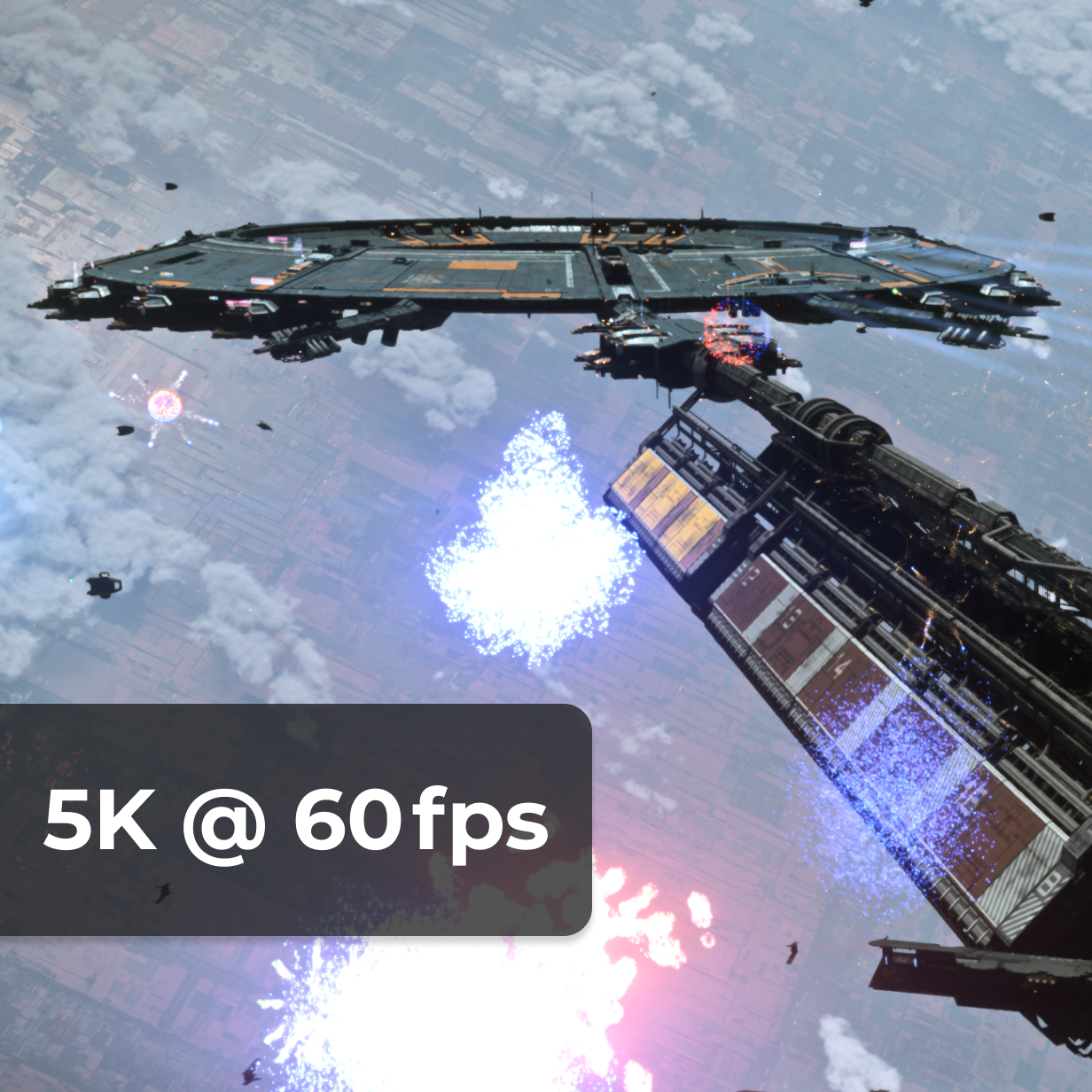
Camtasia allows you to record in up to 4K or 5K resolution at 60FPS, ensuring smooth, high-definition gameplay recordings. The variable frame rate feature ensures your file sizes are optimized without sacrificing quality.
Separate audio and video tracks
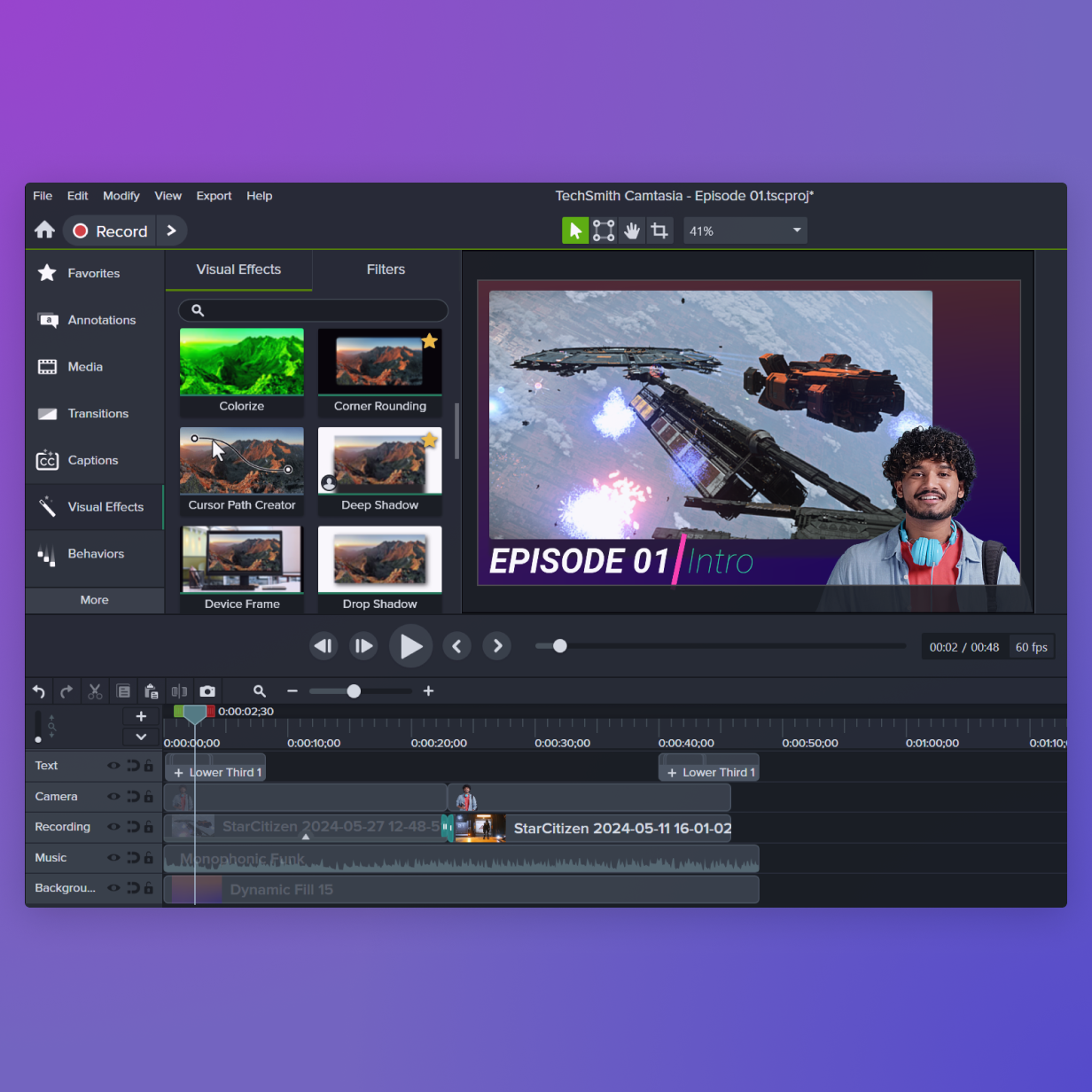
Record your gameplay, camera, system audio, and microphone audio simultaneously—all on separate tracks. This allows you to easily adjust each element in post-production, providing complete flexibility over your final video.
Your all-in-one solution
Camtasia is both a game recorder and a video editor, making it the perfect all-in-one tool. Capture your gameplay and then seamlessly edit it, adding effects, transitions, and more—all within the same platform.
Get started with Camtasia Editor
FAQ
Yes, Camtasia can record video games at up to 60FPS in 4K resolution on Windows and up to 5K resolution on macOS, ensuring easy to understand and high-quality recordings. Proceed with the game recording once you have your settings perfect.
Yes, Camtasia records system audio, microphone input, and even your camera feed as separate tracks, allowing you to edit each individually for full control over your final video. This makes Camtasia the best screen recorder for games.
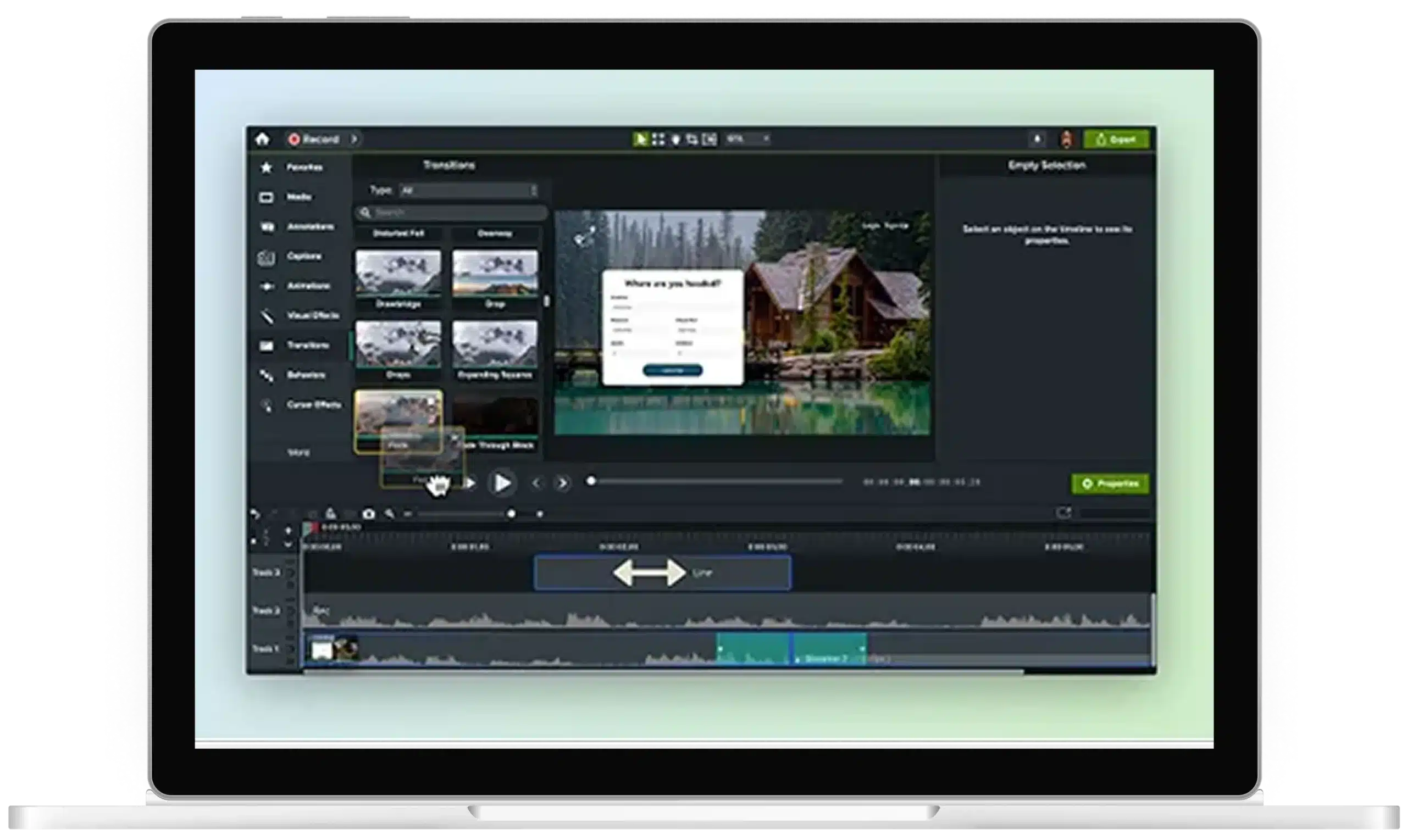
Absolutely! Camtasia is both a game recorder and video editor, meaning you can record your gameplay and edit it all in one platform. You can add effects, transitions, annotations, and more.
Yes, Camtasia is available for both Windows and macOS, though the recording capabilities differ slightly. Windows supports up to 4K at 60FPS, while macOS supports up to 5K at 60FPS.
On Windows, Camtasia automatically switches to the H.264 codec when you set the FPS to 60. On macOS, you will need to manually adjust the FPS and codec settings.
Yes, Camtasia allows you to record your webcam feed alongside your gameplay, system audio, and microphone, giving you all the elements you need for engaging content.
Check out our tutorial that will walk you through everything you need to know.
Still can’t find what you need? Contact us and we’ll help you out.