









Built for L&D Teams
Create professional training that keeps up with your organization
Stop getting stuck in the production bottleneck. The Camtasia Suite is the all-in-one platform learning & development teams use to create, edit, and share professional training assets that are easy to update and scale globally. It handles the technical heavy lifting so your training keeps up with the speed of your business.



The industry standard
Spend less time editing videos and more time building the learning experience
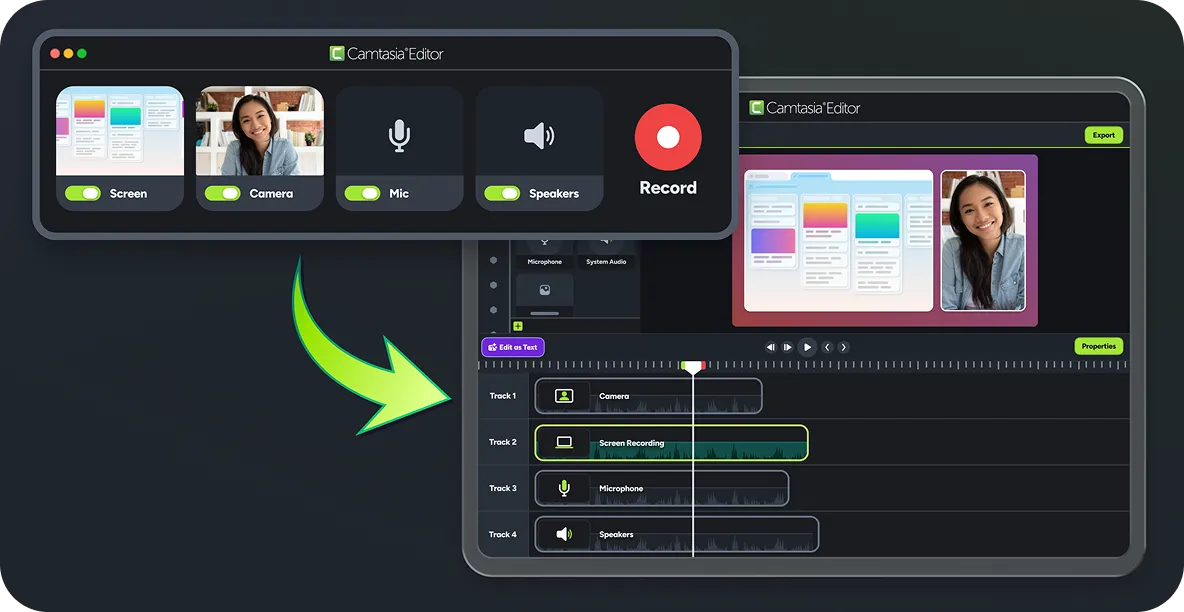
You don’t need to be a video producer to create high-quality training. Camtasia is the industry standard because it’s built specifically for the way L&D teams work. Unlike generic tools that leave you with locked-in recordings, Camtasia tools treat every screen capture as a collection of flexible parts you can move, resize, or update at any time.
Explore more training use cases
See how teams use Camtasia to create clear how-to content, capture expert knowledge, and educate customers.
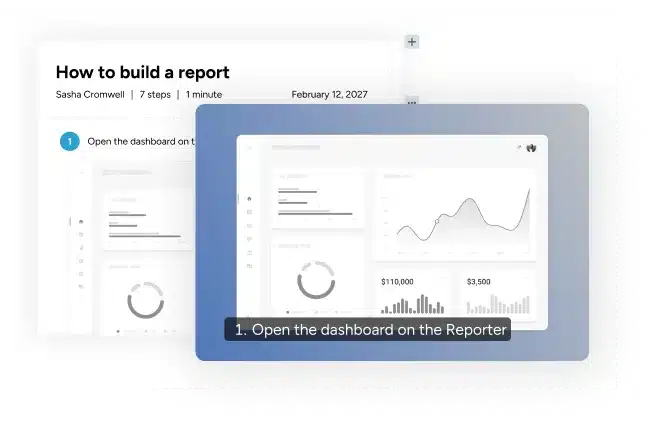
How-to Videos
Turn screen recordings, images, and narration into clear step-by-step videos people can easily follow.
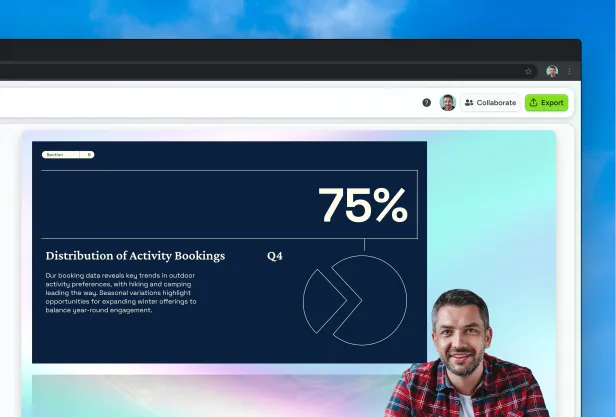
Knowledge Capture
Capture expertise from subject matter experts and turn it into reusable training content your team can access anytime.
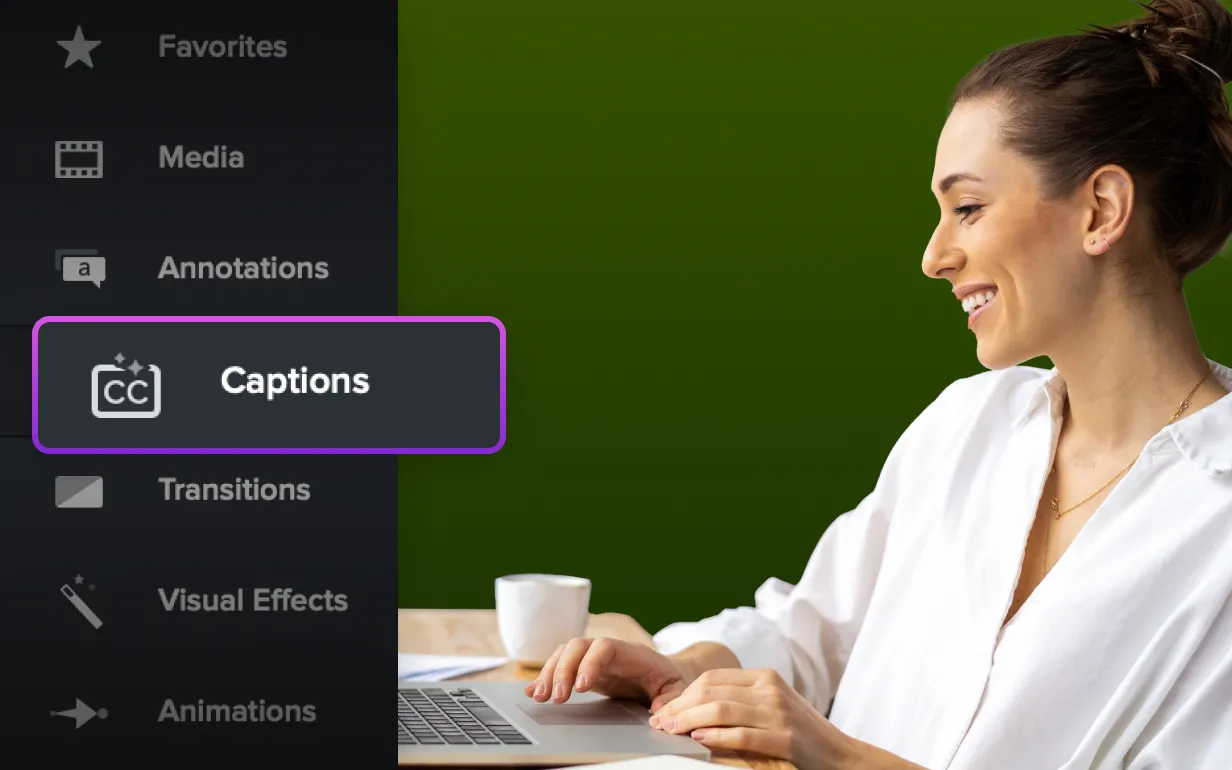
Customer Education
Create polished tutorials that help customers learn your product and answer common questions on their own.
Effortless training at scale
Expand your training reach without the extra work
Scaling your training shouldn’t mean doubling your production time. The Camtasia Suite uses generative AI and smart workflows to handle the grunt work like localization and accessibility so you can produce more assets in less time.
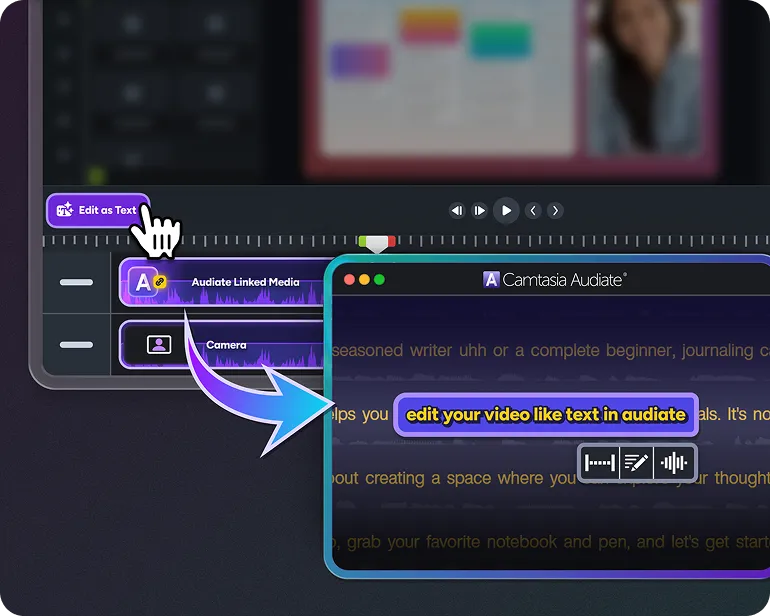
Edit video as easily as a text document
Stop scrubbing through timelines to fix a mistake. With Camtasia Audiate, you can edit your video by simply deleting words in the transcript. The edits automatically sync back to your timeline in the Camtasia Editor.
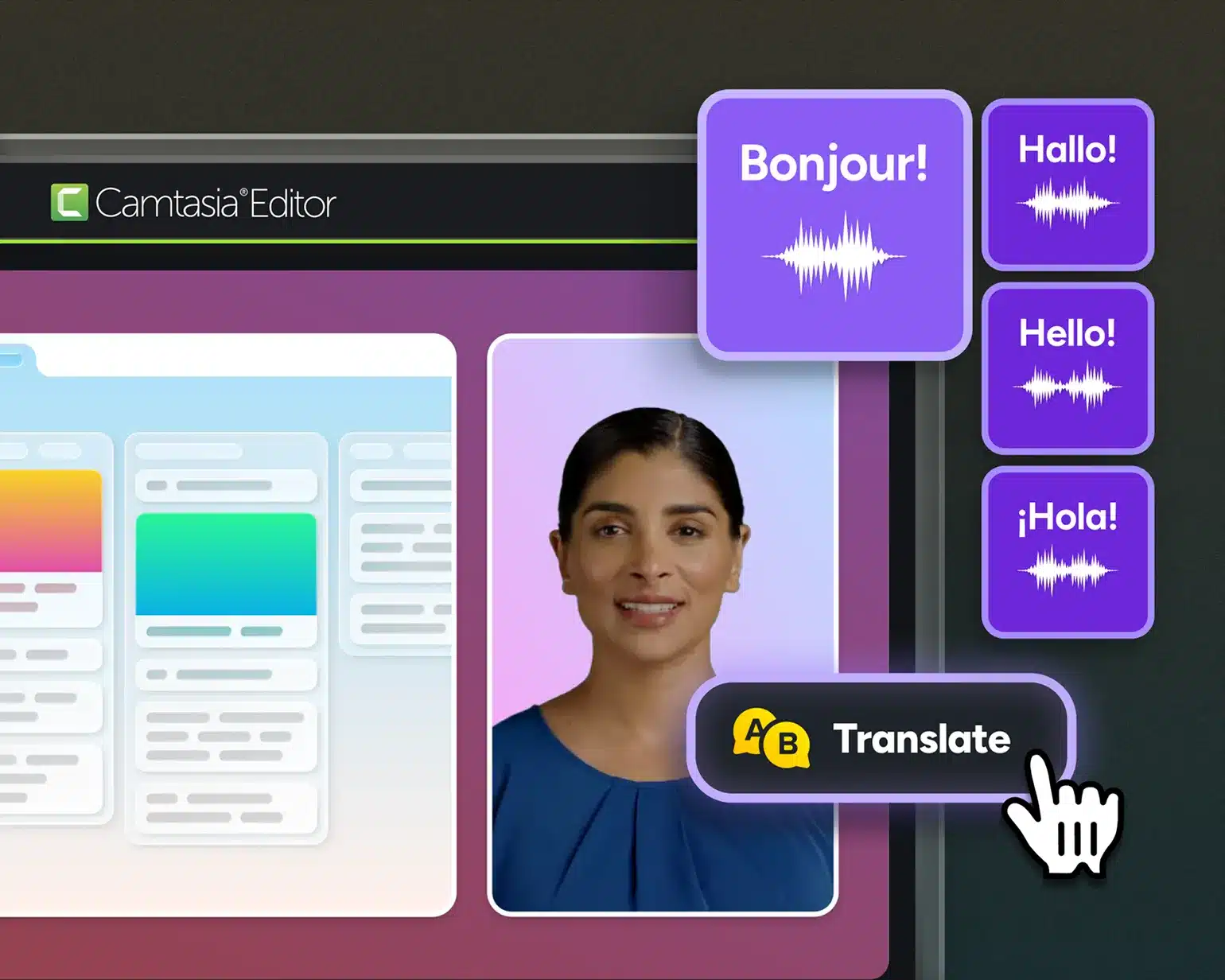
Turn a single recording into a global training asset
Don’t let language barriers slow down your global rollout. Use Camtasia Snagit to simplify your visuals and Camtasia Audiate to add localized AI presenters. It’s the fastest way to become a global resource without the cost or time of a traditional production.
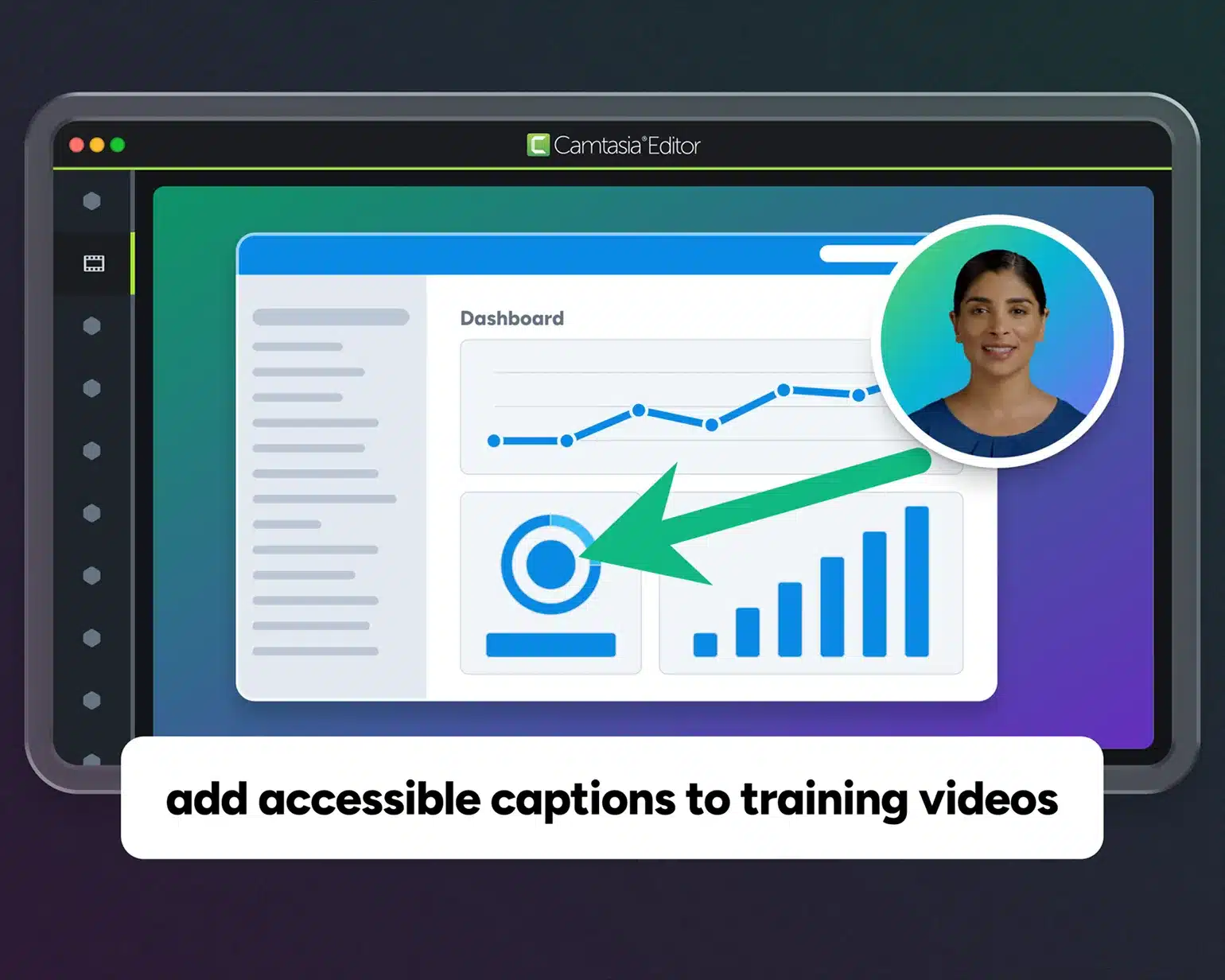
Automate the heavy lifting of accessibility compliance
Providing inclusive training should be a standard part of your workflow, not an afterthought. The Camtasia Suite allows you to generate accurate captions and transform complex on-screen processes into clear, simplified visuals that are accessible to all employees with zero wasted effort.
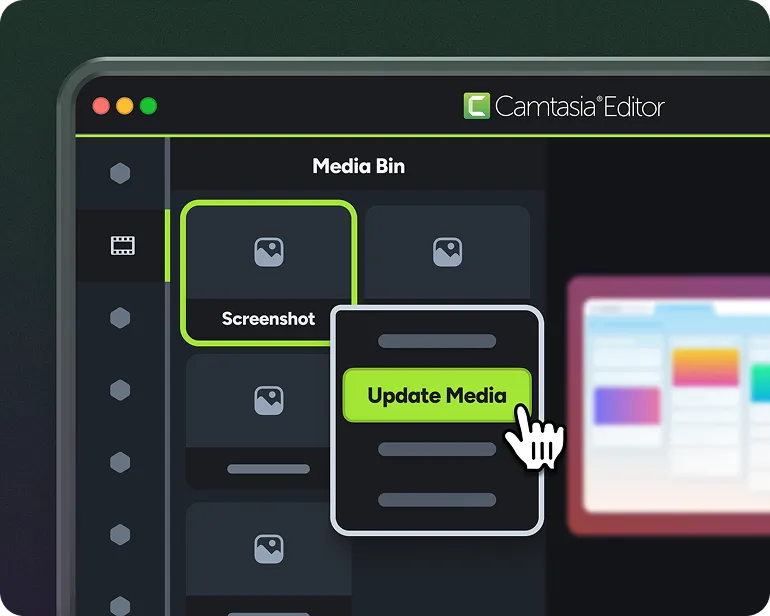
Update your content library without re-recording
Protect your time by ensuring your training assets are easy to maintain. Because Camtasia tools keep your captures flexible, you can swap out a single screenshot or update a specific line of audio when processes change.
A complete system for Training
Build a repeatable training production workflow
Corporate training is more than just a single video file. It requires a full suite of tools that can handle images, collaborative recordings, and more. With Camtasia, you always have the right tool for the task at hand.

Camtasia Editor
Your hub for turning screen recordings into professional training. Record your screen, camera, and narration on separate tracks, add annotations, and build clear tutorials without the complexity of traditional editors.

Camtasia Audiate
The AI powerhouse that removes the production lag from your tutorials. You can fix verbal slips by deleting text, generate high-quality AI presenters, and translate your entire message for global offices without ever leaving the suite.

Camtasia Snagit
Your go-to for documentation and quick visual guides. Capture high-resolution screenshots, apply on-brand markups, and generate how-to guides in seconds. You can even update a video just by swapping the interface view with a fresh capture to avoid the struggle of a total re-record.

Screencast
The essential bridge for collaboration and stakeholder approval. Share your content with a link and collect time-stamped, annotated feedback from your team.

Assets
A library of professional-grade, royalty free templates, stock media, and graphics that give you a head start on every project. Or use AI to generate the exact image you need.
Camtasia Online
A nimble, browser-based screen recorder ideal for collecting quick video contributions from subject matter experts, no software installs required.

Camtasia’s ease of use, output quality, and output format options are a million times better than anything else I’ve been asked to use for creating video content.
Sara Schiebner Underwriting Communications and Training Specialist, Amerisure Insurance

Expert support when you need it
You’ll never have to troubleshoot alone. Our support team is staffed by real people who understand your workflow and are dedicated to getting you back to work quickly.

Free training and certification
Whether you’re looking for a quick tutorial, a deep-dive webinar, or a professional certification, we provide everything you need to grow your skills.

AI innovation you can actually use
We do the heavy lifting of vetting AI vendors, industry research, and testing new workflows so you always have the best tools available.

Enterprise-grade security
Your data is protected by SOC 2 Type 2 and GDPR compliance with security checked builds. We are committed to using AI responsibly, maintaining the high standards your organization requires.
100% of Fortune 500 Companies rely on the Camtasia suite to train their teams.





Why training professionals choose Camtasia
Basic screen recorders leave the hard work to you. The Camtasia suite of products provides the fastest workflow for turning screen recordings into polished tutorials. It’s the most user-friendly video creation platform for corporate training departments.
Skip to text version of this table
| Capabilities | Generic Recorders |  |
|---|---|---|
| Capabilities. Fixing mistakes | Generic Recorders, Fixing mistakes. You have to re-record the whole take or spend hours “scrubbing” the timeline to find one word. | Camtasia Suite, Fixing mistakes. You just delete the mistake in your text transcript and the video fixes itself automatically. |
| Capabilities. Handling UI changes | Generic Recorders, Handling UI changes. Every software update means a total redo. You’re stuck in a loop of re-recording old lessons. | Camtasia Suite, Handling UI changes. You just swap out a single screenshot or line of audio in seconds so your content stays current without the extra work. |
| Capabilities. Going global | Generic Recorders, Going global. Localization is a massive hurdle. You need actors, new recordings, and a huge budget for every region. | Camtasia Suite, Going global. You get to be the expert who takes your training global in a single afternoon by using AI voices and avatars to localize your content for every branch. |
| Capabilities. Meeting standards | Generic Recorders, Meeting standards. Accessibility is an afterthought. You’re left manually typing captions and transcripts at the end of a long day. | Camtasia Suite, Meeting standards. You stay ahead of schedule by letting generative AI do the heavy lifting, ensuring your videos are always compliant. |
| Capabilities. Keeping attention | Generic Recorders, Keeping attention. Cluttered screens and messy cursors distract your learners and make your training look “home-made.” | Camtasia Suite, Keeping attention. You can easily clean up your captures and add visual cues that make complex software look simple and easy to learn. |
| Capabilities. Professional finish | Generic Recorders, Professional finish. Your limited to what you caught on screen. No way to add animations or clear branding. | Camtasia Suite, Professional finish. You produce training that looks like it came from a big-budget studio because you can drag-and drop pre-made animations and transitions directly to the timeline. |
| Capabilities. | Generic Recorders, . | Camtasia Suite, . Get Camtasia Pro |
Table content (text version)
Below is a plain-text summary of this comparison table. Each row lists the feature or row name, then each column’s value.
- Fixing mistakes. Generic Recorders: You have to re-record the whole take or spend hours “scrubbing” the timeline to find one word.. Camtasia Suite: You just delete the mistake in your text transcript and the video fixes itself automatically.
- Handling UI changes. Generic Recorders: Every software update means a total redo. You’re stuck in a loop of re-recording old lessons.. Camtasia Suite: You just swap out a single screenshot or line of audio in seconds so your content stays current without the extra work.
- Going global. Generic Recorders: Localization is a massive hurdle. You need actors, new recordings, and a huge budget for every region.. Camtasia Suite: You get to be the expert who takes your training global in a single afternoon by using AI voices and avatars to localize your content for every branch.
- Meeting standards. Generic Recorders: Accessibility is an afterthought. You’re left manually typing captions and transcripts at the end of a long day.. Camtasia Suite: You stay ahead of schedule by letting generative AI do the heavy lifting, ensuring your videos are always compliant.
- Keeping attention. Generic Recorders: Cluttered screens and messy cursors distract your learners and make your training look “home-made.”. Camtasia Suite: You can easily clean up your captures and add visual cues that make complex software look simple and easy to learn.
- Professional finish. Generic Recorders: Your limited to what you caught on screen. No way to add animations or clear branding.. Camtasia Suite: You produce training that looks like it came from a big-budget studio because you can drag-and drop pre-made animations and transitions directly to the timeline.
- . Generic Recorders: . Camtasia Suite: Get Camtasia Pro
Built for L&D Teams
Get started today
Camtasia’s Pro plan gives you access to the full suite of training tools so you can get quality content out the door faster.