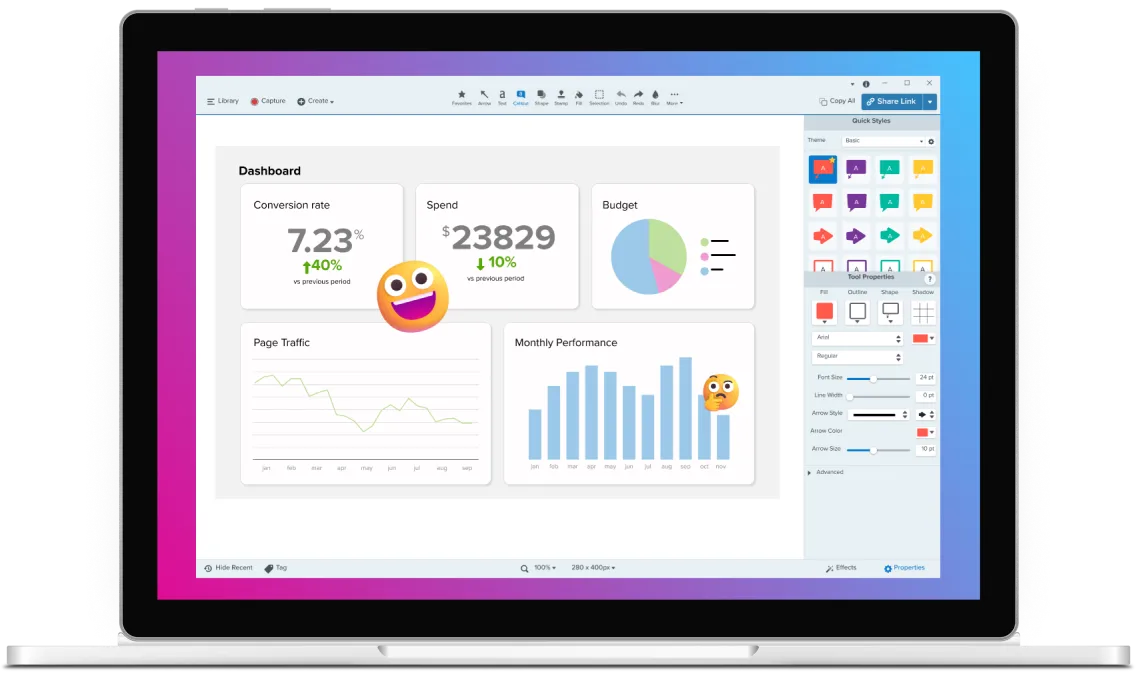
Step Recorder
Automatically generate clear, step-by-step documentation from your on-screen actions as you work. Just start recording, complete the task, and share a finished guide in minutes — without manual screenshots, note-taking, or formatting.
Automatically create step-by-step guides
Create and share step-by-step guides without taking screenshots or documenting each action as you go. Step Recorder turns your on-screen activity into a complete visual guide you can use for training, onboarding, or process documentation.
1
Start recording
Step Recorder runs quietly in the background, capturing each step in real time.
2
Finish the task
Review your guide, with each step automatically recorded and organized in the right order.
3
Share instantly
Send a link or export your guide to common formats like Microsoft Word or PowerPoint.
Save time and mental effort with automated step recording
Use Step Capture to record, refine, and share on-screen steps without breaking your focus or interrupting your workflow. By documenting as you work, you avoid context switching and the mental overhead of recreating steps after the fact.
Automatic steps organization
Step Capture records and arranges each action into a clear, numbered sequence — so your instructions come together automatically, without manual screenshots. This built-in structure keeps guides consistent and easier to scan, even for longer or more complex workflows.
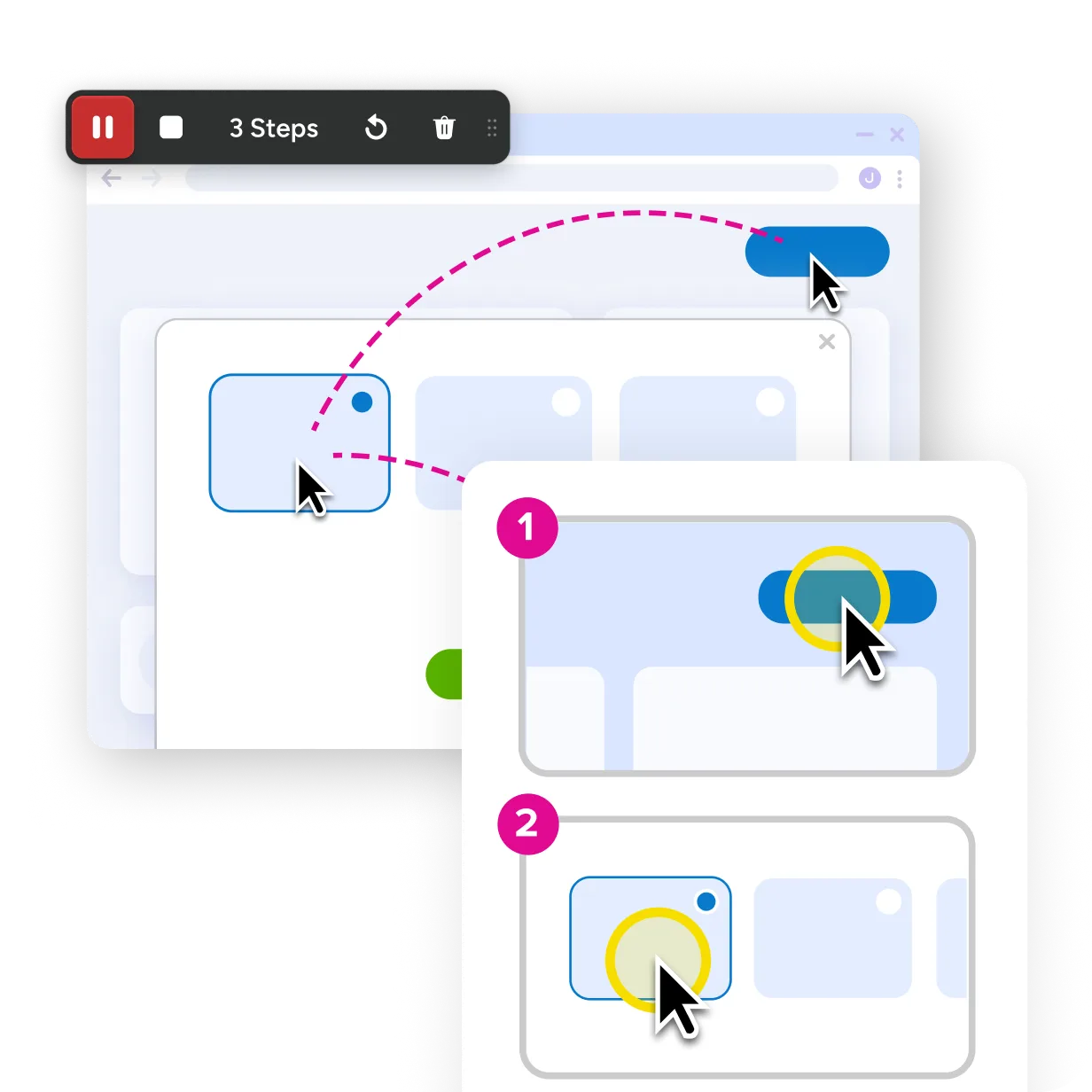
Accurate capture of every action
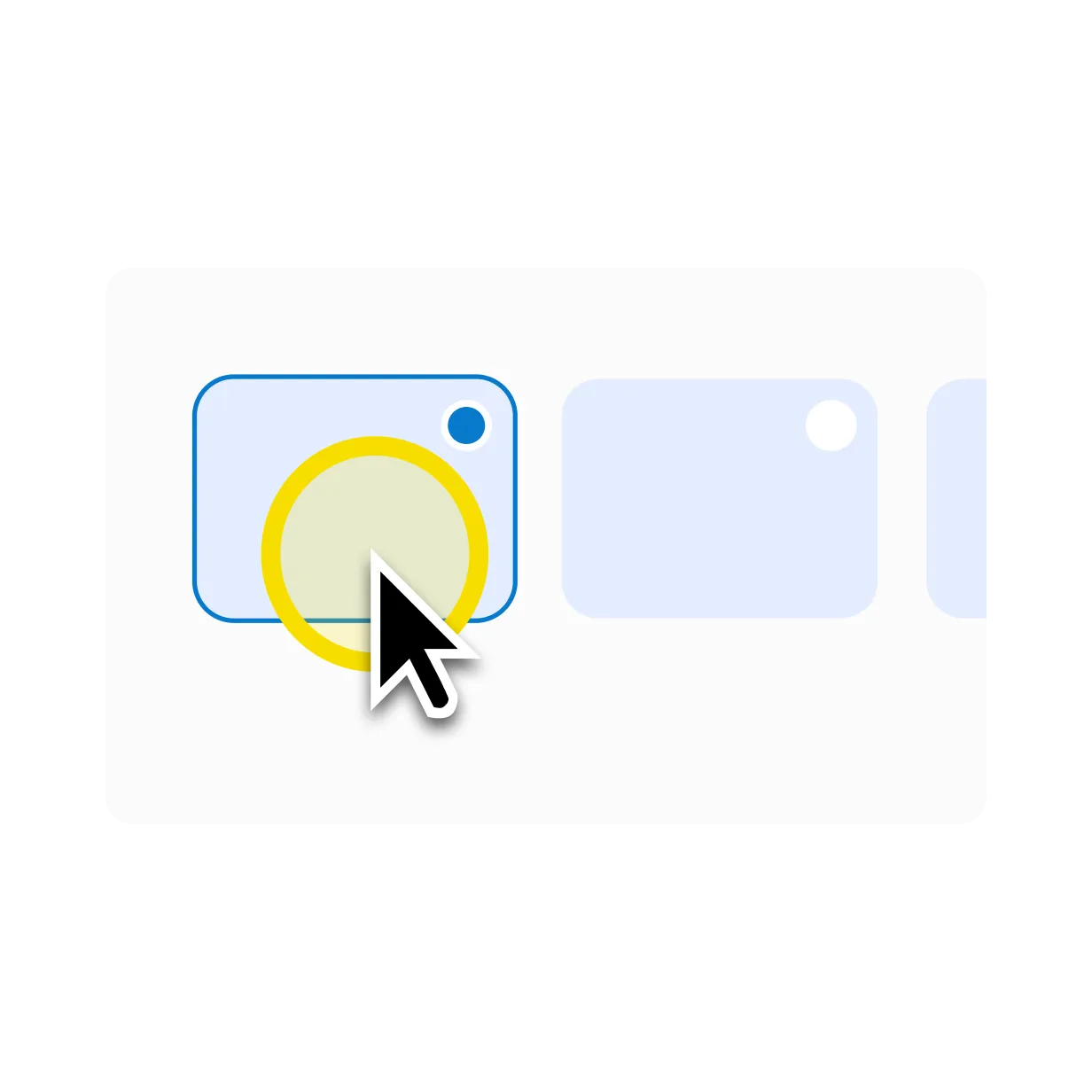
Every click is recorded as it happens, ensuring the full process is documented without gaps, guesswork, or rework. This makes instructions more reliable, especially for detailed workflows where missing a small step can cause confusion.
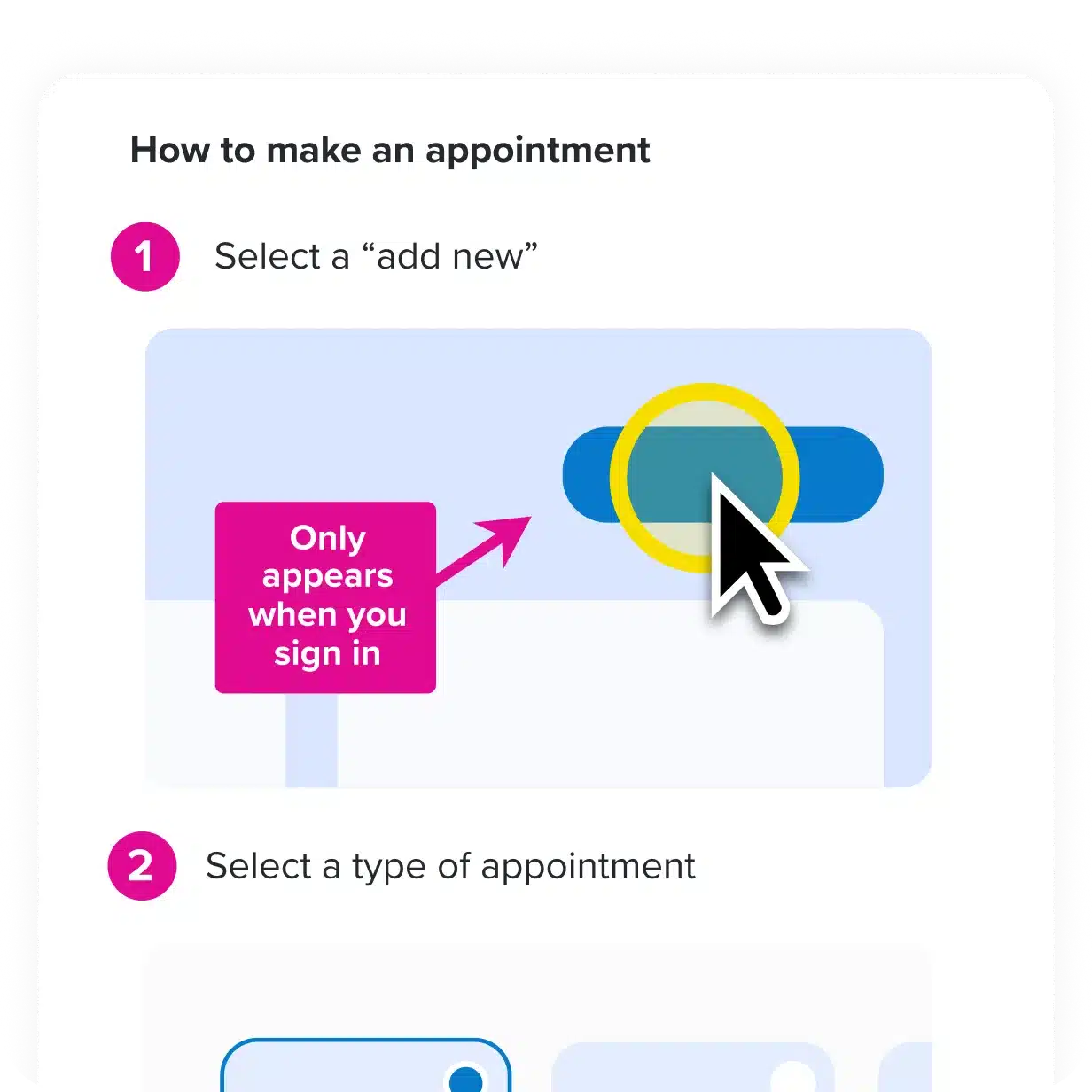
Customizable annotations and visuals
Adapt your guide for different audiences by adding notes, callouts, and visual cues that provide context and reinforce your brand. That flexibility lets you tailor instructions without rewriting content or creating multiple versions of the same guide.
Create a guide and video in one workflow
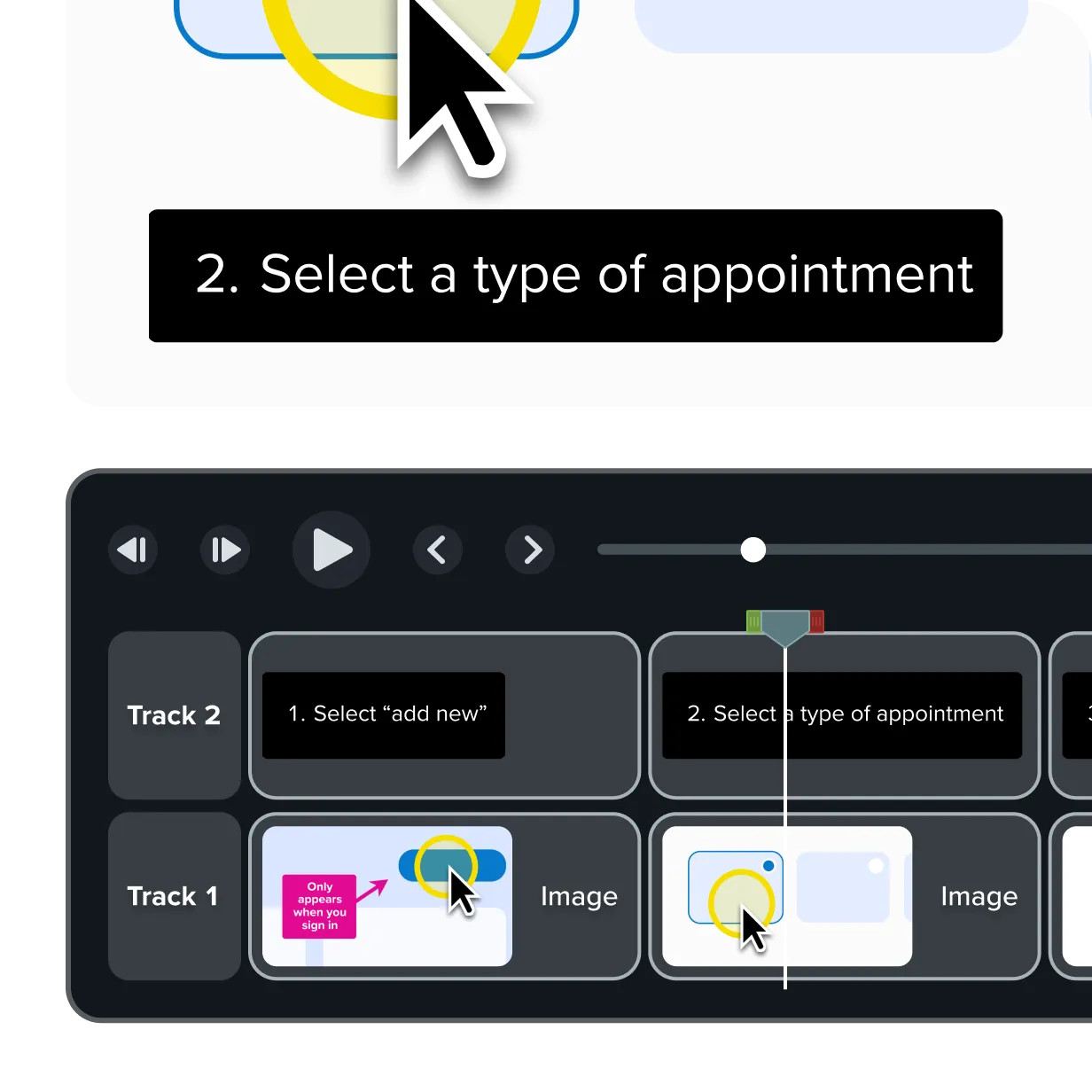
Document a process once and turn those same steps into an editable video in Camtasia Editor. Automatically applied titles, transitions, focus animations, and cursor enhancements to provide a polished starting point. From there, customize the video to fit your audience and message.
FAQs
Still can’t find what you need? Contact us and we’ll help you out.
A step recorder automatically records your on-screen actions and turns them into step-by-step visual instructions. Instead of manually taking screenshots and writing directions, it creates a clear, structured guide as you work.
Snagit’s Step Recorder captures clicks and actions as you complete a task and organizes them into a visual sequence. The result is a ready-to-share guide that shows each step clearly without manual documentation.
A step recorder is commonly used for training, onboarding, process documentation, and knowledge sharing. It helps teams explain workflows more clearly while reducing errors and follow-up questions.
Yes. After recording, you can edit, reorder, or refine steps to match your audience or use case, making it easy to customize instructions without re-recording an entire process.
Step recorder guides can be exported in multiple formats, such as images or documents, depending on how you plan to share them. This flexibility makes it easy to distribute instructions across teams or platforms.
Step recorders are useful for trainers, support teams, educators, IT teams, and anyone who needs to explain processes clearly. They’re especially valuable for people who document workflows regularly and want to save time and effort.
Yes. A step recorder works across web browsers and desktop applications, allowing you to document processes wherever they happen on your screen.
Snagit’s Step Recorder is available for Windows and macOS, ensuring teams can create consistent step-by-step documentation regardless of operating system.