









Bring Your Words to Life with AI-Powered Live Captions
Use AI-powered live captions in Camtasia to display spoken words on the screen in real-time, with customizable styles and multilingual support.
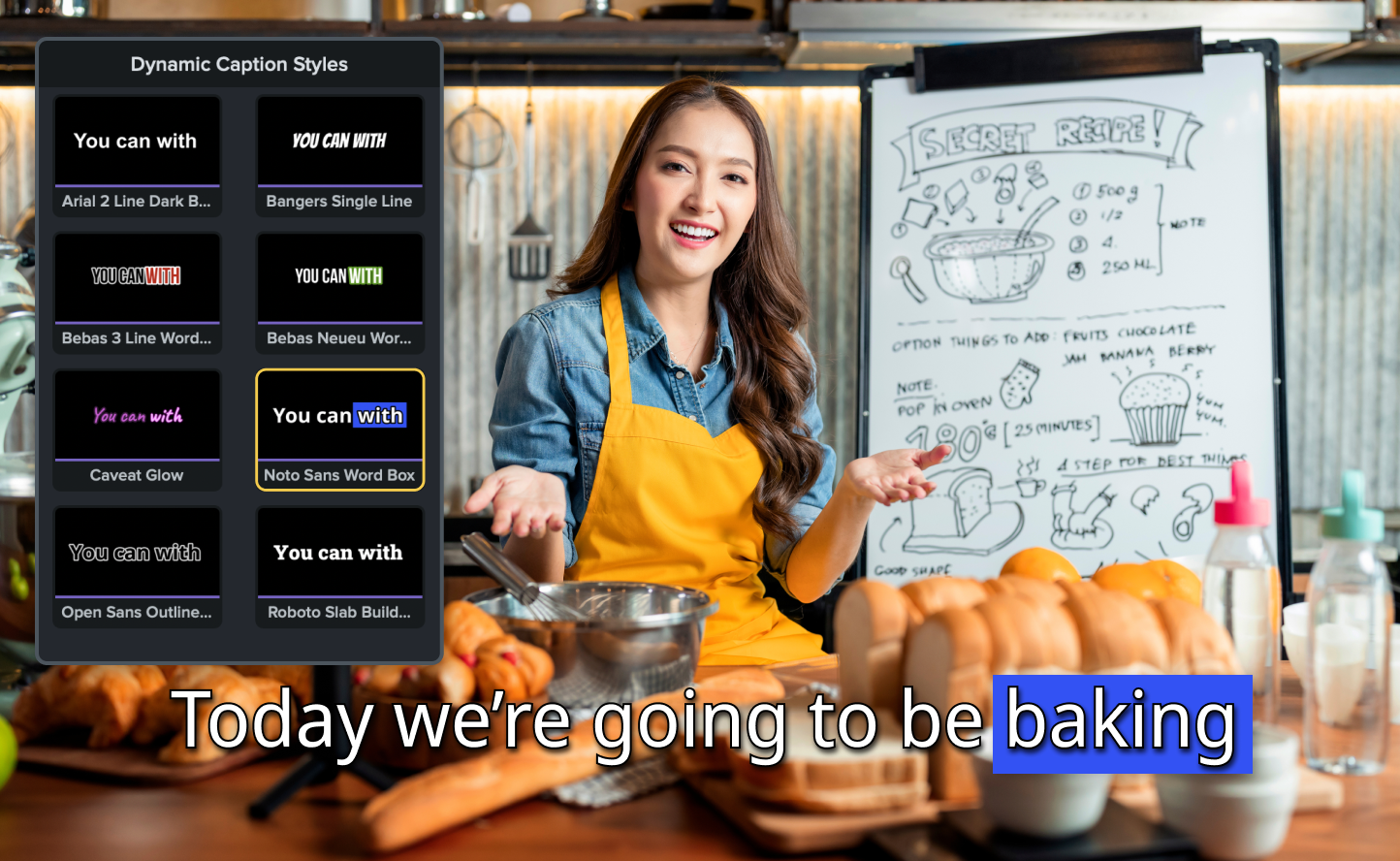
Camtasia’s new Dynamic Captions feature, powered by AI, transforms how you connect with your audience by showing every spoken word on-screen as it’s spoken. This real-time captioning not only enhances comprehension but also ensures your content is accessible to a broader audience.
Customize your style
Use preset designs for instant captions or adjust the properties panel to create captions that perfectly match your brand’s aesthetic.
Support multiple languages
Reach global audiences with captioning options in a variety of languages.
Streamline your workflow
Skip the time-consuming manual process of adding captions and let AI handle it for you.
💡 Ways to use dynamic captions:
Whether you’re crafting instructional videos, professional presentations, or educational content, dynamic captions ensures your message is clear and captivating—every time.