CHANGELOG

What’s new in Snagit?

Turn on your auto-updates because our team is always cooking up something fresh.

Filter posts

Clear filters

Release Type

Operating System

Tags

November 2024

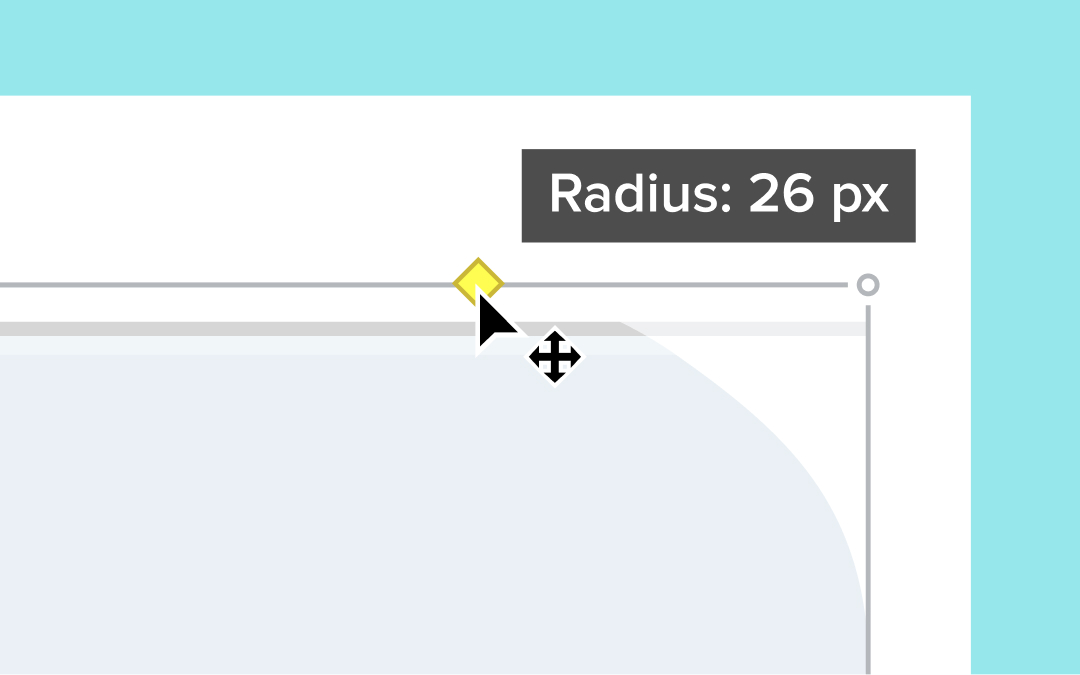
A cursor clicks and drags to round the corner of an image.

Customize Your Images with Rounded Corners

Snagit now makes it simple to round image corners and customize your visuals.

Snagit now makes it easy to round the corners of your images directly in the Editor. Simply hover over the canvas to reveal the yellow diamond handle in the top-right corner. Click the handle to apply a default 20-pixel rounding and drag to adjust the amount to fit your style.

💡 Ways to use rounded corners:

  • Add a modern, polished look to your images.
  • Customize visuals to match your branding or design aesthetic.
  • Quickly apply rounded corners without using additional design tools.
  • Try out the new handle in the Editor canvas and give your images a fresh new touch!

    Snagit
    Windows
    Editing
    2024.3.0

    September 2024

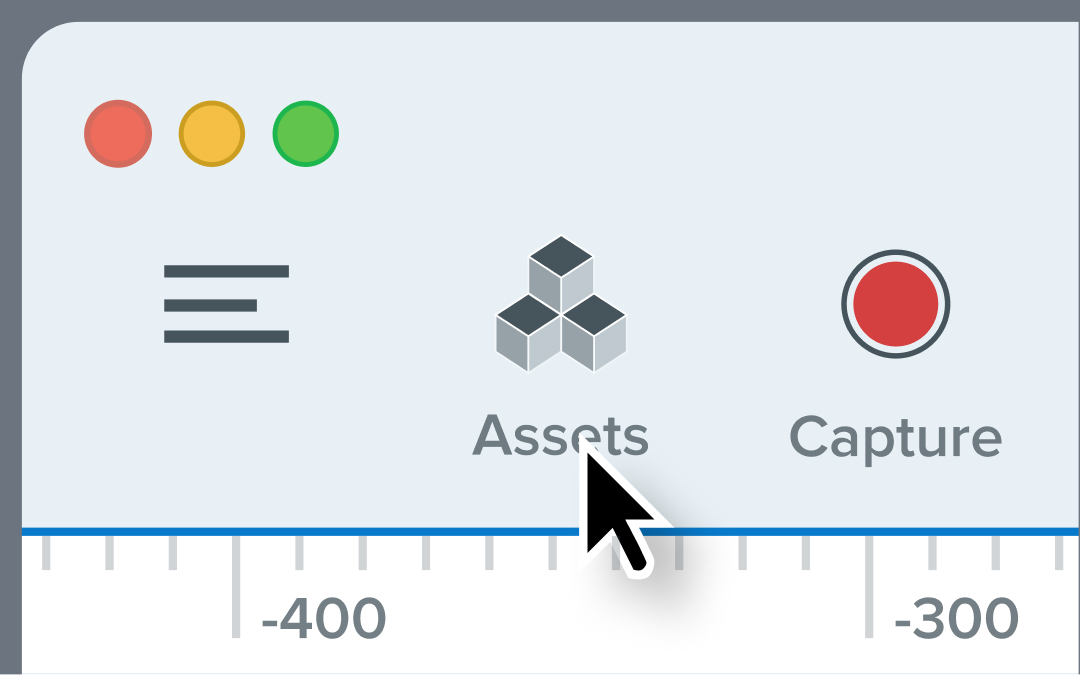
    A cursor clicking on the Assets button in Snagit.

    Explore Stamps, Templates, and More with the New Assets Button

    Access TechSmith Assets for Snagit directly from the new Assets button to browse and import creative resources.

    Snagit’s Editor toolbar now includes an Assets button that opens the Assets for Snagit website. Easily browse and import stamps, templates, themes, photos, and even AI-generated images directly into Snagit, giving you quick access to resources that elevate your visuals.

    💡 How this helps you:

  • Save time with direct access to a library of design assets.
  • Easily find and import creative elements to enhance your images.
  • Access stamps, templates, and more without leaving Snagit.
  • Click the new Assets button in the Editor toolbar and start exploring today!

    Snagit
    MacOS
    Editing
    2024.3.2
    Two video thumbnails, one with a muted-mic icon on top of it.

    Easily Create Silent Copies of Your Videos

    Create clean, narration-free versions of your recordings.

    Snagit now lets you make a silent duplicate of any video with just a few clicks. This feature is perfect for creating clean, narration-free versions of your recordings. Whether you’re repurposing content or starting fresh, it’s never been easier to customize your videos.

    💡 Ways to use silent duplicates:

  • Quickly generate videos without audio for different use cases.
  • Save time when creating alternative versions of your content.
  • Maintain the original video while exploring new possibilities.
  • To use this feature, open the Video menu and select Make a Silent Copy.

    Snagit
    MacOS
    Screen RecordingEditing
    2024.3.2

    August 2024

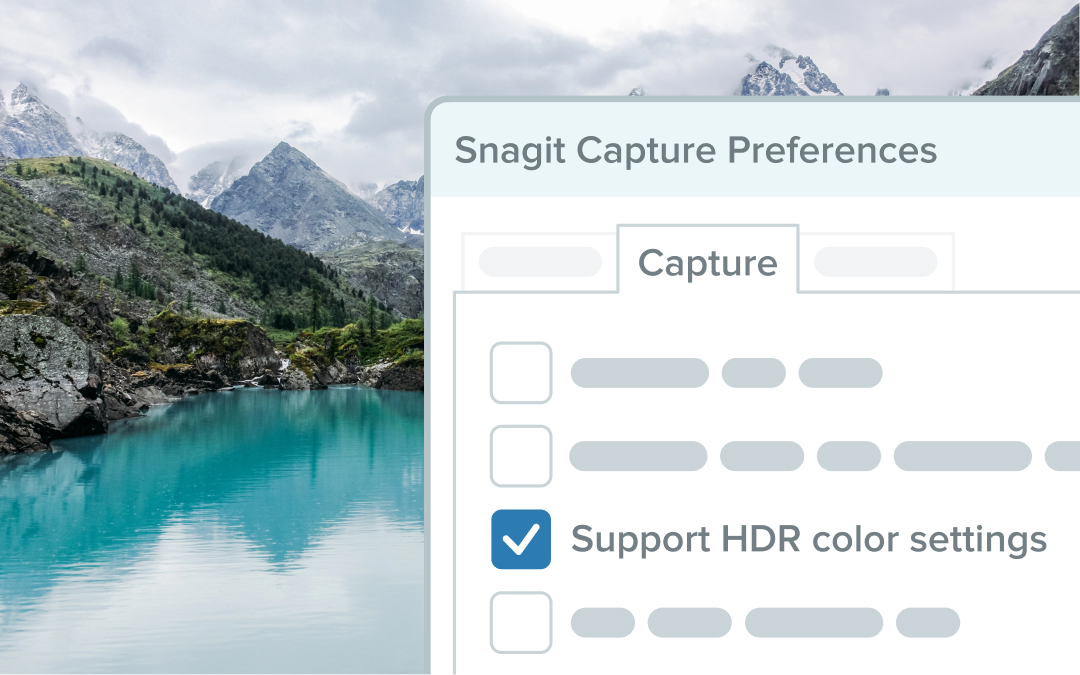
    Snagit's  Capture Preference window with "Support HDR color settings" selected.

    Capture Vibrant Colors with HDR Image Support

    Snagit now supports HDR image capture, delivering vibrant colors and enhanced detail for high dynamic range displays.

    Snagit now supports HDR (High Dynamic Range) image capture, enabling you to create screenshots that more accurately reflect the vivid colors and detail of high dynamic range displays. This enhancement brings your visuals to life with greater clarity and depth.

    💡 Ways to use this feature:

  • Capture images that look true to life on HDR-enabled displays.
  • Enhance presentations and tutorials with vibrant, high-quality visuals.
  • Tailor HDR settings to your needs in Capture Preferences.
  • Note: HDR support is currently not available for scrolling or video captures.

    Turn on HDR image support in Capture Preferences and experience the difference today!

    Snagit
    Windows
    Screen RecordingScreen Capture
    2024.2.2
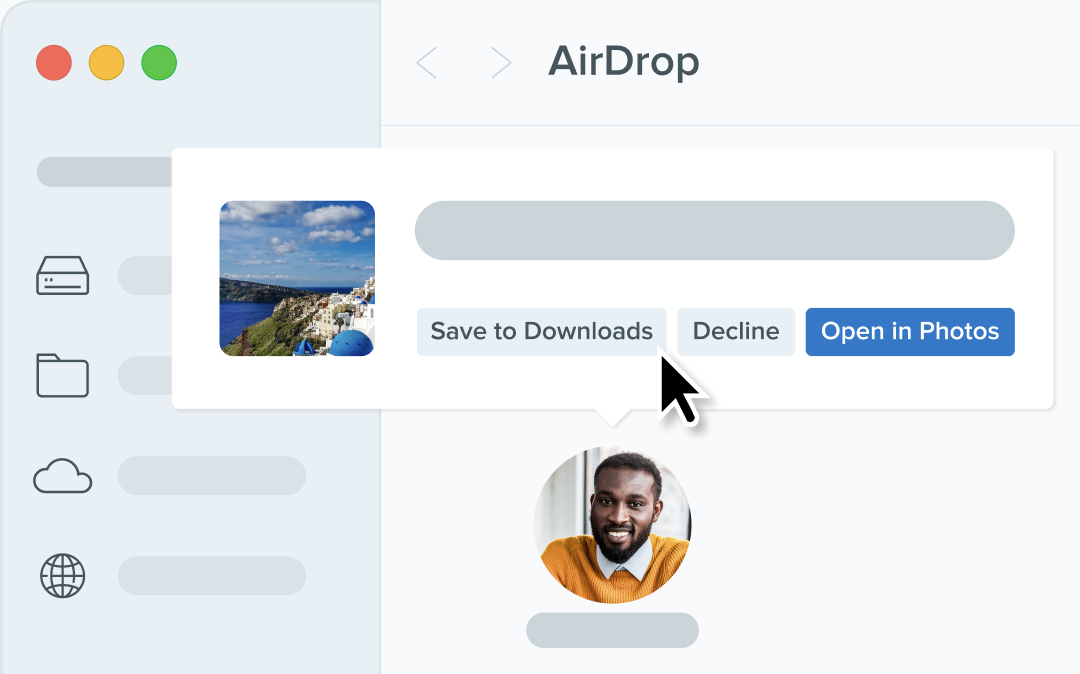
    The AirDrop interface of a Mac computer showing an image being AirDropped.

    Automatically Open AirDrop Files in Snagit

    Snagit can now automatically open AirDrop files, letting you start editing or annotating right away.

    Snagit now makes it easier than ever to work with files shared via AirDrop. When you receive images or videos through AirDrop, Snagit can automatically open them, so you can get straight to editing or annotating.

    💙Why you’ll love using AirDrop and Snagit:

  • Save time by skipping manual file transfers.
  • Streamline your workflow for quick edits and sharing.
  • Ensure AirDrop files are ready to use the moment they arrive.
  • To enable this feature, go to the Capture tab in Snagit Settings and turn on Automatically open AirDrop files.

    Snagit
    MacOS
    Collaboration
    2024.3.0
    Illustration of a desktop beginning a recording with no desktop icons visible.

    Keep Your Screen Clean with Hidden Desktop Icons

    Hide desktop icons during video capture with Snagit for cleaner, distraction-free recordings.

    Snagit now lets you hide desktop icons during video capture, helping you create cleaner, distraction-free recordings. Whether you’re sharing a tutorial, presentation, or demo, your screen stays focused on what matters most.

    💙Why you’ll love this new feature:

  • Eliminate visual clutter for more polished recordings.
  • Keep your workflow organized while presenting or sharing your screen.
  • Quickly toggle the setting as needed for different recording scenarios.
  • To enable this feature, go to the Capture tab in Snagit Settings or right-click the Snagit icon in the menu bar during recording.

    Snagit
    MacOS
    Screen Capture
    2024.3.0
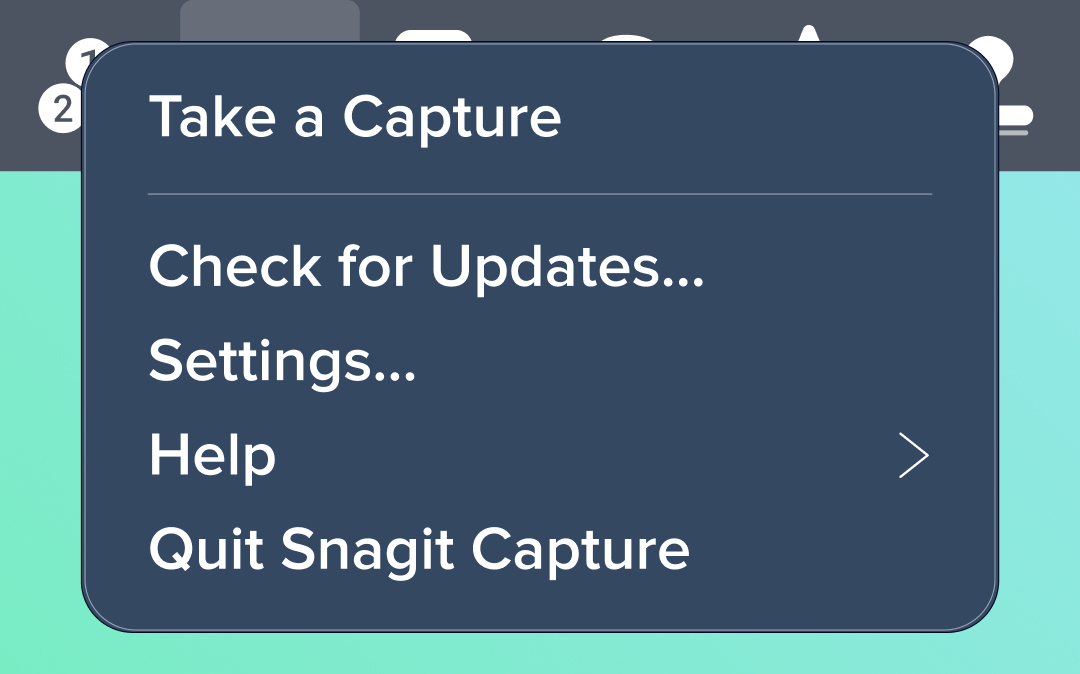
    The right click menu is exposed, showing the new Quick Menu.

    Access Snagit Features Faster with the New Right-Click Menu

    Snagit now offers a right-click menu on the menu bar icon, giving you quick access to key features like all-in-one capture, updates, settings, and help. Navigating Snagit has never been easier or more efficient!

    💙 Why you’ll love this update:

  • Save time by accessing frequently used tools with a single click.
  • Quickly adjust settings or check for updates without interrupting your workflow.
  • Access helpful resources or capture options right from the menu bar.
  • Try it out by right-clicking the Snagit icon in the menu bar to see how it simplifies your workflow.

    Snagit now offers a right-click menu on the menu bar icon, giving you quick access to key features like All-in-One capture, updates, settings, and help. Navigating Snagit has never been easier or more efficient!

    💙 Why you’ll love this update:

  • Save time by accessing frequently used tools with a single click.
  • Quickly adjust settings or check for updates without interrupting your workflow.
  • Access helpful resources or capture options right from the menu bar.
  • Try it out by right-clicking the Snagit icon in the menu bar to see how it simplifies your workflow.

    Snagit
    MacOS
    Editing
    2024.3.0

    June 2024

    Woman at her laptop, speaking and an audio waveform graphic.

    Get Clearer Audio with Automatic Noise Removal

    Snagit now filters out ambient noise during video recordings, ensuring clearer audio with less effort.

    💙Why you’ll love automatic noise removal:

  • Eliminate common noise distractions like fans, air conditioners, or hums.
  • Create professional-quality videos with cleaner audio.
  • Save time editing audio by reducing background noise upfront.
  • To enable noise removal, go to the Video tab in the Capture Window, open the Record Microphone options, and select Remove background noise. Start recording with confidence today!

    Snagit
    MacOS
    Screen RecordingAudioAI
    2024.3.0

    April 2024

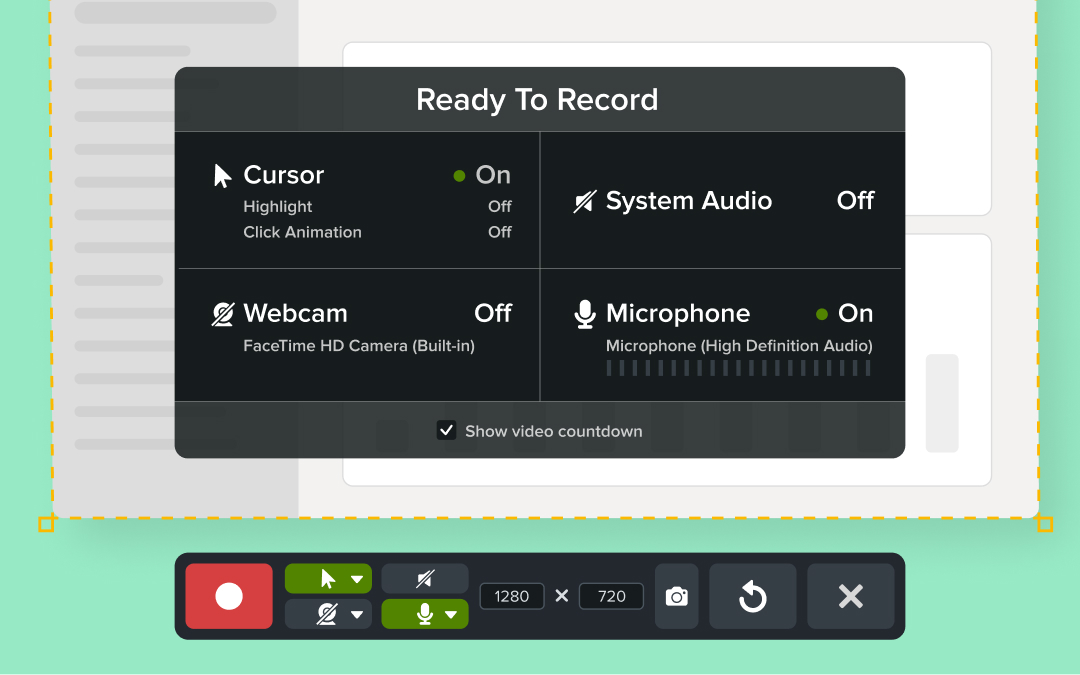
    Snagit's "Read Record" window highlighting the various set up options available to the user.  options for

    Confirm Your Setup with the New Ready to Record Window

    Snagit’s new ready to record window lets you review settings and device selections before starting your recording.

    Snagit now offers a subscription-based licensing option, giving you affordable access to all the tools you need. With a lower initial cost and automatic updates, you’ll always have the latest features and improvements at your fingertips.

    💙 Why you’ll love having a Snagit subscription:

  • Reduce upfront costs with a budget-friendly subscription option.
  • Enjoy seamless access to the newest features and updates.
  • Simplify license management with predictable annual billing.
  • Discover how Snagit’s subscription model keeps you ahead of the curve!

    Snagit
    Windows
    Screen RecordingScreen Capture
    2024.1.2

    March 2024

    A Snagit logo alongside a cloud illustration and a gear illustration.

    Always Stay Up to Date with Snagit’s New Subscription License

    Snagit’s new subscription option gives you affordable access to the latest features and updates, with a lower upfront cost.

    Snagit now offers a subscription-based licensing option, giving you affordable access to all the tools you need. With a lower initial cost and automatic updates, you’ll always have the latest features and improvements at your fingertips.

    💙 Why you’ll love having a Snagit subscription:

  • Reduce upfront costs with a budget-friendly subscription option.
  • Enjoy seamless access to the newest features and updates.
  • Simplify license management with predictable annual billing.
  • Discover how Snagit’s subscription model keeps you ahead of the curve!

    Snagit
    MacOS
    2024.2.1