Edit video faster with AI text-based editing
AI video editing that’s simple for everyone
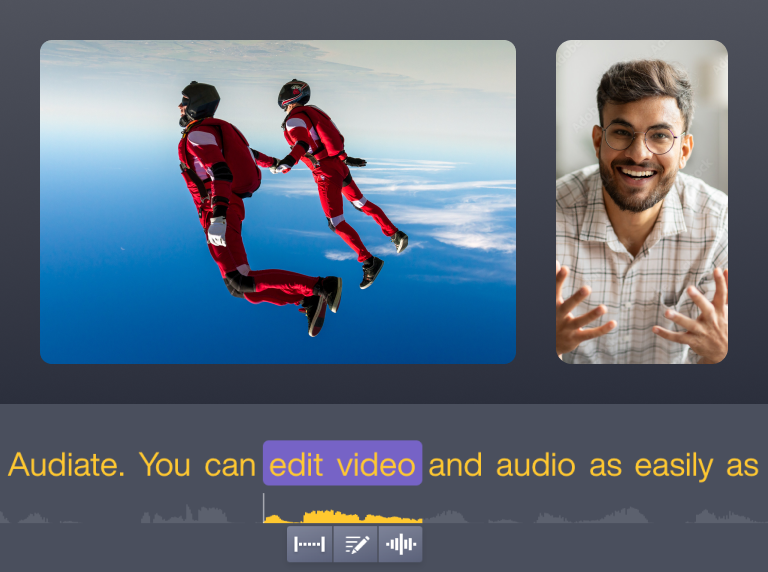
With Audiate’s AI-powered text-based editing, you can:- Automatically transcribe spoken content into editable text
- Delete filler words, pauses, or even entire sections with one click
- Make real edits instantly with text changes that turn into video cuts
- Keep everything perfectly synced for seamless playback
- Save workflow hours without needing advanced video editing skills
Edit videos like a document with AI transcription that makes cutting, trimming, and polishing quick and stress-free. Skip the timeline struggle and transform rough recordings into professional-looking videos in minutes — perfect for training, tutorials, podcasts, and more.
How to use Audiate’s AI text-based editing
Why Audiate offers the best AI text-based editing
AI-powered transcription for precise edits
Smarter cleanup for tutorials and podcasts
Note: Audiate currently supports automatic filler word detection for English only.
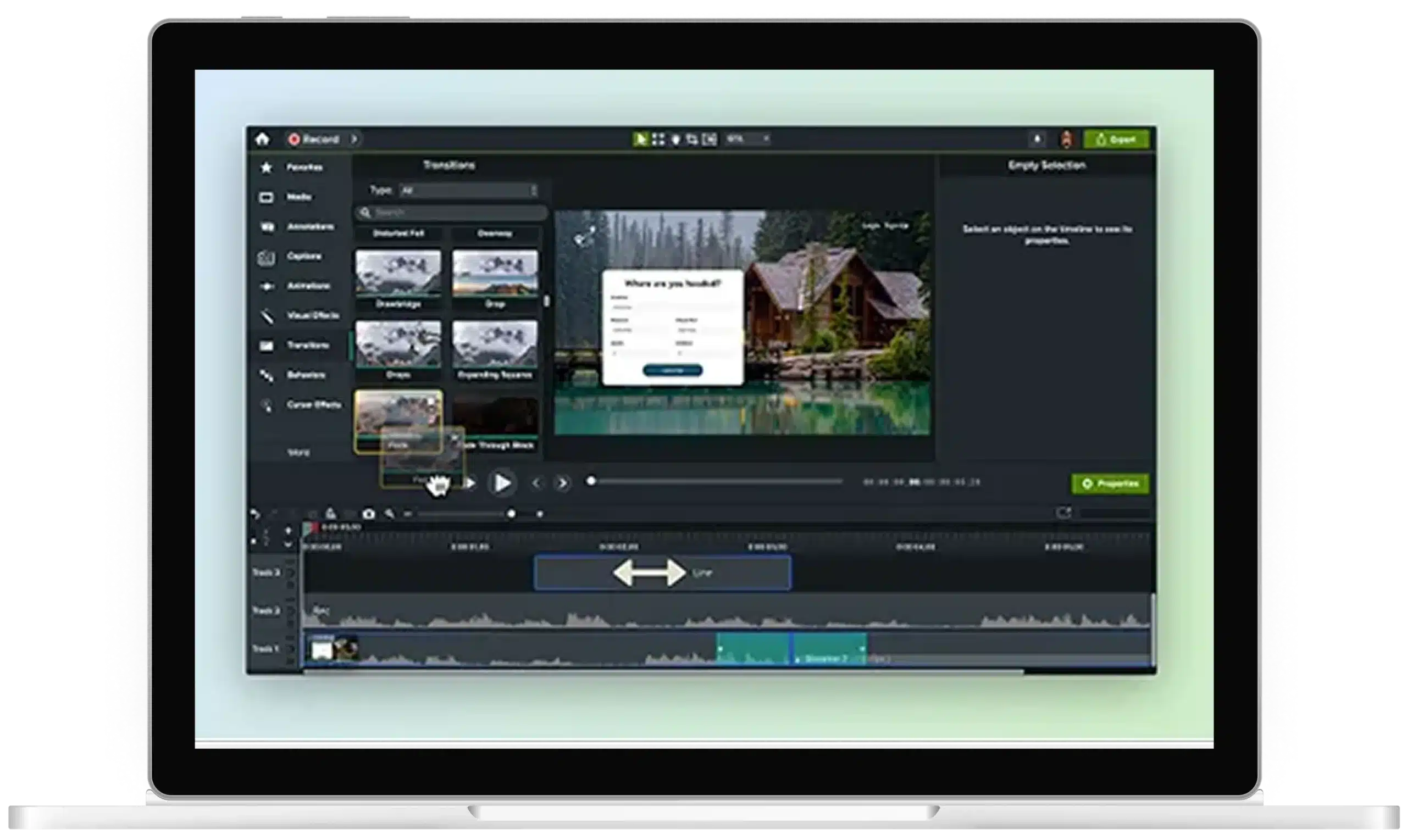
Seamless workflow integration with Camtasia Editor
Get started with Camtasia Suite
Frequently asked questions
AI text-based editing provides a way for you to edit audio and video through a transcript instead of a timeline. AI technology maps each word to its exact spot in the audio, updating video changes instantly.
Camtasia’s video editing software works with Audiate to automatically transcribe and sync your recordings to videos, making it easy to remove mistakes or filler. It’s beginner-friendly, allowing anyone to turn recordings into high-quality videos without needing advanced editing skills or tools.
Yes, text-based editing works for any spoken content, including tutorials and podcasts. It provides a way to create professional lessons, episodes, or other video content from raw recordings.
With Audiate, you can highlight sections to cut or split segments as needed. Its automation features generate subtitles or captions automatically, making content more accessible, while keeping visuals and audio in sync.
Yes, Camtasia Audiate’s AI transcription supports several languages, allowing you to work with recordings from a variety of speakers around the globe. Just choose your preferred language before transcribing, and the tool automatically generates an accurate, editable transcript.
This text-based editing feature makes it simple to edit video clips or audio content and create captions, so you can share polished videos.
Yes, Camtasia Audiate is designed for first-time editors, turning complex video tasks into simple and straightforward text edits. Just click, delete, or rearrange words in the transcript, and the corresponding video and audio update automatically.
This approach makes cleaning up recordings and turning them into professional content an easy task, even if you’re brand new to editing videos.
Camtasia Audiate’s AI-powered transcription is incredibly accurate, capturing spoken words with impressive precision and syncing them right to your audio and video. Audiate learns to handle natural speech patterns, along with common pauses and filler words.
This technology provides a quick and simple way to review and make corrections as needed. Its accuracy helps ensure that text-based editing works smoothly, so you can create videos without spending hours manually transcribing or correcting errors.
Yes, text-based editing works seamlessly with screen recordings, so you can polish software demos, tutorials, or other content with ease. Audiate automatically transcribes audio from your screen capture and links it to the video.
These features allow you to eliminate pauses or other unwanted content while keeping your videos clear and accessible, regardless of your video editing experience.
Audiate combines AI-powered transcription with a fully integrated video editing workflow. Other AI tools require extra steps, such as exporting files or juggling separate apps. But with Audiate, you can handle different editing tasks, like getting rid of filler or generating captions, all in one place.
This text-based editing approach is intuitive, feeling more like working with word-processing software than with more complex video editing tools. Audiate’s functions and features, such as instant updates and filler word removal, also offer more control than other automated editors, creating a faster and more streamlined production process.