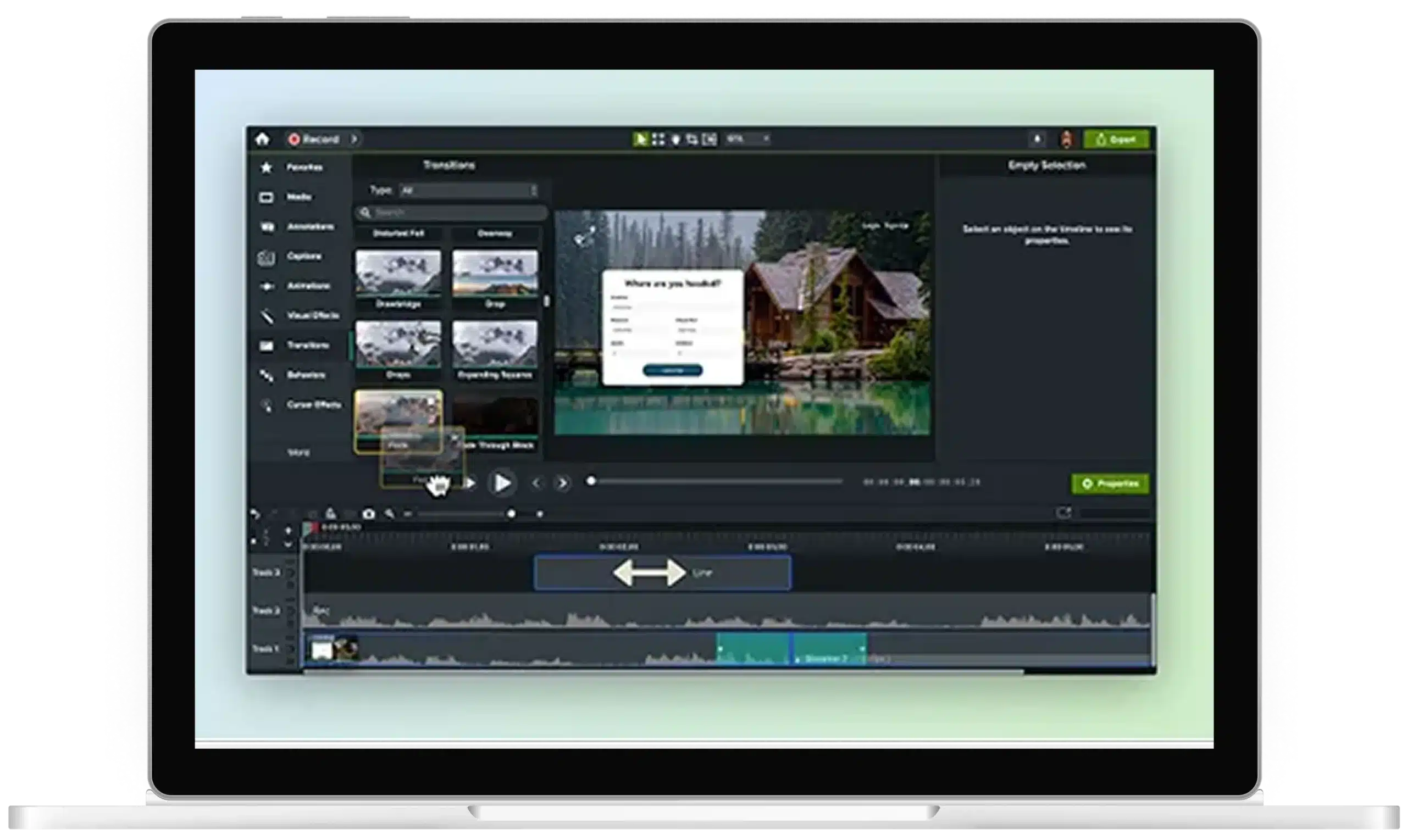
Add text to video with Camtasia Editor

When your screen recording needs more context
Video can make complex information easier to understand: a recent Wyzowl video marketing study showed that 96% have watched an explainer video to learn more about a product or service, and 93% of video marketers say video has increased user understanding.
But unclear footage can hurt comprehension and break immersion.
When viewers miss a click or step, they may have to backtrack or risk misunderstanding the instructions. Text callouts add clarity, helping viewers understand your most important information the first time.
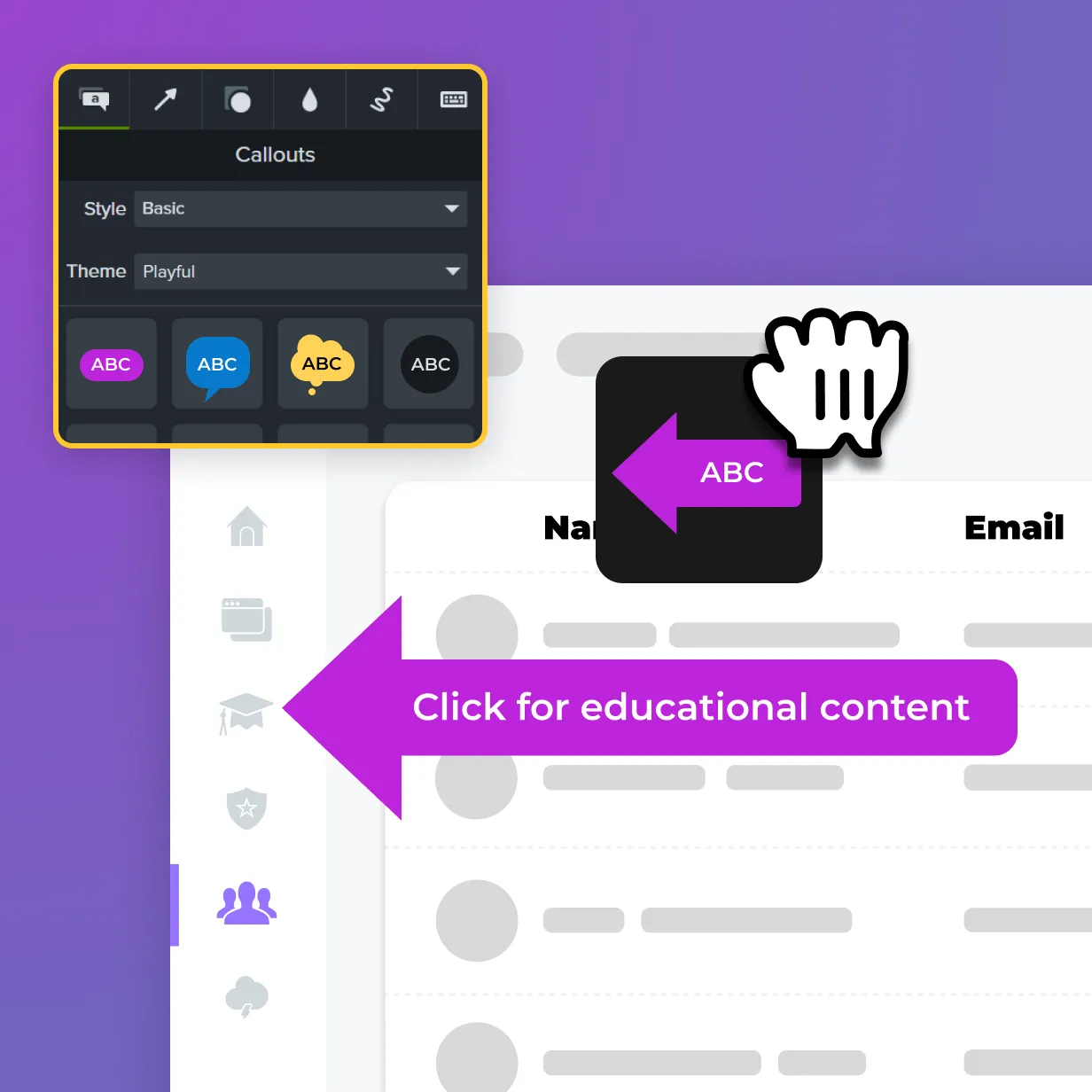
Camtasia Editor makes it easy to create consistent callouts and annotations with drag-and-drop placement and professionally designed templates.
Professional text, not just a text box
Go deeper than a static text box over your screen recording. Camtasia Editor offers backgrounds, animations, outlines, and other effects that keep text readable and professional over your footage.
Title templates help your most important message come through clearly, while annotations, lower thirds, and captions keep your audience engaged and on track throughout the video.
Annotation

Title

Callout

Caption

Lower third

Keep every video on brand