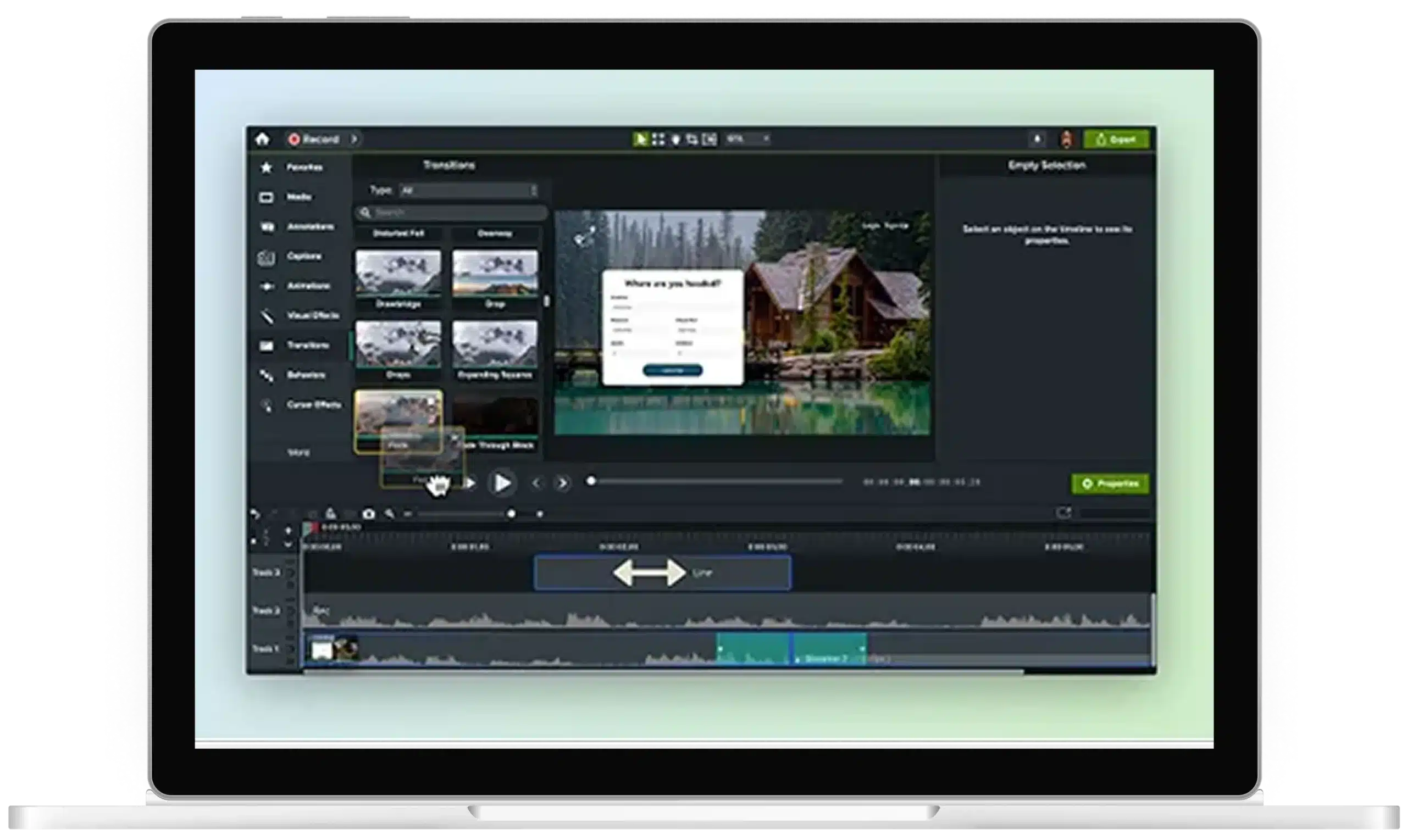
Add Video Effects in Camtasia Editor for Clearer Training
Easily create professional training videos that guide attention with Camtasia Editor. Add highlights, callouts, zooms, transitions, and captions to help viewers follow along, no production background needed. It’s made for trainers, instructional designers, course creators, and anyone who teaches, not edits.
Why do raw screen recordings fall flat in training?
A screen recording on its own can be hard to follow. Without clear visual cues, viewers have to decide where to look and may miss important steps. Adding captions, annotations, and clean audio across separate tools can also slow production and create inconsistent results. With raw screen recordings:- Cursors disappear against light or busy backgrounds
- Key clicks go unnoticed without visual emphasis
- No clear visual hierarchy guides learners through the steps
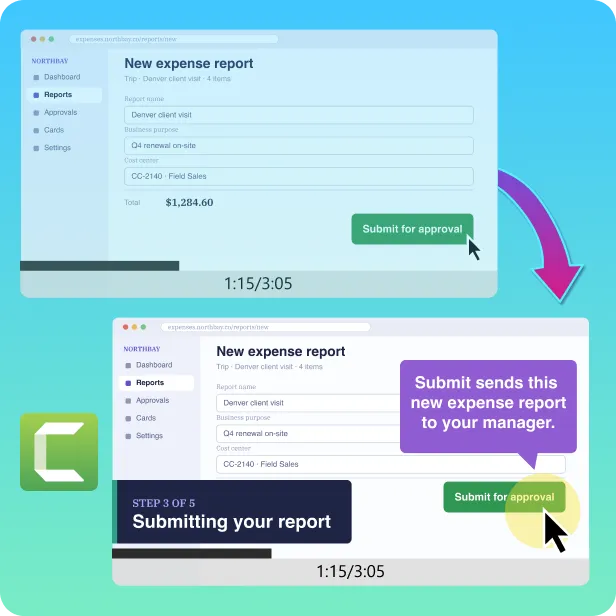
Video effects built for training, not Hollywood
Camtasia Editor offers an all-in-one set of video effects that lets you produce clean, professional training videos in an easy-to-use interface.


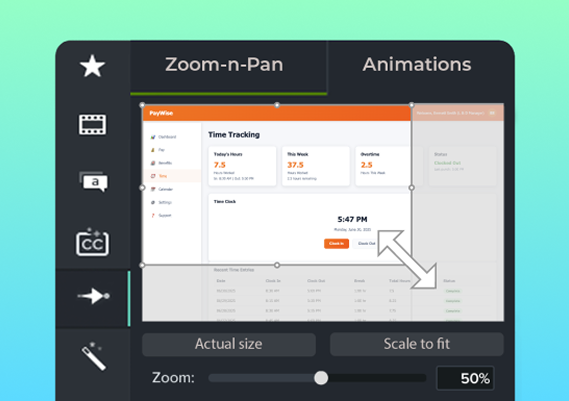


Titles and lower thirds
Add titles and text overlays for added context without getting in the way of visuals.


Spotlight effects
Dim everything except the key area so attention stays where it belongs.
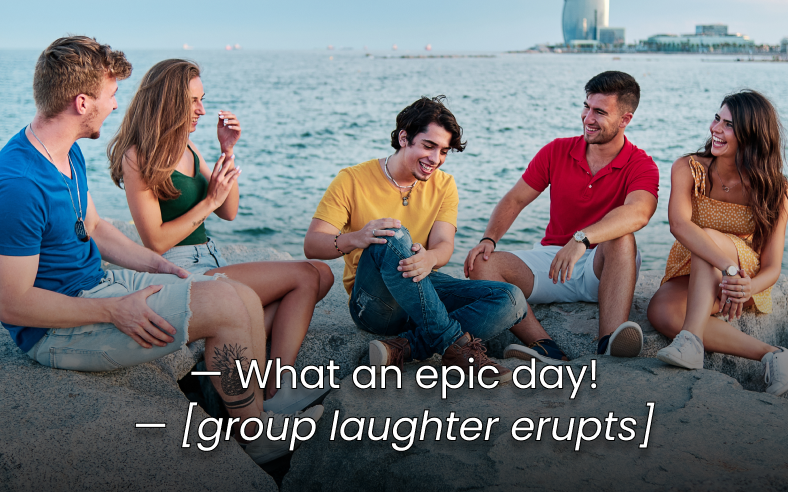
How do you add effects to a training video in Camtasia Editor?
To add effects in Camtasia Editor, record your screen, drag effects to the timeline, align them with key moments, and export your finished training video with captions. The workflow keeps recording, editing, captions, and effects in one place, so you can move from raw footage to a polished training video without switching tools.

Step 1: Record your screen and audio
Import or record your screen, microphone, system audio, and camera on separate tracks. Then, trim, cut, and rearrange them to create a clear flow.

Step 2: Drag effects onto your timeline
Browse cursor highlights, callouts, zoom, transitions, spotlight effects, and more. Then, drag and drop the effects you need onto your timeline.

Step 3: Adjust effects to match key actions
Set the timing so cursor movements, clicks, and callouts appear exactly when the action happens on screen.

Step 4: Export with captions included
Export your training video with editable captions in multiple languages and formats so more viewers can follow along.
See what your training videos can look like
Ready to turn your screen recording into a polished training video? Try Camtasia Editor for free to add cursor effects, callouts, captions, and more to your next video.