


Simple, AI-powered video creation
Go from a short text prompt to a polished explainer video using Camtasia’s advanced AI video generator—perfect for any modern video production workflow.
Generate a script from your ideas, select a voice, and choose an avatar to bring it all together in one place.
Create AI videos in any format — faster than ever
With Camtasia’s AI video tools, you can:- Use text-to-video scripting, templates, and AI voices to build content faster
- Add animated avatars, transitions, and stock video for polish
- Create pro-level audio and visual content in minutes—no equipment required
Camtasia’s all-in-one AI video generator helps you turn ideas into high-quality videos using built-in generative AI. From text prompts to final edits, the process is fast, flexible, and easy to customize—ideal for educators, marketers, and any content creator.
Whether you’re creating explainer videos, podcast visuals, or short-form TikTok clips, Camtasia makes AI video automation feel simple and intuitive.
How to create AI videos
Camtasia Audiate integrates AI into your video creation process to help you quickly produce stunning, polished results.
1
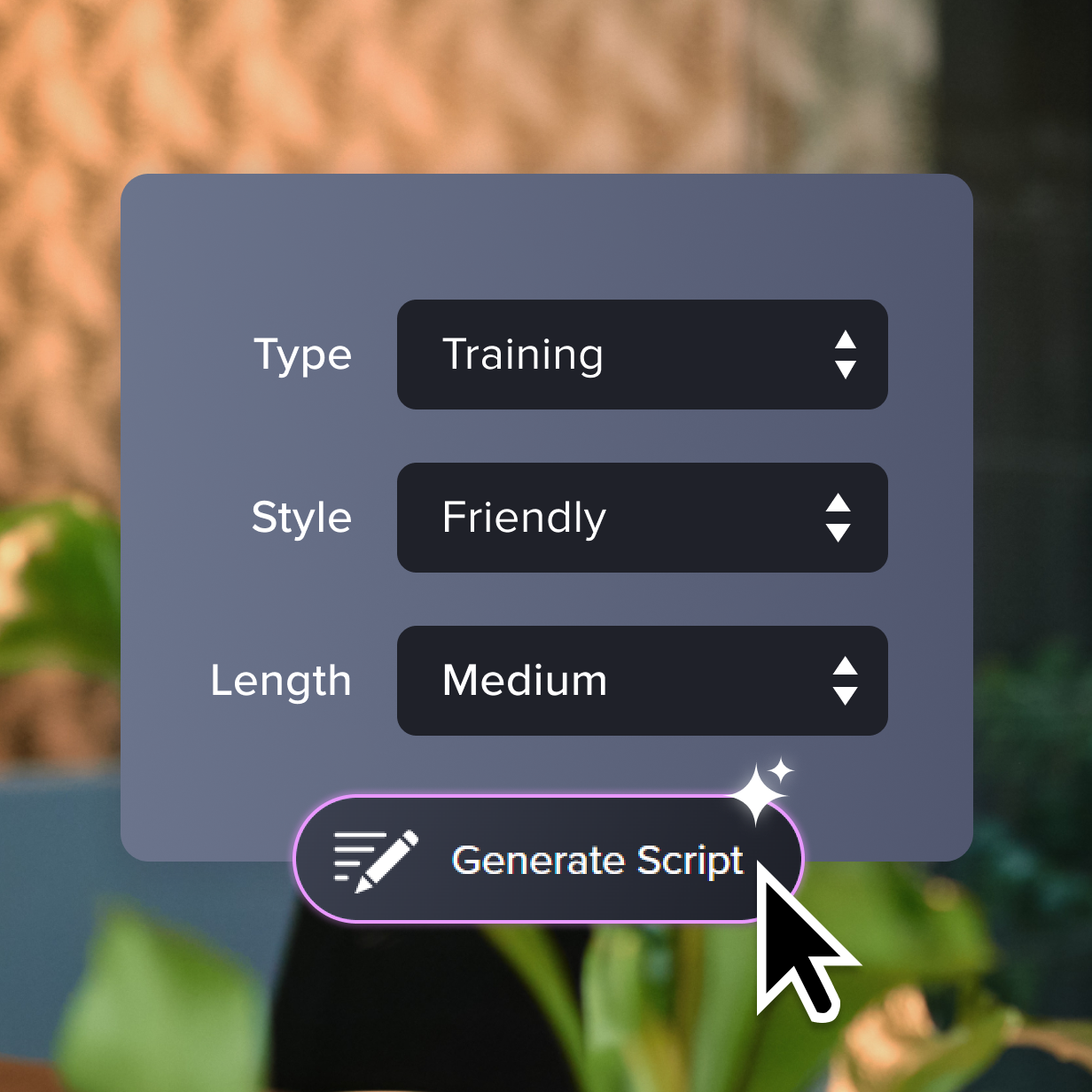
Step 1: Generate a script with AI
Use text prompts to generate a video script or repurpose old content (no need to start from scratch!). It’s a smarter, step-by-step workflow built for speed.
2
Step 2: Add AI voice narration
Once your script is ready, use AI voices to generate natural-sounding audio. Choose from a variety of lifelike AI voices to narrate your video.
3
Step 3: Add an AI presenter
Use a realistic AI avatar to deliver your script on screen. Perfect for tutorials, explainers, and training videos—no camera or on-screen talent needed.
Camtasia Audiate makes creating videos with AI tools easy
Camtasia Audiate’s AI features make video creation quick, efficient, and suitable for any video creator – no matter if you’re a beginner or a seasoned professional.
Create more videos in less time
Camtasia Audiate’s AI features streamline the entire video creation process, from scripting to editing. You can produce more videos in less time without compromising quality.
Keep creative control
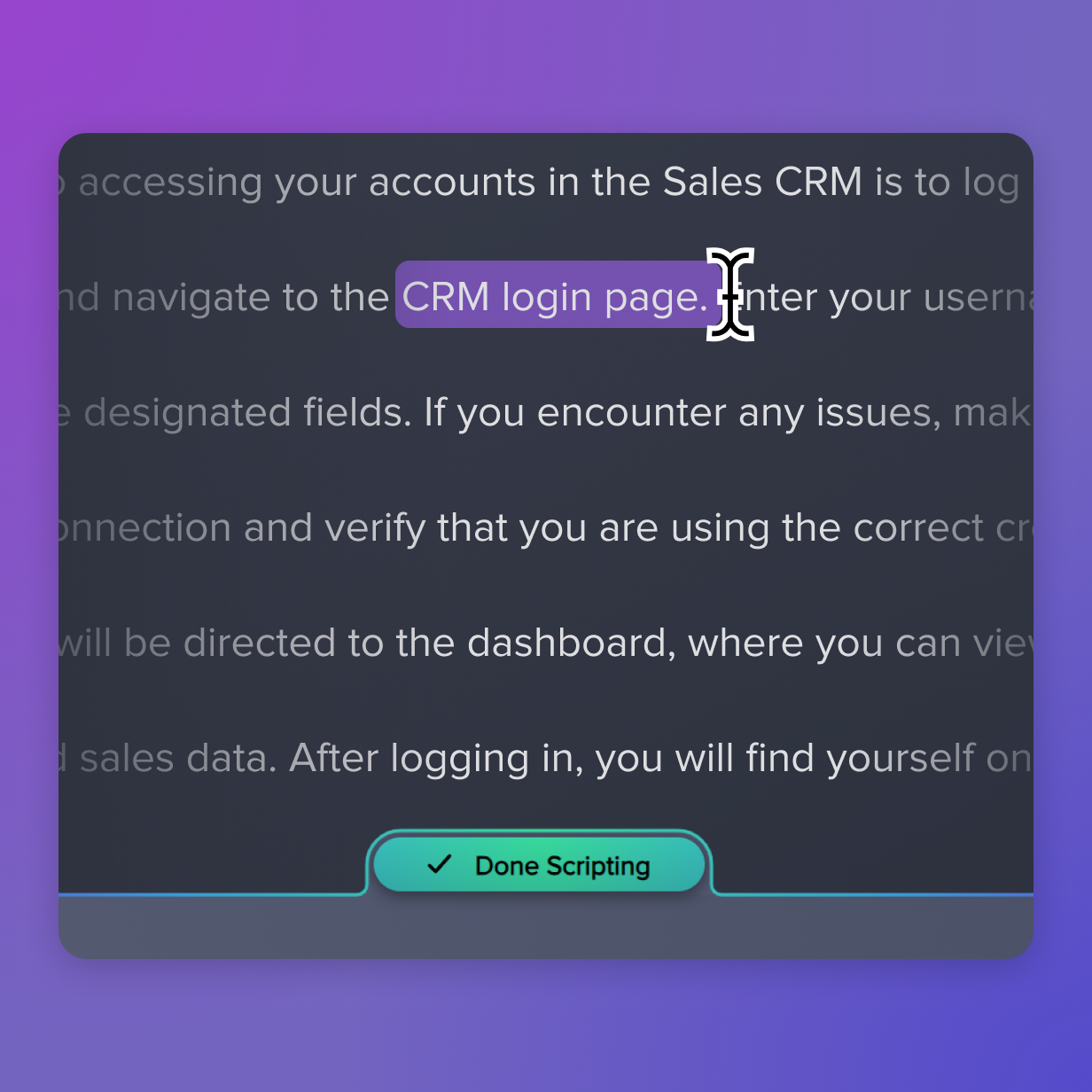
While Camtasia Audiate leverages AI to simplify tasks, you remain in control. Adjust AI-generated scripts, edit voice overs, and fine-tune video elements to suit your vision.
Translate text, audio, and video
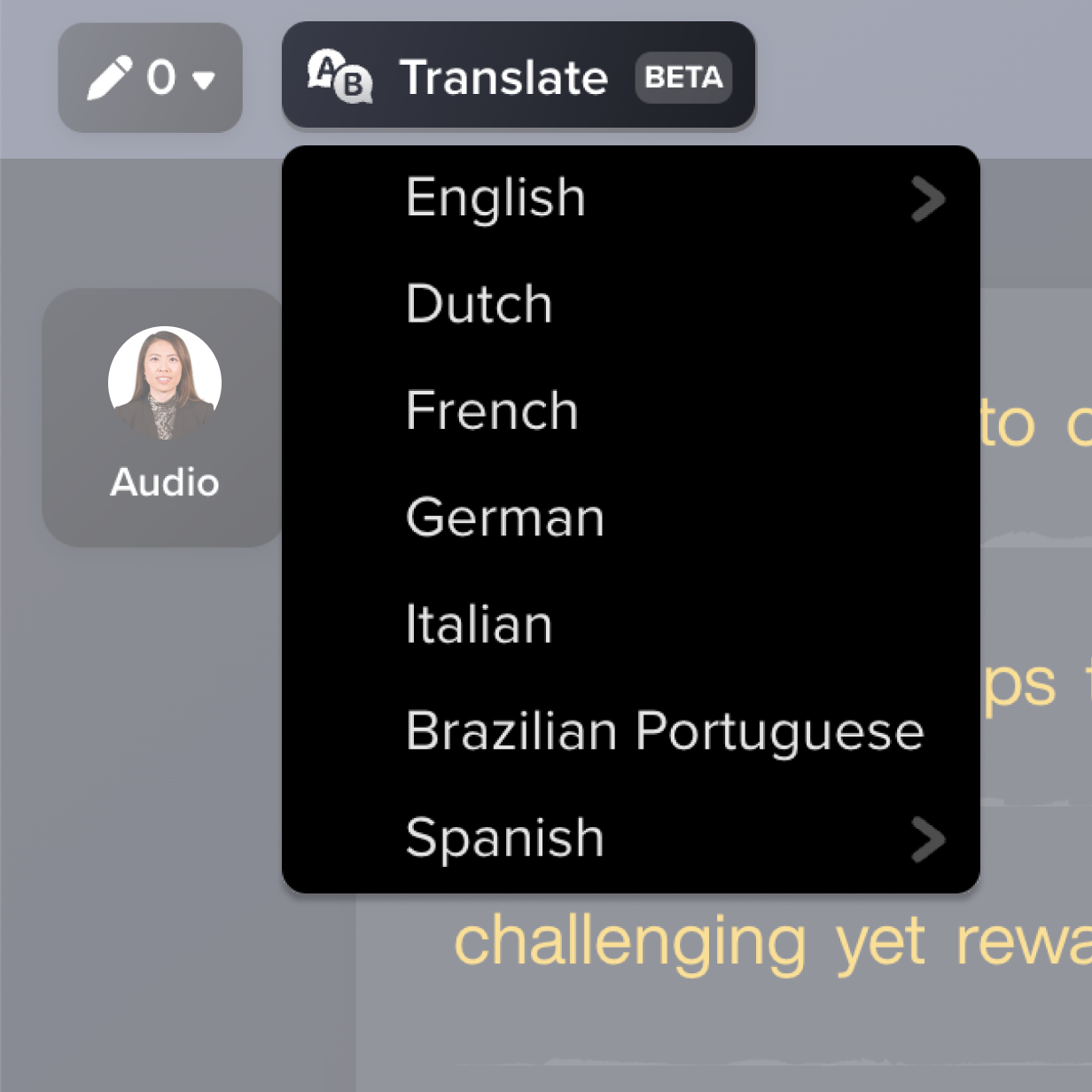
Reach an international audience with Camtasia Audiate. Translate your content – whether captions, script, video, or audio – into twelve languages and dialects.
Explore endless creative possibilities
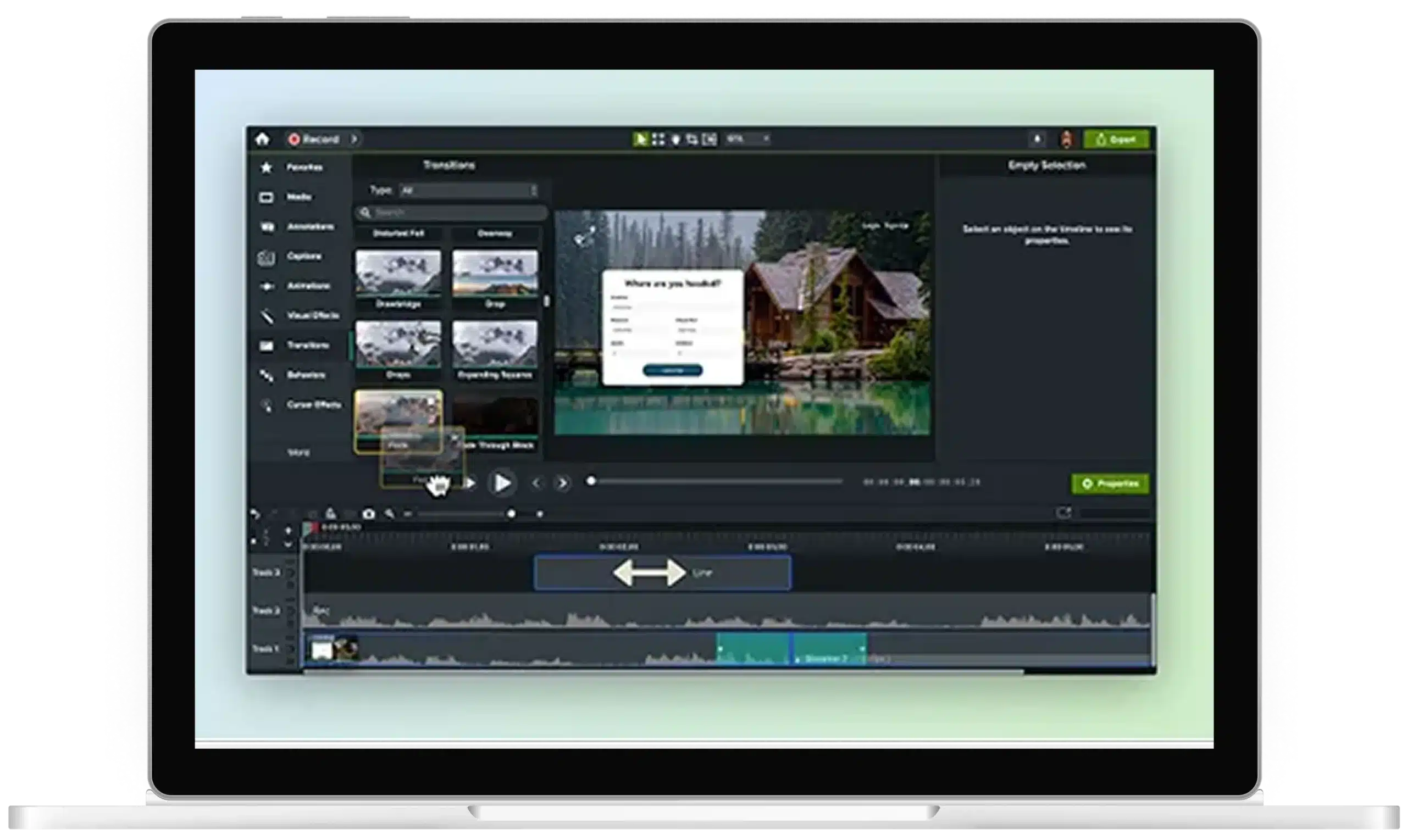
With AI-generated avatars, animated transitions, image to video features, and dynamic subtitles, Camtasia makes your edits fast and your videos more engaging.

Get started with Camtasia Suite
FAQ
Yes! You have full control over the AI-generated scripts. Use them as a starting point, make small tweaks, or fully rewrite sections to fit your project perfectly.
Camtasia Audiate offers a wide selection of AI voices in different tones and styles, so you can find the perfect voice to match your content. You can also easily edit the voice and save it for reuse on future projects.
Yes, Camtasia’s video editor can automatically remove backgrounds from your videos without a greenscreen requirement. It’s an easy way to produce high-quality videos without complicated setup. You can pair background removal with stock video, branded intros, or animated transitions to give your content a polished look while streamlining your content creation process.
Camtasia’s AI transcription provides captions, which can also be edited to ensure they perfectly match your video. Dynamic captions make your videos more accessible and optimized for social media!
Absolutely. Camtasia’s AI-powered features can be used on both new and existing projects. Whether you’re generating scripts, editing video clips, or adding avatars, you’ll speed up your entire filmmaking workflow. It’s ideal for updating older content or scaling your video production without starting from scratch.
Yes! Camtasia Pro plan holders can choose from 49 lifelike AI avatars.
Yes! Camtasia can easily convert text into natural-sounding voiceovers. Just write or upload your script, select a voice, and choose the tone and style that fits your video.
Current Camtasia customers have a few options for moving up to the Camtasia Pro plan for avatar generation. Camtasia Essentials or Create subscription holders can upgrade to Camtasia Pro in their TechSmith account by following these steps.
Camtasia customers with a perpetual license or Legacy Subscription can contact our Customer Care team for help moving their license to a Camtasia Pro subscription.
Customers with a standalone Audiate subscription can contact our Customer Care team for assistance with converting their existing Camtasia license and Audiate subscription to a Camtasia Pro subscription.
Still can’t find what you need? Contact us for help!
Check out our tutorial that will walk you through everything you need to know.
Still can’t find what you need? Contact us and we’ll help you out.