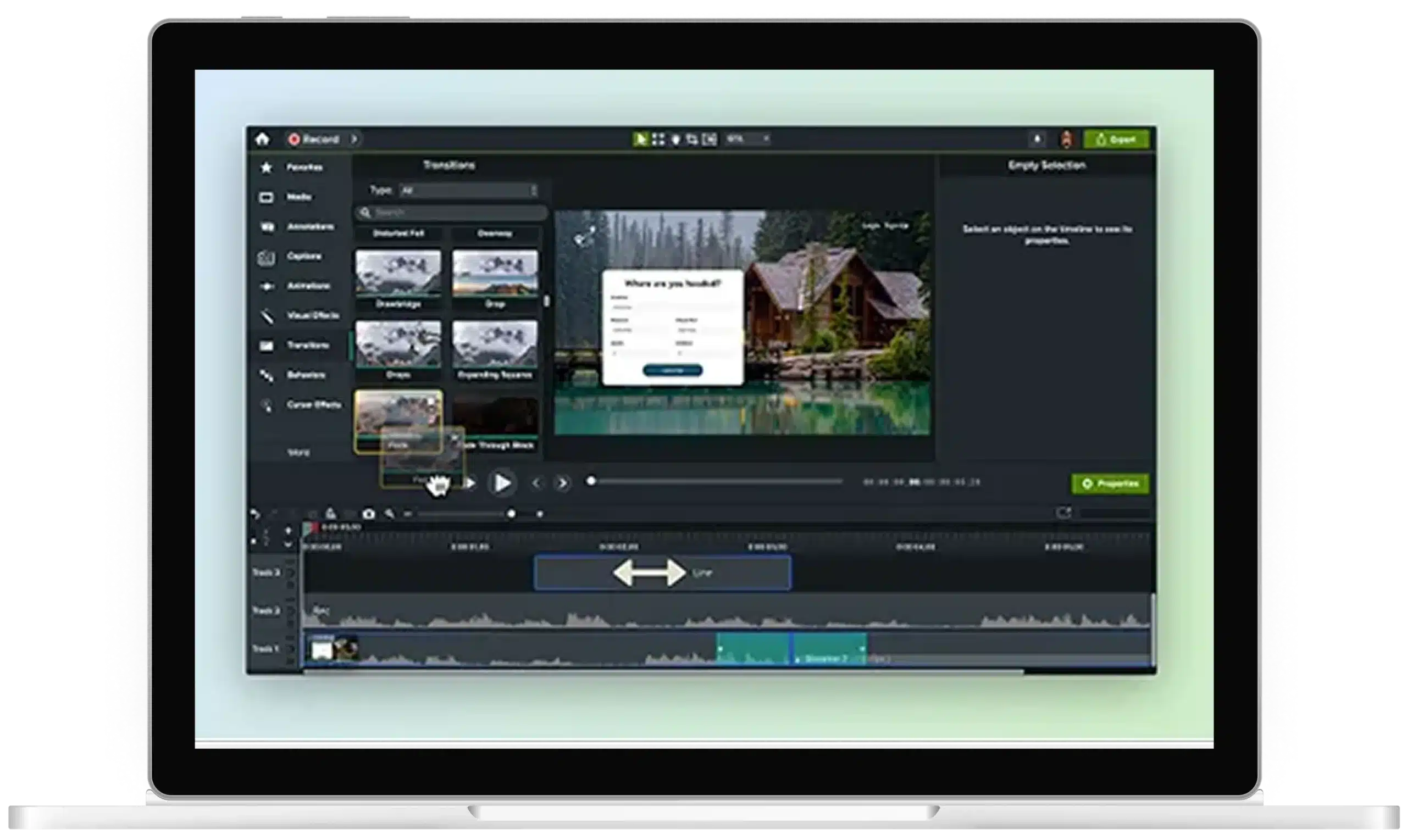
Generative AI video for training, onboarding, and beyond
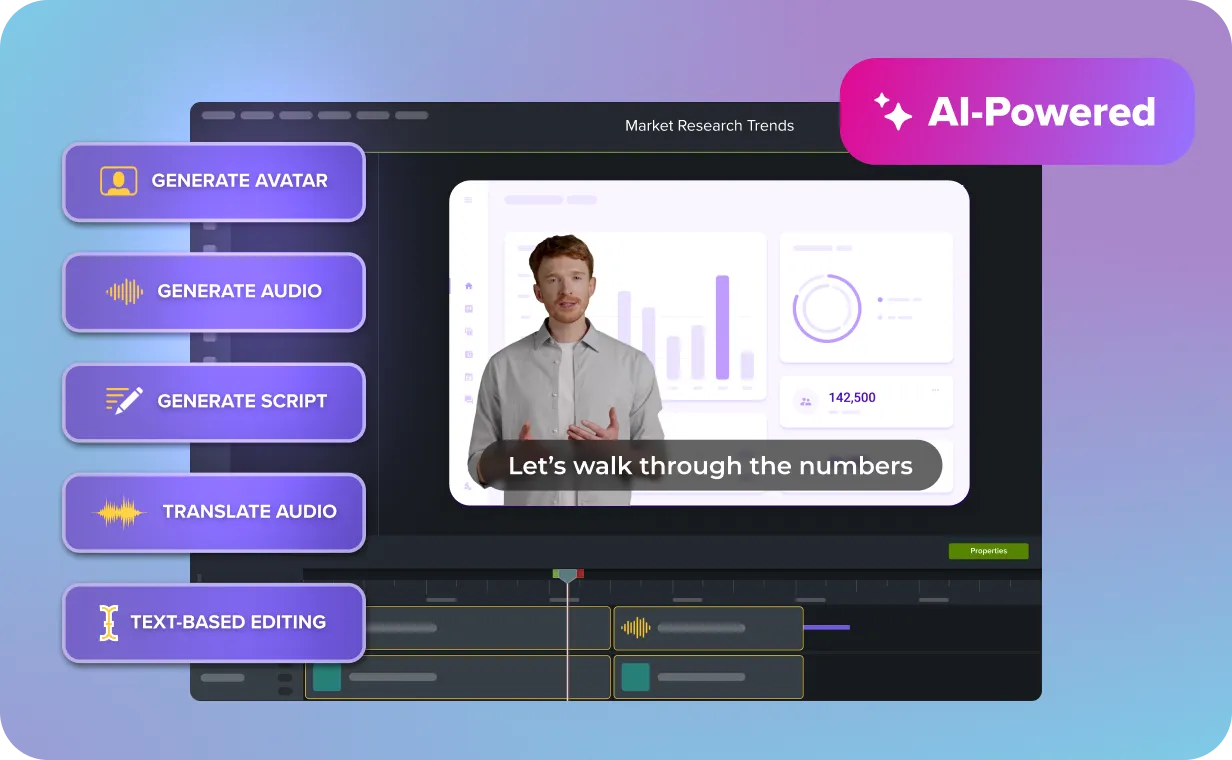
Create standout videos faster with AI-generated scripts, 200+ voiceover options, avatars, screen recordings, audio cleanup, automated captions, and more. With Camtasia, you can generate and customize every part of your video in one powerful solution.
Too many AI video tools, not enough finished training videos
AI should make it easier to create training videos. But most teams are still stitching together scripts, voices, and visuals across multiple tools just to get to a rough cut.
That’s why teams turn to Camtasia for a simpler, faster way to create, edit, and share polished videos. All in one tool, all in-house.
What generative AI video capabilities does Camtasia Pro include?
Camtasia Pro brings every step of AI-powered video creation into a single workflow. Generate a first draft quickly, then refine it before you publish.

Generate your script
Turn ideas into a video script with a multilingual AI-powered script generator. Start with a prompt, generate a script, then tailor every detail before you hit record.

Choose an AI voice
Choose from more than 200 AI voice options. Then adjust the tone, speed, style, and language to match your audience.

Add an avatar or screen recording
Bring your script to life with lifelike avatars, no camera required. Or record your screen and enhance it with AI voiceovers, captions, and effects.

Edit your video like text
Camtasia transcribes your audio into text, so you can cut mistakes, clean up narration, and fine-tune your video faster.

Publish with captions
Generate captions in multiple languages before downloading your final video. Captions stay synced with your edits, so you don’t have to update them manually.
What can you make with generative AI video in Camtasia Pro?
Camtasia Pro combines AI-powered video creation and advanced editing tools to help you create videos for every team, audience, and training need.
Employee onboarding videos
Turn scattered onboarding materials into one easy-to-follow training video using AI-powered scripts, narration, avatars, captions, and more. Plus, update your content in minutes when processes change.

Software tutorials
Make software tutorials easier to create and more engaging to follow. Record your screen, add AI narration, generate captions, and refine every detail in one workflow.

Compliance training
Transform policies and procedures into training videos your team can actually understand. AI-powered scripts, voiceovers, avatars, and captions help you update content without starting from scratch.

Internal communications
Create engaging videos for company updates, announcements, process changes, and more with AI-powered scripts, voices, avatars, and user-friendly editing tools. Share information faster without recording yourself on camera.

Trusted by the teams who ship the most video
Used by Fortune 500 companies and millions of professionals worldwide, Camtasia lets teams create and edit training videos faster with generative AI.