


GIF editor: create and customize animations
Whether you’re trimming, resizing, or adding effects, Camtasia makes editing GIFs fast, fun, and professional.
EDIT GIFS IN CAMTASIA
How to create and edit a GIF with Camtasia
Editing GIFs is simple and intuitive with Camtasia. Here’s how:
1
Step 1: Import your GIF or video
Upload your GIF or video file directly into Camtasia’s editor.
2
Step 2: Customize to perfection
Trim frames, adjust the speed, or overlay text, callouts, and effects.
3
Step 3: Export your polished GIF
Save your creation in seconds and share it anywhere.
Camtasia’s features make it the best GIF editor
Camtasia offers a range of unique features that make it the best tool for creating and editing animated GIFs.
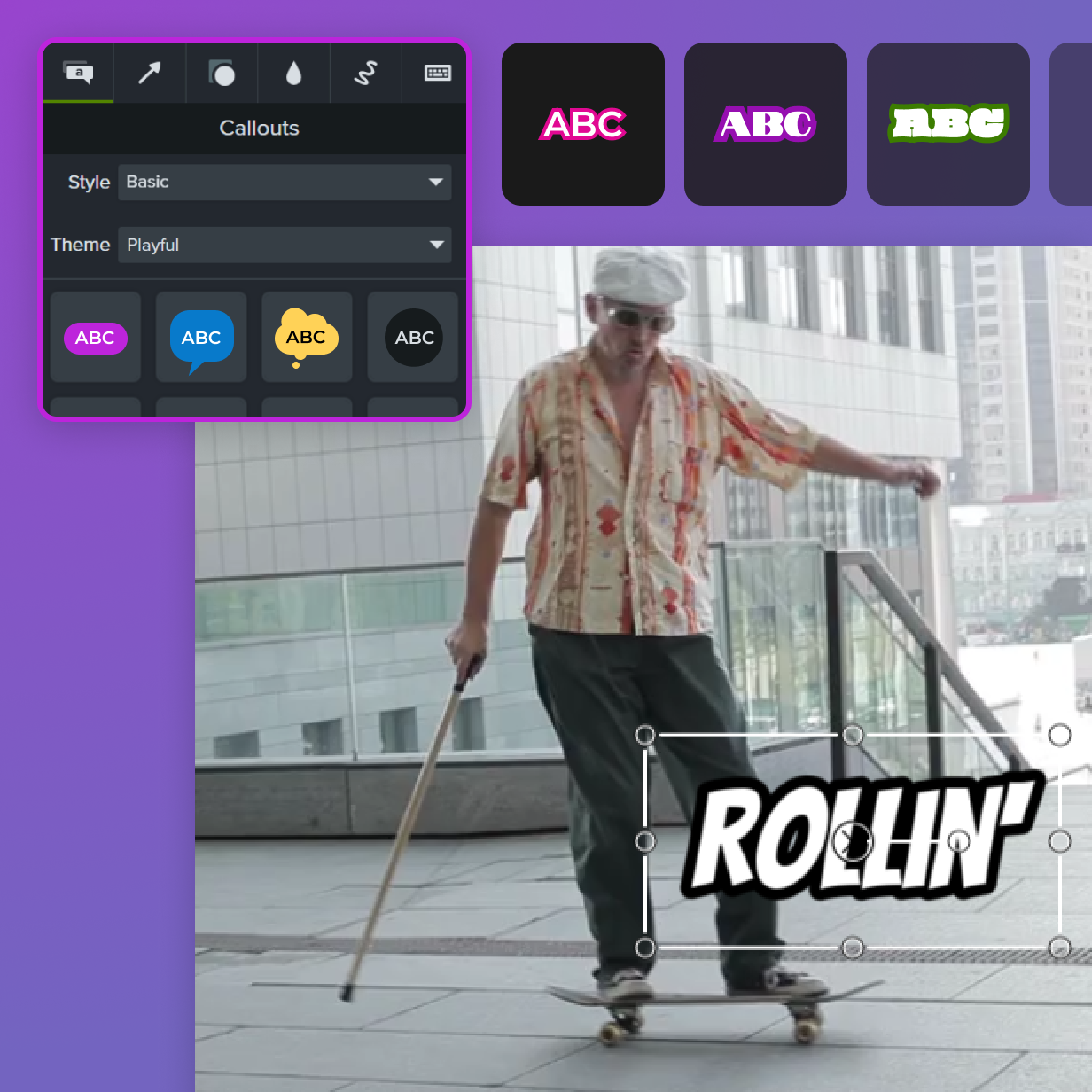
Enhance with effects
Camtasia’s drag-and-drop editor makes adding text, animations, and visual effects easy.
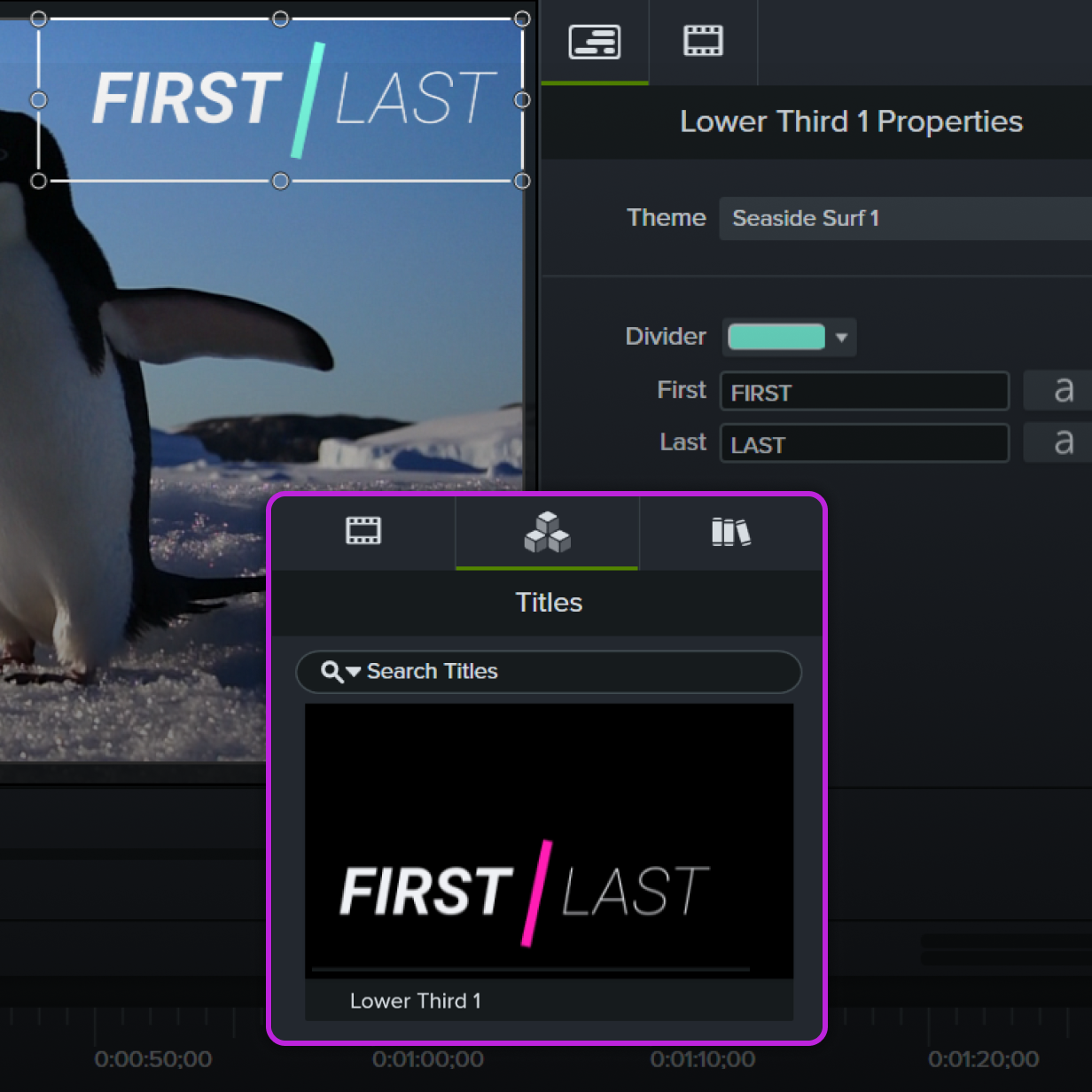
Professional results
Achieve polished, high-quality GIFs without any hassle.
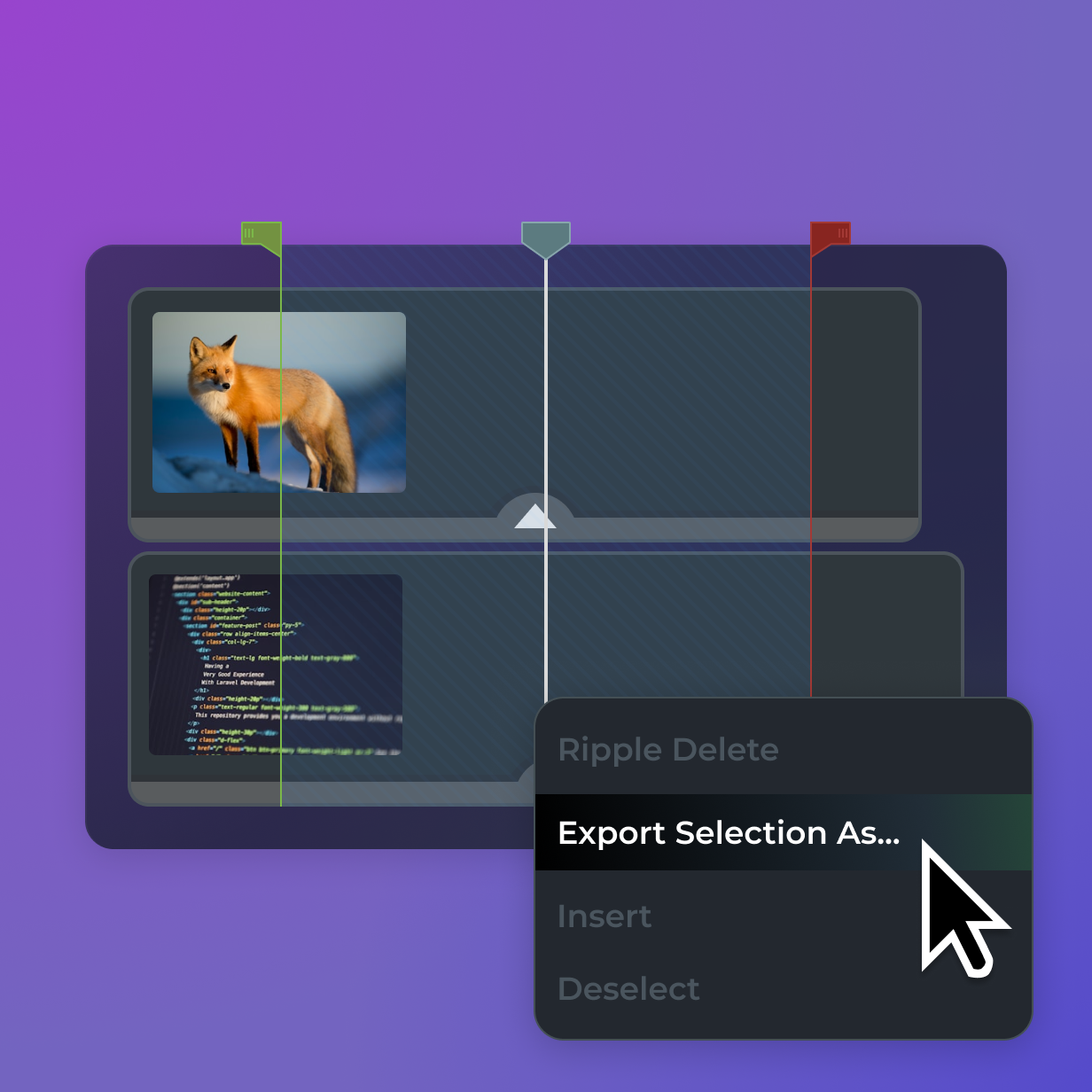
Comprehensive editing Tools
Trim, crop, resize, or adjust speed. Camtasia has all the tools you need.
Get started with Camtasia Editor
FAQ
Yes, you can! With Camtasia, It’s easy to create GIFs or edit an online GIF. Upload your GIF into the editor, and you’re ready to go. Camtasia gives you all the tools you need to crop, resize, add effects, and more. It’s perfect for tweaking GIFs to fit specific formats or adding a creative touch to make them stand out.
Absolutely! Adding text to your GIFs is simple and incredibly effective for storytelling, instructions, or captions. With Camtasia, you can choose from a wide variety of fonts, colors, and animations to make your text pop. You can also adjust the timing so your text appears at just the right moment, ensuring your message is clear and engaging.
Yes, Camtasia ensures your edited GIFs maintain the highest quality possible. Whether it’s for presentations, social media, or personal projects, Camtasia has you covered. You can rely on it for smooth animations and crisp details every time. Plus, you can adjust the resolution and file size to match your needs, making it easy to balance quality and performance.
Camtasia works with many video formats, like MP4, AVI, and MOV. You can easily edit these files and turn them into GIFs. This is ideal for transforming video content into shareable, looping animations. Simply import your video file, edit it as needed, and export it as a GIF – all in just a few clicks.
Yes, Camtasia makes it easy to speed up or slow down your GIFs to match your vision. This feature is perfect for creating dramatic effects, highlighting specific actions, or fitting your GIF into a specific timeframe. With just a few adjustments, you can make your GIFs dynamic and captivating.
Still can’t find what you need? Contact us and we’ll help you out.