


Remove background noise from video
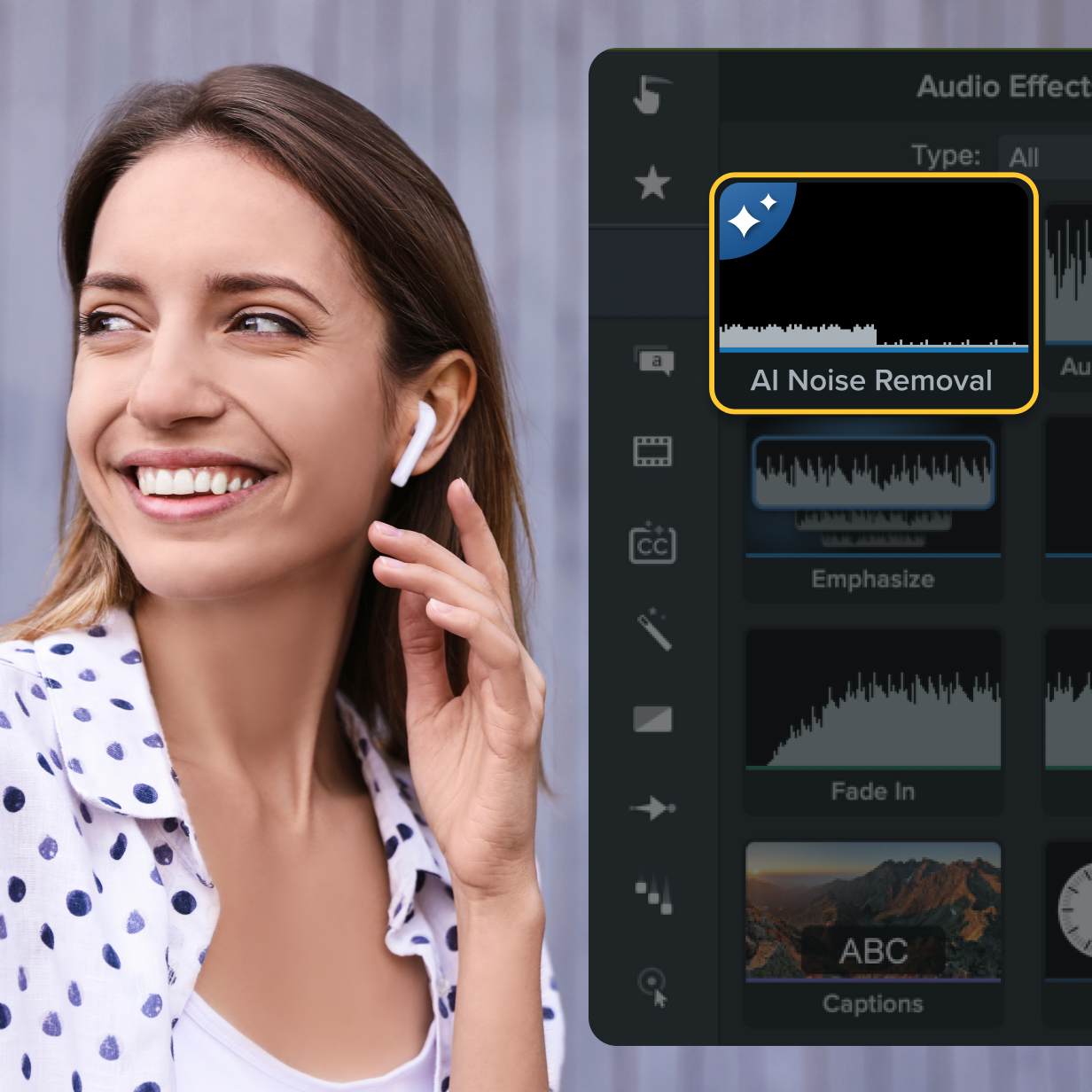
Noisy background ruining your videos? Camtasia Editor’s AI-powered audio enhancer removes unwanted background noise from any mic or voice recording, giving you pristine audio in seconds.
Clean up audio instantly with AI-powered noise removal
With Camtasia Editor’s AI-powered audio editing features, you can:- Remove noise from any mic or voice recording in seconds
- Balance vocals, background music, and clean audio for a polished finish
- Customize noise removal without distortion
- Edit videos with high-quality sound for TikTok, YouTube, or online courses
- Save and reuse presets for consistent audio quality
Camtasia Editor uses advanced AI tools to automatically remove unwanted background noise from your videos and podcasts—no need for complex plugins or separate audio editors. When you’re polishing a voiceover, social media clip, or YouTube video, Camtasia Editor’s built-in AI audio enhancer makes it easy to get crystal-clear results.
It works with nearly any video file format (MOV, MP4, etc.) and lets you adjust noise levels to suit different environments, from indoor hums to outdoor wind or barking dogs. Plus, you can save your favorite settings as presets for faster editing across content types!
How to remove background noise from your video
With just a few steps, you can reduce background noise and improve your video’s sound quality.
1
Step 1: Add your video
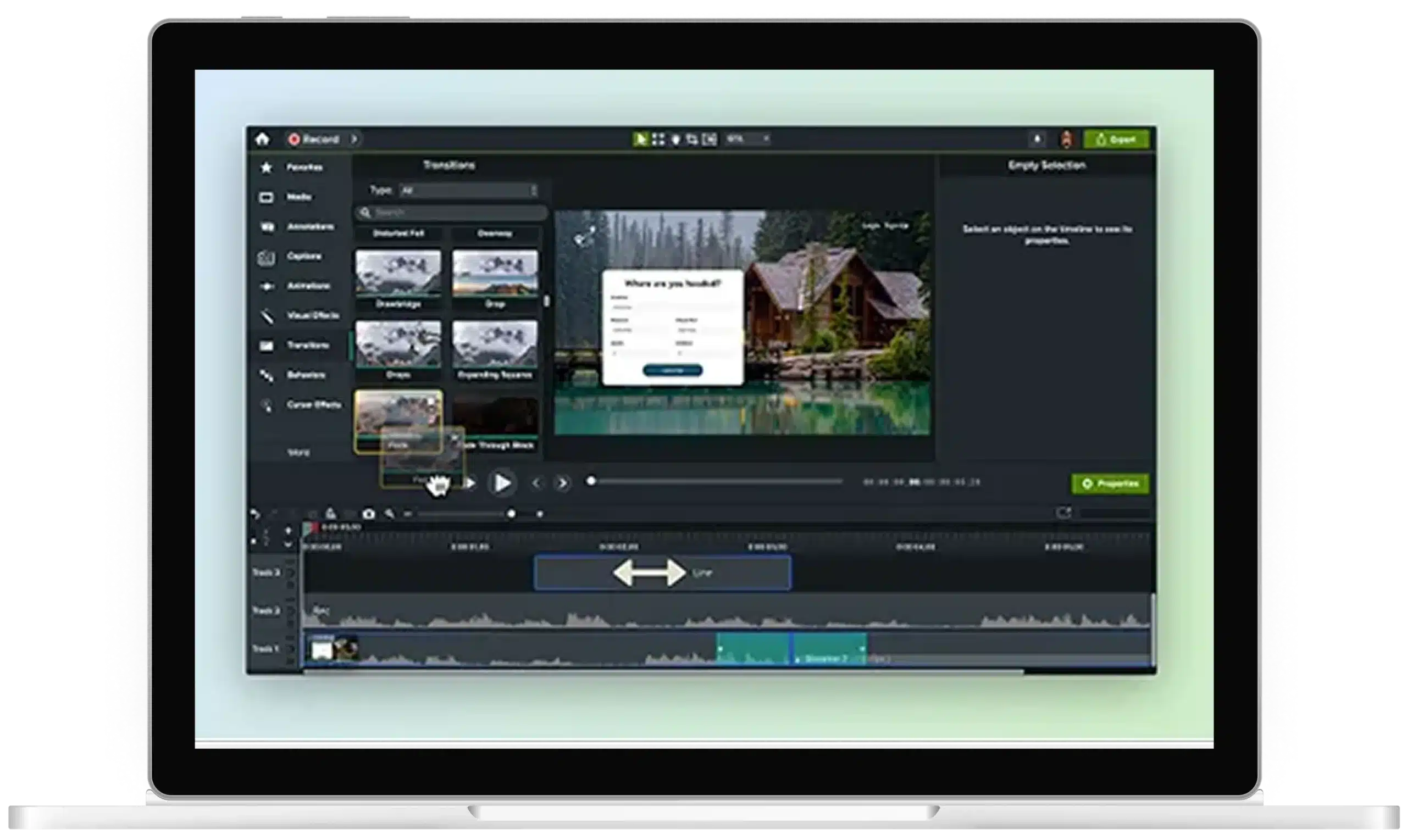
Upload or record your video, then drop it into the timeline.
2
Step 2: Apply the noise removal effect
Drag and drop Camtasia Editor’s noise removal effect onto your video file or voiceover. You can adjust levels manually or let AI tools do the work for clean audio fast.
3
Step 3: Save and export
Once your audio is just right, export your video and share it anywhere. Editor supports multiple formats so your exports are always high quality.
Camtasia Editor’s makes noise removal easy
Eliminating background noise is a must for clear and professional video content—and Editor does it better than the competition.
No distortion, only your voice
Camtasia Editor precisely isolates your voice, removing unwanted sounds while keeping it crisp, clear, and distortion free.
Customizable noise reduction
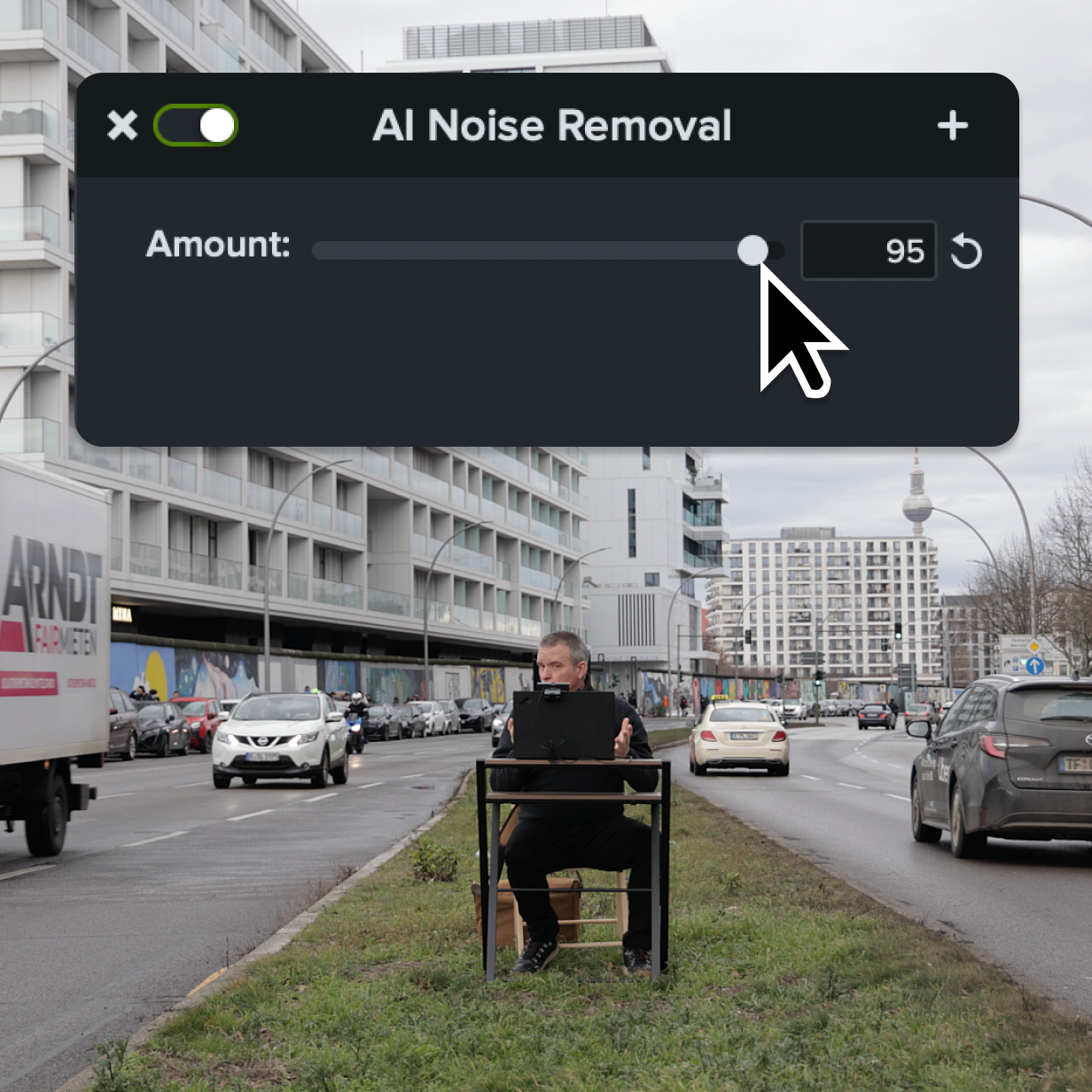
Camtasia Editor works to remove noise at any level. From wind noise to keyboard clicks, and even dog barks, Editor’s noise cancellation gives you the power to adjust to your liking.
Set presets for future use
Got the perfect EQ settings? Save them as a reusable preset to streamline your audio editing workflow. Whether you’re editing podcasts, online video, or social media clips, presets help content creators work faster.
Get started with Camtasia Suite
FAQ
Yes. Editor can remove most types of unwanted background noise or ambient noise—like static, keyboard clicks, hums, fans, or pets—without distorting your vocals. It’s great for podcasts, voiceovers, or video recordings made in non-studio environments.
No! Camtasia Editor is designed to preserve the quality of your voice while removing unwanted video background sounds. The goal is to get your voice to stand out from the background, not to be muddied up with it. However, too much noise removal can create that effect, so don’t go overboard!
Absolutely. Camtasia Editor allows you to fine-tune the amount of noise reduction, from subtle softening to complete removal, depending on your needs. Reducing noise can be complex with other video editors, but Editor’s beginner-friendly interface makes it easy to navigate and learn as you go.
Yes! Once you’ve customized the noise removal effect, you can save it as a preset for quick access in future projects. This is convenient when you’ve recorded multiple videos in one location that have the same level of background noise. No need to adjust the level for each one or use another video editing software.
For the best results, apply the noise removal sound effect before adding any other audio effects in your project. This will ensure that you start your audio or video editing process with a blank slate that you can add other effects on later.
Yes, Camtasia Editor supports noise removal for videos imported from various sources, whether recorded in Camtasia or other programs. You can also upload an audio file to edit, no video recording is needed. This makes edits more versatile for every project.
Check out our tutorial that will walk you through everything you need to know.
Still can’t find what you need? Contact us and we’ll help you out.