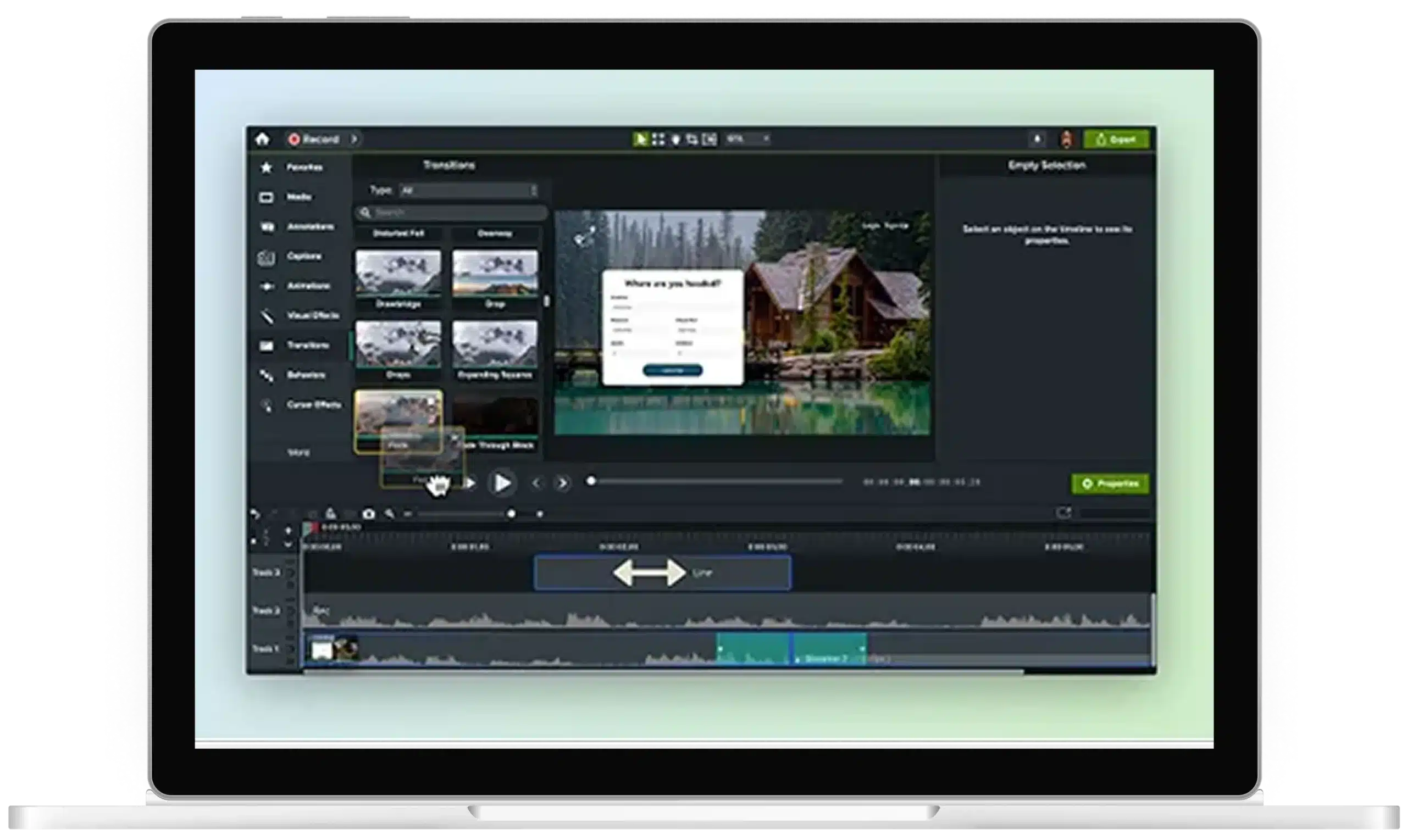
Create professional videos easily by combining two videos vertically in Camtasia. Whether you’re a beginner or an experienced editor, Camtasia makes it simple to create content that looks amazing.
Camtasia makes it fast and simple to combine videos side-by-side, giving you split-screen content that looks professional.
1
Step 1: Import your videos
Drag your two video clips into the media bin within Camtasia. Once there, simply place them onto the timeline.
2
Step 2: Choose your layout
On the Camtasia canvas, you can drag and drop both videos and arrange them on the canvas until they fit the way you want.
3
Step 3: Adjust and export
Tweak the position and size of each video to fit your layout. Then, export your finished product in your desired format.
Camtasia makes joining videos together easy
With Camtasia, you can get your video looking right even if you have no video editing experience.
It’s easy to use, even for beginners
With Camtasia, you don’t need to be a video expert. Just adjust the video clips on the canvas into the desired position or layout. It’s as simple as dragging and dropping your videos into place.
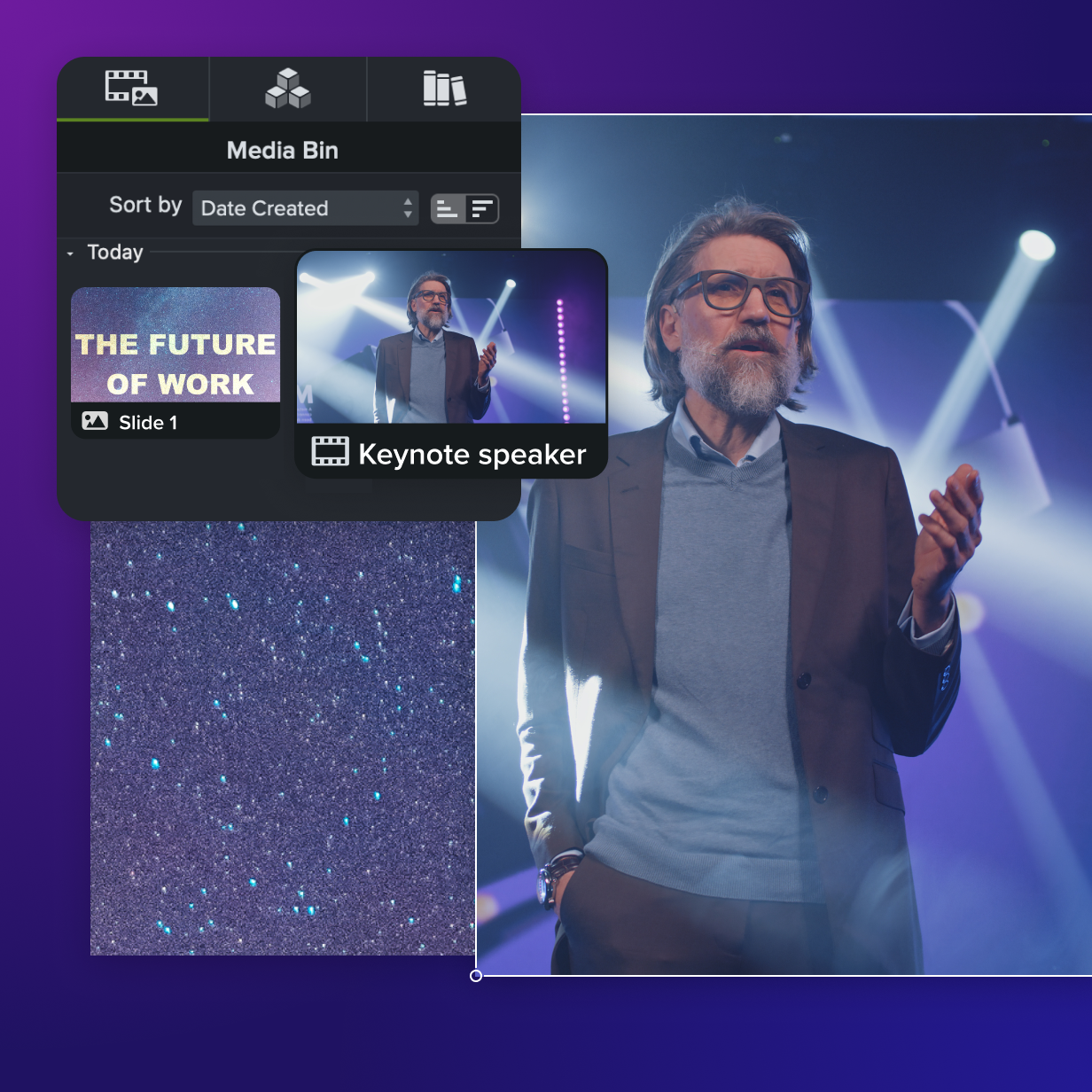
Powerful editing capabilities for advanced users
For those wanting more control, Camtasia’s editing tools allow you to fine-tune your split-screen video, ensuring every detail looks just right.

Look good with engaging content
By combining two videos vertically, you add a dynamic element to your content. Whether you’re showcasing comparisons or collaborating on a project, Camtasia helps you make your videos more engaging and professional.
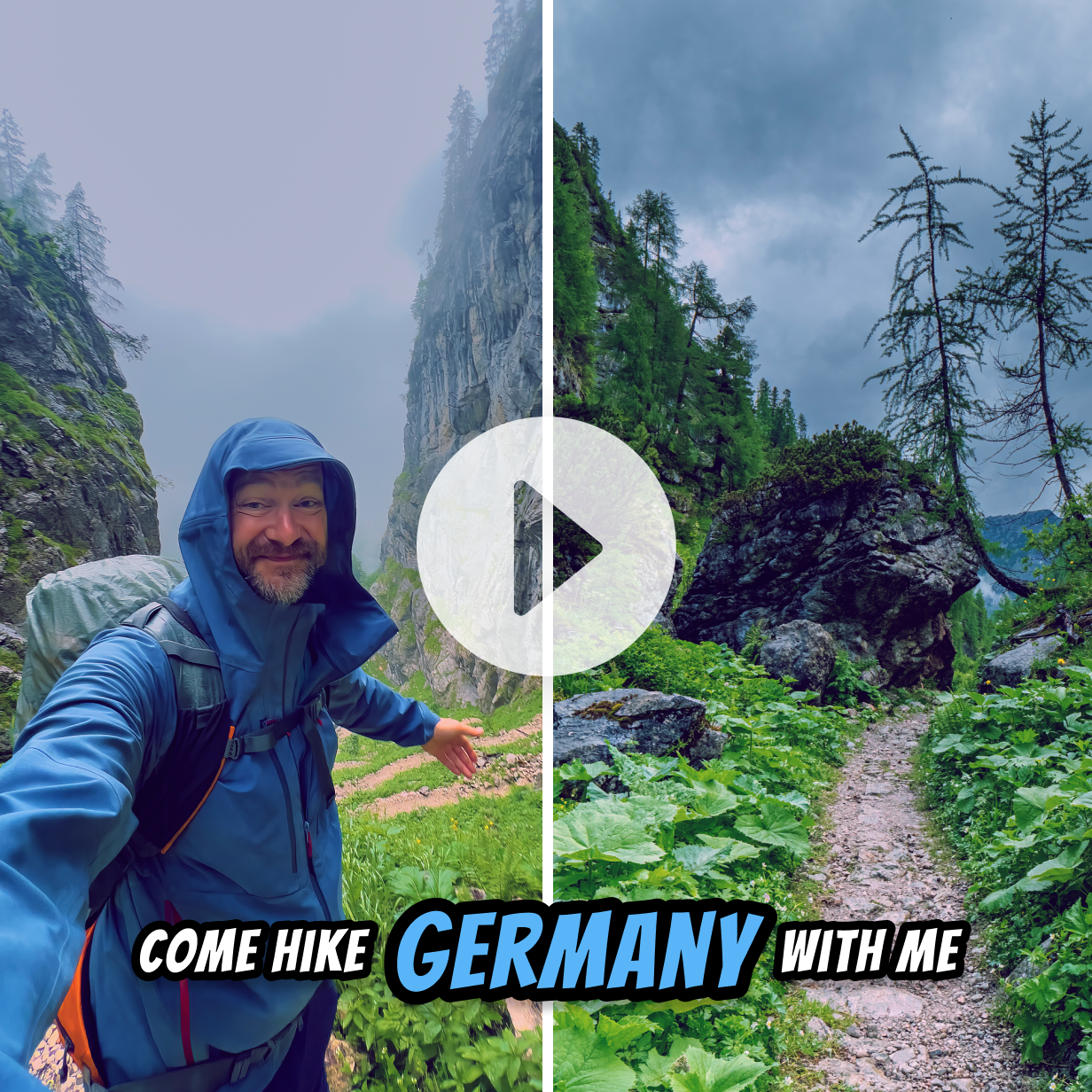
Yes! Camtasia’s video editor allows you to adjust the size and placement of each video to fit your desired layout.
Camtasia supports a wide range of formats including MP4, MOV, and GIF, so you can easily work with almost any video type.
Absolutely. You can add animations, transitions, and even annotations to make your content more engaging.
Yes! Camtasia’s video merger feature provides multiple split-screen layout options, so you can combine videos horizontally or vertically based on your needs.
Combining videos vertically can take as little as a few minutes, depending on how much customization you want to do.
Yes, Camtasia allows you to preview your video files in real-time to ensure everything looks just right before you finalize your project.