


Video templates
Camtasia Editor’s video templates make it easy to create professional, polished videos while saving time and maintaining consistency.
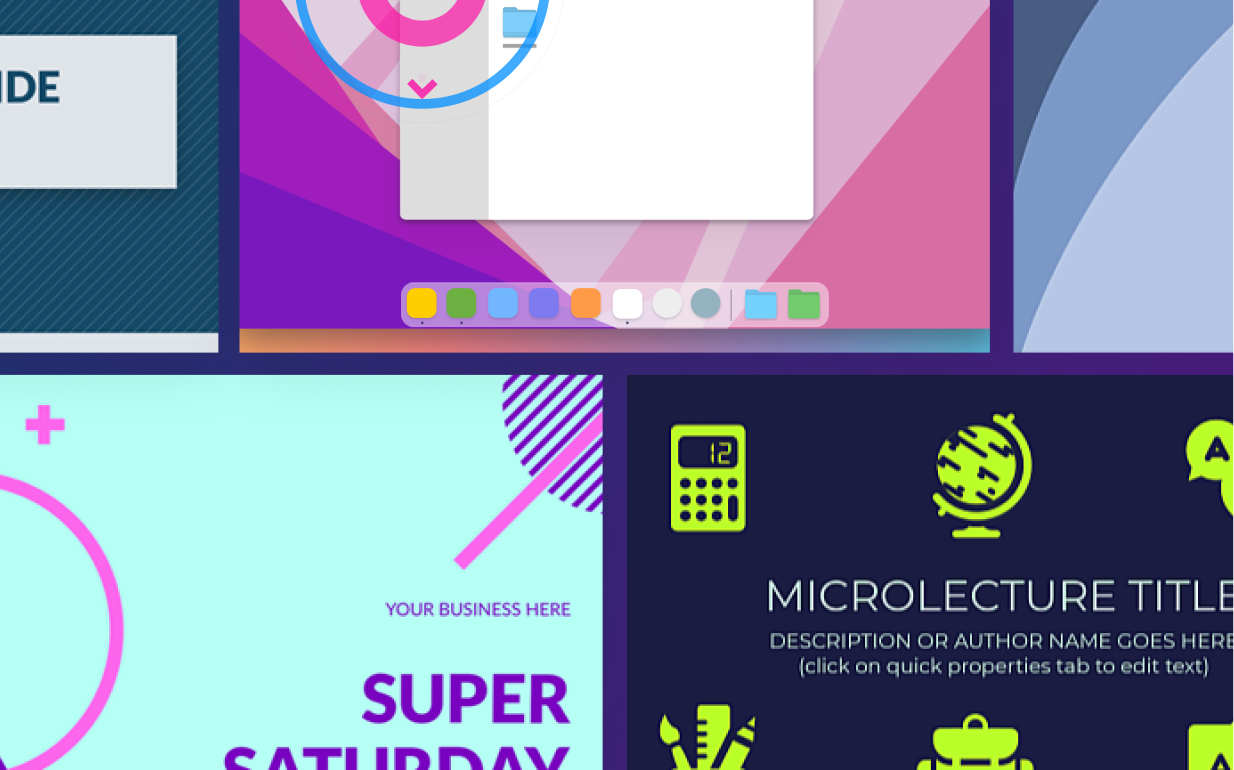
DO VIDEO TEMPLATES IN CAMTASIA
How to use or create video templates
Using video templates in Editor is a quick and efficient process. Follow these three steps to start creating videos with templates:
1
Step 1: Select a video template
Start by opening Editor and selecting a template from the available options. Choose a template that matches the structure and style you need for your video. Whether it’s for tutorials, explainer videos, or presentations, Editor’s templates give you a great starting point. Or, create your template from scratch.
2
Step 2: Customize the template with your content
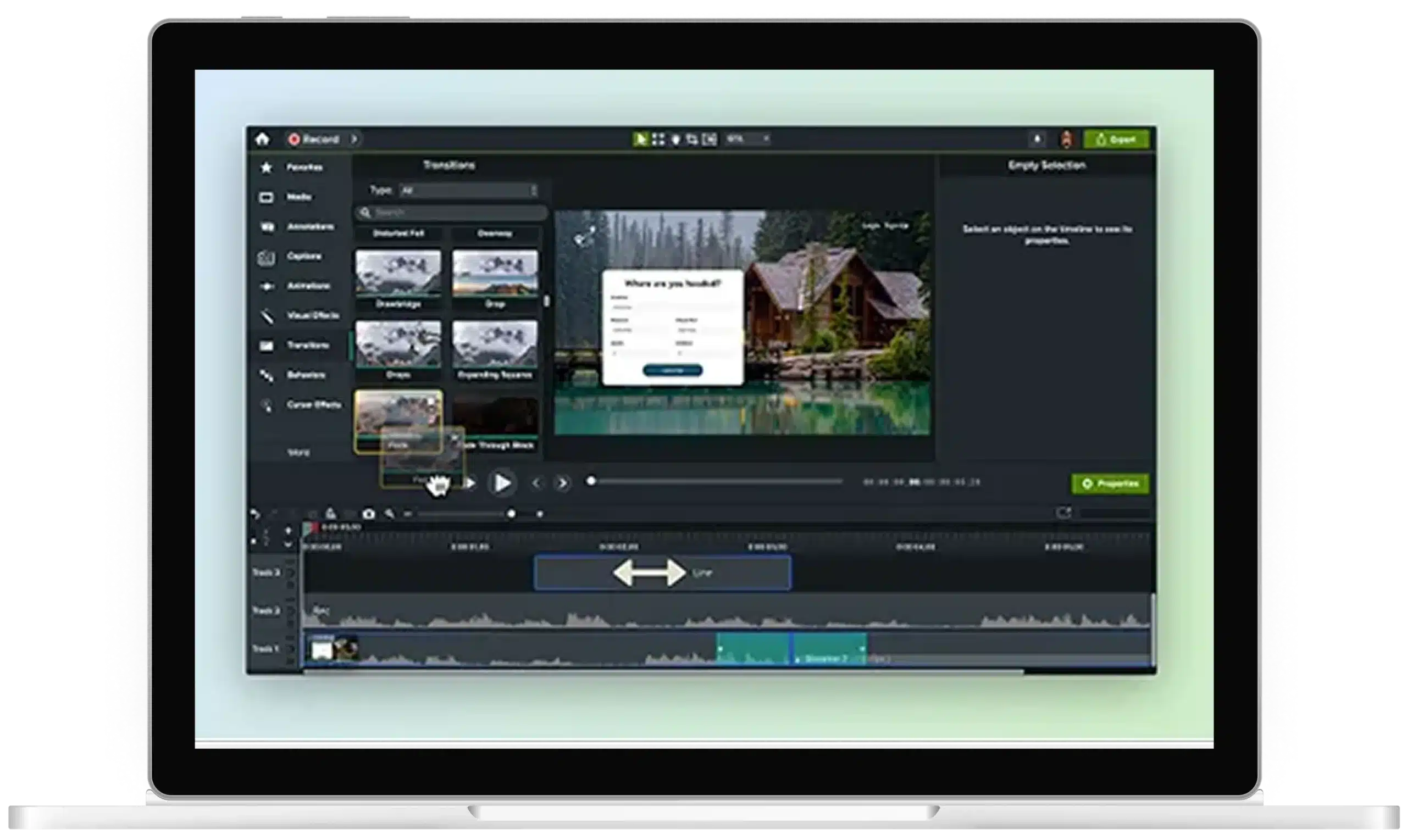
Once the template is loaded, replace the placeholders with your video clips, text, and images. The template’s structure will remain intact, but you can edit any element—font, color, transitions—to fit your brand and style. Once you’ve created your custom template, you can save and reuse it for future projects.
3
Step 3: Export your video
After making your customizations, preview the video to ensure everything looks polished. Once you’re satisfied with the final product, export your video in the desired format, and you’re ready to share it with your audience.
Video templates made for you
Editor’s video templates offer many benefits, making them the perfect tool for streamlining video creation and maintaining high-quality, consistent content.
Consistent branding across multiple videos
With Editor’s templates, you can ensure that all your videos maintain the same style and structure, keeping your brand identity consistent. This is especially useful for creators who produce a series of videos or training materials.
Reduced editing time
By starting with a pre-built template, you save valuable time on layout and design. Simply add your content to the template and make quick edits, allowing you to focus on the creative aspects of your video.
Fully customizable for unique needs
Projects started from templates are fully editable, so you aren’t locked into a rigid format. You can adjust any part of the template, ensuring the final video meets your specific requirements.
Get started with Camtasia Editor
FAQ
Yes, all templates in Editor are fully customizable. You can adjust fonts, colors, images, and more to match your brand’s style.
Yes, Editor allows you to create custom templates from your own projects, which can be reused across multiple videos for consistency.
No, templates in Editor are fully editable, so you have complete control over the content and can change any part of the template as needed.
You can easily share Editor templates with team members or collaborators by exporting the template file, allowing others to use the same format and structure.
Absolutely! Editor’s templates are designed to create professional, polished videos that are perfect for business presentations, tutorials, and marketing materials.
Yes, starting with a template significantly reduces the time spent on design and layout, allowing you to focus on adding your content and completing the project more efficiently.
Check out our tutorial that will walk you through everything you need to know.
Still can’t find what you need? Contact us and we’ll help you out.