CHANGELOG

What’s new in Camtasia?

Turn on your auto-updates because our team is always cooking up something fresh.

Filter posts

Clear filters

Release Type

Operating System

Tags

August 2026

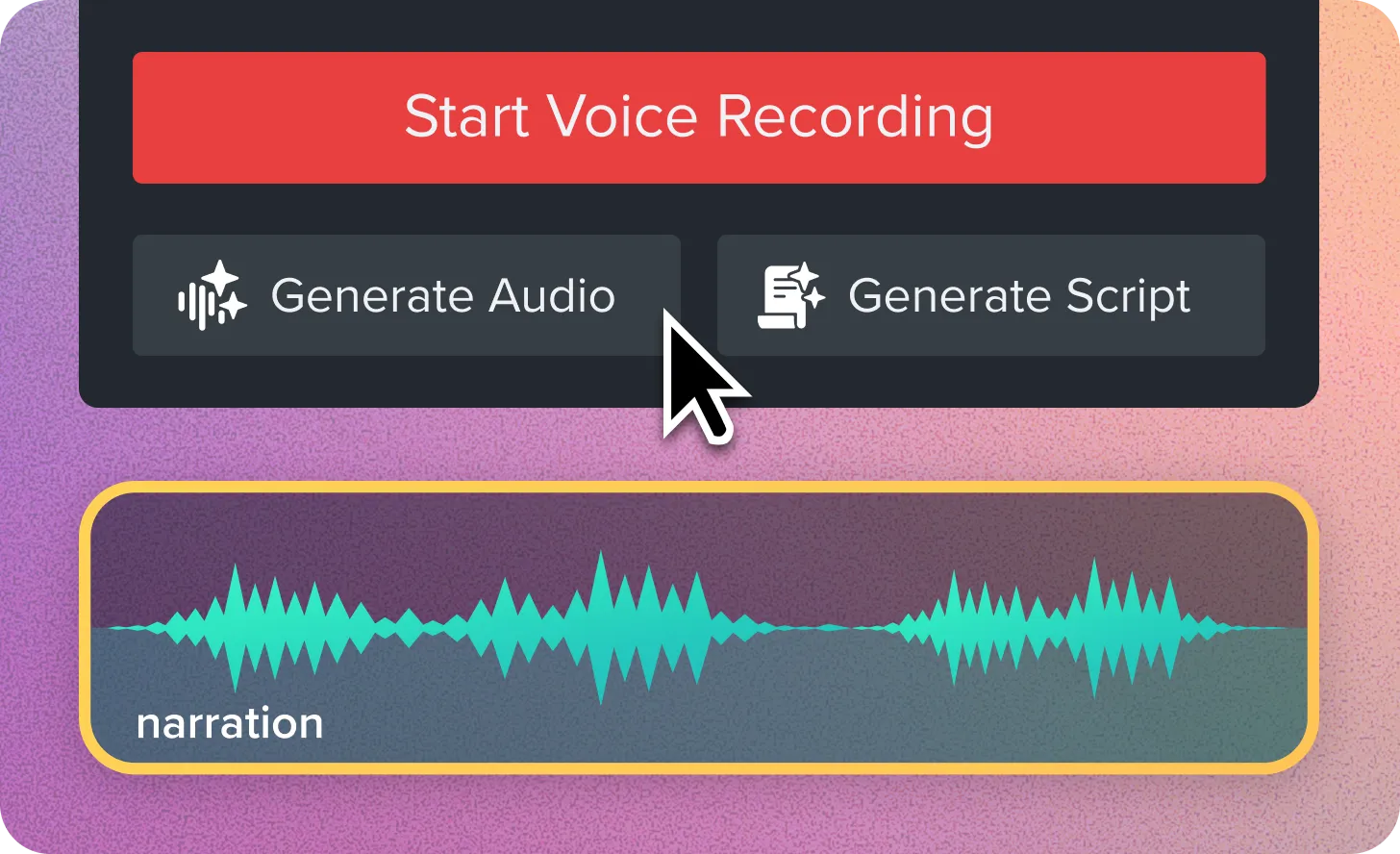
Camtasia voice narration controls showing buttons to start voice recording, generate audio, or generate a script, above a narration audio waveform on the timeline.

Script and Narration Generation

You can now send your script from the Narration tab to Audiate to generate audio. Send any text you have in the script box over for audio generation or have Audiate help generate a new script. Script and audio generation is available with subscription to Camtasia Audiate, Camtasia Create, or Camtasia Pro. 

Ready to try it for yourself?
View Tutorial
Camtasia
MacOSWindows
AIEditing
2026.2

February 2025

Audio meter being adjusted to remove background noise

Eliminate Distractions with AI Background Noise Removal

Camtasia’s AI Background Noise Removal filters out distractions like fans, chatter, and clicks—keeping the focus on your voice.

Background noise is unpredictable—whether it’s a lawn mower outside, a noisy fan, or unexpected interruptions at home. With AI background noise removal in Camtasia, you can isolate your voice and remove distractions without worrying about your recording environment.

Unlike other tools, Camtasia’s AI noise removal effect isn’t permanent—you can adjust it anytime or revert to the original audio if needed.

💡Ways to use AI background noise removal:

  • Eliminate distractions like fan noise, keyboard clicks, and background chatter from your audio.
  • Record anywhere without worrying about your surroundings..
  • Clean up audio after recording–adjust noise reduction levels or turn it off anytime.
  • Forget the hassle of re-recording due to unexpected noise. Record first, fix the audio later, and let Camtasia keep the focus on your voice.

    Ready to try it for yourself?
    View Tutorial
    Camtasia
    MacOSWindows
    AudioAI
    2025.0.0

    December 2024

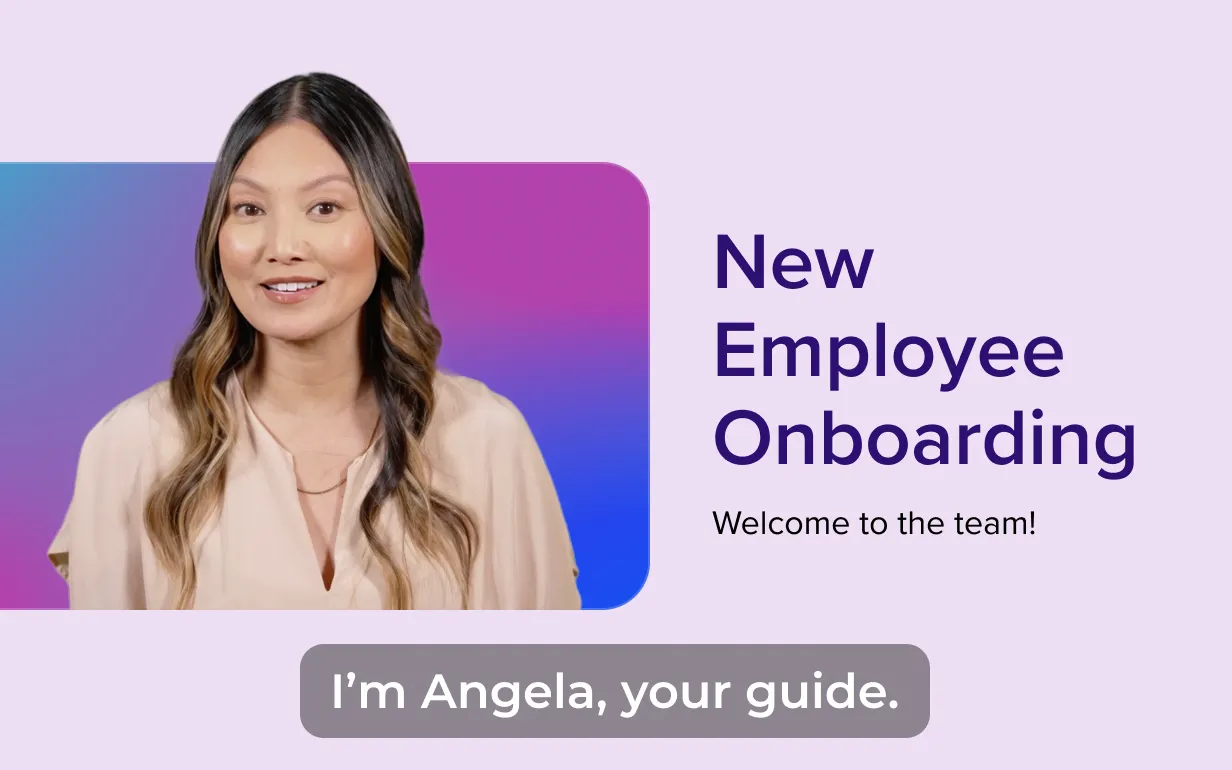
    An example of a video that includes an avatar that was generated in Camtasia Audiate.

    Sync Generate Avatar Updates from Audiate

    Sync updates from Audiate’s Generate Avatar feature in Camtasia to integrate dynamic avatars into your videos.

    Camtasia now supports receiving and synchronizing updates from Audiate’s Generate Avatar feature, enabling seamless integration between the two tools. Easily incorporate avatars into your videos and keep everything perfectly synced as you edit.

    💚 Why you’ll love this new feature:

  • Effortlessly synchronize generated avatars from Audiate to Camtasia.
  • Enhance your videos with engaging, dynamic avatar elements.
  • Save time by maintaining consistency between tools during edits.
  • Try syncing updates from Audiate’s Generate Avatar feature to bring a new level of creativity to your videos!

    Camtasia
    MacOSWindows
    EditingAI
    2024.1.4

    October 2024

    Improved Stability for Exports, Licensing, and Noise Removal

  • Fixed a bug that could cause large MP4s to be corrupted on export.
  • Fixed a startup crash that could occur due to Camtasia launching with low process integrity.
  • Users can now choose to enter a license key without restarting if they previously canceled the key entry dialog.
  • Fix crash if required permissions are not selected when signing into Google Drive
  • Exporting to Smart Player when offline works now
  • Fixed a bug that could cause AI Noise Removal to have unexpected results on stereo files with inversely correlated audio signals.
  • Camtasia
    Windows
    AudioCollaborationAI
    2024.1.1

    September 2024

    Improved Captions Support and Audiate File Integration

  • Added helper text for closed captions.
  • Updated support tool to include Camtasia Audiate integration files in zipped bundle.
  • Camtasia
    Windows
    AudioAI
    2024.0.6

    Updated Captions Labels, Logging, and Export Options

  • Changed “Captions” label to “Closed Captions” and “Dynamic Captions Styles” to “Dynamic Captions.”
  • Added additional logging support for Camtasia Audiate integration.
  • Added additional export options to the modern exporter for the “MP4 with Smart Player” file type.
  • Camtasia
    Windows
    AudioCollaborationAI
    2024.0.5

    August 2024

    Enhanced Account Switching, Shortcuts, and Captions Properties

  • It is now possible to switch user accounts from the trial dialog.
  • Added unassigned shortcut for moving playhead to a specific time.
  • Added a message to background removal effect UI when the selected GPU does not support the effect
  • Added property to dynamic captions: split captions by sentence
  • Camtasia
    Windows
    AudioEditingAI
    2024.0.3
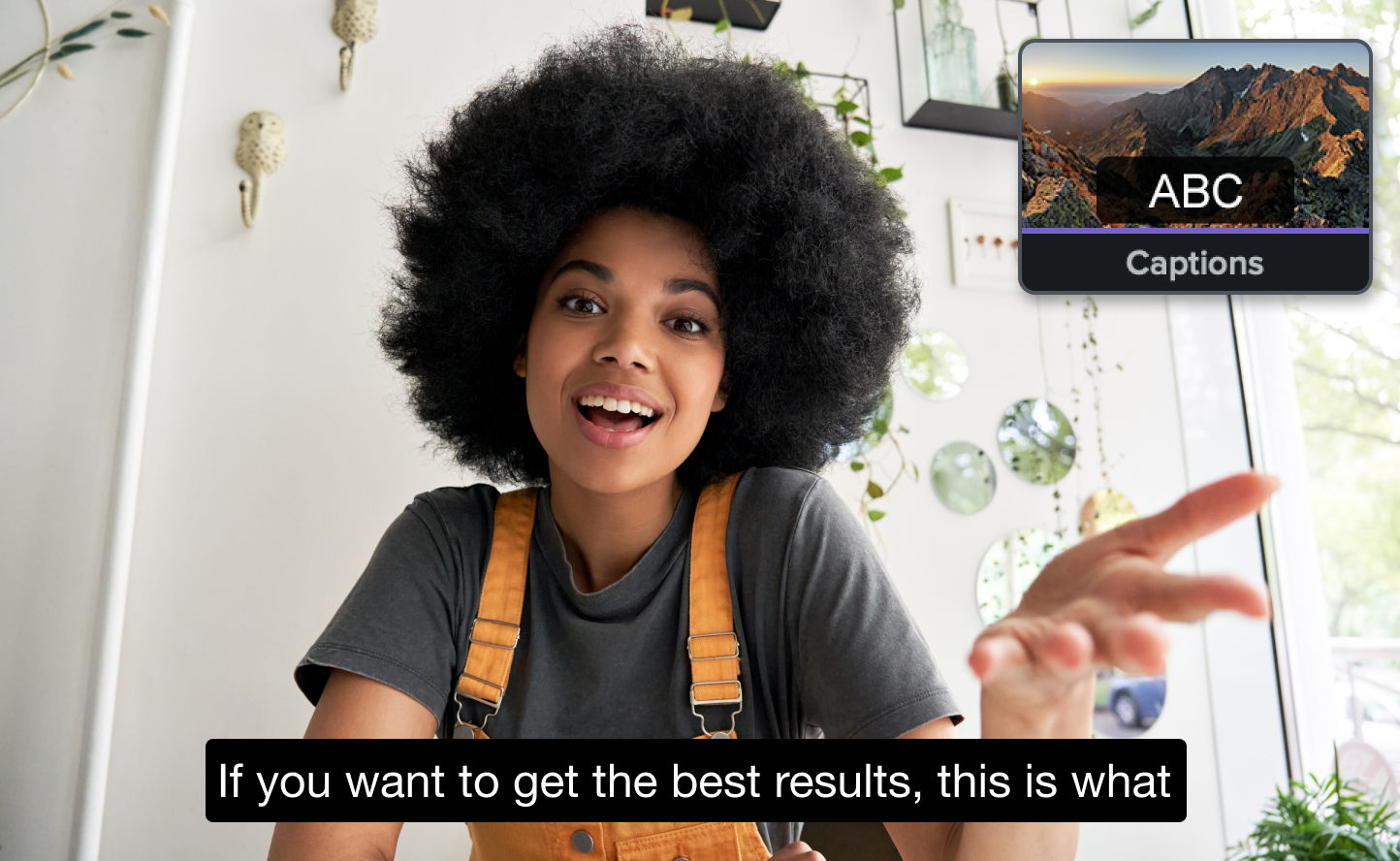
    The Captions effect icon from Camtasia with a video containing captions.

    Automatically Create Closed Captions with Speech-to-Text

    Use Camtasia’s speech-to-text feature to automatically transcribe audio into closed captions, improving accessibility and saving time.

    Camtasia now includes a speech-to-text feature that automatically transcribes audio into closed captions. This powerful tool makes it easier than ever to create accessible videos and save time on manual transcription.

    💚 Why you’ll love this new feature:

  • Simplify the process of adding captions to your videos.
  • Improve accessibility for viewers with hearing impairments.
  • Save time with accurate, automated transcription.
  • Enable speech-to-text for closed captions today, and make your videos more inclusive!

    Camtasia
    MacOS
    EditingAI
    2024.0.4

    Enhanced Background Removal, Captions, and Transcription Tools

  • Improved thumbnail for background removal visual effect.
  • In the dynamic captions Tool, the height of the Transcription panel will be persisted across runs of Camtasia.
  • New dialog shows when Camtasia needs to be periodically connected to the internet.
  • Improved accuracy of caption transcription.
  • Merged change to make dynamic captions hover over preview more performant.
  • Camtasia
    Windows
    AudioEditingAI
    2024.0.2

    June 2024

    AI-Powered Captions, Shortcut Updates, and Visual Enhancements

  • Dozens of new behaviors, dynamic backgrounds, and audio visualizers.
  • Make a static screenshot look like a video by adding a mouse cursor, then changing its position and adding clicks. Additional cursor effects include the ability to scale cursor clicks or add a glow around the cursor.
  • Speed up your video editing. JKL brought the ability to play the video preview at slower (J) or faster speed (L) and now you can slow down (Shift + J) or speed up (Shift + L) without pausing (K) in between.
  • New shortcut options to speed up your video editing.
  • Click and drag to rearrange the items in the main toolbar.
  • (Win only) New AI technology that turns the audio of your video into closed captions on your video.
  • Camtasia
    Windows
    EditingAI
    2024.0.0
    • 1
    • 2