Record or Generate Voice Narration
Learn how to record a voiceover or generate an AI voice based on your script.

Learn how to record a voiceover or generate an AI voice based on your script.

Voice narration compliments the visuals and can enhance your video by adding instructions, insights, context, emotion, or tell a story. Record your own voice as the video plays back or generate an AI voice based on your script.
Record voice narration to create a stronger connection and build trust with your audience. Voice narration can add personality and authenticity to your videos.
Consider generating audio from text when you want:
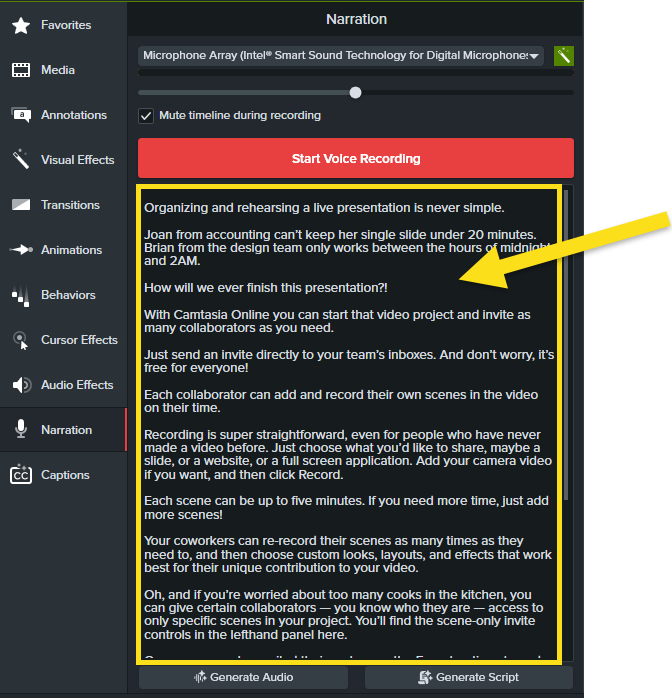
Record a voiceover while Camtasia Editor plays back the video on the timeline. You can paste a script to read from during the recording.
Note: To learn more about audio best practices, see Tips for Getting the Best Audio.
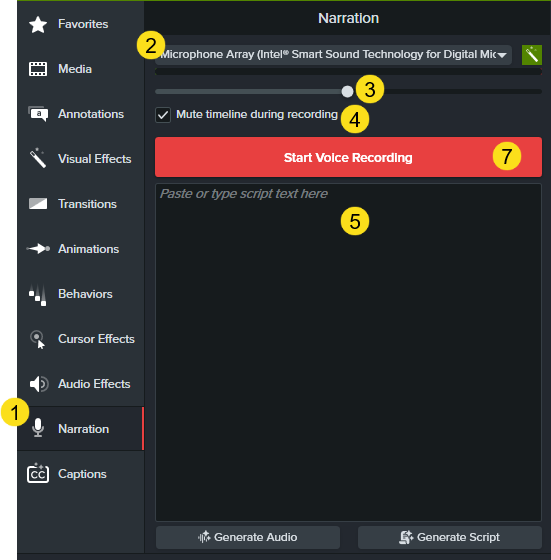

Camtasia Editor adds the audio clip to the timeline and media bin.
Generate an AI voice based on your script in Camtasia Audiate.
Note: AI voice generation is available with subscription to Camtasia Audiate, Camtasia Create, or Camtasia Pro.
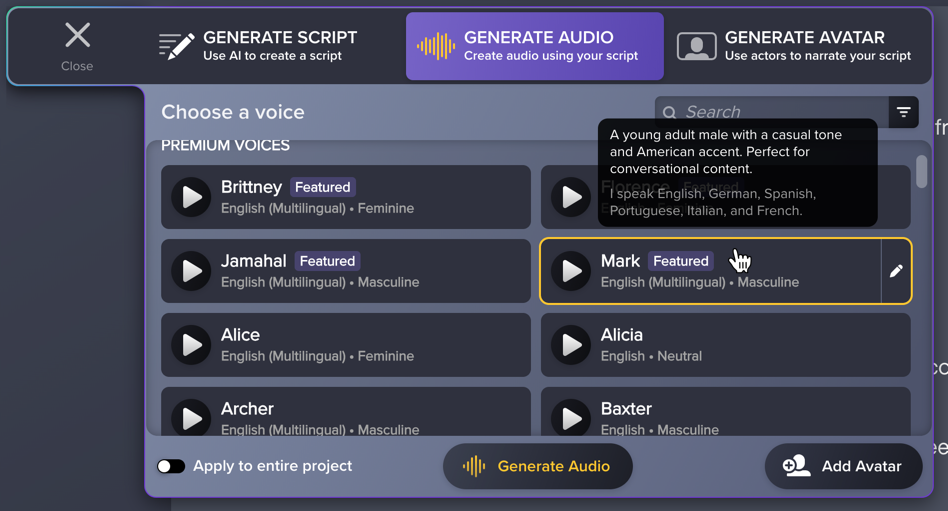
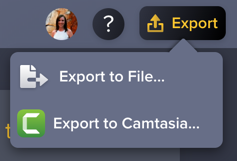
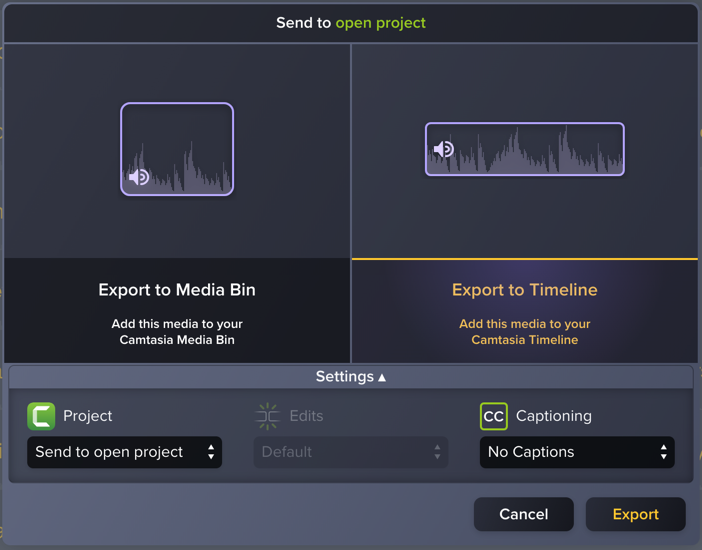
Camtasia Audiate sends the generated audio clip to your Camtasia Editor project.
Unleash the world’s most powerful screen recorder and video editor.
* Already a Camtasia Editor user? Learn how to update to the latest version.