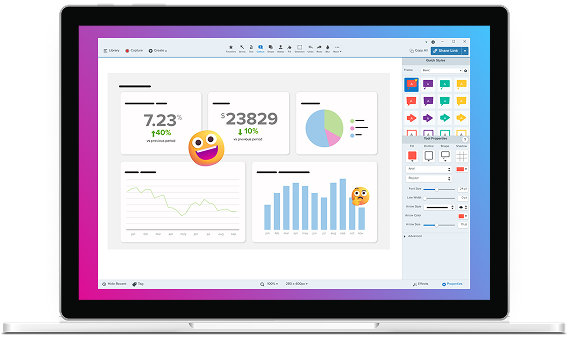

Snagit for Documentation
Create visual docs in less time
Snagit makes it easy to capture, edit, and reuse screenshots for every product update.
Screen recording software trusted by 100% of Fortune 500 companies.





Built for documentation
Docs change. Snagit keeps up.
Snagit makes the tedious parts of documentation faster, cleaner, and way less annoying.
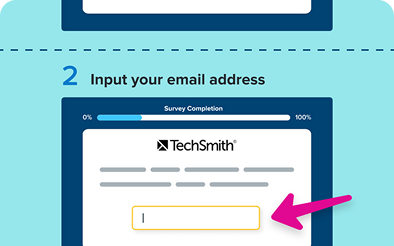
Step capture
Instantly generate visual step-by-step guides based on your clicks.
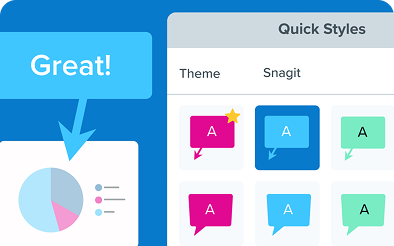
Quick styles and themes
Create custom quick styles and themes to align with a brand or choose from a collection of pre-designed styles.
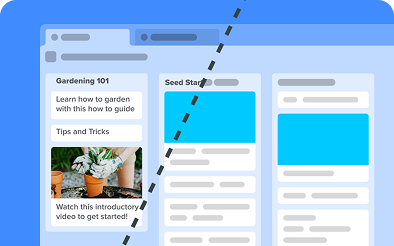
Simplify
Transform detailed screenshots into simplified graphics, ideal for creating easy-to-understand visuals.
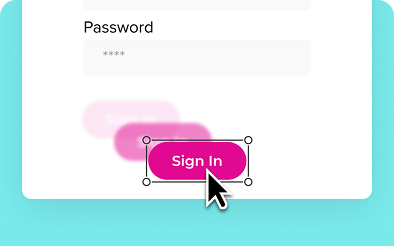
Smart Move
Snagit automatically detects UI elements in a screenshot, so you can move them around.
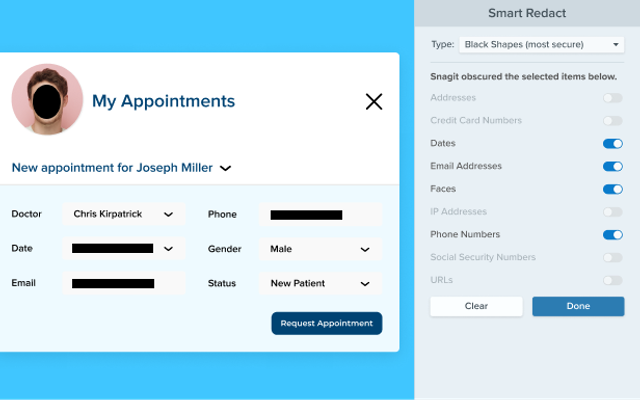
Smart Redact
Quickly hide sensitive information in your visual with one click.

Edit cursor
Remove, resize, and move your cursor within a static screenshot.

Callouts
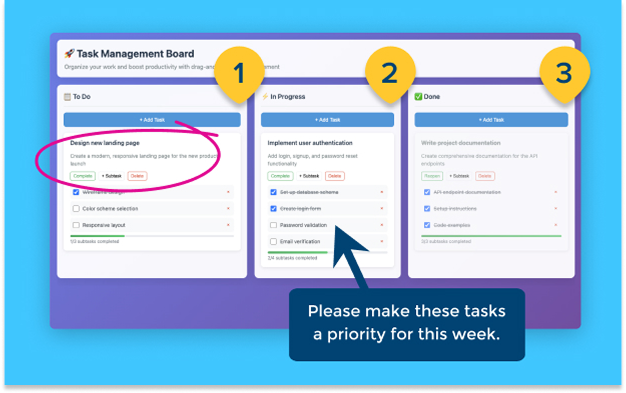
Add context to screenshots with text boxes connected to specific parts of an image with an arrow.

Step tool
Indicate steps in a process with numbered markers.
Polished docs without extra effort
Snagit makes it easy to create professional, on-brand documentation.
Update visual documentation faster
Quickly capture updated UI and swap in new visuals without needing to start from scratch.
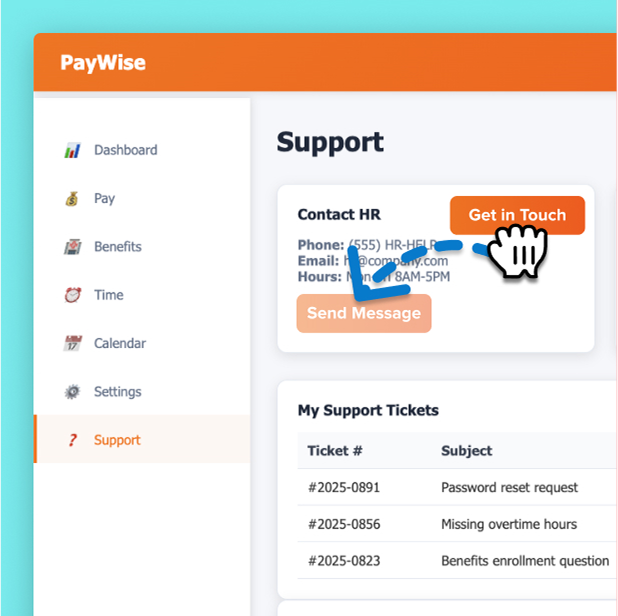
Use AI to save time on edits
Snagit’s built-in AI-powered tools redact, clean up, and organize content so you don’t have to.
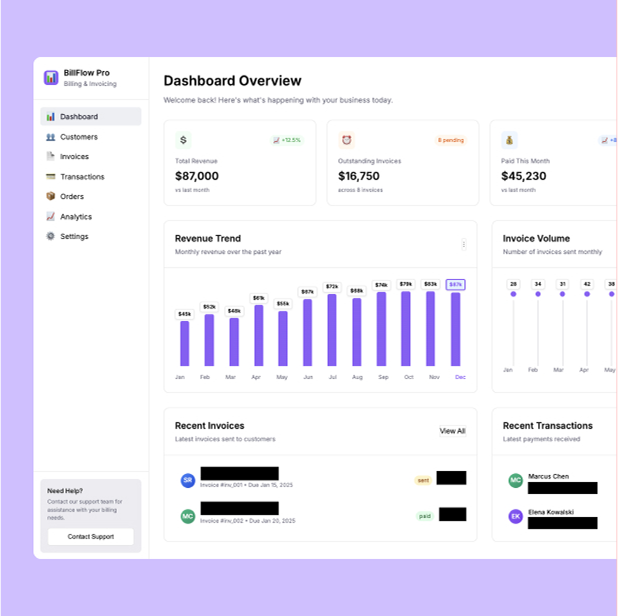
Create clear, visual step-by-step guides
Use annotated screenshots and quick videos to explain complex features and reduce support questions.
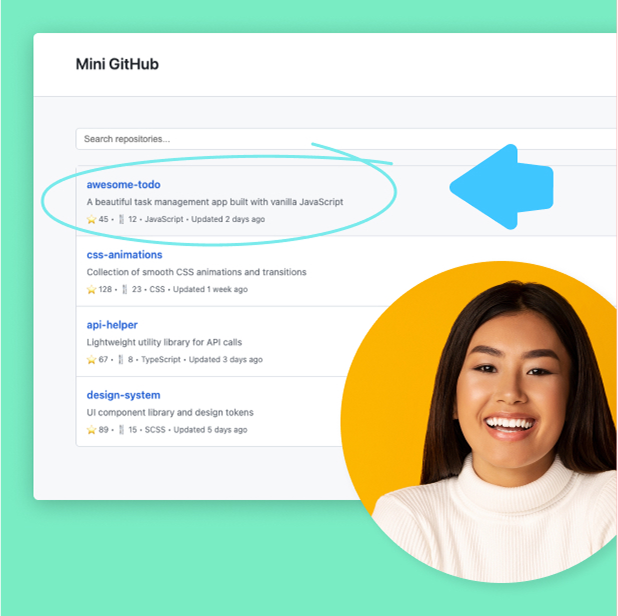
Keep visuals on brand
Snagit templates, themes, and styles keep your visuals consistent and polished across teams.
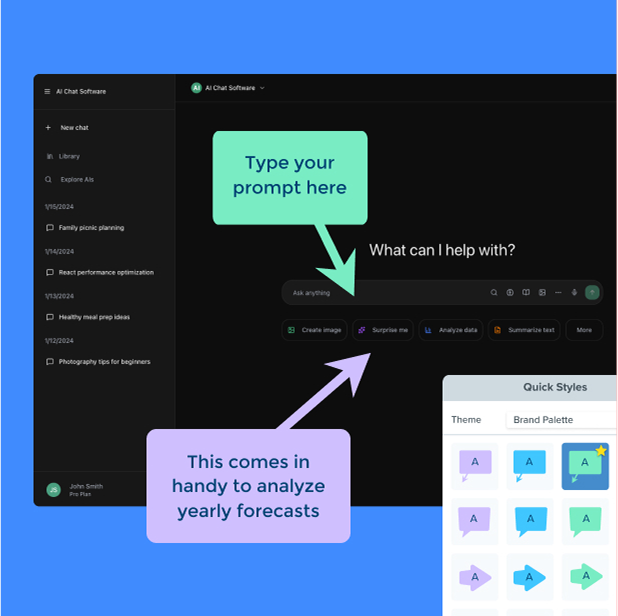
Enterprise-ready tools for better documentation
Whether you’re supporting one product or twenty, Snagit helps teams create consistent, branded visuals across every doc, department, and update.

Easy to deploy and scale
Flexible licensing and simple setup make it painless for IT to roll out to any team, anywhere.

Consistent content across teams
Themes, templates, and asset libraries make it easy to maintain professional and polished visuals.

Keep info secure
With features like smart redact and customizable sharing options, teams can confidently give feedback while protecting sensitive information.
Voted the best by our happy customers, over and over again.



Learn it like you’d teach it
We built our learning resources to meet the same standards you set for your own documentation.
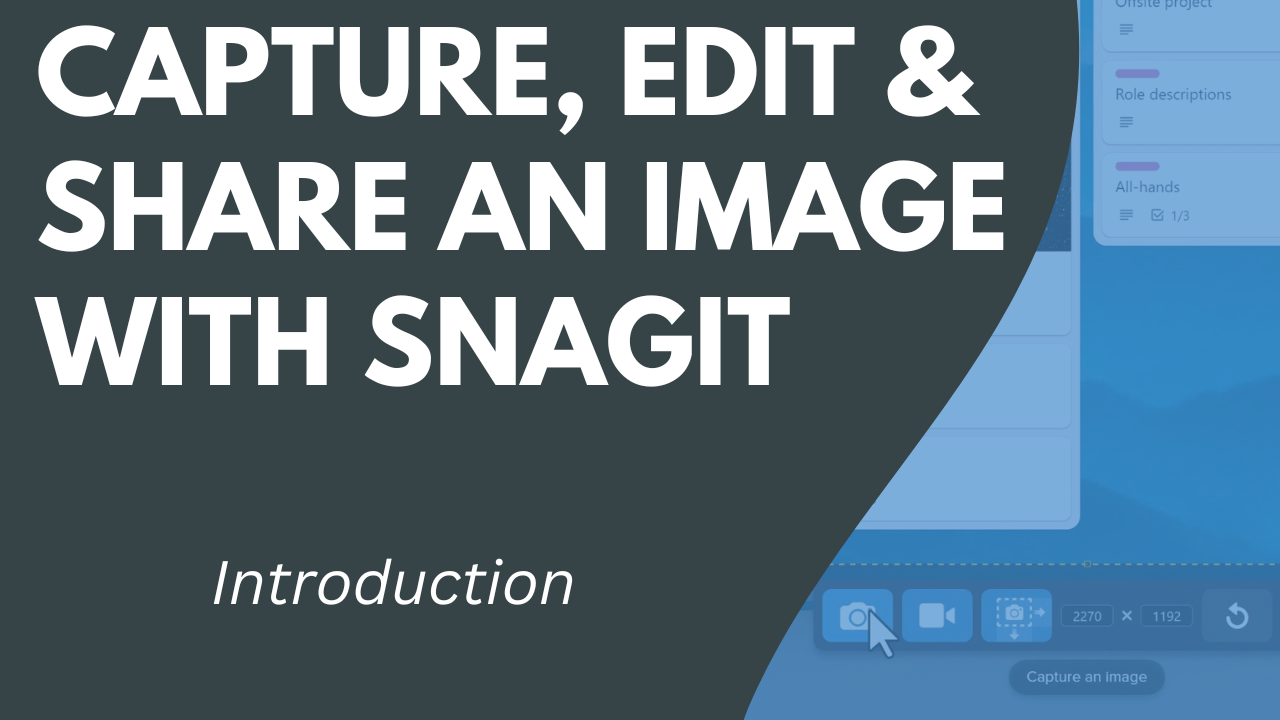
Tutorial
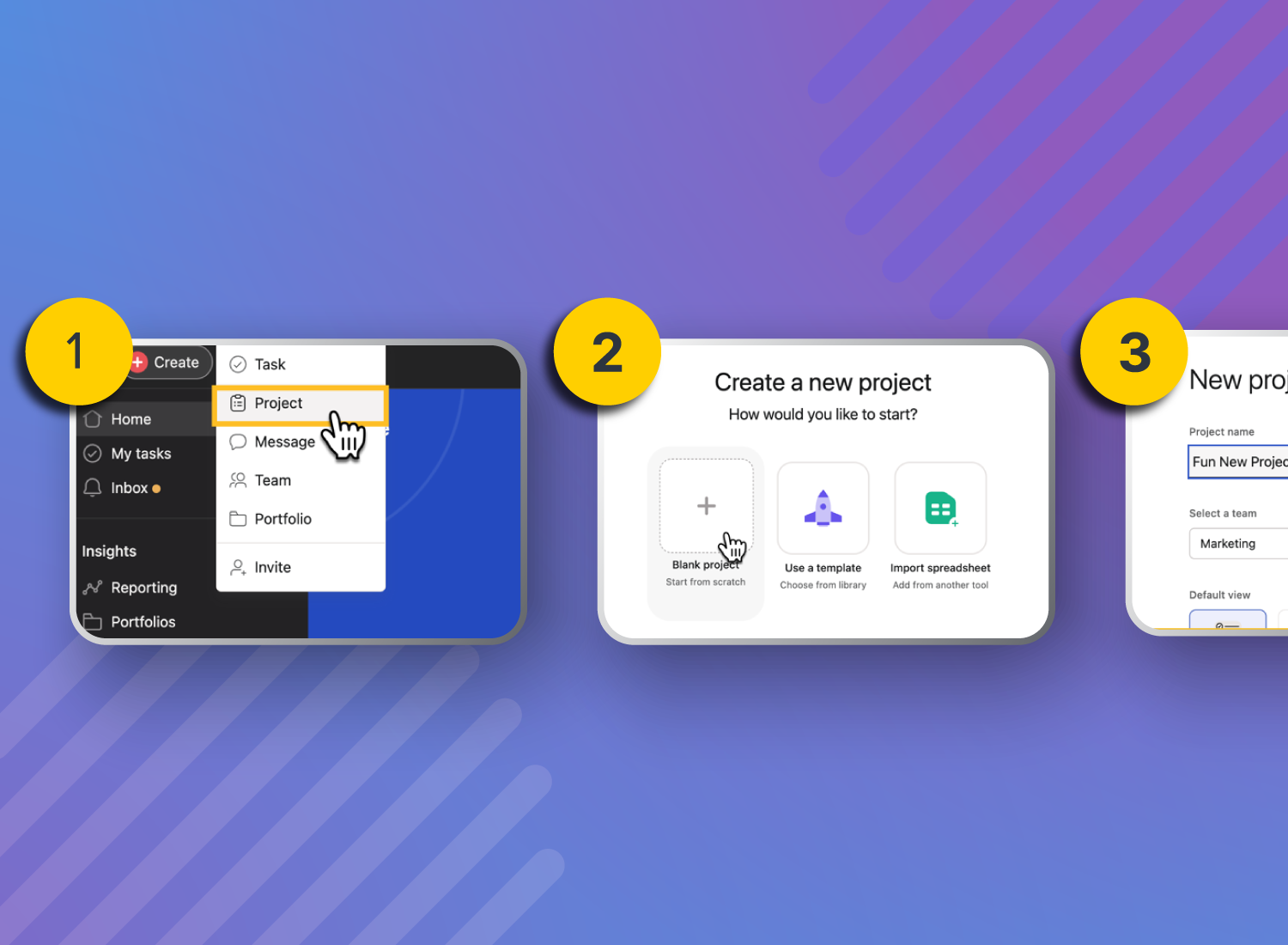
Capture, Edit & Share an Image with Snagit
Blog
What Are the Outcomes of Video Documentation
Webinar
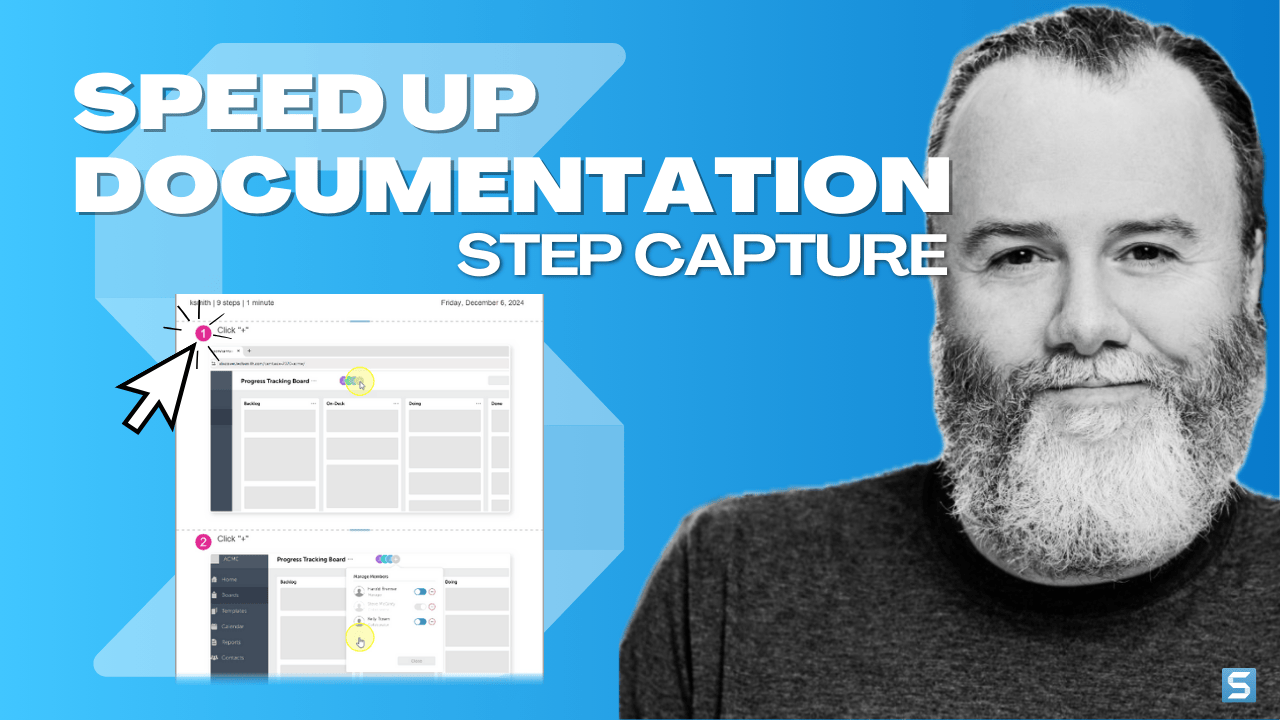
Speed Up Documentation with Step Capture
Blog
How Does Video Help Reduce Support Ticket Volume?
Tutorials
Save Capture Settings as Presets

Self-Paced-Course
Level-Up with Snagit Certification