


Explainer video
Looking for an easy way to make engaging explainer videos? Camtasia is the ultimate explainer video maker, offering flexibility and professional video tools to help you tell your story.
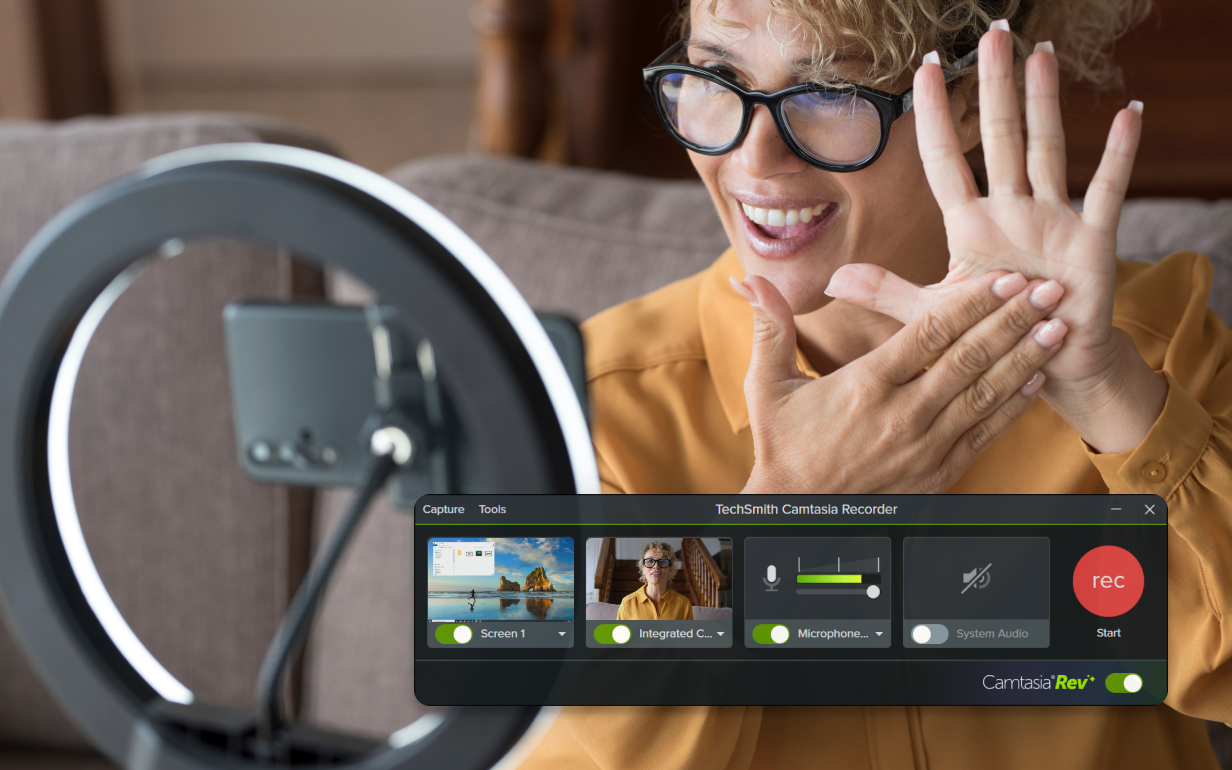
How to create an explainer video
Making explainer videos in Camtasia is fast, flexible, and easy. Follow these three simple steps:
1
Step 1: Import or create your media
Start by importing your video clips, images, or audio, or use Camtasia’s library of pre-built assets. You can also record your screen or webcam to add personal touches.
2
Step 2: Add text and effects
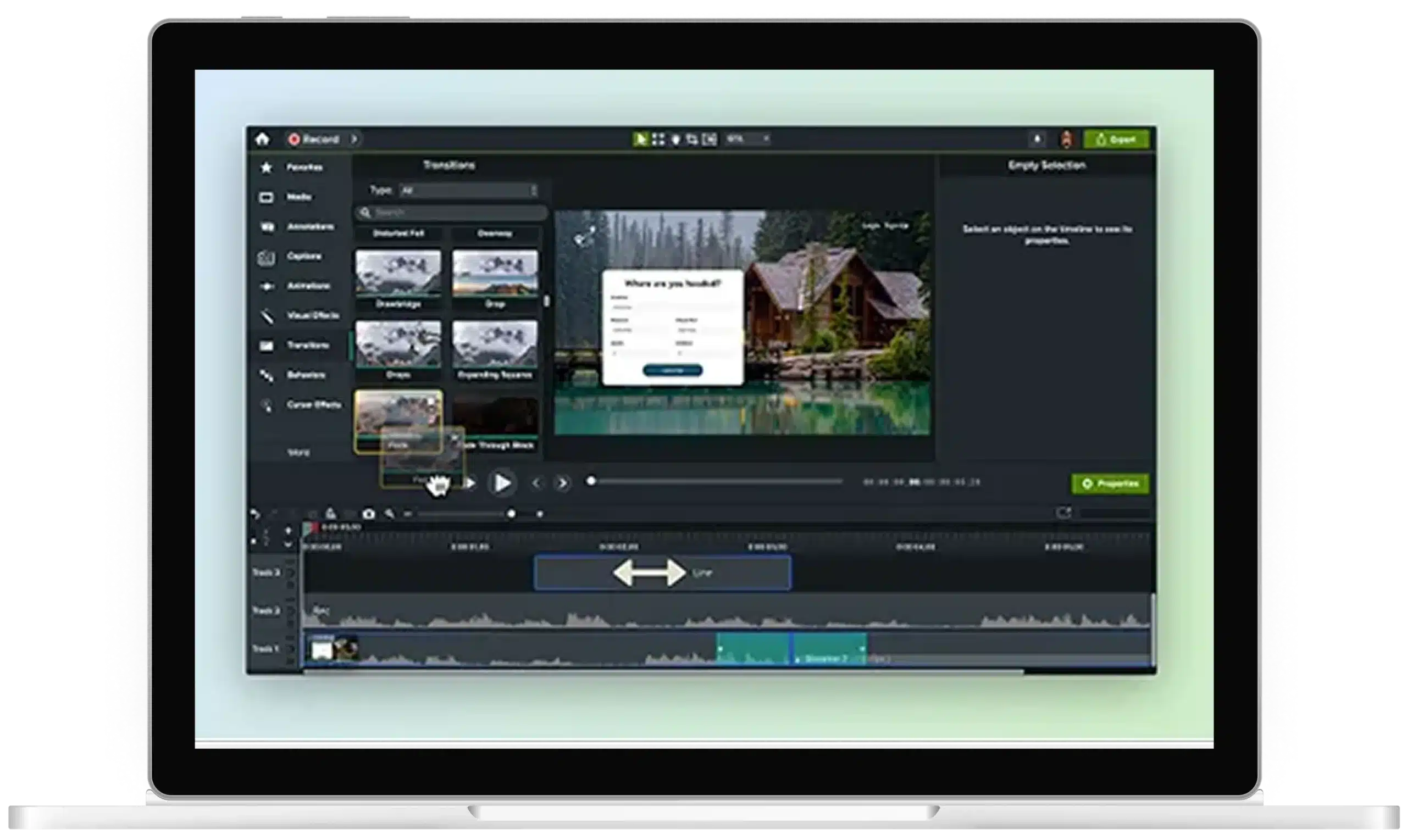
Drag and drop text, callouts, and transitions onto your timeline to highlight key points. Camtasia’s effects help keep your viewers engaged by emphasizing important details.
3
Step 3: Record or import narration
Record your own voice using Camtasia’s built-in audio tools, import pre-recorded narration, or use AI voice generation to bring your explainer video to life with just the right tone and style.
Create in-depth explainer videos with Camtasia
Camtasia gives you the tools you need to create stunning videos with minimal effort. Here’s why Camtasia is your best choice:
All-in-one flexibility
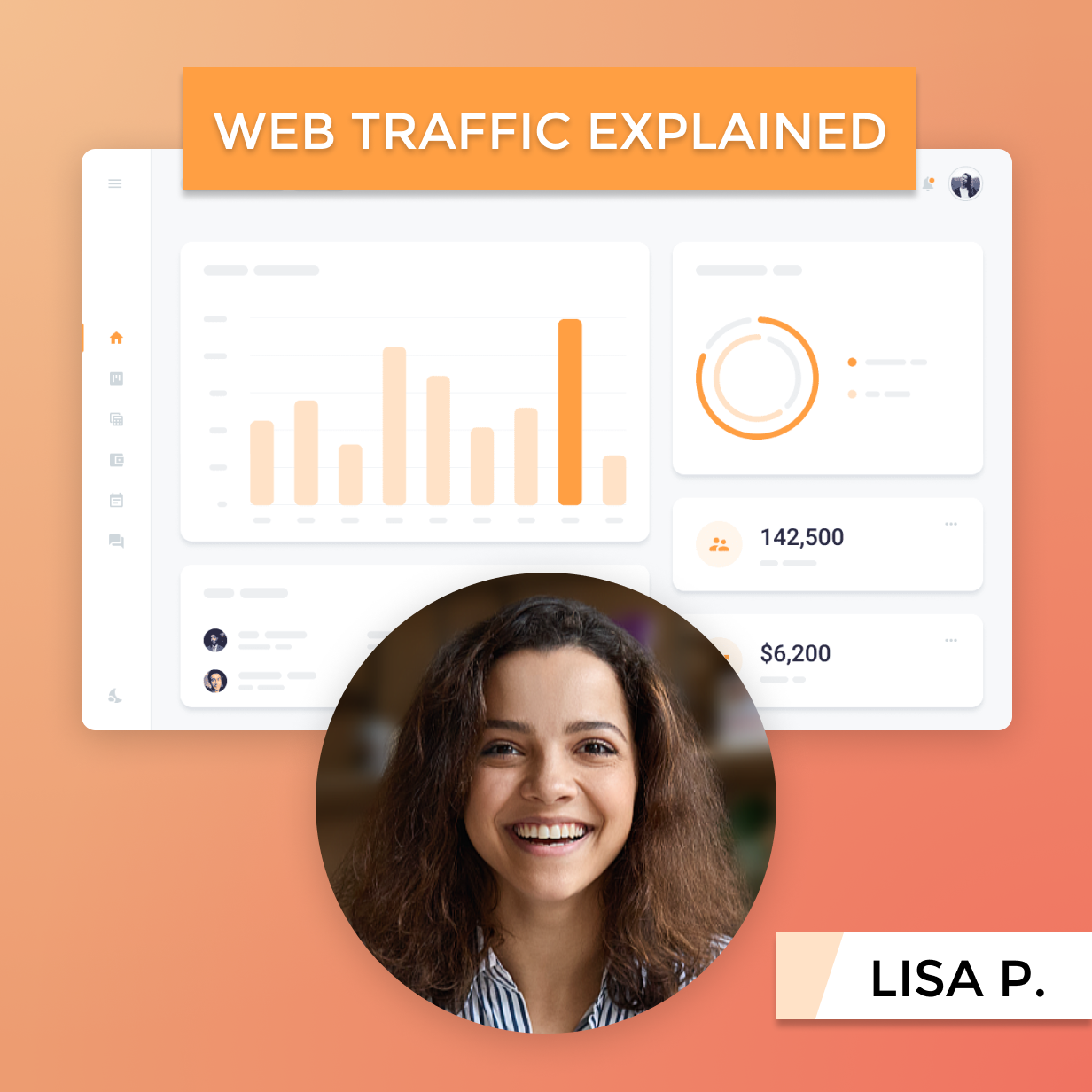
Camtasia’s video editing tools let you combine camera footage, screen recordings, animations, and text all in one place—unlike tools that limit you to just one format.
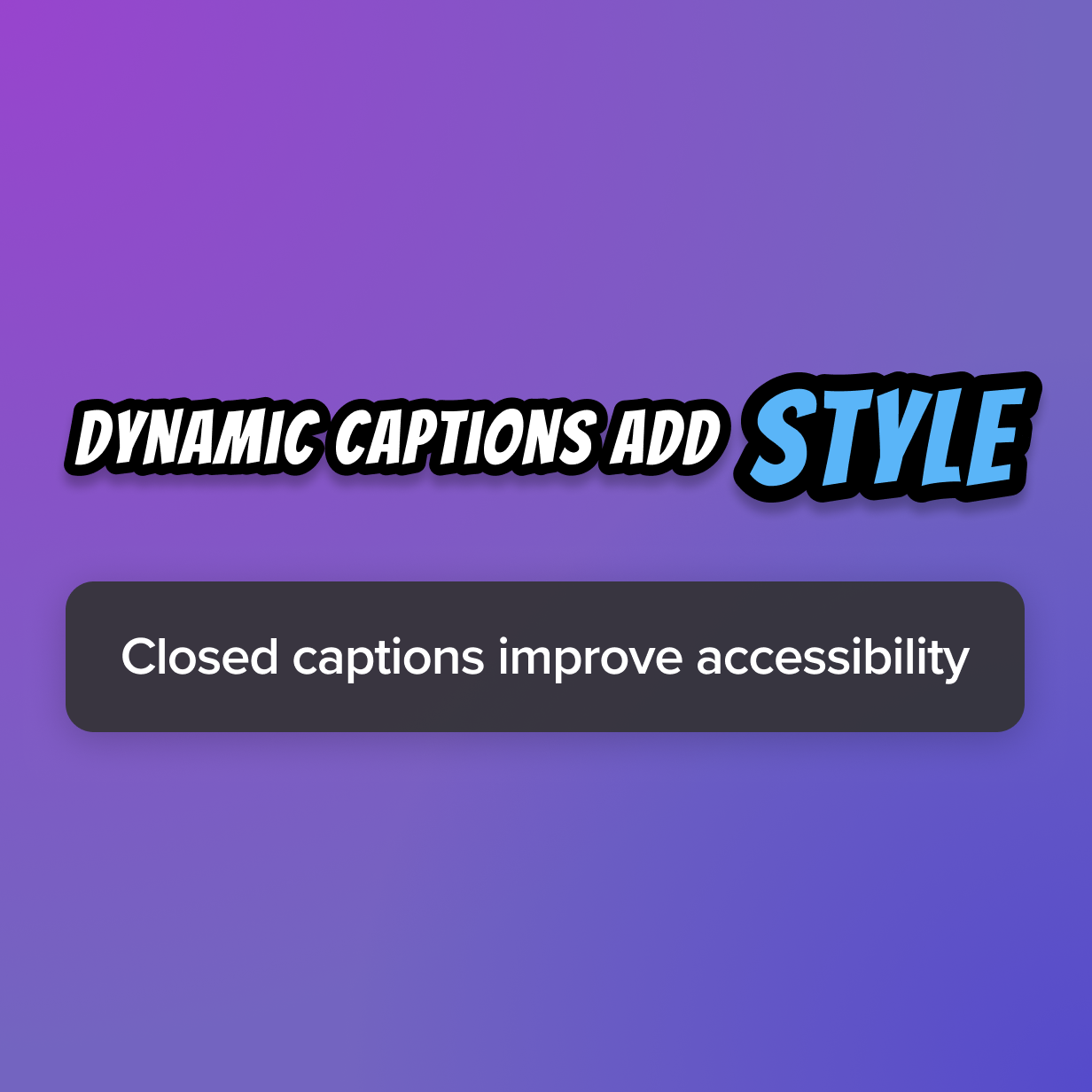
Dynamic and closed captions
Use Camtasia to create dynamic captions that emphasize key points and stand out from the rest. You can also add closed captions to your projects to cater to your audience’s potential needs and meet access standards.
Unlimited video creation
With Camtasia, you can make as many high-quality videos as you want without worrying about per-video costs, giving you greater freedom to create.
Get started with Camtasia Editor
FAQ
Yes! Camtasia allows you to easily add animations, text, and callouts to highlight important details in your explainer video. The video editor is easy to use and uses some AI-powered tools to ensure that your video production process runs smoothly every time.
Not necessarily. With Camtasia Audiate, you can use AI voice generation to create narration, or import pre-recorded audio if you prefer.
The Audiate add-on makes it easy to create not only voices, but also scripts that match your content. Just enter a prompt, the tone, and intent behind your video to create a script. By using Audiate’s AI voice generation, you can then choose a specific voice to read the script out loud. These AI-powered tools make it easy to create and narrate your video so you can focus on creating high quality content.
No. With a Camtasia subscription, you can create as many explainer videos as you want without any additional costs. Create videos that explain your product or service with ease so that your target audience can find and understand you.
You can save your video files on your computer to share with your audience, save the video in your Camtasia library, or share your video through Screencast.
By using a Screencast link, you can share your video to anyone you choose and collaborate with them on the video itself. This feature is handy to get instant, detailed feedback from stakeholders and to get basic reactions to your video.
Absolutely! Camtasia allows you to combine your own camera footage, screen recordings, and other media to create a customized explainer video. This creates animated explainer videos fit to share internally with your team, to customers, and even on social media platforms.
You can either upload video footage you’ve already filmed, or screen record your computer screen. Camtasia’s powerful screen recorder makes it easy to show processes and create tutorials.
Yes, Camtasia’s drag-and-drop interface and built-in templates make it easy for beginners to create professional explainer videos with little to no experience. Making an explainer video requires little effort and time on your end since Camtasia makes the process so easy.
Camtasia may be good for beginners, but it is also full of advanced features for more professional videos. Advanced video creators enjoy Camtasia’s extensive customizable options and effects that make video stand out from the rest. Camtasia is a video editor fit for everyone.
Yes, Camtasia includes dynamic captioning tools that help emphasize key points in your video, improving viewer engagement. This is also handy for viewers who want to read step-by-step instructions as they are explained in a video.
Camtasia can also create closed captions, fit for accessibility standards, and you can even download the captions as an SRT file to be used on other platforms.
Check out our tutorial that will walk you through everything you need to know.
Still can’t find what you need? Contact us and we’ll help you out.