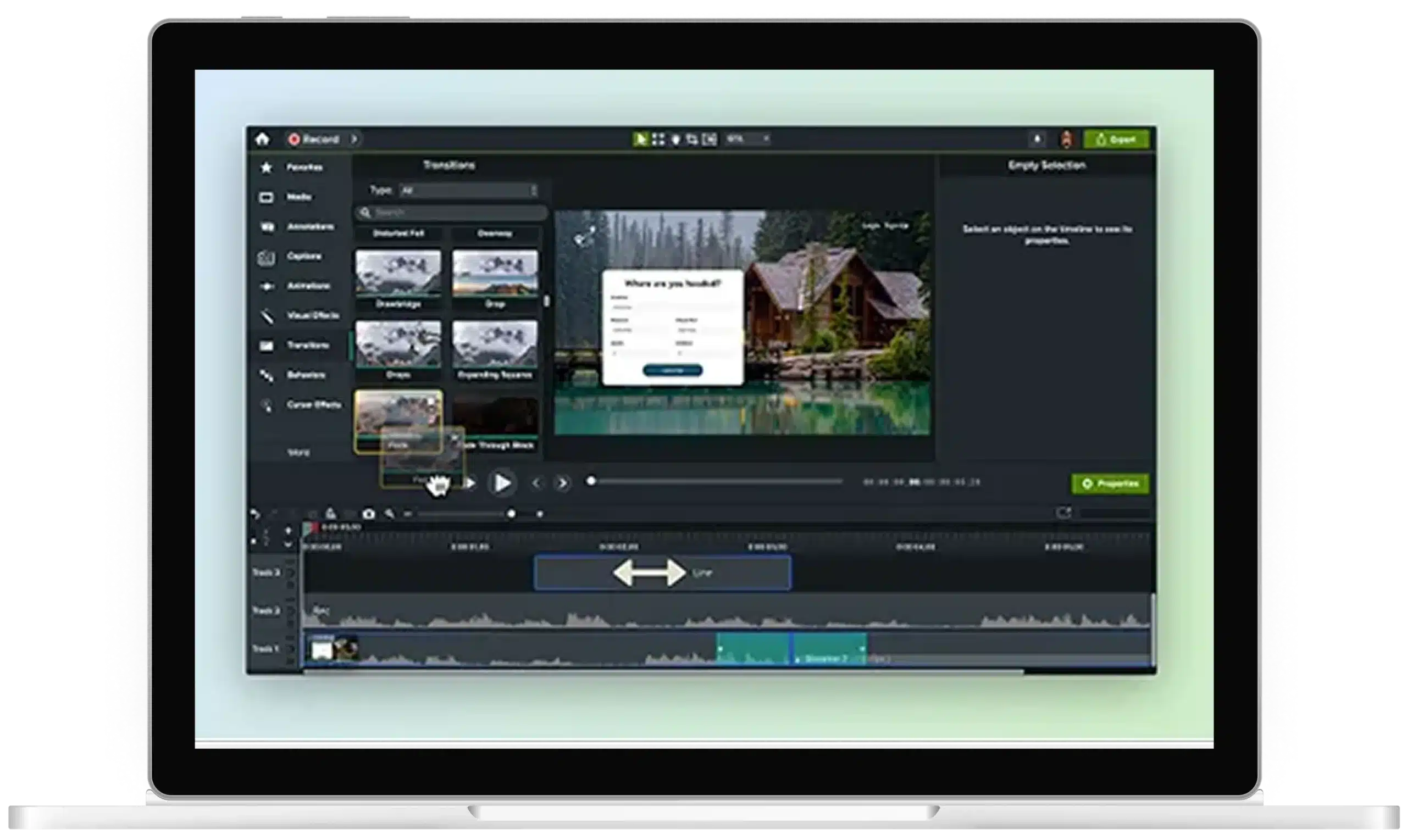
Add dynamic background to video in Camtasia Editor
Add life and interest to training videos, demos, tutorials, and screen recordings with Camtasia Editor’s dynamic backgrounds. A dynamic background is a looping animated layer placed behind your content on the timeline. Adding one is simple in Camtasia — no compositing skills or extra tools required.
Why do dynamic backgrounds make videos look more professional?
Dynamic backgrounds give videos a more polished look, and you don’t have to be a pro video editor to pull them off.
Infinite duration, seamless playback
Looping is automatic, seamless, and infinite, so you can fill any video length without gaps or manual tiling.
Fully customizable to match your brand
Adjust the background’s motion with dynamic properties, including color, direction, angle, and count. Keep the motion subtle so it supports clarity without competing with your content.

Professional look, minimal effort
Create a more polished look without compositing skills, keyframing, third-party tools, or complicated workflows.

How to add motion backgrounds to your videos
Follow these four steps to add and customize a looping animated background in Camtasia Editor.

Open your project in Camtasia Editor
Camtasia Editor’s in-editor workflow works for any video project, no prior setup or other software needed. This is an in-editor workflow, not a live meeting or AI cutout feature.

Select a dynamic background from the Camtasia Assets library
Open the Assets tab to browse Camtasia’s online library, then choose from a wide range of original dynamic backgrounds.

Place the background on your timeline
Drag your dynamic background onto your timeline behind your screen recording, webcam clip, or picture-in-picture layout.

Customize color and speed
Keep your visuals on-brand by adjusting color and other available dynamic properties, such as direction, count, or angle, in the Properties panel.
Get Camtasia Editor today