


Use and create motion graphics
Motion graphics are essential for creating dynamic, visually engaging videos that capture attention and keep audiences engaged. Camtasia offers powerful tools that make creating and using these graphics super easy.
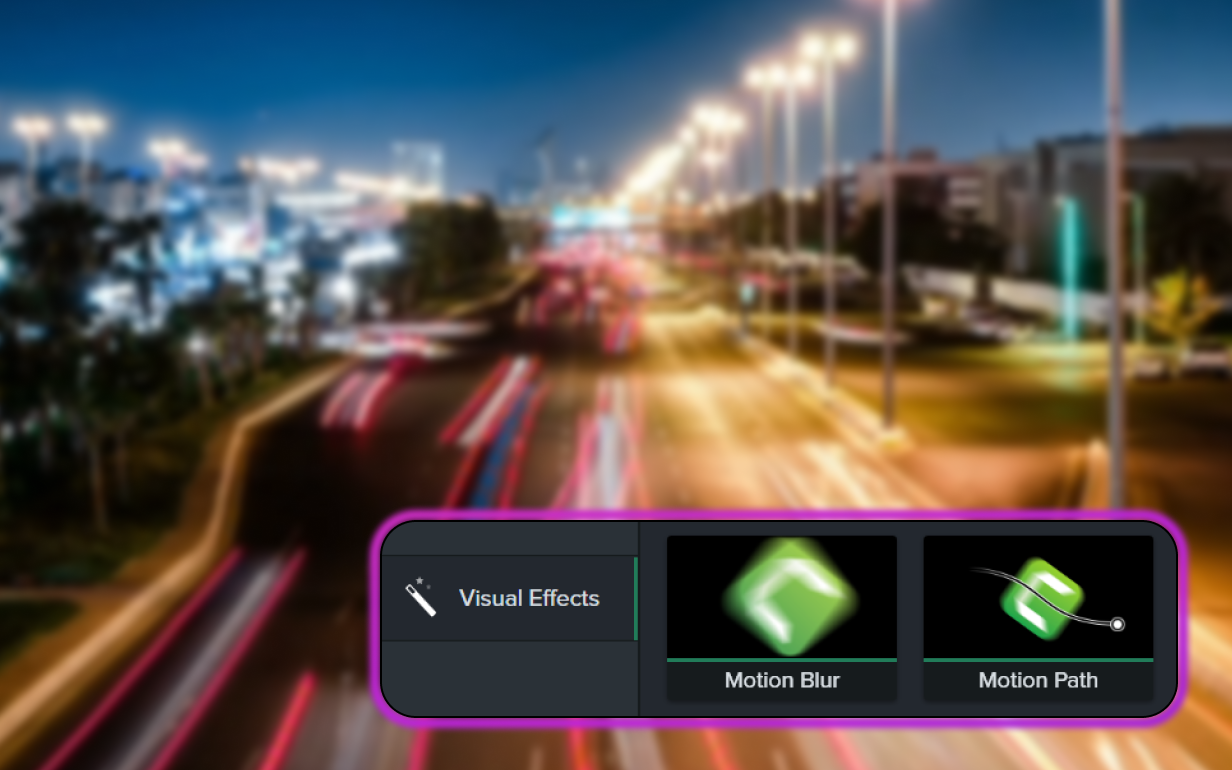
USE MOTION GRAPHICS IN CAMTASIA
How to use motion graphics with Camtasia
Camtasia’s intuitive tools make adding animated graphics to your videos easy. Follow these three steps to get started:
1
Step 1: Choose a motion graphic or create your own
Start by selecting a motion graphic from Camtasia’s built-in Assets library. If you prefer to create your own, use the shape tools to build a graphic and apply animations. Camtasia’s Behaviors feature also provides preset animations, making it easy to add motion to any element in your video.
2
Step 2: Apply animations and effects
Drag and drop your selected graphic onto the timeline, then apply Behaviors or custom animations to bring it to life. You can adjust timing, speed, and motion paths to ensure the animation fits seamlessly into your video.
3
Step 3: Preview and fine-tune
Once your graphics are in place, preview the video to ensure the animation looks smooth and polished. Make any final adjustments to timing or effects, and then export your project to share with your audience.
Camtasia makes motion graphics simple
Camtasia offers a unique blend of user-friendly tools and powerful customization options, making it the best choice for video creators.
Preset animations for easy motion
Camtasia’s Behaviors make it incredibly easy to add motion to your projects without needing advanced animation skills. Choose from a wide range of preset animations that can be applied with a single click, ensuring your video is dynamic and engaging.
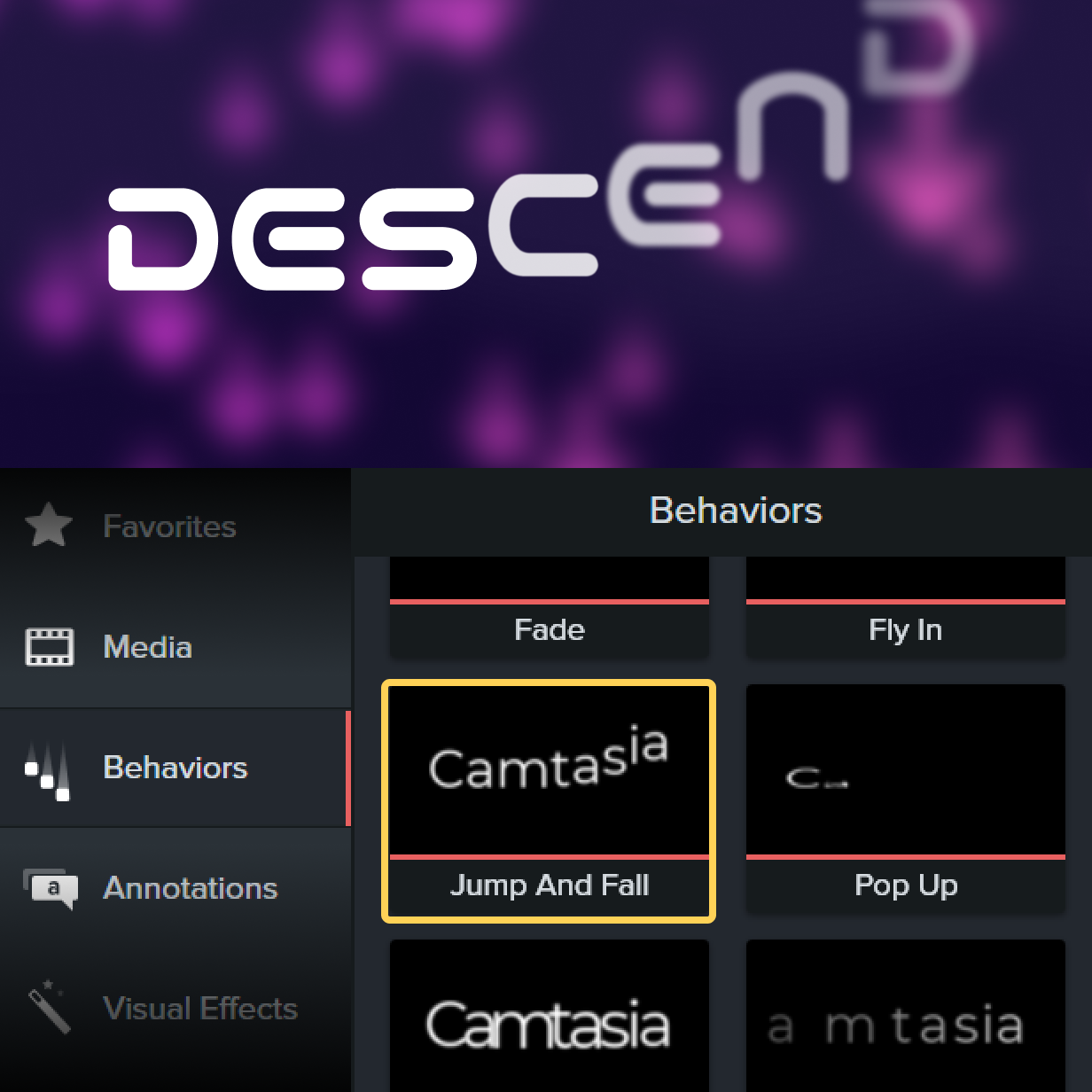
Access to built-in motion graphic assets
If you’re not ready to create your own, Camtasia includes an asset library of professionally designed graphics packages, like film titles or opening credits, that can be added to your projects instantly. This allows you to create polished videos quickly, even if you’re new to video editing.
Dynamic content that keeps audiences engaged
Motion graphics help make your videos more engaging, ensuring your audience stays focused and walks away impressed. With Camtasia, you can easily add motion to your videos, creating dynamic content that stands out.
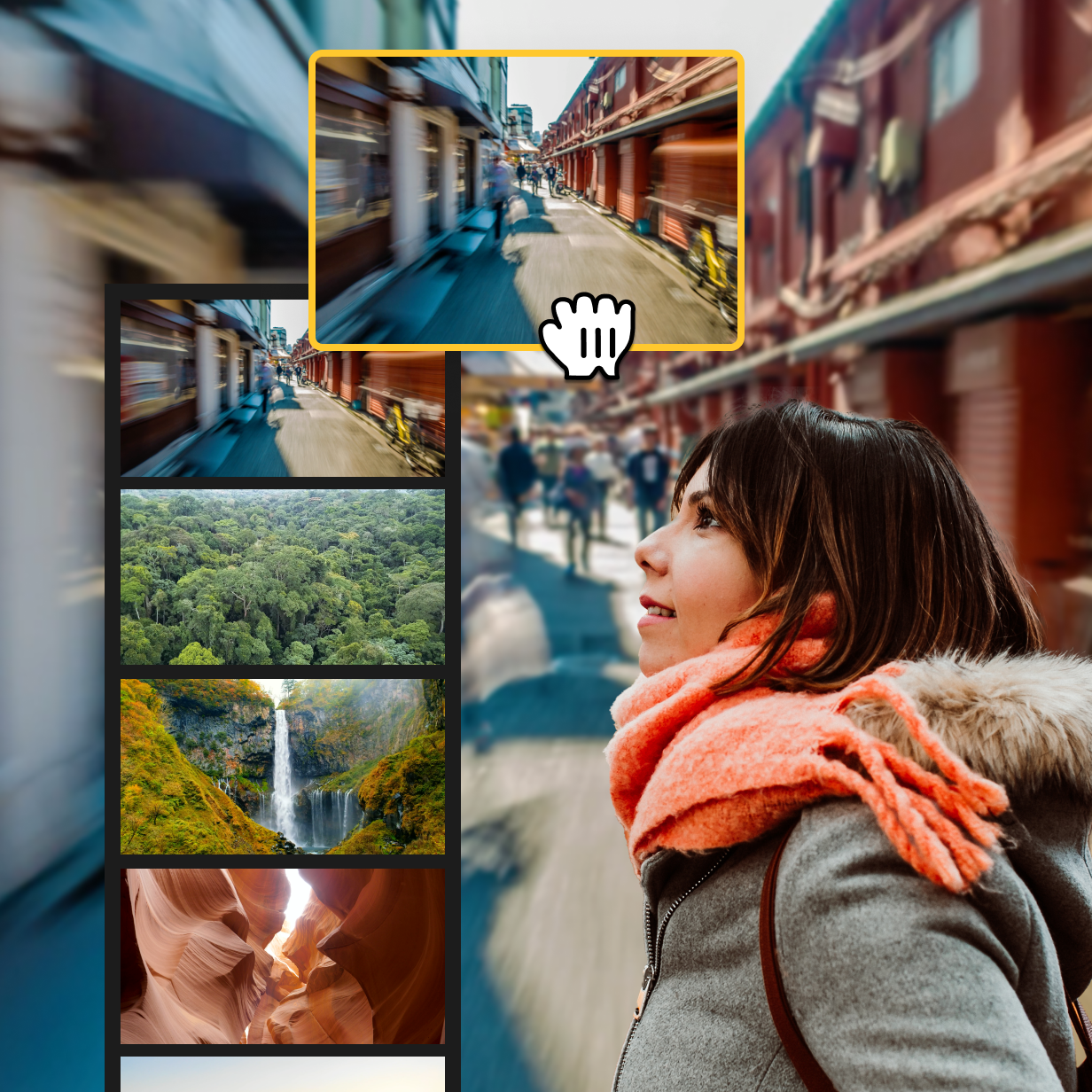
Get started with Camtasia Editor
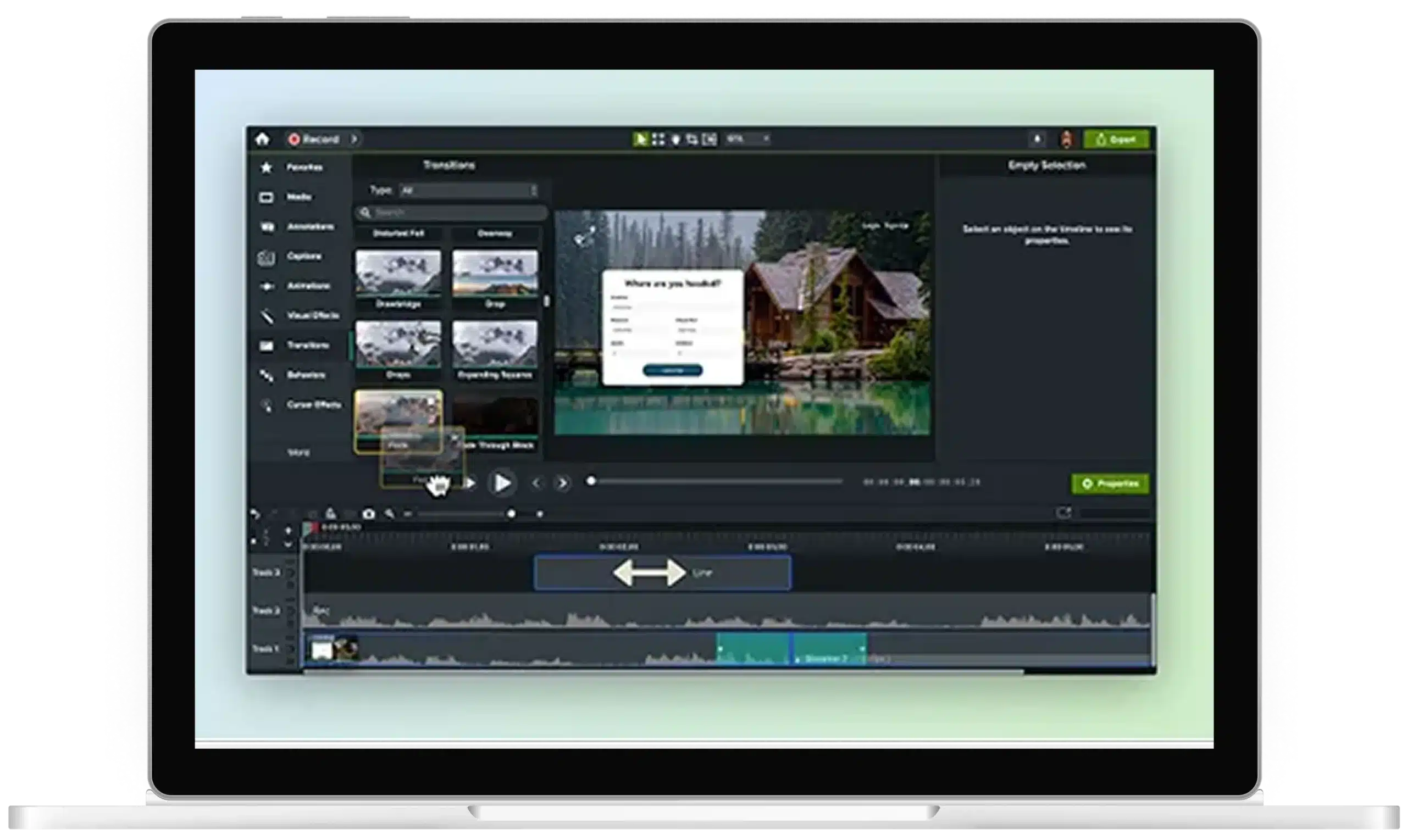
FAQ
Yes! All motion graphic assets in Camtasia are fully customizable. You can adjust animations, colors, and timing to match your project’s style.
Not at all. Camtasia’s Behaviors and preset animations make it easy to add motion to your projects, even if you have no prior experience with animation. You don’t need to be a motion graphics designer or spend a lifetime learning how to use motion graphics software like Adobe After Effects to create stunning videos.
Yes! Camtasia allows you to combine as many as you need in your project, giving you full creative control over your video’s look and feel.
No. Whether you’re making social media videos or a title sequence for Alfred Hitchcock, Camtasia’s motion graphics work for you. Just use the motion graphic library and pick the ones that you need. No need for complicated work.
Check out our tutorial that will walk you through everything you need to know.
Still can’t find what you need? Contact us and we’ll help you out.