









Revised EULA with Updated YouTube Integration Details
Updated YouTube Integration section of the End User License Agreement (EULA).
THE CAMTASIA SUITE
EXPLORE
SOLUTIONS
USE CASES
EDITOR FEATURES
SNAGIT FEATURES
AUDIATE FEATURES
Learn
Support
Filter posts
Clear filtersOctober 2024
Updated YouTube Integration section of the End User License Agreement (EULA).
Improved UI rendering when viewing transcription text on the timeline at different zoom levels.
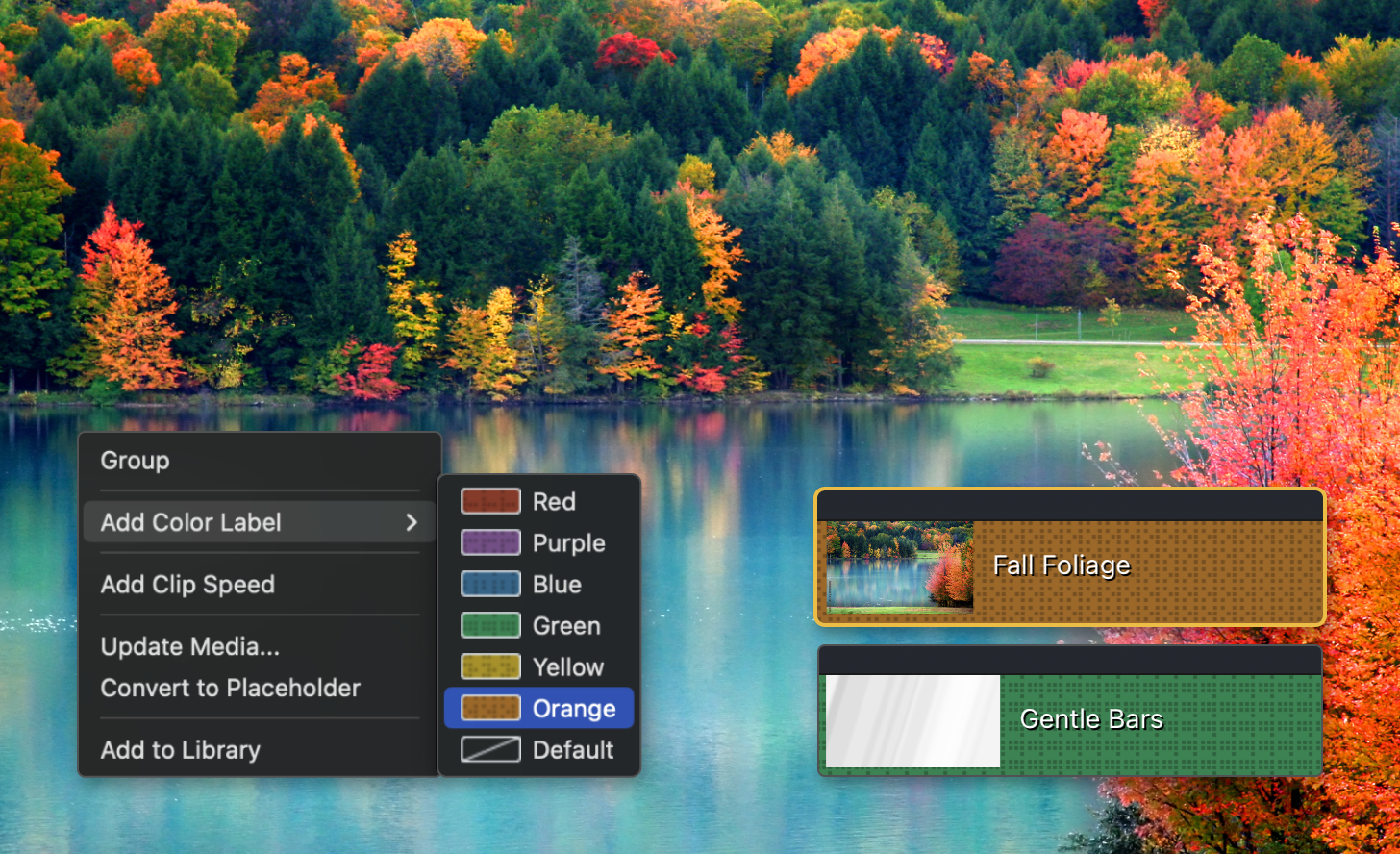
Use Camtasia’s Media Color Labels to assign colors to timeline clips, making it easier to scan and organize your projects.
Camtasia now lets you assign colors to clips and media on the timeline, making it easier to visually scan and organize your projects. Use color labels to group related clips, highlight key sections, or streamline your editing workflow with a quick glance.
💡 Ways to use color labels:
Add color labels to your timeline today and keep your edits clear and organized!
Update Sparkle to version 2.6.4.
Fixed a user-reported startup crash.
Fix an issue with app name showing incorrectly for some languages.
Fixed a bug that could cause the mouse position to be incorrectly recorded when using multiple monitors.