Check for Camtasia Editor Installation
Learn how to check if the Camtasia Editor desktop app is installed to continue editing Camtasia Online projects.

Learn how to check if the Camtasia Editor desktop app is installed to continue editing Camtasia Online projects.
Send your Camtasia Online video projects to Camtasia Editor on the desktop to continue editing and export your final video.
When you click the Export button in Camtasia Online, the application automatically checks if you have Camtasia Editor installed on your computer.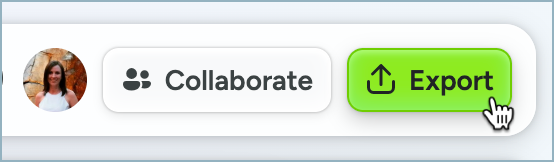
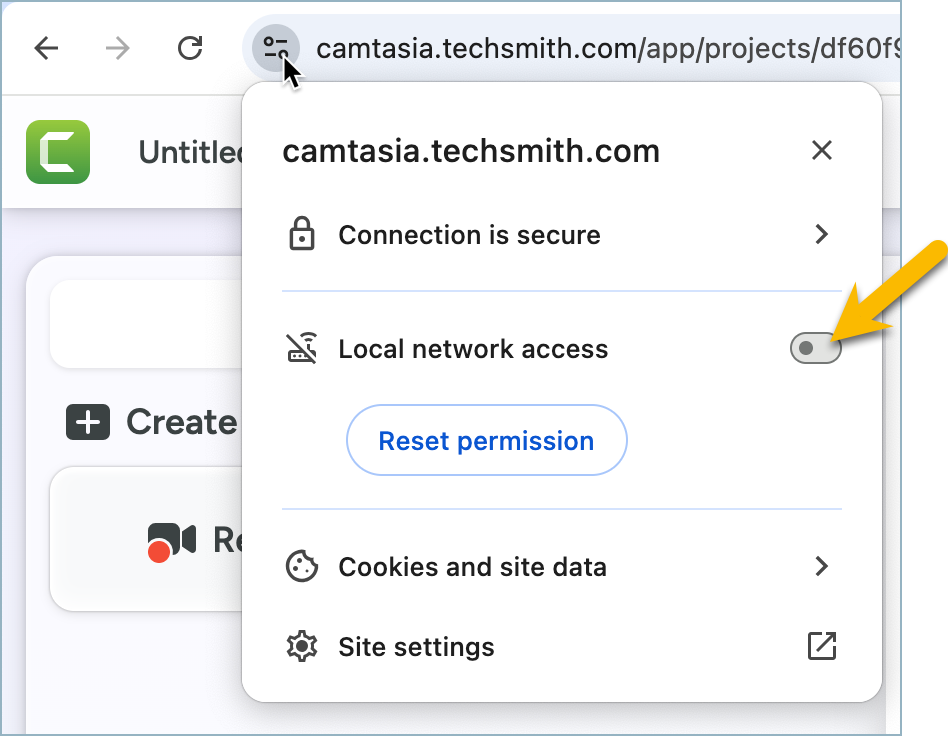
In the Google Chrome browser, a browser message appears. Click the Allow button to allow Camtasia Online to check for the installation of Camtasia Editor on your computer. 
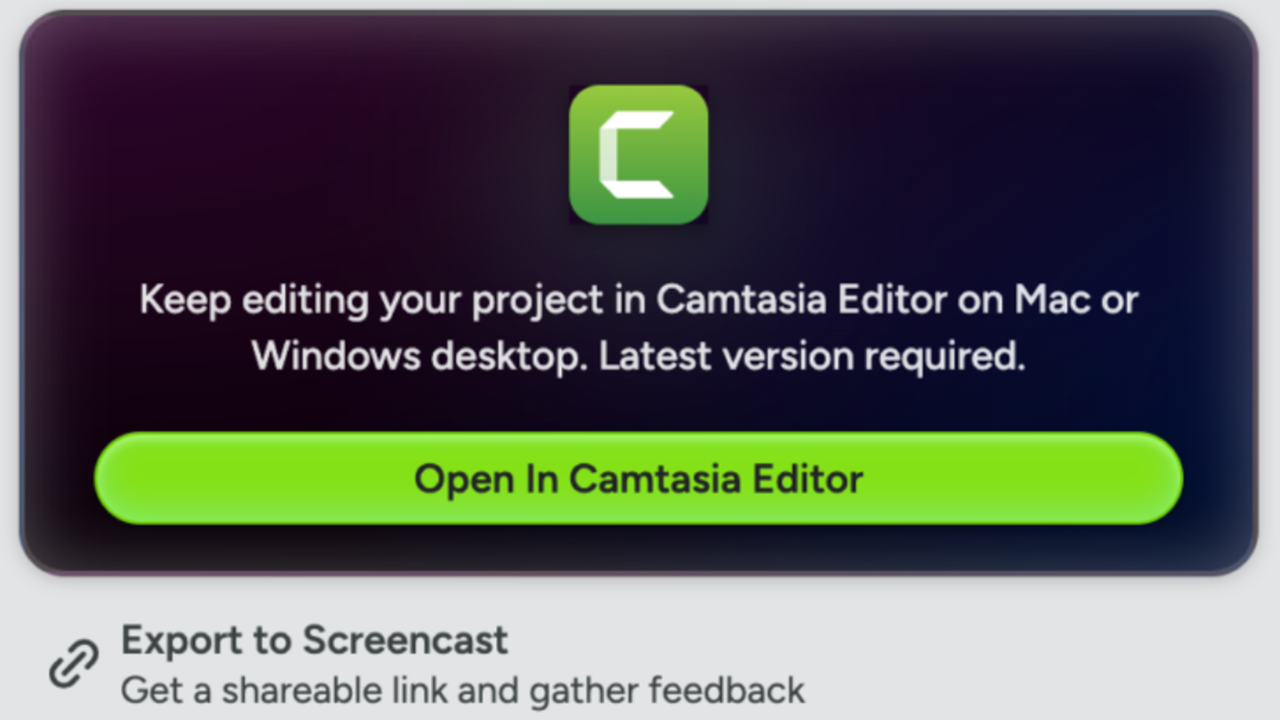
If a supported version of Camtasia Editor is installed, the Export dialog updates to show the Open in Camtasia Editor button.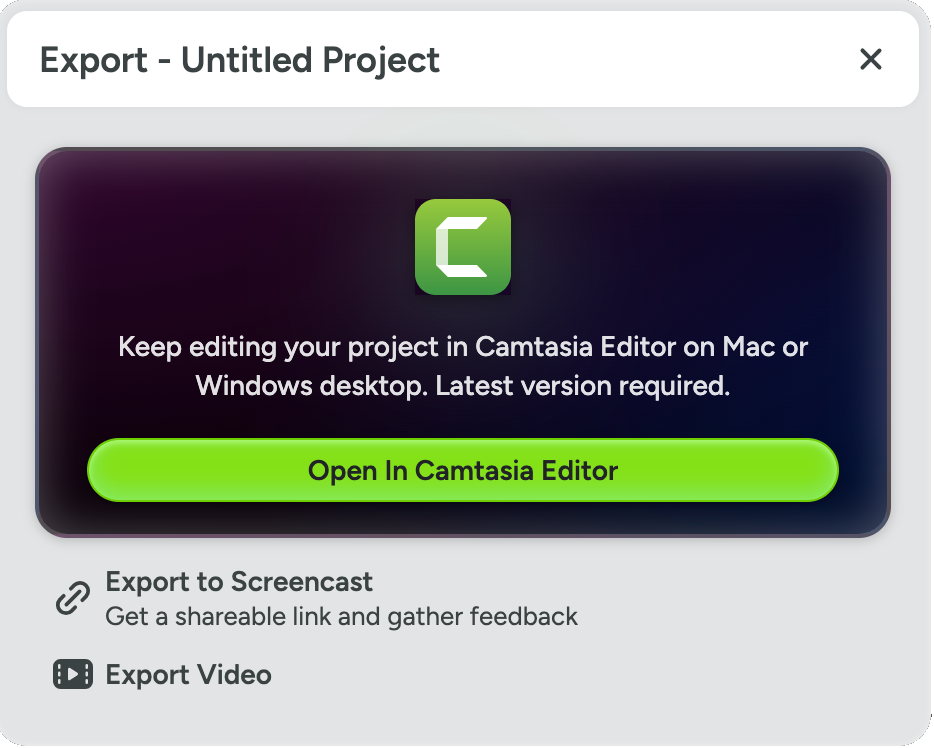
If a supported version is not installed, click the Download Camtasia Editor button to download the latest version of Camtasia Editor for free.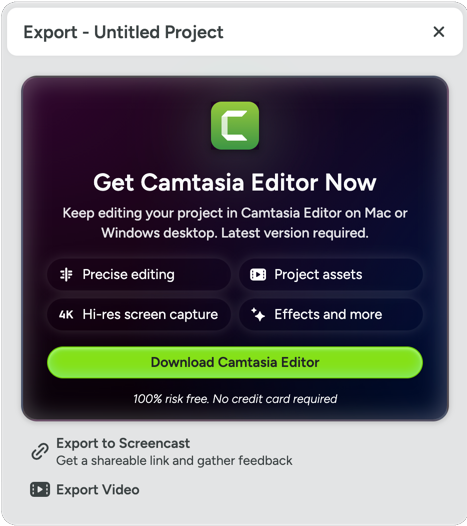
Note: If your system administrator has disabled the TechSmith agent in the Deployment tool, you may not be able to send Camtasia Online projects to Camtasia Editor. To learn more, see Deployment Tool Guide for Camtasia Editor.
If you click the Block button in the Chrome browser message, you can still update your browser settings to check if Camtasia Editor is installed on your computer.