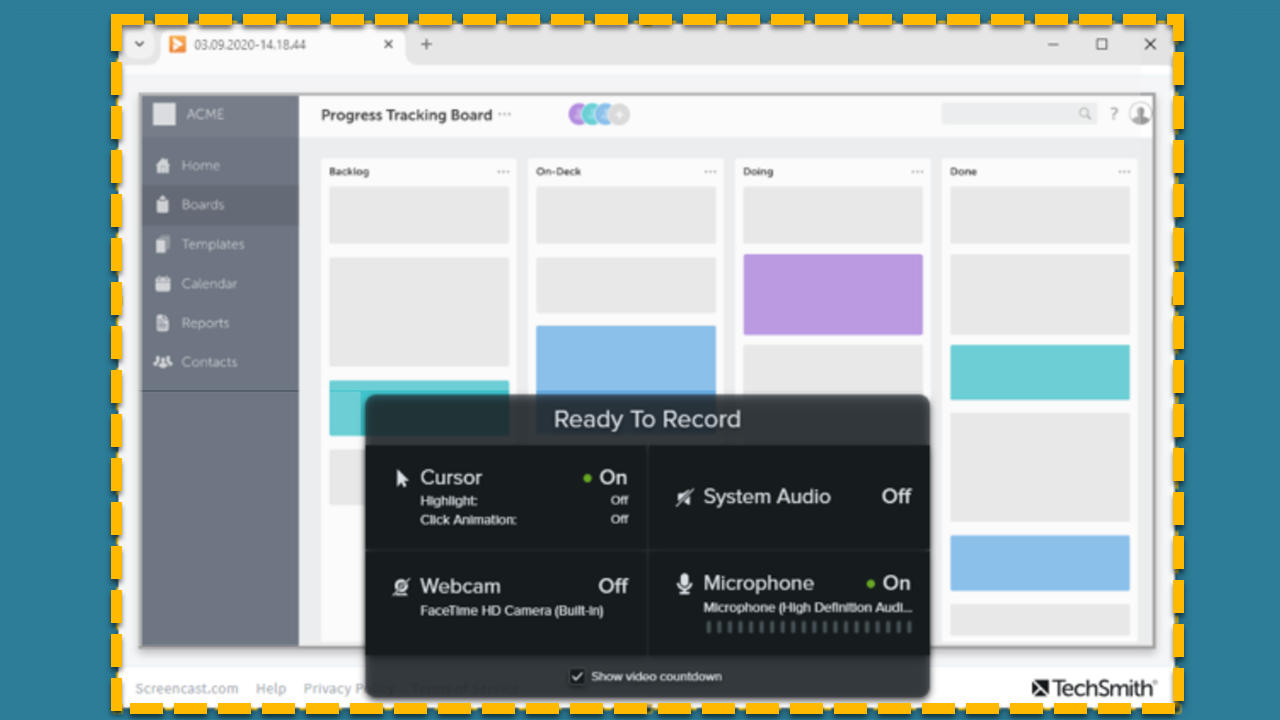
MacOS Permissions
Enable permissions in the Mac operating system (macOS) to allow Snagit to capture, edit, and share images and video.

Enable permissions in the Mac operating system (macOS) to allow Snagit to capture, edit, and share images and video.

Permissions are required for Snagit to capture, edit, and share images and videos. A dialog appears when a permission is needed.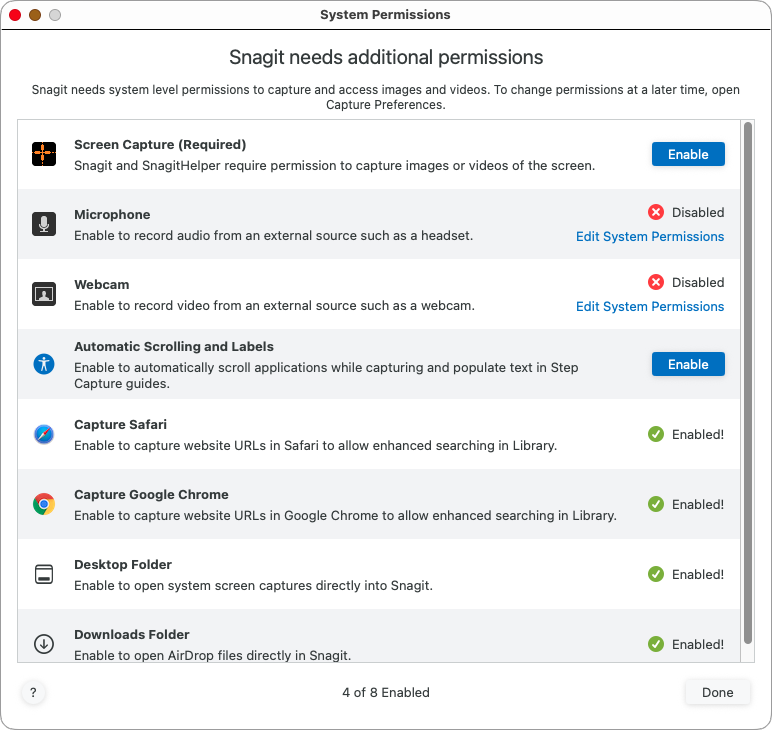
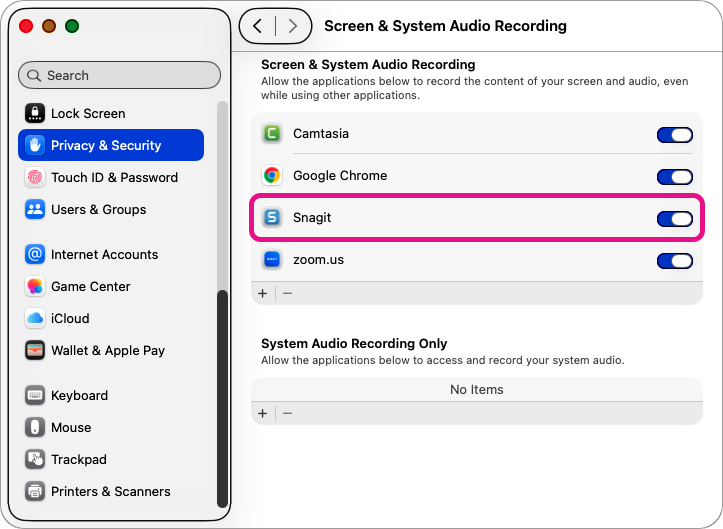
Note: You will be prompted to Quit & Reopen Snagit for some permission changes to take effect.

Tip: Manually view and edit permissions.
You can view and edit Snagit permissions at any time. Select Snagit menu > Settings > Capture tab > Fix Capture Permissions.
The best screen capture software for professionals
* Have Snagit 2024 or earlier? Check out our previous version help.