










Your title says documentation manager, training lead, or content ops lead, but your calendar tells a different story.
The documentation manager is booking expert interviews to record a process the training team needs too. The learning and development (L&D) lead is fielding requests from content ops, because somebody has to coordinate the handoff. The content ops lead has become the default contact whenever expertise needs to move between departments.
These responsibilities no longer fit neatly within documentation, training, or content operations. They need a name that reflects the full scope of the work.
The name for that expanded scope is knowledge operations: the work that moves expertise across documentation, training, and content operations so one person’s knowledge can reach every format and audience that needs it. It’s the coordination that spans all three, and it doesn’t replace any of them.
Here’s a plain-language way to describe your expanded scope to leadership, grounded in what the work actually involves.
Key takeaways
- Knowledge operations is the coordination work of moving expertise across documentation, training, and content formats, and it complements each team instead of replacing it.
- Your role has already grown into knowledge operations if you coordinate across at least two areas of documentation, training, or content operations instead of owning one lane.
- Knowledge management stores and indexes information for reference, while knowledge operations moves that same information into action across formats and teams.
- One expert interview may need to become a release note, a training video, and an in-app prompt, which stretches a single team past its original scope.
- Documentation, training, and content operations each keep their core ownership (structured records, instructional design, and production workflow), while knowledge operations connects them faster.
What is knowledge operations?
Knowledge operations coordinates how expert knowledge gets collected, converted, and shared, and it leaves the specialized work to the experts.
You’re probably already doing this work if your role crosses at least two of those teams. Maybe you sit between a subject matter expert and a training team, or between a documentation owner and a content publishing workflow.
If you spend your day coordinating the same expertise across more than one format or audience, and you don’t live inside a single team, knowledge operations describes what you do.
How this differs from knowledge management
Knowledge management stores and indexes information so people can find it. Knowledge operations moves expertise into formats people can act on. Both deal with organizational knowledge, and each does a different job with it.
Think of knowledge management as an encyclopedia and knowledge operations as a recipe book. An encyclopedia is built for lookup, so it’s complete, authoritative, and organized around structure and retrieval. A recipe book is built for doing. It takes what you know and turns it into steps someone else can follow.
Knowledge operations picks up where knowledge management stops, moving information across documentation, training, and content teams in formats audiences can actually use.
Why this discipline is emerging now
Knowledge operations is emerging because expertise now has to cross more formats and reach more audiences, faster than any single team was built to handle. In the past, documentation, training, and content operations teams each created workflows for their own channel. That worked when each channel served its own audience on its own timeline.
It doesn’t hold up anymore. The same expert knowledge now has to move into video, written documentation, screenshots, and training at the same time, reaching employees, customers, and partners without each team rebuilding it from scratch.
More formats than one team handles
Documentation teams used to own text. Training teams owned live sessions. Content operations owned marketing assets. Each team had its format, and expertise stayed in its lane.
Product knowledge doesn’t move that way anymore. A single feature update might need a screenshot-based release note for the help center, a walkthrough video for the onboarding course, and an in-app tooltip for people who run into the change mid-task.
All three come from one expert, one interview, and one source of truth. Without someone coordinating, each team goes back to that expert separately and rebuilds the explanation from scratch.
Covering more formats puts strain on the knowledge transfer process. Traditional documentation and training workflows plan the least for video and screenshots, yet those are often the clearest way to show a changed interface or a new process step.
With Camtasia Editor and Camtasia Snagit, teams can record a process once, then develop reusable video and screenshot-based resources for different audiences.
Crystal-clear screen recording
Why settle for blurry screen content? Camtasia Editor’s screen recorder captures everything at up to 4K!
Free Download
More audiences than one area of expertise reaches
The same expertise now serves employees, customers, and partners. Documentation used to serve technical teams, training served new hires, and content operations served external audiences. Those lines have blurred, and the same knowledge now has to reach all three groups.
A single onboarding walkthrough shows how this plays out.
Start with a screen recording that walks a new hire through a core workflow. With some adaptation, that same recording can become a customer education asset that supports faster time-to-value for new accounts. Organize the same steps as a reference guide, and you have a support resource that answers questions before they become tickets.
While each version still takes editing, review, and adaptation, that single starting point can serve three audiences without three separate recordings.
Documentation and training leaders already carry that work. Someone has to decide which version of the walkthrough is the authoritative one, which audience gets which format, and when one update needs to ripple across all three.
That’s the work knowledge operations describes. It’s really a scope question, and most documentation and training professionals already answer it in practice, whether or not the role has a name yet.
More speed than one area of expertise allows
Release cycles and process changes now move too quickly for teams to keep content current without cross-functional coordination. When a product ships an interface change or a policy changes, documentation, training, and content operations all face the same update, and each team risks rebuilding the same explanation independently.
That’s the timing gap knowledge operations addresses. When one person or team coordinates the response, the updated information moves into every affected documentation format once instead of three separate times.
You’ve probably lived this: A software release lands, and your training videos still show the old interface. The documentation team is already drafting new steps, but nobody has looped in the content team yet. Without coordination, each group starts from scratch on the same source material.
Many changes don’t even need a full rebuild. Update-friendly habits like simpler interface graphics and short, chunked recordings let you revise the affected segment instead of replacing the whole resource. Knowledge operations favors that approach because it keeps content current without stalling every team each time something changes.
Where documentation, training, and content operations end
Knowledge operations connects documentation, training, and content operations but replaces none of them. It coordinates work across teams without blurring ownership or responsibilities.
Without clear ownership boundaries, one person ends up owning everything in practice while holding only one job title on paper. Accountability blurs, and each team loses the focus it needs to do its work well.
Here’s what each team is still responsible for, in terms specific enough to use when you explain your scope to leadership.
What stays inside documentation
Documentation keeps ownership of the authoritative, structured record of how something works, including the specifications, process steps, and reference material other formats draw from. That ownership stays put even after the information moves on to other teams.
A technical specification is the clearest example. When a product team documents an API endpoint or a multistep installation process, documentation owns that spec. If a trainer uses it to build a course, or content operations turns it into a customer-facing guide, the source record still belongs to documentation.
The training video is a version of it and so is the screenshot guide, however, the spec is the source of truth.
Knowledge operations coordinates how that source material feeds other formats, and it leaves authorship alone. The documentation team still decides what the spec says, when it changes, and how much detail it carries. What improves is how quickly that content reaches the people who turn it into training.
Keeping that line clear keeps accountability clear. When a process changes, documentation updates the record, and every other format built from it follows.
Create how-to guides in seconds with Snagit
Document any internal process as you do it. Step capture organizes the screenshots, numbers, and steps into a clear, shareable visual.
Learn More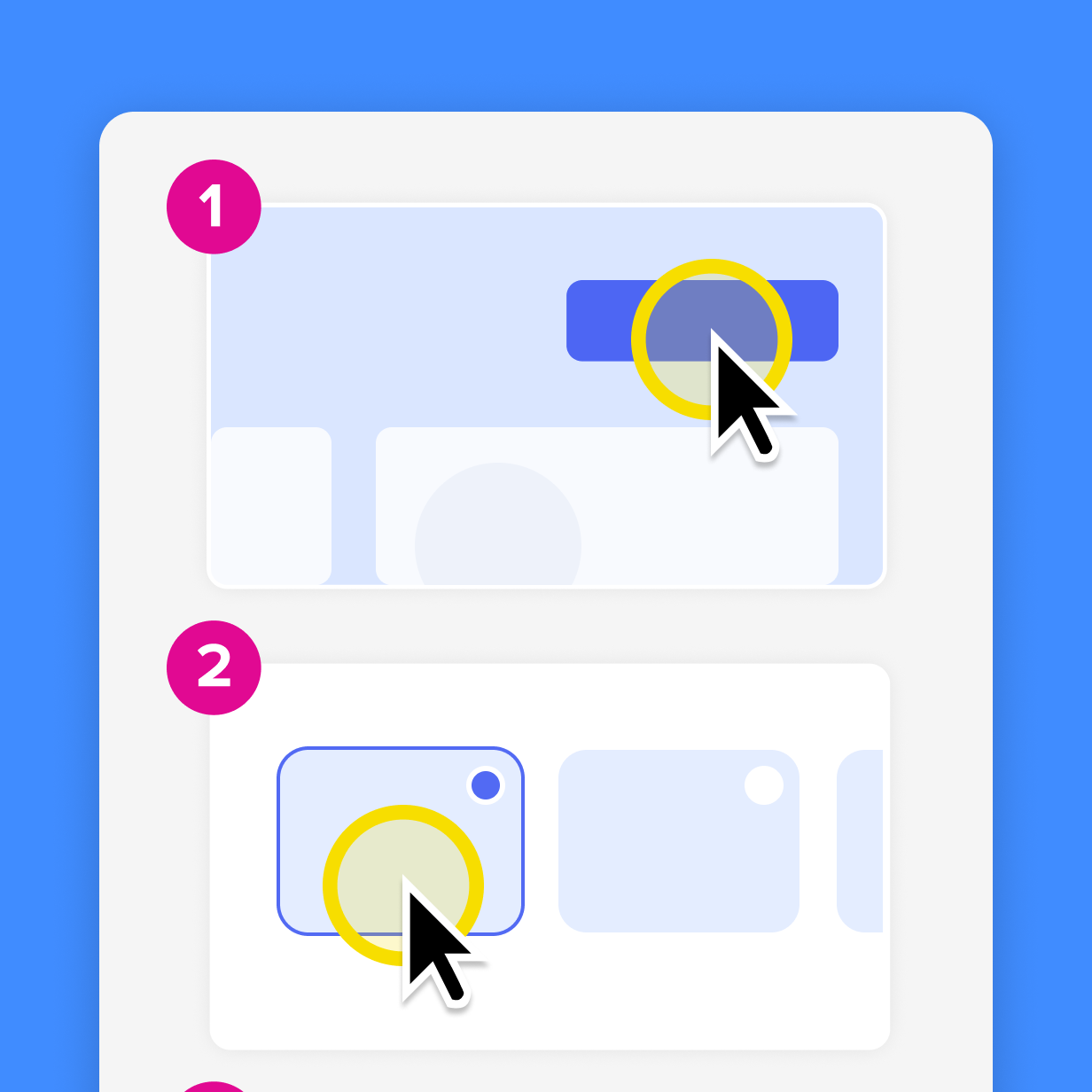
What stays inside training
Training keeps ownership of instructional design, sequencing, practice, and skill assessment, wherever the source material comes from.
A documentation team records a walkthrough of a new onboarding process and hands it to L&D. The L&D team still decides how that content fits into the new-hire course, including:
- Which module it belongs in
- What a learner needs to know before watching it
- What practice activity comes next
- How the assessment confirms the learner can apply the skill
The recording supplies the raw explanation, while training owns the instructional structure around it.
Knowledge operations speeds up that handoff. L&D no longer waits weeks for the documentation team to finish a process guide before building the course, because the source material arrives earlier and in a usable format. That’s a major coordination win.
The judgment calls that decide whether a learner retains and applies knowledge (sequencing, scaffolding, retrieval practice, and assessment design) stay with the people trained to make them. Knowledge operations clears the path, but the instructional designer still decides what to do with the content that arrives.
What stays inside content operations
Content operations keeps ownership of production workflows, governance practices, and publishing systems, separate from subject-matter accuracy and cross-functional format decisions.
Content Science defines content operations as the behind-the-scenes work of managing content activities as effectively and efficiently as possible. That draws the line clearly. Content ops owns the publishing calendar, the brand style guide, the review queue, and the tools that move an asset from draft to delivery.
While a new onboarding asset is in production, content ops manages when it publishes and whether it follows brand standards. Knowledge operations decides what format it should take in the first place. Different teams own those two decisions.
Content ops also doesn’t own whether the information in an asset is accurate. The subject-matter expert and the team that sourced the knowledge own that. Content ops governs how the asset moves through production.
The signal your team has already outgrown its title
Your role has grown into knowledge operations when you coordinate assets and workflows across documentation, training, and content operations.
Check your calendar. If your recurring meetings include trainers, content producers, and documentation reviewers, that’s a sign. So is getting asked to weigh in on format decisions, like whether a process update should become a video, a step-by-step guide, or a written procedure.
And if colleagues treat you as the go-to person when expertise needs to move quickly between teams, you’ve moved past a documentation role.
Here are some concrete tells:
- You’re in meetings with training and content teams to align on the same source material.
- Subject matter experts come to you first when something changes and several formats need updating.
- You make format and sequencing decisions that affect more than one team’s output.
- No defined team or person owns the handoff between expert knowledge and the finished asset, so you do.
How to describe this scope to leadership
Describe your role as the one that moves expertise across documentation, training, and content workflows while each team keeps ownership of its specialized work. Leadership can budget around that description.
In a meeting or a budget conversation, you might say, “My role coordinates how expertise gets into the right format for the right audience, whether that’s a process document or a training module. The documentation, training, and content teams each own their piece, while I make sure the same expertise doesn’t get rebuilt three times.”
Before you had language for this, the work probably felt like getting pulled into every team’s process for no clear reason. Now you can name the reason. Someone has to make sure expertise moves across formats and audiences without each team rebuilding it. That’s knowledge operations, and that’s the scope you’re carrying.
Give your work the name it’s already earned
Knowledge operations gives a name to coordination work you already do. If you’ve ever maintained a process library, updated a training course after a software rollout, or rebuilt onboarding content because the original lived in one person’s head, you’ve been doing knowledge operations. The payoff is reusable assets.
That description gives leadership a concrete picture of the scope that’s already happening.
To see the record-to-asset workflow in action, put your first knowledge asset together with Camtasia Pro.
Build your next training video with Camtasia
Record your screen or camera. Then, use the video editor to add polish and clarity.
Learn More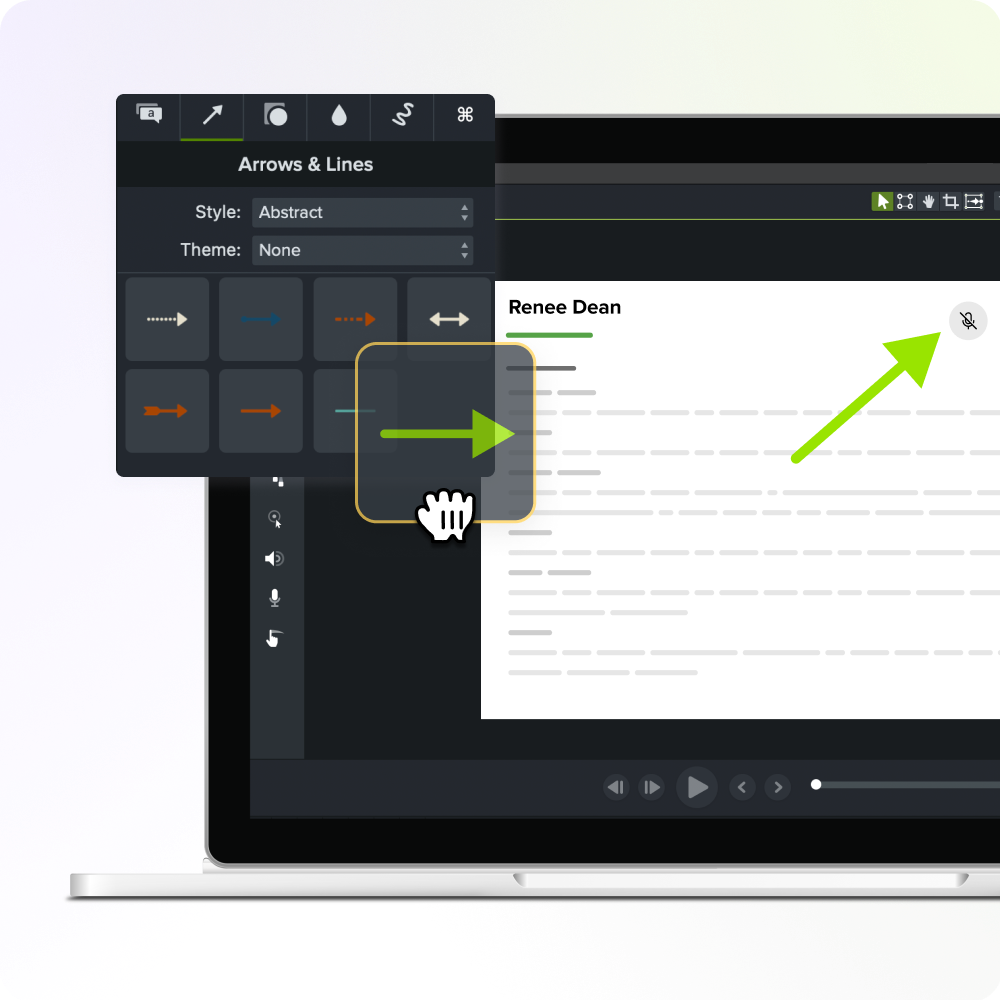
Frequently asked questions
Does knowledge operations require creating a new job title?
Knowledge operations describes a scope of work, and it doesn’t need a formal job title on an org chart. Many documentation, training, or content leads already do this work under their current titles, coordinating expertise across formats without a title change. A new title can help leadership recognize the added scope and value, but the work doesn’t wait for a reorg.
How does knowledge operations relate to Knowledge-Centered Service (KCS)?
Knowledge-Centered Service is a support-desk methodology that collects knowledge as a byproduct of solving customer problems. Knowledge operations borrows that instinct and applies it more broadly, across documentation, training, and content instead of just support tickets. Treat KCS as one proven input to a knowledge operations approach.
What tools do teams typically use to support knowledge operations?
Most teams already have a documentation platform, a learning management system, and a content calendar. What they still need is something that records expertise in the middle. Screen recording and video tools fill that spot by letting a single SME session become a training video, a documentation asset, and a marketing walkthrough. Camtasia Pro is built for that middle step. Teams can record expertise, turn process recordings into video and visual guides, edit the material for different audiences, and share it for review without asking the subject matter expert to repeat the same explanation for every team.
Is there a certification or industry standard for knowledge operations specifically?
Knowledge operations does not yet have a widely recognized certification or dedicated industry standard. ISO 30401:2018 and APQC’s capability assessment tool set standards for knowledge management, but neither covers knowledge operations specifically. Until an analyst firm or standards body formalizes the term, the language here works as a practical starting point.
What’s the most common misconception about knowledge operations?
The biggest misconception is that knowledge operations is just a rebrand of knowledge management. Knowledge management stores and indexes information for later retrieval, while knowledge operations moves that information into the training, documentation, and content people use right now. Mixing the two up can lead teams to invest in a better repository when what they need is faster coordination across formats and audiences.
Share