


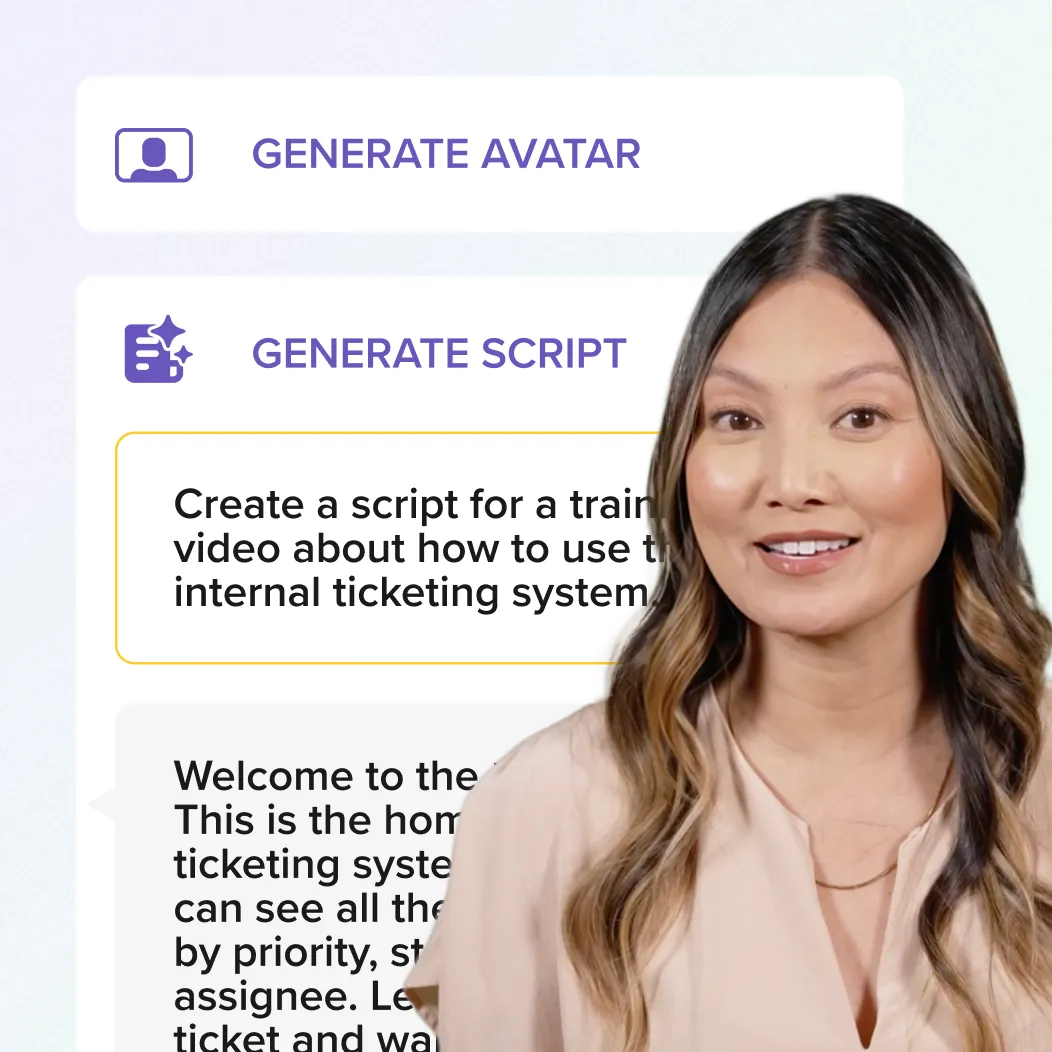





Camtasia for meeting-to-training
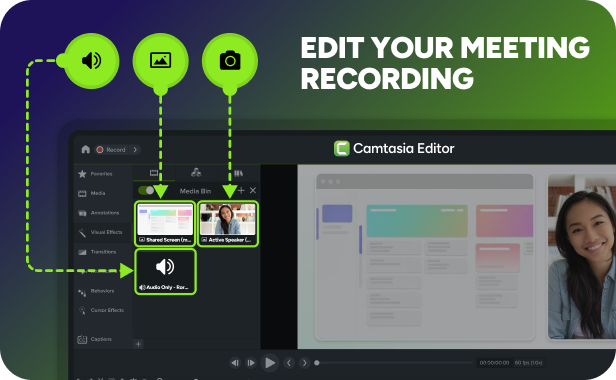
Edit a meeting recording with Camtasia
You have great content hidden in your meetings, but the raw recordings often look unpolished and feel too long for your team to watch. Camtasia helps turn those raw recordings into branded training videos and demos in minutes.
Video editing software trusted by 100% of Fortune 500 companies





Transform meeting recordings into professional training content
Stop sharing long, unpolished replays. Camtasia makes it simple to edit meeting recordings into concise branded videos that your team will actually watch.
Connect directly to your Zoom account
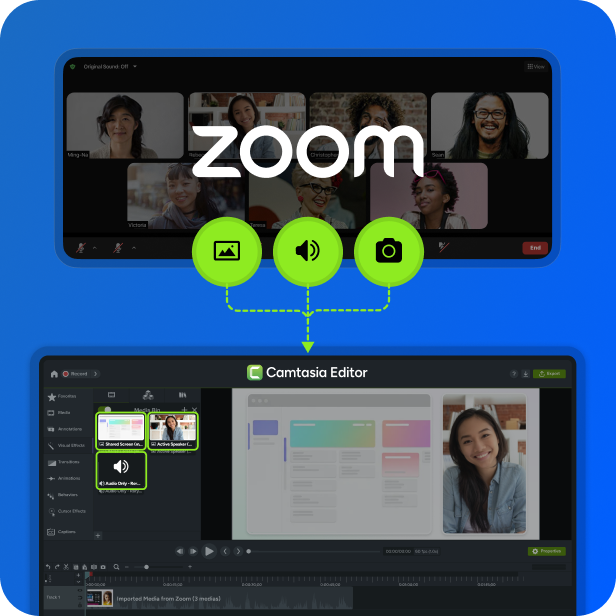
Skip the manual downloads and file management. The new Zoom integration in Camtasia Editor lets you browse your cloud library and pull recordings directly onto your timeline.
- Bring in screen, camera, and audio as separate tracks in one complete import.
- Keep your workspace clean without hunting for downloads.
Professional layouts, automatically
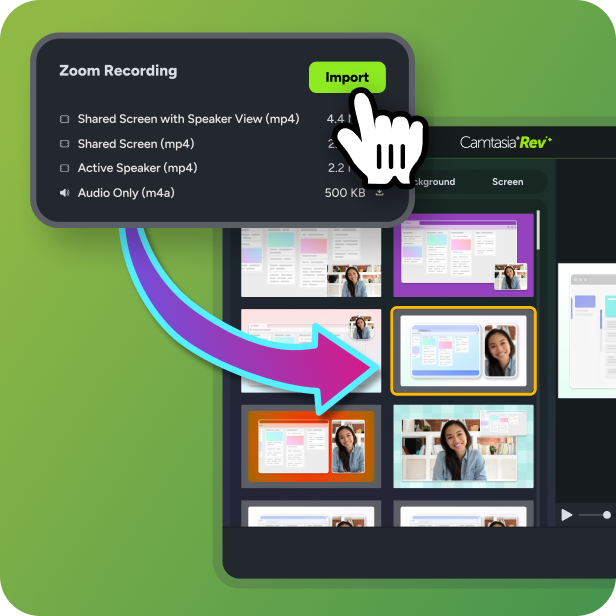
Raw meeting recordings have a fixed view that hides important content. Camtasia Rev instantly suggests professional designs for your meeting footage.
Edit your meeting recording as easily as a document
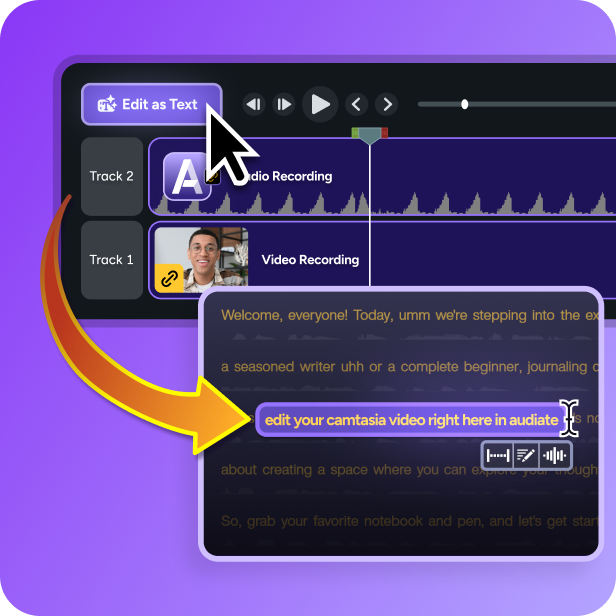
Cleaning up non-essential discussion is the most time-consuming part of editing a meeting recording. With Camtasia Audiate, you can edit your video by simply deleting text in a transcript.
- Delete a word or sentence in the transcript to remove it from the video with text-based editing.
- Automatically find and delete “umms,” “ahhs,” and long silences for faster clean-up.
AI-POWERED Workflows
Spend your time on the message, not the timeline
Camtasia uses AI-powered features to handle the tedious parts of video production, so you can turn a live session into a shared resource in a fraction of the time.
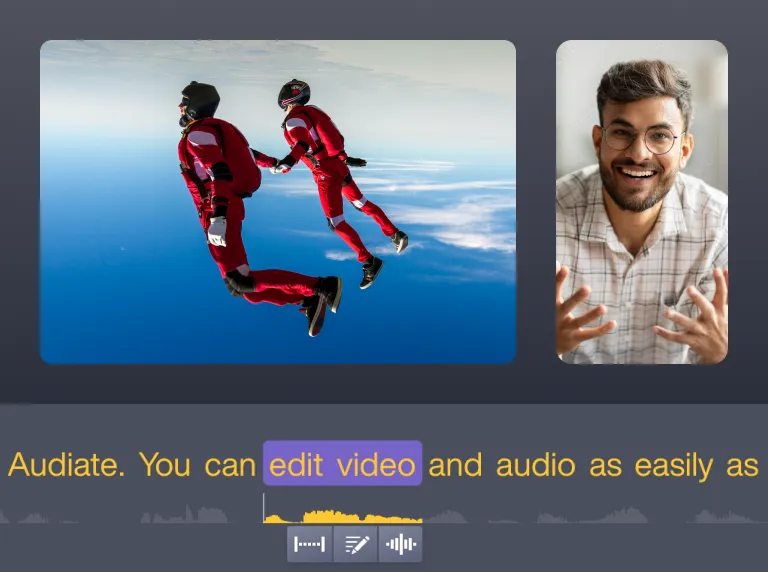


Filler word and hesitation removal
Automatically detect and remove filler word and hesitations.

Quick layouts with Rev
Use the Rev workflow for quick sizing, layout, background, effect, and filter choices to accelerate your video creation.

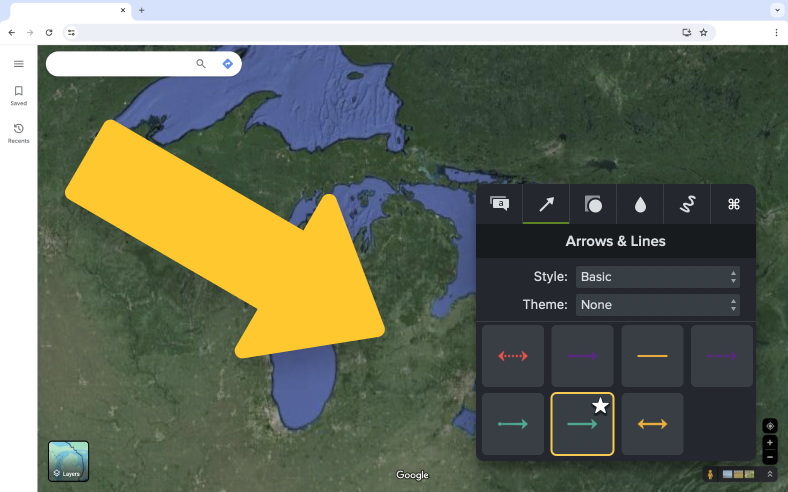
On-screen annotations
Place callouts, arrows, shapes, and sketch motion on any part of your video.
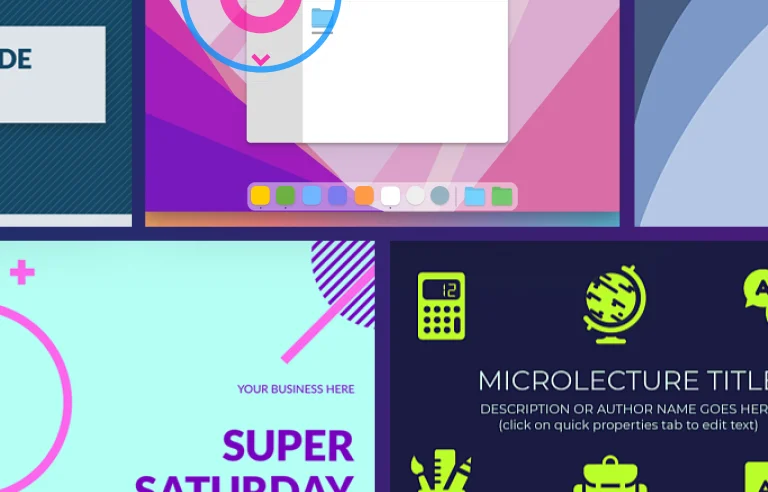
Customizable titles, templates, and themes
Browse professionally-designed titles, templates and themes and easily add your logo, text, and colors to make it your own.

Scale internal expertise securely with Camtasia
Empower your team to share information without compromising security or brand standards.

Protect sensitive data
Meeting recordings often capture private internal data. Use Camtasia Editor’s redaction tools to hide sensitive information before sharing.

Deploy repeatable templates
Standardize video quality across the entire organization with custom templates. Every meeting highlight will look and feel like a professional corporate resource.

Reduce production costs
Eliminate the need for external video production. By giving subject matter experts Ai driven-tools to edit their own recordings, you remove bottlenecks, lower the cost-per-video, and speed up information flow.
Voted the best by our happy customers, over and over again.



Master the art of the meeting recap
Access our expert-led resources to stay ahead of the curve and refine your video strategy.
Tutorial
Basic Edits After Recording
Tutorial
Edit Zoom Recordings

Blog
Is Video or Live Onboarding Better? What Training Teams Need To Know
Blog
How Video Training Helps Teams Share Knowledge at Scale

Blog