









Valuable organizational knowledge often remains trapped in the minds of subject matter experts (SMEs). Without a knowledge-sharing culture, critical details can be lost in long meetings, in chat threads, or in outdated wiki pages.
Video training is recorded instruction that shows a process, workflow, or concept in action. For teams, it supports knowledge sharing by making expertise visible, repeatable, and available on demand.
Video training is a helpful way to capture and distribute both foundational and expert knowledge, making it accessible on demand to anyone who may need it.
It helps teams share knowledge, increase retention, and support consistent decision-making across departments with engaging, reusable content.
Key takeaways
- Video training helps teams capture expert knowledge before it gets lost in meetings, chats, or memory.
- Short, searchable videos give employees a consistent source of truth for onboarding, SOPs, and software workflows.
- Focused videos are easier to update over time than long manuals or repeated live sessions.
- Camtasia Editor and Camtasia Snagit help teams build both training videos and quick visual guides.
The challenges of traditional knowledge sharing
Traditional methods often break down when teams need training that is consistent, searchable, and reusable.
Video training solves many of these issues and can take your training content further than text or word of mouth alone.
Written documentation is hard to maintain
Traditional knowledge bases, like wiki pages and PDF manuals, require constant upkeep. When working in a dynamic team, documentation can become outdated all too quickly.
If a software product releases a significant update about once a year and your team uses five different software tools in their day-to-day work, it quickly becomes unmanageable for everyone to stay up to date.
It would make much more sense for an SME to record quick tutorials of the software and update them in chunks over time. A multitrack screen recorder that allows users to edit audio, camera, screen content, and cursor separately makes these updates even easier.
Written documentation also lacks interactivity. Static tutorials can’t show real-time actions or system behavior, leading to misunderstandings during troubleshooting or when executing complex workflows.
Teams can end up relying on outdated guides that fail to reflect current practice, which undermines knowledge-sharing efforts.
Knowledge lives in people, not platforms
When critical information isn’t recorded, it lives only in the heads of team members. There, it can quickly get lost and buried under other information, making ad hoc knowledge sharing inconsistent and, frankly, impossible.
This issue worsens in organizations without a knowledge-sharing culture, where team members don’t typically share information.
Creating systems that encourage the capture of tacit knowledge–those valuable, experience-based insights–via video is the only way to preserve what’s truly important.
Live training doesn’t scale well
Live training doesn’t have the same impact as asynchronous learning.
Although personable, live training falls short in a myriad of ways.
One-on-one training or in-person meetings take SMEs away from their tasks and ask them to refocus on a completely different subject. The sessions vary in quality, depending on the trainer’s availability or clarity.
Plus, each session will differ in some way, resulting in incomplete knowledge transfer. This can affect knowledge retention for each team member and create knowledge imbalances across an organization.
Communication silos make knowledge harder to share
In many organizations, cross-functional teams operate in isolation. Without a clear visual medium, such as video or screenshot guides, knowledge transfer between departments is inconsistent or even nonexistent.
Tools like Camtasia Editor and Camtasia Snagit make it possible for teams to create comprehensive videos and screenshot guides, and keep them in a collective location.
Video training provides a unifying, visual language for processes that must be understood organization-wide, helping tear down silos that limit alignment and collaboration.
Even screenshot guides can bridge the gap between teams through a visual medium. Camtasia Snagit’s step capture feature takes a screenshot each time you click your mouse. You can click through a learning process as usual, and Camtasia Snagit will compile each screenshot into a sequential step-by-step guide template you can share with your team.
Annotate and edit screenshots with Snagit
Professional mark-up tools and powerful features make it easy to create helpful images.
Try it Free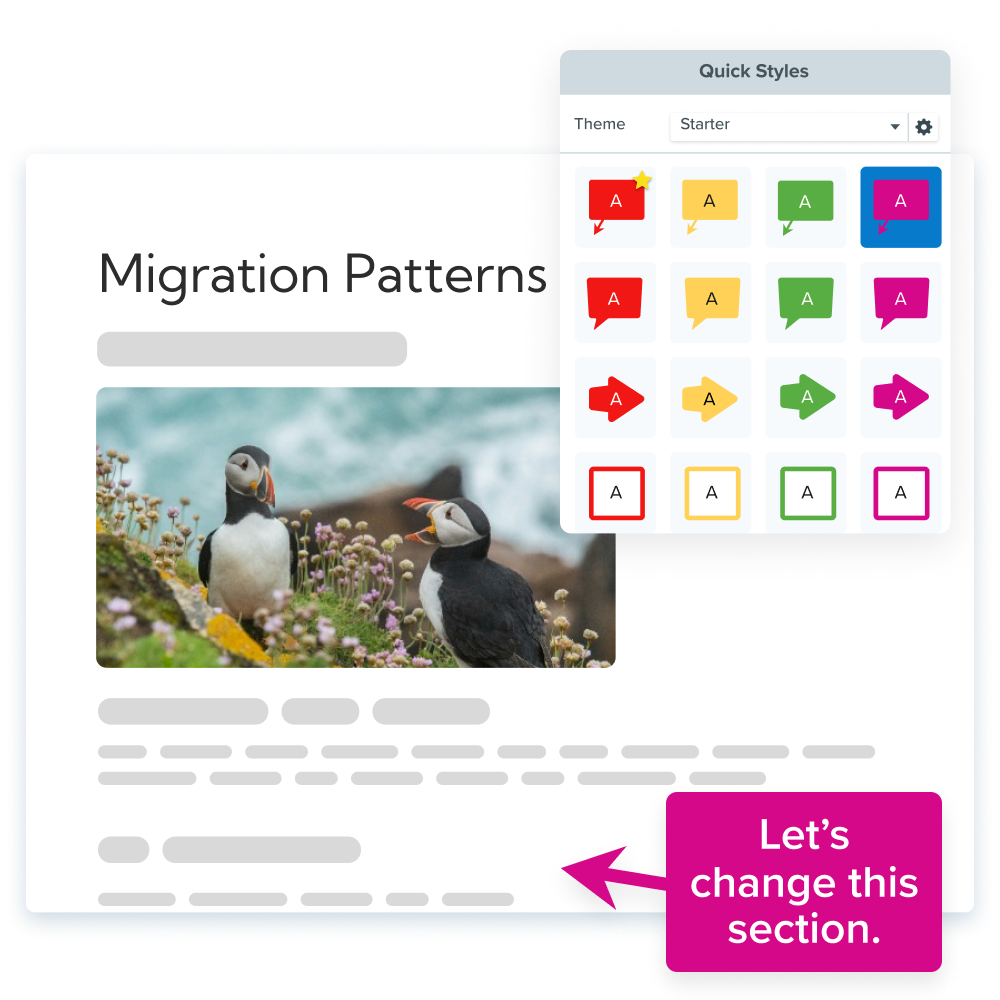
How video training makes knowledge easier to access and retain
Put simply, video training supports knowledge sharing by making important workflows visible, searchable, and easy to revisit.
Video training offers key features that improve the accessibility and retention of critical information, overcoming the limitations of traditional methods.
Helps employees learn at their own pace
With short, on-demand video modules, learners can absorb content at their own pace by pausing, rewinding, or replaying complex steps as needed. Hard-to-understand concepts are now easy to revisit.
This flexibility supports employee engagement, especially for new hires acclimating to new systems or processes, creating a more inclusive and accessible e-learning experience.
Creates a single source of truth for how things work
Videos show exactly what actions were taken–moving the mouse, clicking buttons, reading prompts, so there’s no room for misinterpretation. This fosters effective knowledge sharing by providing a knowledge base that aligns with real workflows.
Breakpoints and in-video transcripts turn visual walkthroughs into searchable text, combining the best of video and documentation.
Makes updates easier over time
Instead of overhauling an entire manual, video tools like Camtasia Editor let creators update a single clip, narration, or screen recording as processes evolve.
A modular recorder reduces the effort required to re-edit content and maintain relevance without a learning management system (LMS).
That means you can update a single part of a video–audio, screen, camera, or cursor recordings–without affecting the others. You’ll be able to make edits days, weeks, months, or years later, to always keep content relevant.
Examples of video training as a knowledge-sharing tool
Your team can use the following ways to support internal knowledge transfer.
Onboarding and cross-training
Training new employees can be time-consuming, and results vary depending on who trains, when training occurs, and how many other employees participate.
Training videos offer consistency, ensuring that new hires receive the same foundational overview, whether they’re learning from the USA or the UK. This flexible learning approach builds a more predictable onboarding process, saves experts’ time, and reduces dependency on in-person handoffs.
Tool walkthrough and software adoption
Quick demo videos replace repetitive live presentations about common workflows. For instance, how to generate a report in a knowledge management system or use SharePoint and Slack integrations in a workflow.
Seeing the desired outcome right off the bat helps users visualize their upcoming work easily. These demos help adoption, increase automation uptake, and empower teams to learn via microlearning.
Internal SOPs and process documentation
Standard operating procedures (SOPs) often fall flat when conveyed only through text. Video captures tone, timing, cursor movement, and screen context, among so many other things.
That gives trainers a friendlier, more visual way to explain a process.
Videos also come with transcripts that learners can use to refer to specific details. The combination of polished video content and searchable text boosts knowledge retention and makes it easier to update down the line.
How to build a sustainable video training library for knowledge sharing
Developing a high-value library isn’t about recording everything. That would be a waste of time.
Instead, use a simple three-step approach: start with repeat questions, keep each video focused, and organize the finished library so people can find what they need.
1. Start with repeat questions or key workflows
First, identify recurring pain points like common FAQs, onboarding steps, or high-volume tickets, and turn them into videos. This approach saves time and delivers quick returns, since these pain points are bound to resurface soon after the video is created.
2. Keep videos short and specific
Video length is very important to viewers. TechSmith’s Video Viewer Trends Report found that viewers cited it as the second most influential factor (right under content relevance) in their video-selection process.
In the same study, 35% of viewers preferred either 3-4-minute or 5-6-minute instructional videos.
People like videos that stay efficient and focus on a single concept or task at a time. Shorter videos are easier to understand and consume throughout the day, which improves retention by maintaining viewer focus.
Short videos are also easy to update or replace, especially with a multi-track screen recorder like Camtasia Editor, since you can update specific tracks (like audio and cursor movements) without altering any other part of the video.
However, it’s still important to understand that there is no ideal video length. Videos should be as short or as long as they need to be.
3. Organize videos by topic, role, or department
Structure your training by building a labeled library of your content. Consider labeling each video collection by role (support, marketing), by topic (onboarding, product demos), or using other tagging systems.
Screencast collections or tagging systems make content browsable and easier for team members to find later. A searchable knowledge base that supports both quick lookups and a broader learning experience.
Each collection can also be edited to create a focused e-learning path.
Tools that help teams create and share training videos
Video training isn’t only about saving time, though that is a great bonus, but also about preserving and scaling institutional knowledge.
Additionally, by reinforcing best practices and reducing the burden of in-person training on SMEs, your video training initiative can be a positive experience for your entire team.
How Camtasia supports training videos
An all-in-one screen recorder and video editor like Camtasia Editor makes creating video training fast and accessible, even for people who have never made a video before. The beginner-friendly interface and free trial are a practical first step if you want to start creating training videos.
In Camtasia Editor, you can expect to find these standout features:
- A multi-track screen recorder and video editor make it easy to edit your camera, screen, audio, and cursor content individually. This flexible approach makes it easier for trainers to scale content within their organization without re-recording a new video each time.
- Annotations, text boxes, and other graphic visual aids help guide the viewer’s attention to details in the video that matter. In Camtasia Editor, you can easily drag-and-drop an arrow or a callout to add important details that may be missed during your narration.
- Captions! Closed captions have a huge impact on a video’s accessibility standards and can increase knowledge retention within your team. As a bonus, your viewers will also be able to watch your videos anywhere, even if they can’t have the sound on.
You and your team can record videos, edit clips, generate transcripts, and store the final videos in a searchable place for the whole organization. Knowledge shouldn’t be hard to share or hard to find, and video training gives teams a practical way to do both.
How Camtasia Snagit supports quick guides
Alongside Camtasia Editor, many trainers use Camtasia Snagit for fast screen captures and simple visual guides. With Camtasia Snagit, you can capture a screenshot of your screen in just a few seconds and add edits, such as arrows and callouts.
Camtasia and Snagit offer a range of handy features, such as a scrolling screenshot that captures an entire webpage as a single long image, smart redaction to keep PII private, and step capture to create step-by-step guides.
It’s a practical addition to a comprehensive training video.
Discover how Camtasia’s suite of tools can kick off your content creation and build a lasting, flexible video training library.
FAQs
What is video training?
Video training is recorded instruction that shows a process, workflow, or concept in action. It lets people pause, rewind, or replay important steps as needed. That makes it a practical way to share both foundational knowledge and expert knowledge on demand.
How does video training support knowledge sharing?
Video training supports knowledge sharing by making expertise visible instead of leaving it trapped in meetings, chat threads, or memory. Teams can record what experts do, add transcripts, and store the result in a searchable format. That gives employees a more consistent source of truth and helps preserve institutional knowledge over time.
When is video training most useful for teams?
It is especially useful for onboarding, cross-training, tool walkthroughs, and internal SOPs. These are the situations where people ask the same questions more than once or need to see a workflow in context. Short, specific videos also help when teams are distributed across roles, departments, or locations.
How do you start a video training library?
Start with repeat questions or key workflows that already slow the team down. Keep each video short and focused on one concept or task, then organize the finished videos by topic, role, or department. That makes the library easier to search later and easier to update over time.
Crystal-clear screen recording
Why settle for blurry screen content? Camtasia Editor’s screen recorder captures everything at up to 4K!
Free Download
Share