










Onboarding is a slow, complex process that drains your most valuable resource: your senior engineer’s time. While every dev team lead wants new hires to hit the ground running in their new role, too often it becomes a mess of outdated documentation, long email chains, and lost knowledge.
Luckily, it doesn’t have to be that way! Handbooks are outdated, but video content is here to streamline your onboarding workflow.
Video training is fast, consistent, and the perfect way to onboard role-specific developers, without using up all of your senior team’s time. Think of video training as a repeatable system that complements your existing documentation, rather than a complete overhaul.
Let’s break down why traditional onboarding takes too long, and how videos can help you speed up the process.
Why developer onboarding takes too long
You’ve completed half the battle: hiring a great developer. Now, let’s tackle the real challenge of getting them ready to create valuable work. In-person developer onboarding usually takes too long because of a few reasons. By tackling these common issues, you’ll be on your way to creating effective training videos.
Repeat questions
Wait, which Slack channel do I ask formatting questions in? What database do we use for this work? Which branching strategy do we use? The first few weeks are often filled with questions just like these. Questions that are constantly repeated, not because the dev isn’t perfectly capable, but because onboarding is information overload. Remembering everything is close to impossible.
Every time a new hire pings a senior dev, it interrupts their current workflow. Although the mentorship is essential, a team’s output will suffer when they are interrupted 10 times a day across multiple hires. It’s just not feasible.
Inconsistent onboarding experience
In addition, if your onboarding process relies on whoever has time that day to show a new hire the ropes, you’re guaranteed to have different outcomes every time. Sometimes the walkthrough is great. Sometimes it’s rushed. And every time, some information will be highlighted more than others, creating an inconsistent onboarding process across multiple hires.
That inconsistency adds unnecessary friction in a team and uneven knowledge sharing. When your team starts with different knowledge levels, it is bound to create more issues down the line, especially once they themselves start to train future new employees.
Static training materials
Lastly, good documentation is critical, but it can’t cover everything in perfect detail. It’s static and misses the nuance that video provides. You can’t demo a complicated setup or show a tricky process with plain text; you need a simple recording walkthrough.
Why video is a better way to onboard engineers
Imagine a way for every new developer to get consistent, clear, and visual walkthroughs of your systems and workflows. That’s the power of video training.
Video doesn’t mean it isn’t personable. It gives you the creativity to show off your company culture and set a positive tone for your new team members right off the bat. This kicks off the onboarding process as a positive learning experience and creates a sense of belonging.
Effective onboarding starts on the first day. On-demand, video training is the solution to ineffective in-person training.
Repeatable and consistent onboarding program
Videos give you the ability to create a standardized onboarding experience. Day one looks the same for everyone no matter where they are or who teaches them. That consistency is key.
To ramp up the consistency of your onboarding, you can use video templates that are replicated for each video tutorial. This consistency in the standardization of knowledge and in brand look creates a uniform learning experience for new devs.
One bonus benefit of video is also the knowledge retention. The video keeps skills and tips from senior employees, so it’s ready to be shared with new employees who will benefit from the knowledge. Once senior employees move on from their role, you will still have access to their expertise through video.
Visuals add clarity to complex workflows
Reading about how to spin up a dev environment is one thing. Watching someone do it is entirely different–in a good way. By recording a clear walkthrough of the process and presenting the final product, you can eliminate confusion for your new hire.
According to TechSmith research, two out of three employees carry out tasks better when communicated with visually vs. non-visually. Not only that, they absorb the information 7% faster.
Less hand-holding, faster ramp-up time
With video, new hires can learn at their own pace according to their own schedule, which reduces ramp-up time. They can use video controls to pause, rewind, and rewatch important information and increase their knowledge retention. This flexibility means fewer interruptions for your team and better questions from your devs.
How to create effective video training for employee onboarding
There are common apprehensions about making videos. Will it take extra time? Do I need to learn a hard tool? What will the quality be? Don’t be worried about it. Creating high-impact video training isn’t a huge lift, but rather being smart with what and how you record.
Start with repeat questions and tasks
The easiest place to begin is to identify the repeat questions your new hires always ask about. These topics are easy to tackle since you’ve most likely heard and answered these questions before.
First, create a static guide that can act as a draft storyboard for your video. With Snagit’s step capture tool, you simply need to walk through your process as usual and Snagit will automatically screenshot your screen each time you click and compile them into a chronological step-by-step guide template.
Annotate and edit screenshots with Snagit
Professional mark-up tools and powerful features make it easy to create helpful images.
Try it Free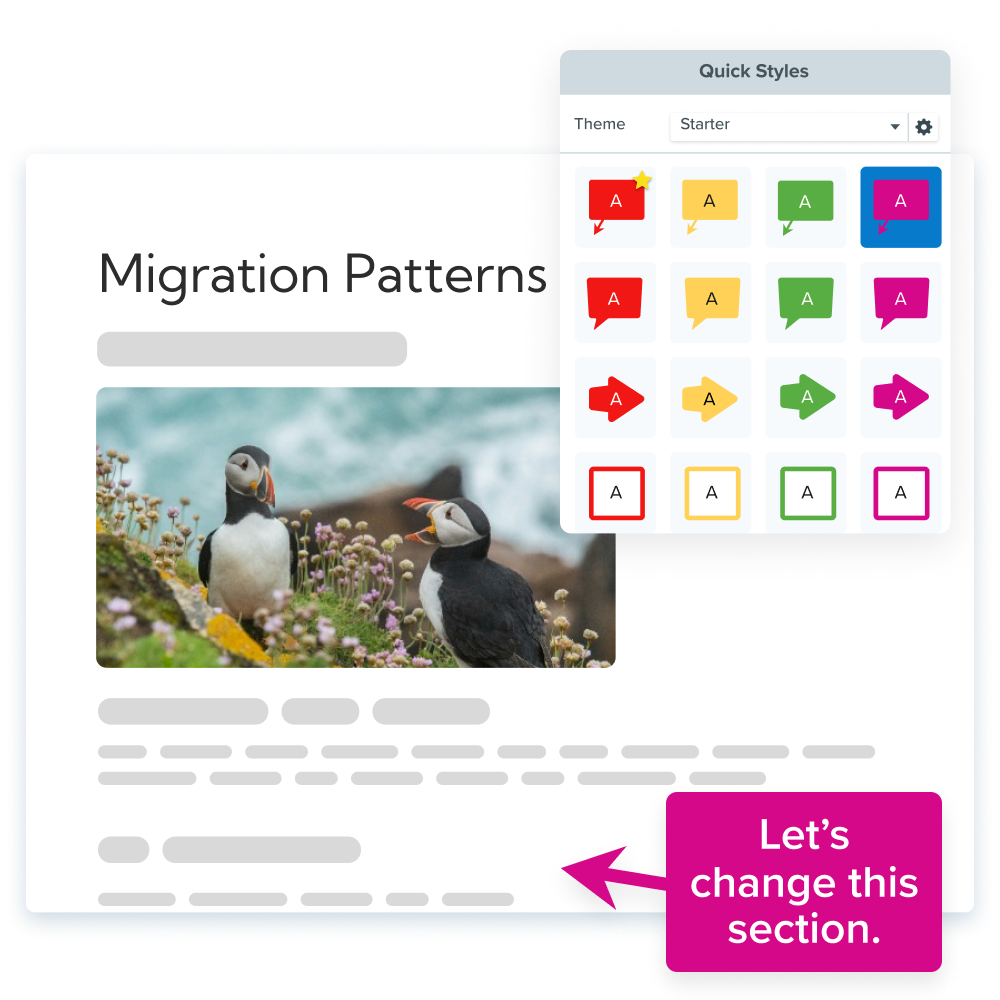
Once that’s done, use it as a comprehensive guide to your video.
Keep videos short and role-specific
We’ve all watched training videos before and thought: “How does this apply to me?” Often, training is all smushed together, which means that new hires lose interest quickly, especially when most of the information doesn’t apply to them.
Instead, create modular videos that focus on what a backend dev needs compared to a frontend dev. Keep it focused on their role without dipping into the other unless needed.
Use real code, not just slides
Use real codes, real workflows, and real environments for your walkthrough. The context is what makes video so effective. It takes any guessing game out of onboarding.
Modular screen recording and video editing is a super important tool for this. By recording with an all-in-one recorder and editor like Camtasia, you can edit your mic, screen, audio, and cursor on separate tracks. This means you can show what you need and delete the distracting junk without compromising your video.
This also means that you can update and re-edit videos as workflows change without having to re-record an entire video every time.
Faster video creation with Rev
Make videos as easy as click, click, done! Camtasia Rev is so fast it’s like magic!
Learn More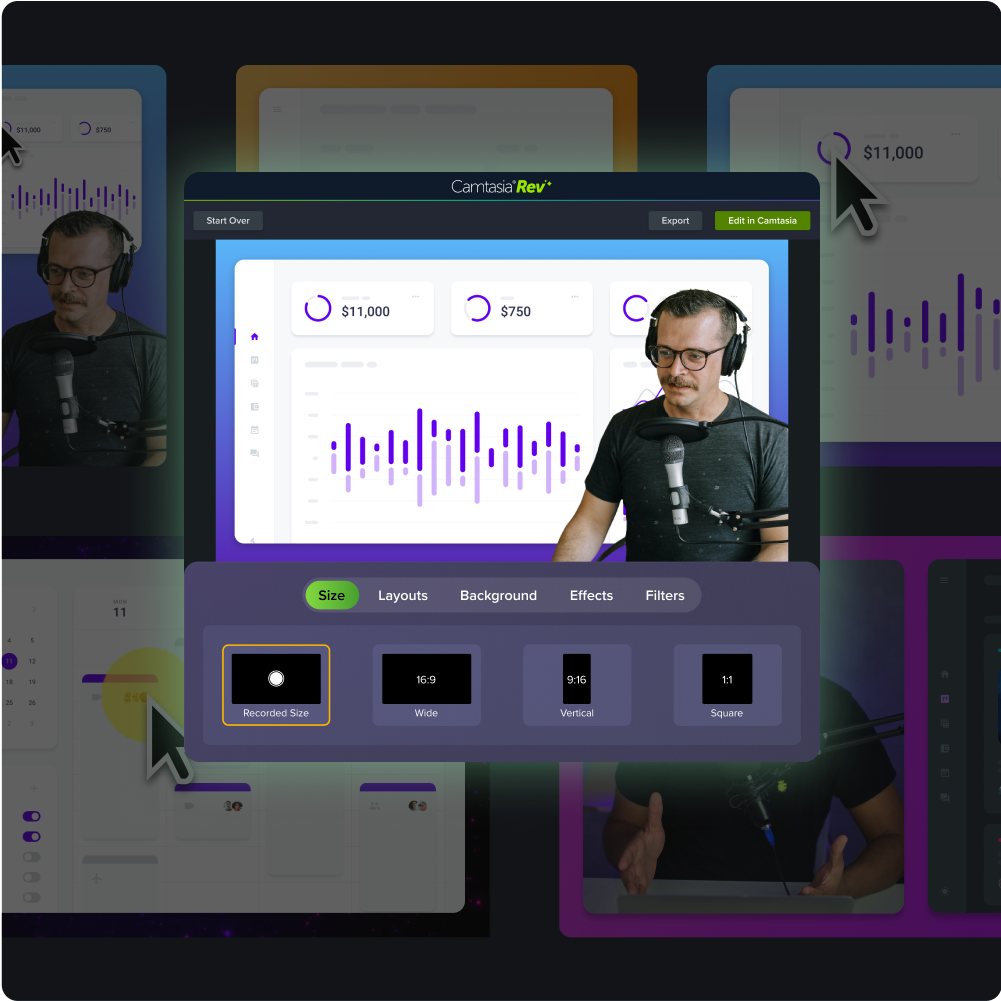
Pair videos with linked documentation
Not everyone learns the same way, and different types of onboarding content covers different learning styles and can even accommodate for accessibility.
We recommend for you to use visuals like screenshots and step-by-step guides with videos made with a multi-track editor alongside standard operating procedures (SOPs), internal wikis, and linked checklists. A comprehensive toolkit makes onboarding smoother for everyone.
What dev teams gain from video onboarding
Investing in better onboarding isn’t just about a smoother start; it’s about long-term team health and scalability.
Faster contributions from new hires
The faster devs understand tools and team norms, the earlier they can commit meaningful code. Once you have the basics laid out, your new devs can create impactful work for the team. So, why delay that by using slow, traditional onboarding?
Video onboarding also scales, so your team can grow without the impediments and time-constraints of live onboarding.
More time for senior devs
Your top engineers are at the top for a reason: they contribute valuable knowledge, time, and expertise to your team. And they should spend their time doing exactly that, not waste it on re-explaining workflows. Of course, mentors are critical, but repeat questions aren’t mentorship, they’re an impediment on valuable work hours that could be spent on feature work and architectural planning.
Simply said, video onboarding frees up time for senior staff while ensuring quality onboarding.
Better knowledge retention
Not understanding content is frustrating, and onboarding should be a positive introduction into a new workplace, not a frustrating experience. When devs have limited access to their training content, they only have one shot to listen, understand, and absorb the content. That can be tricky.
However, videos are rewatchable. They accommodate for new hires to self-pace their training and reduce knowledge gaps during the first, critical months. Devs can pause, rewind, and bookmark the videos to answer their questions themselves.
Scalable onboarding for growing teams
Growing teams should be a positive experience for your company, but live training can hold that back. This is where videos come to the rescue again. Video onboarding won’t buckle to growing pressure. It lets you scale knowledge-sharing without scaling your overhead costs.
Simplify developer onboarding and ramp time with TechSmith
Video tools are easy to jump into, especially when they’re as beginner friendly as Camtasia. With Camtasia, you can create training videos that look professional without spending hours on it. You can easily capture workflows, add polish, and send high-quality code-friendly training videos without being a video editor.
Camtasia is built with training in mind. You can add click animations and a highlight to your cursor when you need your cursor movements to be obvious. By using video and brand templates, you can keep your videos consistent across teams. And, add annotations, callouts, and text to your videos whenever extra context is needed.
Sharing your videos is even easier than creating them. With Camtasia’s shareable link feature, you can add a link to your video to any onboarding documents or video library, making it easier to find and refer back to over time. When everything is in one place, you eliminate unnecessary confusion for your new hires.
Go from screen recording to polished video
A screen recording is just the start. Camtasia’s editor helps you add the callouts, animations, and edits you need to create a truly professional video.
Free Download
In the end, it doesn’t matter if you’re documenting an environment setup with a video tutorial or explaining your CI process with a screenshot-filled step-by-step guide. Explore TechSmith’s full suite of products to start building smarter, faster onboarding for your team.
Share