









Slow, inconsistent onboarding isn’t just frustrating — it’s expensive. When new hires spend weeks wading through outdated manuals, sitting through disjointed live sessions, or shadowing employees who train “their own way,” productivity takes a hit, and knowledge retention suffers.
If you’re responsible for training employees, you’ve likely seen the ripple effects: uneven performance, repeated questions, and trainers tied up delivering the same information over and over.
Employee ramp-up time is the period between a new hire’s first day and the point when they can do their job with confidence and consistency. Getting an employee up to speed can be difficult.
The good news is that there’s a faster, more effective way to onboard. Video training offers a scalable, engaging solution that gets new hires up to speed faster — without sacrificing quality.
In this article, you’ll learn how video can solve the most common onboarding challenges, improve retention, and free up your team’s time. Plus, we’ll show how tools like make it easy to create and update impactful training content.
Key Takeaways
- Video training helps improve employee ramp up time by reducing information overload and giving new hires self-paced access to the same instruction.
- Pre-recorded videos create a more consistent onboarding experience and help prevent knowledge gaps across teams.
- Short, focused videos are easier to revisit than long live sessions or text-heavy manuals.
- Camtasia can help teams build polished tutorials, quick visuals, and accessible onboarding content.
What Slows Employee Ramp-Up Time During Onboarding
New hires should hit the ground running, but too often, onboarding feels like a slog. Why? Because many companies wrestle with clunky, outdated processes that drag out ramp-up time from day one. This results in lower engagement, higher turnover, and a painfully slow crawl to productivity.
Let’s break down the biggest culprits holding new team members back.
Information overload leads to poor retention
New hires are often flooded with a ton of information in a short period, making it hard to remember key details. Traditional onboarding usually involves dense manuals or lengthy presentations that don’t reinforce learning. This often leads to information overload, poor retention, and confusion.
Video training helps alleviate this problem by allowing employees to learn at their own pace. They can pause, rewind, and replay key information, ensuring that they fully grasp essential concepts before moving forward. This self-paced approach boosts retention and prevents information from being forgotten in the blur of onboarding.
Inconsistent training creates knowledge gaps
When employee onboarding depends on live training programs, the quality of instruction can vary significantly from one session to the next.
Different trainers may emphasize different aspects of the new role, use different terminology based on product knowledge, or fail to cover essential details in the user documentation. As a result, new hires can walk away with incomplete or contradictory knowledge, which negatively impacts their performance in a new job.
Video training eliminates these inconsistencies by providing a standardized learning experience. With pre-recorded videos, every new hire receives the same clear, high-quality training from the first day — ensuring consistency across the board. This reduces errors, boosts productivity, and helps every employee stay on the same page.
Repetitive live training wastes time
HR teams and hiring managers often repeat the same onboarding sessions for each new hire. This is time-consuming and pulls attention away from higher-priority tasks.
Pre-recorded video training eliminates the need for repetitive sessions. HR and managers can create a library of training videos that new hires can access at their convenience. This reduces the time spent conducting onboarding and frees up time for more strategic work while still delivering top-notch training to employees.
Lack of engagement reduces knowledge retention
Traditional onboarding methods like long, static documents and endless product training lectures can quickly become disengaging, leading to lower retention rates. Without an engaging training experience, new hires may lose interest and fail to absorb the information.
Interactive video content, featuring screen recordings, annotations, and quizzes, holds attention better and reinforces learning. Video-based onboarding taps into modern learning preferences, making it easier for employees to stay engaged and retain critical information.
Why Video Training Helps Employees Ramp Up Faster
So, why do videos work so well for onboarding? They offer a dynamic, engaging, and efficient way to transfer knowledge. Let’s take a closer look at why videos are a game-changer during the onboarding period.
Faster learning and knowledge retention
People retain information better when it’s presented visually. In fact, research found that after three days, people only retained about 10-20% of written or spoken information but nearly 65% of visual information.
Why is this the case?
Video training makes complex workflows easier to understand by showing them in action. Instead of reading through text-heavy manuals or listening to long presentations, employees can see how company processes work in real time through instructional videos.
Adding interactive elements, like quizzes and embedded questions, further boosts retention and helps employees test their knowledge. This format allows for faster, more effective learning compared to traditional methods, assisting new hires in getting up to speed quickly.
Standardized training for all employees
With video, you ensure that every new hire receives the same high-quality training, regardless of their location, trainer, or time of day. Unlike live sessions, which can differ depending on the experience level of the person delivering the training, video allows you to create a structured, consistent onboarding program.
This consistency not only helps new employees feel more confident in their roles but also ensures that key processes are followed across the board, reducing errors and enhancing full productivity.
On-demand access for self-paced learning
Not everyone learns at the same speed, and that’s okay. Video training lets employees hit play when they’re ready, pause when they need a breather, and rewatch until it clicks. That flexibility boosts comprehension and keeps knowledge fresh long-term.
For remote teams, on-demand video access ensures they receive the same onboarding experience as in-office employees — with no scheduling hassles or missed information.
Time savings for HR and managers
Pre-recorded videos save time for HR teams and managers by removing the need to conduct repetitive, one-on-one training sessions. Instead of spending hours repeating the same information for every new hire, HR teams can focus on more strategic tasks, like employee engagement and organizational development.
With video, you can reduce the overall onboarding time, helping new employees become productive sooner.
How to Improve Employee Ramp-Up Time With Video Training in 4 Steps
1. Plan your onboarding video content first
To create effective onboarding videos, start with a clear plan. The first step is identifying the key topics that will benefit from video training. This could include anything from company culture and policies to specific software systems or workflows. Keep in mind that not all content is suited for video, so it’s important to focus on the areas where visual step-by-step instructions will have the greatest impact.
Create how-to guides in seconds with Snagit
Document any internal process as you do it. Step capture organizes the screenshots, numbers, and steps into a clear, shareable visual.
Learn More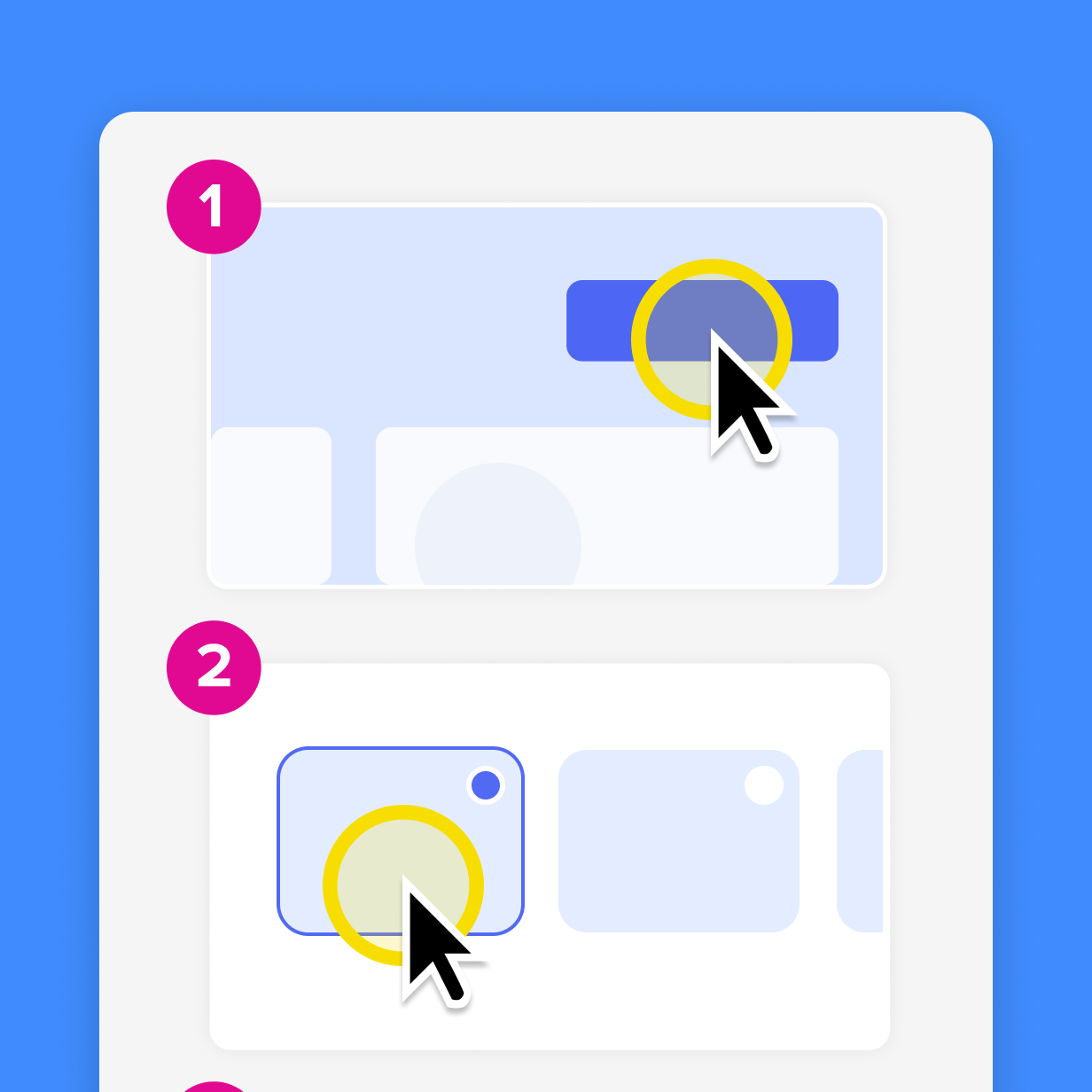
Create a script
Once you identify those areas, outline the steps involved in each process. This ensures that the video is structured and easy to follow, and helps you break down complex information into digestible chunks.
Scripting your videos in advance will also improve clarity and conciseness. It’s easy to get off track during filming, but having a script keeps the content on topic and makes sure you don’t miss any critical points.
Use shorter clips
It’s also important to avoid overwhelming your new hires with one long video. Instead, break the content into short, focused segments that are easy to navigate. Each video should address one specific topic or task so employees can watch them in sequence or revisit specific sections when needed. This approach allows learners to absorb information at their own pace rather than feeling overloaded.
Prioritize accessibility
Make sure videos are easy to access and are available on different devices. Add captions, consider color contrast for readability, and ensure that your content is designed to be inclusive for all new hires, including those with hearing or vision loss.
2. Use the right video tools
Professional-quality training videos can significantly enhance your onboarding process, and the right tools make all the difference.
For creating high-quality, polished videos, Camtasia is the go-to tool.
Camtasia offers a range of features, from screen recording and video editing to adding annotations, transitions, and captions. It allows you to create detailed training videos that are visually engaging and easy to follow, which is perfect for onboarding.
With Camtasia, you can craft a seamless training experience that provides employees with all the information they need in an accessible format.
Build your next training video with Camtasia
Record your screen or camera. Then, use the video editor to add polish and clarity.
Learn More
While Camtasia Editor is perfect for producing polished training content, Camtasia Snagit is ideal for creating simple, easy-to-follow visuals for short tasks or quick how-tos that don’t require a full video.
Snagit is perfect for capturing screenshots, adding callouts, and creating step-by-step guides that complement video content. You can use Snagit to demonstrate a process visually and then integrate these images into your Camtasia videos for a comprehensive training experience.
3. Record and edit for clarity
When creating training videos, clarity is key. To ensure that new hires can easily follow along, focus on step-by-step demonstrations that visually guide them through the material. Clear visuals make the content easier to understand and replicate, especially when introducing new processes or tools.
Vary your mediums: Text, audio, and visuals
Using a mix of screen recordings, live demonstrations, and on-screen captions can significantly enhance how effectively your employees absorb information. This combination ensures that learners are supported with both visual and auditory cues, which strengthens retention and comprehension.
Camtasia makes it simple to add annotations, callouts, and captions to your training videos, highlighting key steps and adding essential details where needed. Callouts, for example, can direct attention to specific areas of the screen, while captions provide additional context for viewers, particularly helpful when covering complex tasks.
Camtasia Pro takes it a step further with Audiate, which can automatically transcribe your audio and make adding dynamic captions easier than ever. This tool helps ensure that your training videos are accessible and easy to follow for all employees, improving both clarity and engagement.
If you can edit a doc, you can edit a video
Stop fearing the timeline. Camtasia Audiate transcribes your recording so you can edit your video just by editing the text.
Free Download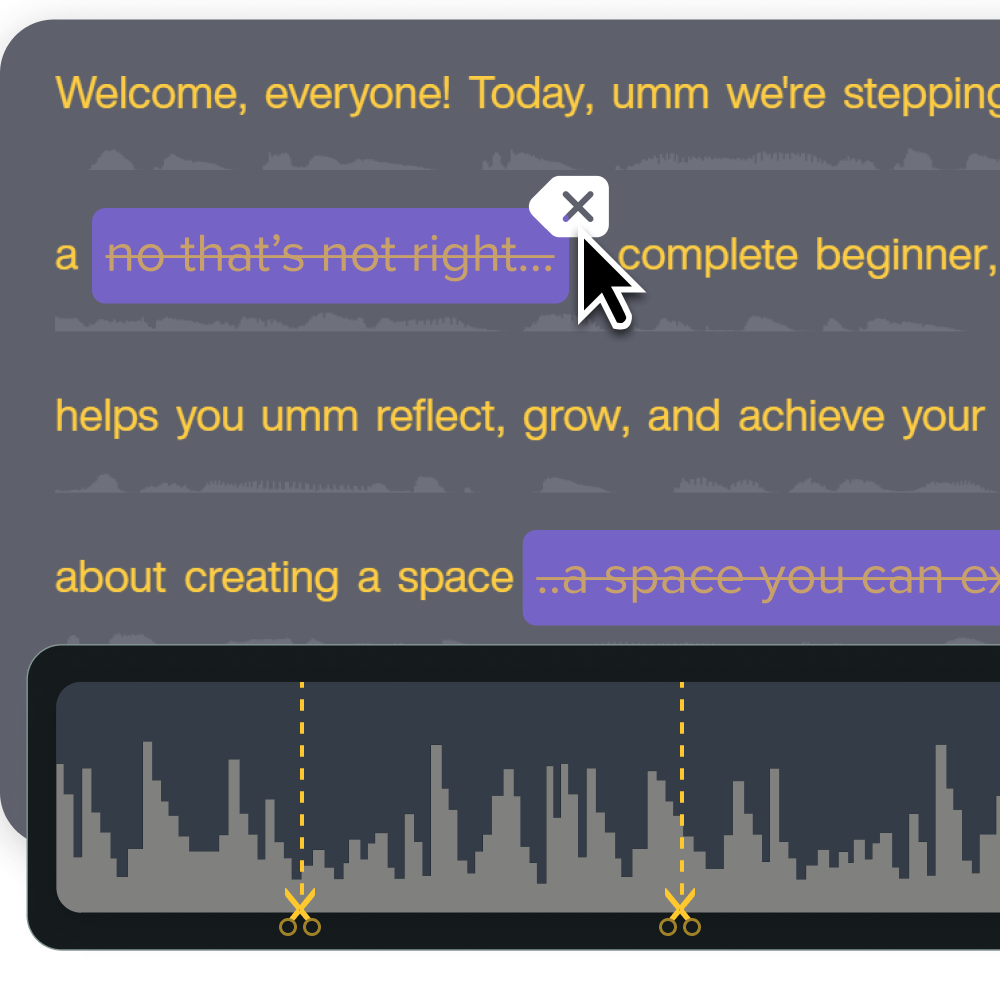
Minimize noise and distractions
When creating your videos, it’s also essential to minimize distractions and background noise to maintain a professional quality. Clear audio and a focused presentation will prevent viewers from losing attention or misinterpreting the instructions.
Invest in a good microphone, use quiet environments, and edit out any unnecessary noise during post-production. By ensuring your training videos are crisp, clear, and well-structured, you’ll maximize their impact and ensure your new hires get the best onboarding experience possible.
4. Organize and distribute training videos effectively
Once your onboarding videos are created, organize and distribute them so that new hires can easily access the content they need. The best way to do this is to store your videos in a centralized location such as a company learning management system (LMS), intranet, or shared drive. A centralized platform ensures that all employees have access to the same resources and allows for better tracking of who has watched which videos.
Group videos by topic
To improve the user experience, categorize your videos by topic. Group them into logical sections such as “Company Overview,” “Software Tutorials,” “Team Introductions,” or “Process Walkthroughs” so new hires can easily navigate through relevant material.
Organizing videos in this way prevents overwhelm and allows employees to focus on one area at a time. This structure also makes it simple for managers to assign specific training sessions based on the needs of each new hire.
Ask for feedback
Don’t just send off videos into the void and expect miracles. Encourage employees to provide feedback on the training videos they’ve watched. Specifically, ask them:
- What worked well?
- Was anything unclear?
- Did they need more detailed explanations?
Gathering this input will not only help improve future videos but will also give new hires a sense of involvement and ownership in their learning process.
Regularly revisiting and refining your video training materials based on employee feedback helps ensure that your onboarding process remains effective and up-to-date as your company evolves.
Transform onboarding with video training using Camtasia
Video training is a game-changer when it comes to improving the efficiency of your onboarding process. It streamlines training, reduces ramp-up time, and enhances knowledge retention for new hires.
The Camtasia Suite, including Camtasia and Snagit, can help you create high-quality, consistent, and engaging training content, turning chaotic onboarding into a smooth, effective win. You can create professional, step-by-step video tutorials that ensure consistency across training sessions and provide employees with on-demand resources they can revisit whenever needed.
Ready to revolutionize your onboarding process? Check out Camtasia’s full lineup and kick slow ramp-up times to the curb for good.
FAQs
What is employee ramp-up time?
Employee ramp-up time is the period between a new hire’s first day and the point when they can do their job with confidence and consistency. When onboarding is slow or inconsistent, that timeline stretches because people spend more time searching for answers or relearning tasks. Video training helps shorten that window by giving employees clear instructions they can watch again when they need a refresher.
How can video training improve employee ramp up time?
Video training improves employee ramp up time by making onboarding more consistent, self-paced, and easier to repeat.New hires can pause, rewind, and revisit key workflows instead of relying on memory from a live session. That reduces confusion, limits knowledge gaps, and saves managers from repeating the same training over and over.
What should be included in onboarding videos for new employees?
Start with the topics that benefit most from visual explanation, such as software systems, repeatable workflows, policies, and process walkthroughs. Keep each video focused on one task or topic so employees can find the right answer quickly.Add captions, clear audio, and simple on-screen cues so the content is easier to follow and more accessible.
Share