







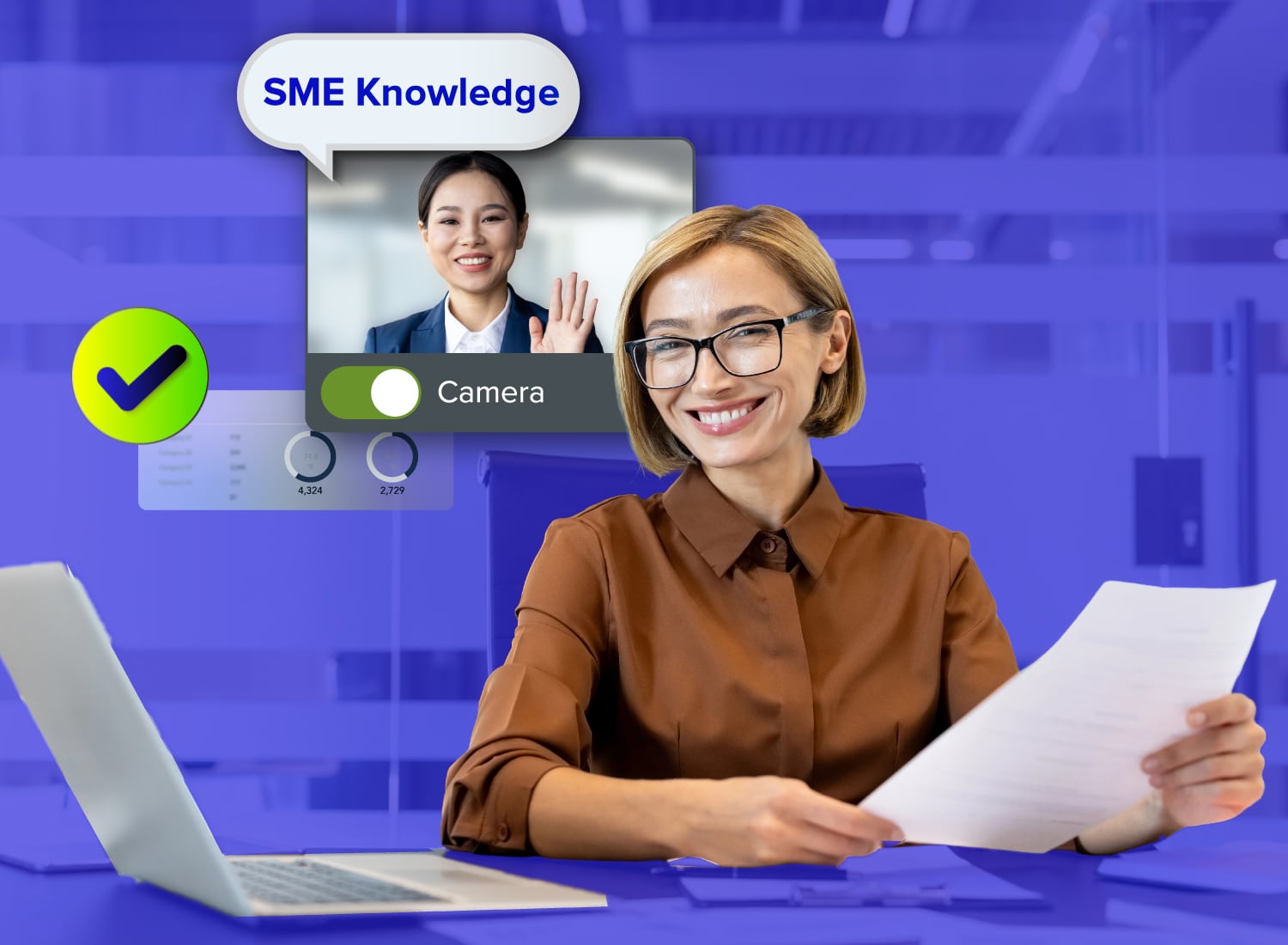
Getting an hour on a busy expert’s calendar is hard enough, but walking away from that session with a video recording you’re not sure how to turn into a valuable resource is frustrating.
That’s the challenge behind SME knowledge capture: drawing out what a subject matter expert knows, through structured questions, recorded sessions, and targeted prompts, and turning that raw expertise into documentation or training that the rest of the team can actually use.
Part of what makes this hard is the nature of the expertise itself. Much of what an SME carries is tacit knowledge, the kind that’s hard to put into words because it comes from experience and pattern recognition rather than a written rulebook. They don’t explain every decision because, to them, it’s obvious. A casual conversation won’t surface it. A structured method will.
How much structure you need depends on the session. A quick peer-to-peer walkthrough needs less unpacking than content headed for a dense or executive-level audience. What stays constant is the approach: prepare before you record, run the session with intention, and process the raw material into something usable afterward.
Key takeaways
- The content team’s preparation work, not the expert’s availability, determines whether a knowledge capture session produces usable output.
- Scoping a session to one process or decision before contacting the expert produces more usable material than an open-ended conversation about their full domain.
- Screen recording works best for process-based expertise because the on-screen workflow gives the session structure, which takes some of the mental load off the expert during the recording.
- Processing the recording afterward, cleaning it up, structuring it, and assembling it is content-team work and should never need the expert’s time to finish.
- Sending specific questions before the session cuts down on hesitation and filler words, which makes your editing work faster afterward.
Why SME time is the real bottleneck
The scarcest resource here isn’t the expert’s knowledge. It’s the hour on their calendar. Most experienced employees carry undocumented expertise that leadership knows matters, but few organizations have a structured way to pull it out before it’s lost. In a study of 180 small and medium-sized enterprises in KwaZulu-Natal, South Africa, only 31.7% reported using audio- or video-recorded employee interviews to capture tacit knowledge.
That gap exists partly because these sessions feel like a burden on the expert. The fix is to shift that burden entirely onto the content team. The expert’s only job is to talk. Everything else, including scoping, questioning, recording, and processing, belongs to you.
Prepare before the session
An SME who walks into a blank conversation has to organize the session on the spot. One who arrives to a scoped topic, structured questions, and a clear recording expectation can focus entirely on sharing what they know. These preparation steps support SME-centered content creation without asking the expert to plan the session.
Scope the topic before contacting the expert
To capture institutional knowledge, pick one undocumented process, decision, or edge case before you reach out. Broad topics produce unfocused sessions. A scoped topic gives you something you can actually structure and reuse.
Run it through a simple test: If the topic answers the question “What would we lose if this person left tomorrow?”, it’s scoped right. If it answers “everything this person knows,” it’s too broad. Cut it down until you can name the specific workflow or judgment call that nothing currently documents.
A narrow scope also makes the session easier to process afterward. One focused recording becomes one usable asset, not a sprawling conversation you can’t edit into anything coherent.
Draft specific questions, not open prompts
Specific questions about failures, checks, and common mistakes surface far more tacit knowledge than asking an expert to walk you through their process in general. An open prompt like “explain how this works” puts the mental work back on them. They have to decide what’s relevant, what order to use, and how much detail to include.
Questions like “What do you check first when this step fails?” or “What would a new person get wrong here?” do that structuring work for them. They just answer.
For compliance training videos, ask which checks are mandatory and what employees should do when an exception occurs.
Before the session, draft five to eight questions organized around the workflow steps you scoped. The expert talks. You record it.
Send the SME a focused brief in advance
Send the expert a one-page email covering the scoped topic, the session format, the approximate time commitment, and two or three sample questions. That’s enough for them to arrive prepared without feeling like homework.
Include two practical notices: the session will be recorded, and whether they’ll need to share their screen to walk through a process. An expert who knows both ahead of time won’t freeze up when you hit record.
Questions sent in advance also cut down on hesitation and filler words during the session. Camtasia Audiate’s filler word removal can handle whatever remains, so editing stays quick afterward.
Run a session that keeps the expert talking
Your job during the session is to direct the conversation, not just record it. Keep the expert on the scoped topic and push back gently when they skip ahead. Also keep future uses in mind for scaling organizational knowledge, so one recording can support different audiences without asking the expert to explain the process again.
Time-box the session and stick to it. Deloitte’s research on capturing expertise from retiring employees points to the same principle: intensive, time-boxed sessions keep the pace productive and minimize the burden on the expert, rather than letting an open-ended conversation drag into a recording that’s harder to process.
When an expert glosses over a step, keep the conversation flowing with additional prompting:
- “What would you check if that didn’t work?”
- “What does a new person usually miss here?”
Both surface the tacit shortcuts that documentation usually omits.
Don’t take detailed notes. Listen, redirect, and let the recording do the documenting.
Choose the right format for the session
The format depends on the kind of knowledge: A screen walkthrough works well for process-based or software-based expertise, and a recorded audio or video conversation suits judgment-based or conceptual expertise.
For process knowledge, Camtasia Snagit’s Step Capture (also called Camtasia Snagit Step Recorder) produces a static, numbered guide from the walkthrough without needing the expert to narrate perfectly. When you need screen, camera, and audio together, Camtasia Editor records all three in one session and places each on its own track so you can edit them independently afterward.
Camtasia Pro includes Camtasia Snagit, Camtasia Editor, Camtasia Audiate, Camtasia Online, and more. Step Capture automatically creates a written step-by-step guide with screenshots and click locations, and that guide can become a video in Camtasia Editor with zoom, transitions, and callouts applied for you. You can also transcribe the SME’s recorded audio in Camtasia Audiate, edit it like a document to cut it down to the important steps, and replace the SME’s voice with a generated voice, which makes updating the video easier over time.
To record an online SME meeting, you can use the Zoom integration, which lets you edit the different streams afterward. If the SME has Camtasia Snagit, they can use Step Capture to walk through the process while Zoom records the session.
See how Step Capture works for process-based walkthroughs.
Create how-to guides in seconds with Snagit
Document any internal process as you do it. Step capture organizes the screenshots, numbers, and steps into a clear, shareable visual.
Learn More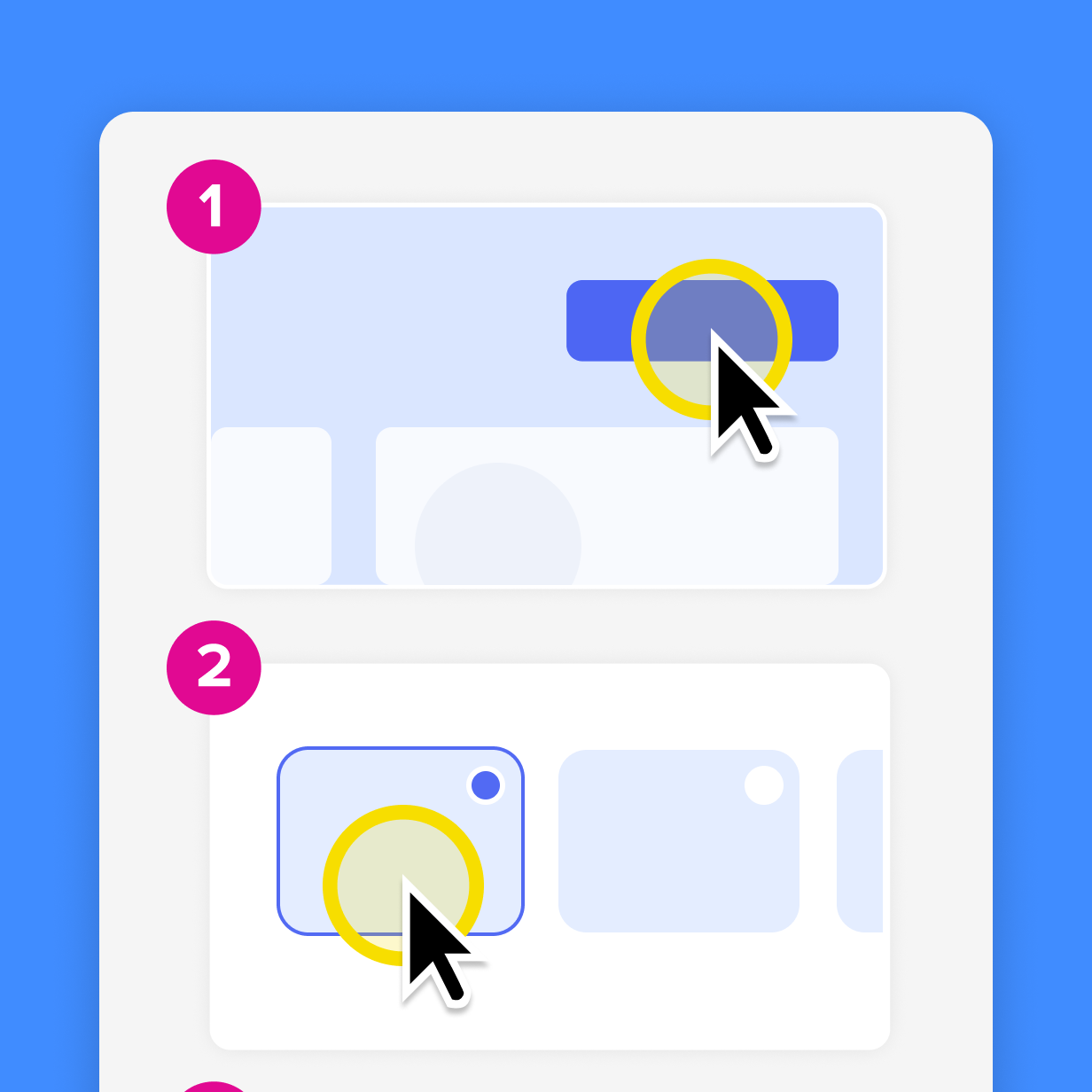
Process the recording without pulling the expert back in
After the session, the content team should transcribe, clean up, structure, and assemble the material on their own, without scheduling another meeting with the expert.
Work through these steps in order:
- Transcribe the recording.
- Clean it up.
- Structure the material into a logical sequence.
- Assemble the final asset.
In Camtasia Audiate, you can clean up the transcript by deleting mistakes and filler words directly, with no second recording session with the expert required. You can keep their original voice or generate an AI voiceover from the cleaned transcript. Either way, review the output for accuracy before it ships. (AI-generated voice output should be disclosed to your audience per your organization’s policies.)
If you used Camtasia Snagit’s Step Capture, save and share the .snagx project file, not just the exported guide. Import it into Camtasia Editor through the Share menu, and transitions, callouts, and image animations get applied automatically.
Export the cleaned transcript as a text file and store it alongside the recording in your team’s searchable knowledge repository, so colleagues can search for specific answers without rewatching the session. Camtasia Screencast, which is included in Camtasia Pro, is another option: teams can create libraries, control who has access to them, and use Camtasia Screencast commenting to give feedback and answer questions.
Keep the source files together for single-source documentation, so future guides and videos can draw from the same recorded material.
If you can edit a doc, you can edit a video
Stop fearing the timeline. Camtasia Audiate transcribes your recording so you can edit your video just by editing the text.
Free Download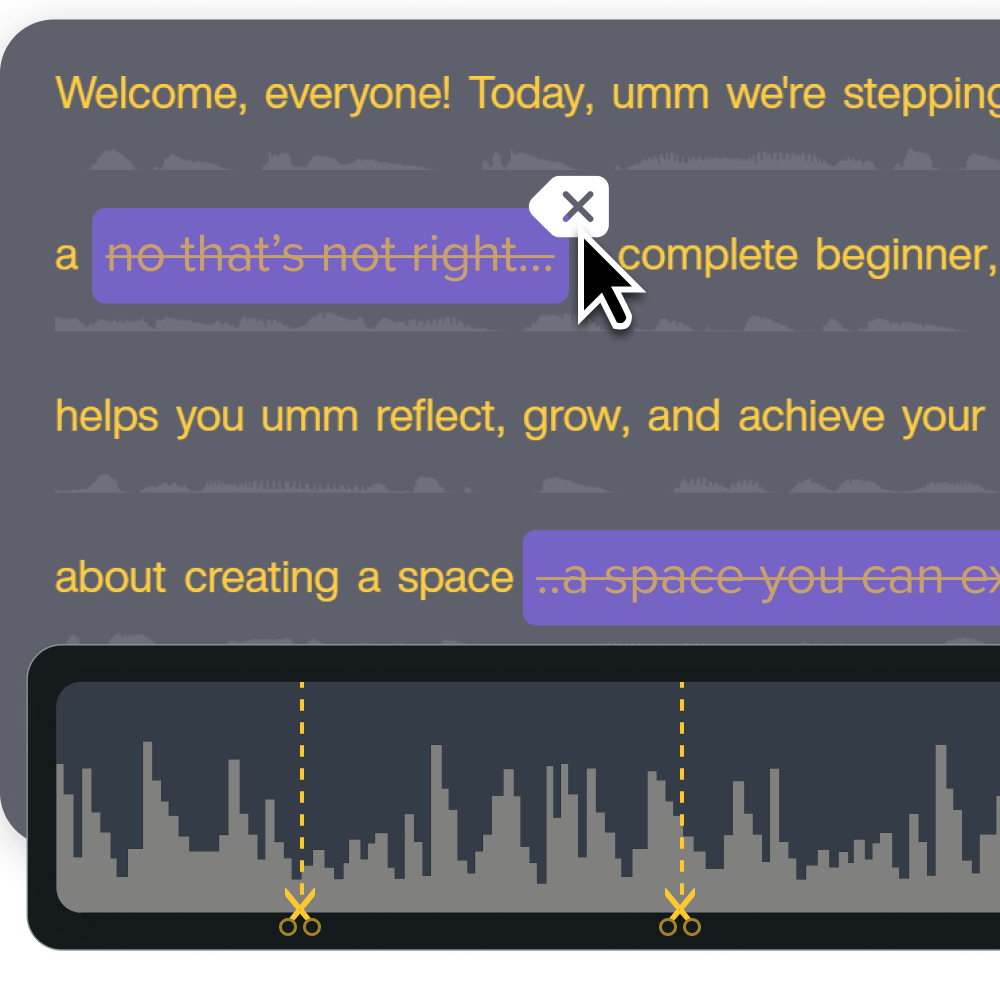
Start your next SME session with a clear method
This three-phase method works because it puts the work where it actually belongs. You prepare the scope and questions before the session so the expert arrives ready to talk, not to think out loud. You run one focused, time-boxed recording where the content team directs the conversation. Then you process the raw material on your own, so the expert doesn’t have to handle the editing.
The content team owns preparation and processing. When an accuracy check is needed, send the expert a short, targeted excerpt rather than an entire rough recording. In Camtasia Editor, you can share just a portion of the timeline to Camtasia Screencast, where the expert can review it and leave comments in context.
Camtasia Pro supports this from recording through editing to sharing. If you’re ready to run your next SME session with this method, get started with Camtasia Pro today.
Build your next training video with Camtasia
Record your screen or camera. Then, use the video editor to add polish and clarity.
Learn More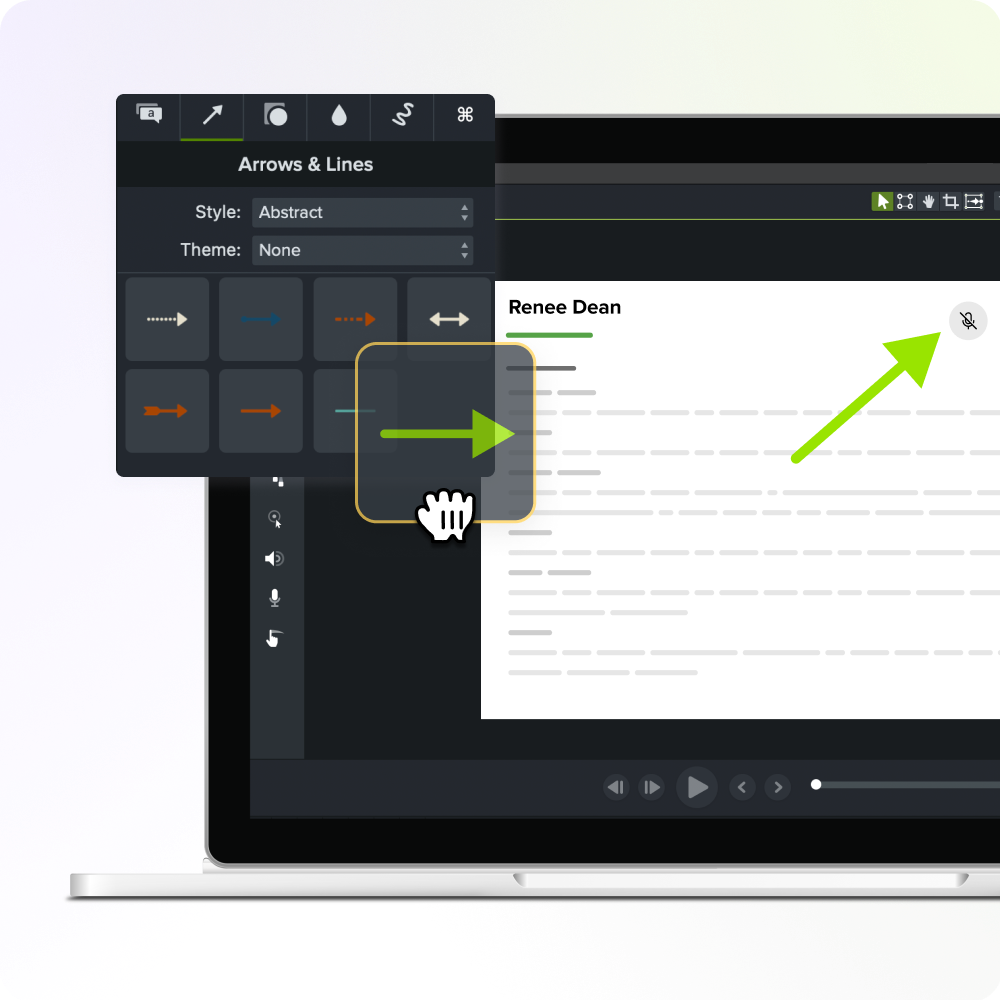
Frequently asked questions
How do you prevent knowledge loss when an experienced employee retires or leaves?
Reactive capture, scheduling a session only after someone announces their departure, rarely produces usable output because the expert’s time disappears fast and the content team has no runway to prepare. A more reliable approach is to treat knowledge capture as an ongoing workflow: short, focused sessions with high-risk experts well before any departure is announced.
How long should an SME knowledge capture session take?
Allow 45–60 minutes as a planning starting point for one focused process or decision, then adjust for the topic’s complexity and the expert’s availability. Sessions that sprawl without a clear endpoint tend to produce recordings that are harder to process and more taxing for the expert, which hurts the quality of what they share.
This mirrors the approach Deloitte describes for capturing expertise from retiring employees: intensive, time-boxed sessions rather than unstructured, open-ended conversations.
What is tacit knowledge, and why is it so hard to capture from a subject matter expert?
Tacit knowledge is the expertise an SME carries in their head that’s hard to put into words because it’s built from experience, intuition, and pattern recognition rather than documented rules. Experts often don’t realize they have it, which means a generic open-ended prompt rarely surfaces it.
Specific follow-up questions, like “What would a new person miss here?” or “What do you check first when this step fails?”, are far more effective at drawing out the decisions and shortcuts that never make it into standard documentation.
How do you get an SME to confirm the accuracy of recorded content without scheduling another meeting?
Sending the SME a short, timestamped clip or a lightly cleaned transcript for async review works better than scheduling a second session, since it puts a concrete, scannable artifact in front of them instead of asking them to recall a conversation. With Camtasia Screencast, which is included in Camtasia Pro, you can share the clip and the SME can leave comments at the exact moment they spot something.
The expert can flag inaccuracies with a quick comment rather than re-explaining the topic from scratch. This lightweight review approach respects the expert’s time while still closing the loop on accuracy before the content ships.
Can a single SME recording session produce both a step-by-step guide and a training video?
Yes, when the session uses screen recording as the format, one walkthrough can generate both outputs without a second recording. Camtasia Snagit’s Step Capture produces a static, numbered guide from the walkthrough, and that session’s .snagx project file can then be imported into Camtasia Editor’s timeline through the Share menu, where transitions, callouts, and image animations get auto-applied to build a structured training video.
Two outputs from one session are among the clearest time-savers available to content teams working with time-limited experts.
Share