Cursor Edits
Learn how to apply effects to enhance or edit your cursor in Camtasia Online.

Learn how to apply effects to enhance or edit your cursor in Camtasia Online.
The cursor helps viewers follow along in a video by highlighting key actions and focus areas. Consider applying cursor effects to emphasize the cursor to support your video message and improve viewers’ comprehension.
Note: Cursor editing is only available for file formats that share cursor metadata. Currently, this includes:
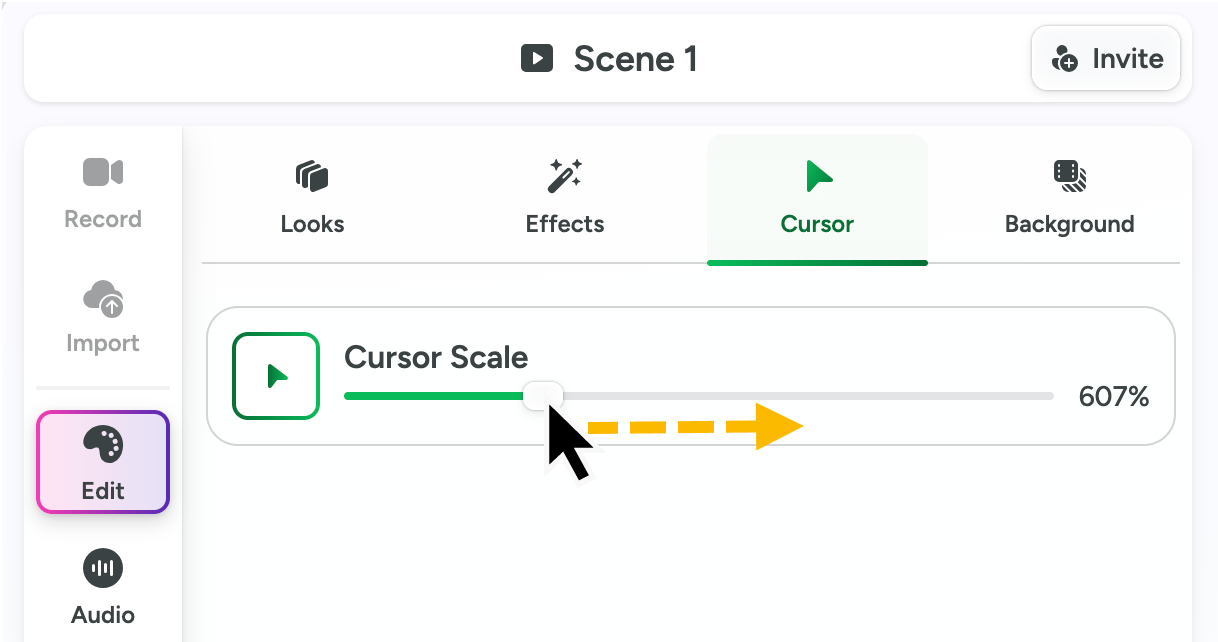
Increase the cursor size (scale) to emphasize the cursor and help viewers follow your video.