Getting Started with Camtasia Online
Learn how to use Camtasia Online for quick video creation and collaboration.

Learn how to use Camtasia Online for quick video creation and collaboration.
In Camtasia Online, turn screenshots, screen recordings, and content from collaborators into polished, ready-to-share videos, all from your web browser. Camtasia Online gives you the flexibility to work with whatever you have.
Then, make it look professional with customizable layouts, effects, backgrounds, and transitions.
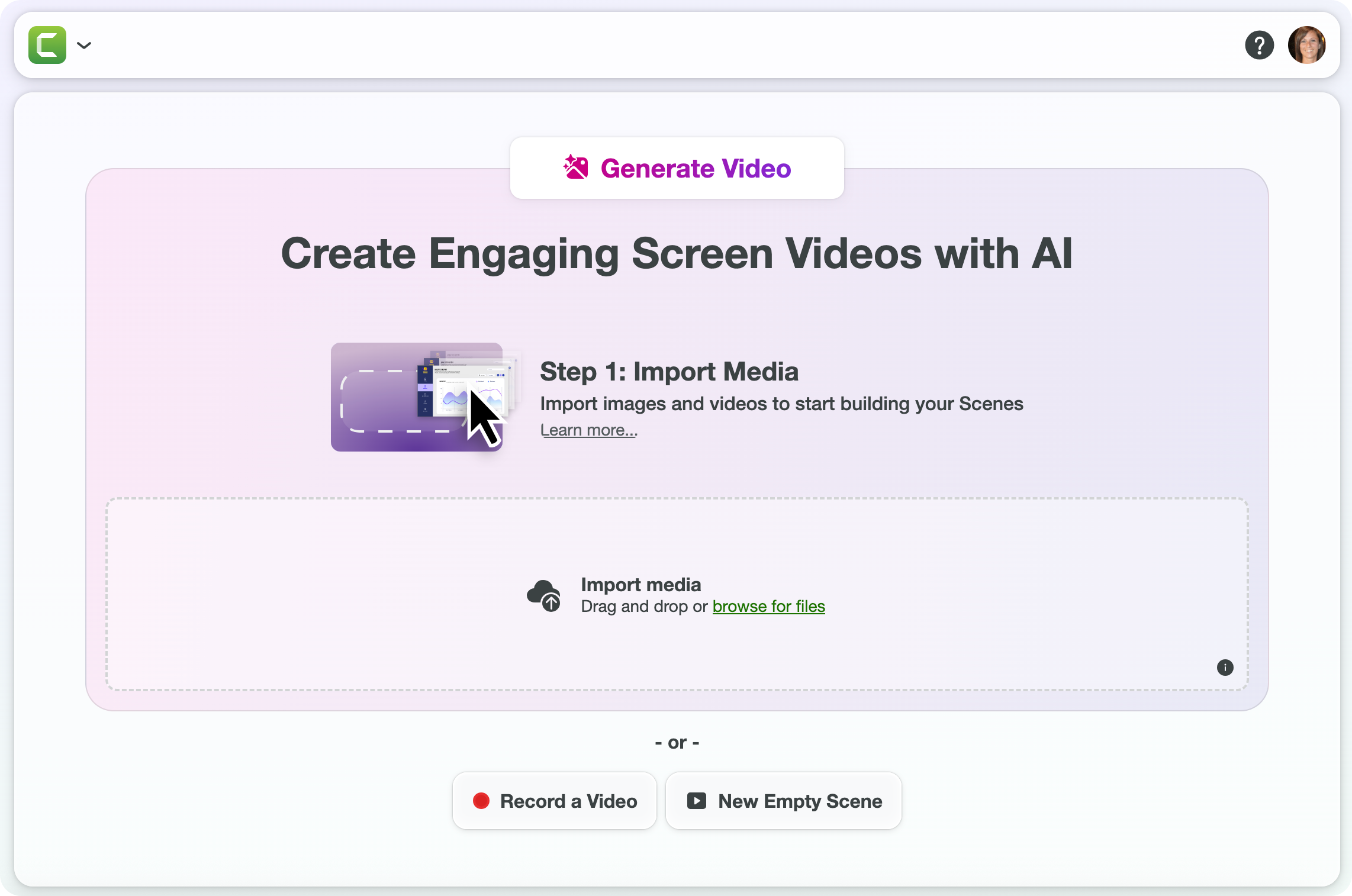
In the Project Library, click New Project or open an existing one. Complete any of the following to start adding content to your video:
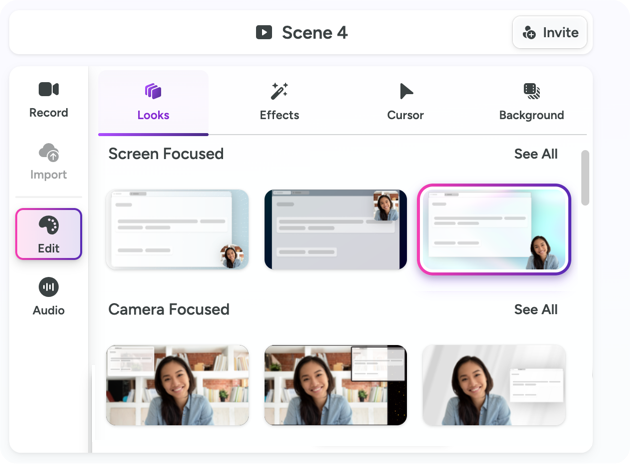
Get the desired look for each scene in your video with these simple edits:
See Edit a Scene.
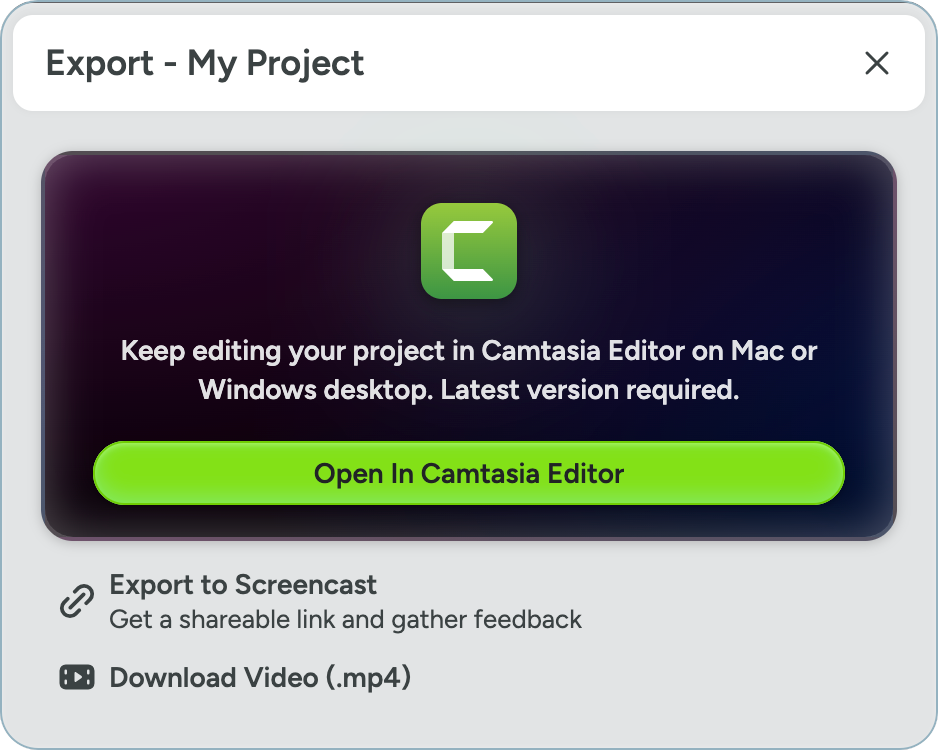
Camtasia Online offers many ways to share your video: