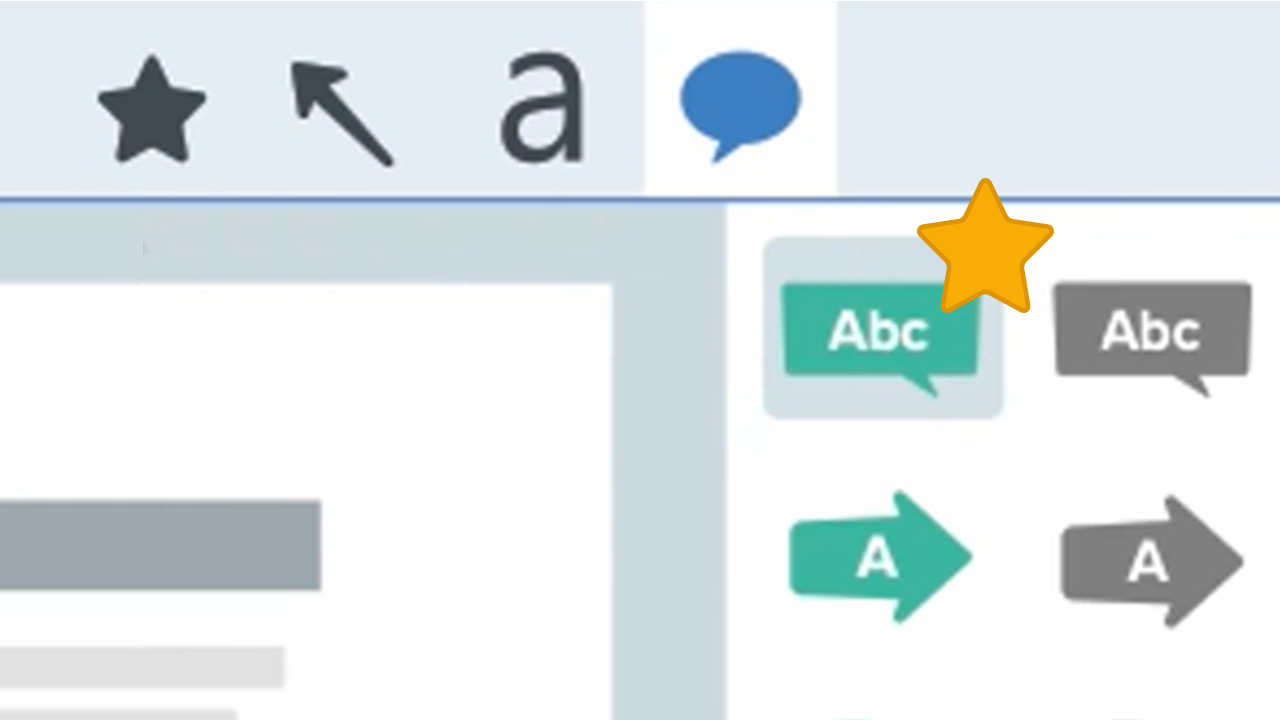
Magnify Tool
Enlarge part of an image to focus attention and view greater detail.

Enlarge part of an image to focus attention and view greater detail.

Note: Magnify and other tools in the Snagit Editor toolbar are available to annotate images. To draw your viewer’s attention while you record video, try Screen Draw. To enhance video you have already recorded, share your video to Camtasia Editor.


Note: If the tool is not visible in the toolbar, click the More dropdown. To customize your toolbar, see Customize the Snagit Toolbar.
 to move the magnified area to another location in the image.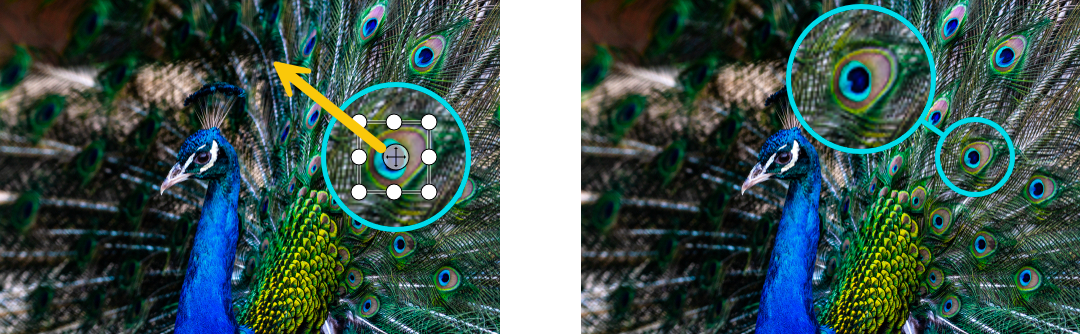

Edit the properties to customize the tool.
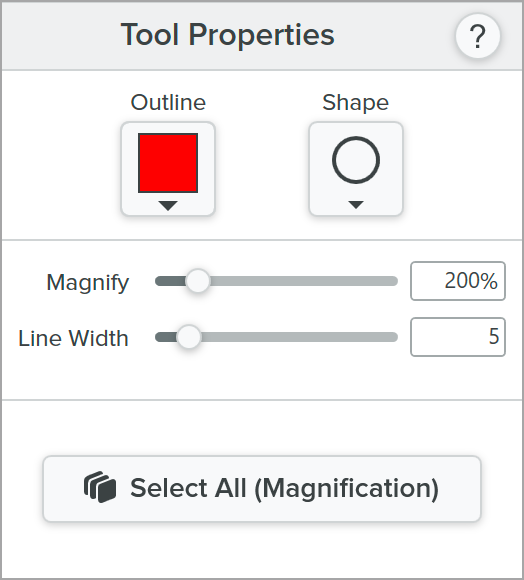
Snagit for Windows
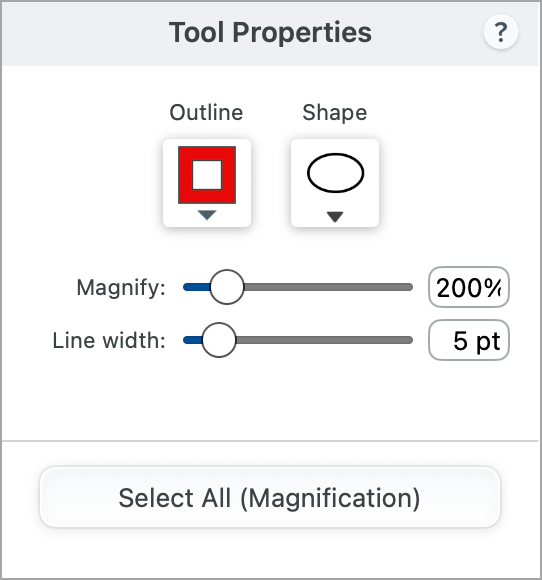
Snagit for Mac
Tip: Edit all magnifications at the same time.
In Tool Properties, click Select All (Magnification), then edit the tool properties as needed. You must have Snagit for Windows version 2026.1.0 or later, or Snagit for Mac version 2025.3.0 or later.
Outline
Change the color outlining the magnified area.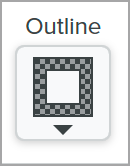
Shape
Select a shape for the magnified area. 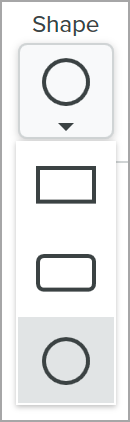
Magnify
Drag the slider or enter a value to adjust the magnification percentage. 
Line Width
Drag the slider or enter a value in pixels to adjust the width of the outline around the magnified area.
Tip: Save tool customizations as Quick Styles.
After you edit tool properties, save your customization as a Quick Style for future use. See Quickly Access Favorite Styles and Tools.
The best screen capture software for professionals
* Have Snagit 2024 or earlier? Check out our previous version help.