Always Stay Up to Date with Snagit’s New Subscription License
Snagit’s new subscription option gives you affordable access to the latest features and updates, with a lower upfront cost.
Snagit now offers a subscription-based licensing option, giving you affordable access to all the tools you need. With a lower initial cost and automatic updates, you’ll always have the latest features and improvements at your fingertips.
💙 Why you’ll love having a Snagit subscription:
Reduce upfront costs with a budget-friendly subscription option.Enjoy seamless access to the newest features and updates.Simplify license management with predictable annual billing.
Discover how Snagit’s subscription model keeps you ahead of the curve!
Keep Your Captures Clean with Hidden Snagit Controls
Snagit now hides toolbars and interface items from completed captures, giving you cleaner, more professional visuals.
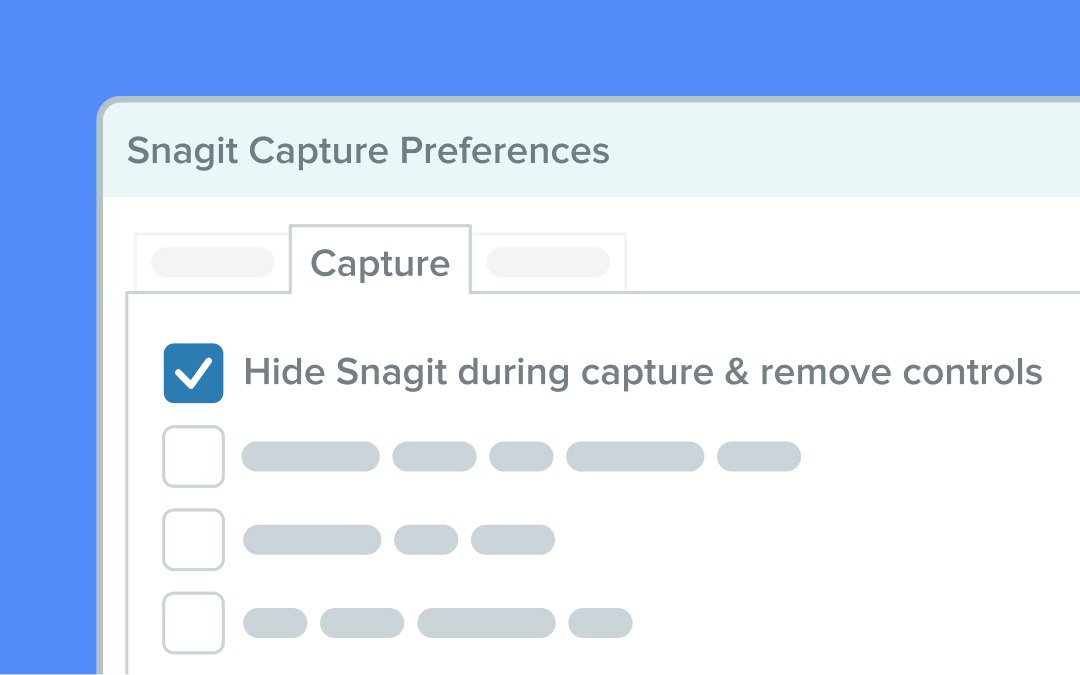
Snagit now lets you hide toolbars, previews, and interface items from completed scrolling and video captures on Windows 10.20H1 and newer. This setting ensures your captures look clean and professional, free from Snagit’s interface elements.
💙 Why you’ll love this feature:
Create polished visuals without distracting UI elements.Streamline your captures for a more professional appearance.Save time by automatically removing Snagit controls from your final content.
To enable this feature, go to capture preferences and adjust the setting for “Hide Snagit during capture and remove Snagit controls from completed captures.”
Switch Seamlessly Between Full-Screen Camera and Picture-in-Picture Mode
Toggle between full-screen camera mode and picture-in-picture (PiP) while recording.
Take full control of your recordings with Snagit’s new feature that lets you easily toggle between full-screen camera mode and picture-in-picture (PiP) while recording. Highlight your camera presence when you need to connect personally, then effortlessly shift focus back to your screen content for detailed demonstrations or walkthroughs.
💡 Ways to use camera mode swapping in Snagit:
Start with a full-screen introduction to captivate your audience before transitioning to PiP for on-screen instructions.Emphasize key moments or reactions by switching to a full-screen camera view during live recordings.Balance face-to-face engagement and screen sharing in training or instructional videos.
This intuitive feature ensures your content flows naturally and stays engaging. Activate it directly from the recording toolbar—no post-editing required!
Ready to try it for yourself?
View Tutorial
Get Notified When Your Mic is Muted
Avoid the frustration of finishing a recording only to find out your mic was muted.
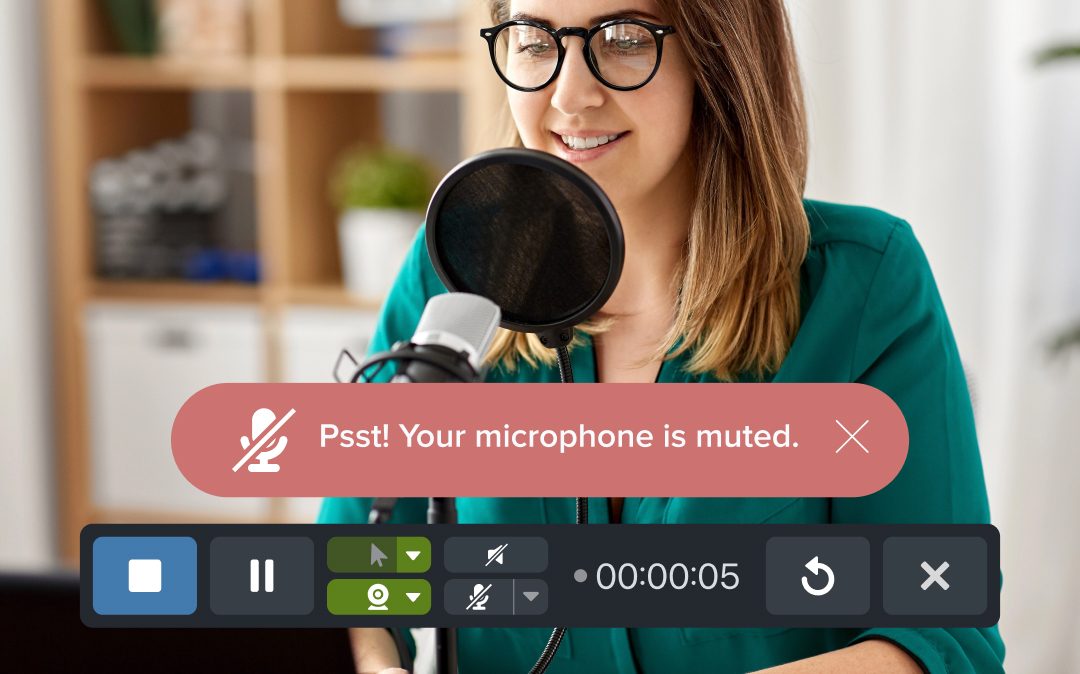
With Snagit’s muted mic alert, you’ll always know if your microphone is muted while recording. Snagit detects mic activity and gives you a helpful nudge so you never miss a word in your videos.
💙 Why you’ll love muted mic alerts:
Catch mic issues before they interrupt your workflow.Save time by avoiding silent re-recordings.Ensure clear, complete audio in every recording.
Snagit’s here to keep your recordings on point!