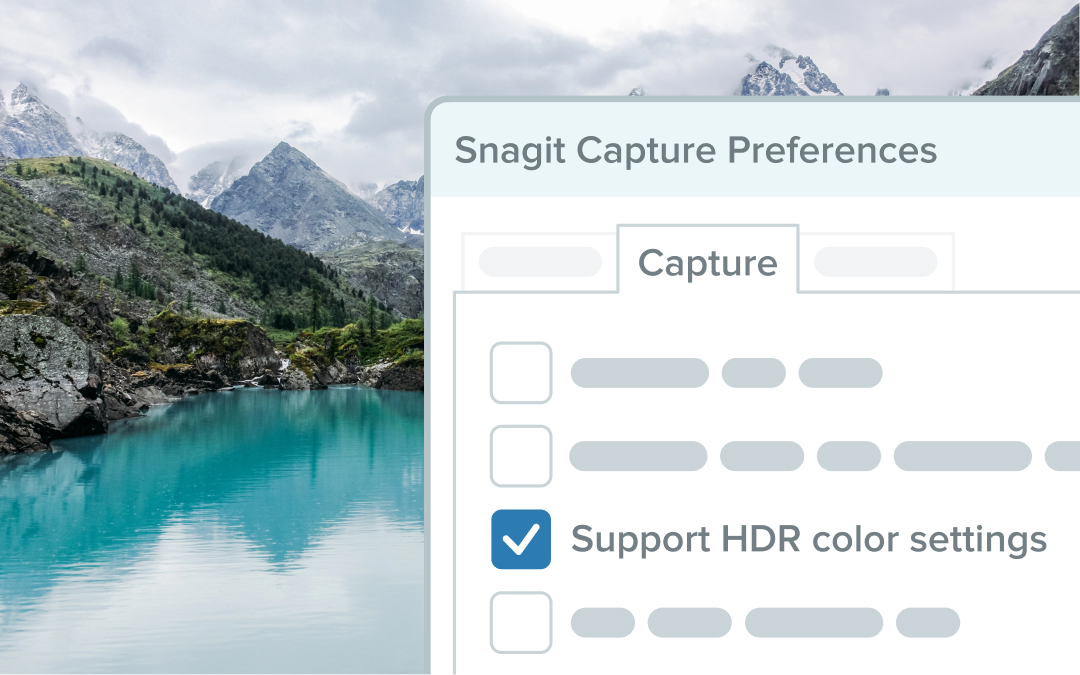
Capture Vibrant Colors with HDR Image Support
Snagit now supports HDR image capture, delivering vibrant colors and enhanced detail for high dynamic range displays.
Snagit now supports HDR (High Dynamic Range) image capture, enabling you to create screenshots that more accurately reflect the vivid colors and detail of high dynamic range displays. This enhancement brings your visuals to life with greater clarity and depth.
💡 Ways to use this feature:
Capture images that look true to life on HDR-enabled displays.Enhance presentations and tutorials with vibrant, high-quality visuals.Tailor HDR settings to your needs in Capture Preferences.
Note: HDR support is currently not available for scrolling or video captures.
Turn on HDR image support in Capture Preferences and experience the difference today!
Streamlined Video Export and Enhanced Account Tools
Added a button to the editor toolbar to quickly send a video to Camtasia for additional editing options.The Account dropdown in the upper right corner of editor now includes basic license information.
Fixed Page Break Errors When Resizing Templates
Fixed an issue where resizing the top section of a template resulted in poor page breaks when printing or saving as a PDF.
Bug Fixes
Other bug fixes and performance improvements.
Bug Fixes
Other bug fixes and performance improvements.
Improved Video Tools, PDF Printing, and Share Destinations
Integrated a new video recording engine capable of capturing 60 frames per second and laying the foundation for future improvements.Added a tray to the combine videos window to make it easier to identify and reorder selected videos.Added the ability to create a new video from a selection on the video playback timeline.Improved page breaks to not cut off content when printing or saving templates as a PDF.Updated Snagit’s share destinations to allow for improved loading times and the ability to disable and reenable share destinations without restarting Snagit.Updated the Account dropdown in the upper right corner of editor to replace the user’s email address with their profile photo.Added an option to check for product updates from the Account dropdown in editor.Added messaging if sharing an image to email fails when using the “New” preview of Outlook for Windows on Windows 11.
Faster Updates and Accessible Share Options
Improved the speed of updating and installing Snagit.Updated Snagit’s share dropdown so that sharing options are accessible to screen readers.
Fixed Hanging Issues in Silent EXE Installations
Fixed an issue where silent EXE installation via PowerShell would hang indefinitely if the version was already installed. Installer now exits with a code that indicates Snagit is successfully installed.
Resolved Startup Crashes, Video Sync, and Step Tool Issues
Fixed a crash that could occur on Snagit startup.Fixed templates to renumber step tool objects correctly when a section is removed.Fixed an issue where the Evernote share destination would not allow sign-in.Fixed an issue that could sometimes cause poor synchronization in video recordings.Fixed enhanced tooltips to persist when the user mouses over the tooltip or tries to click “Learn More”.Fixed an issue that sometimes caused share destination icons to no longer be visible on the editor toolbar.Fixed grab text to work from the edit menu while the cut out tool is selected.