Customize Your Images with Rounded Corners
Snagit now makes it simple to round image corners and customize your visuals.
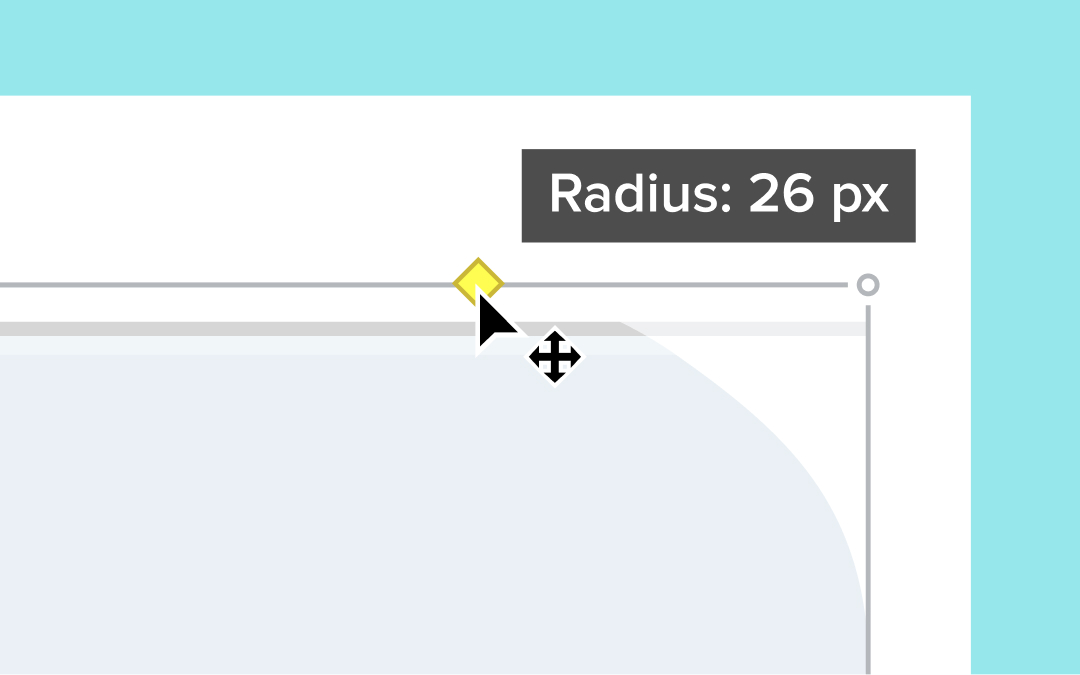
Snagit now makes it easy to round the corners of your images directly in the Editor. Simply hover over the canvas to reveal the yellow diamond handle in the top-right corner. Click the handle to apply a default 20-pixel rounding and drag to adjust the amount to fit your style.
💡 Ways to use rounded corners:
Add a modern, polished look to your images.Customize visuals to match your branding or design aesthetic.Quickly apply rounded corners without using additional design tools.
Try out the new handle in the Editor canvas and give your images a fresh new touch!
Explore Stamps, Templates, and More with the New Assets Button
Access TechSmith Assets for Snagit directly from the new Assets button to browse and import creative resources.
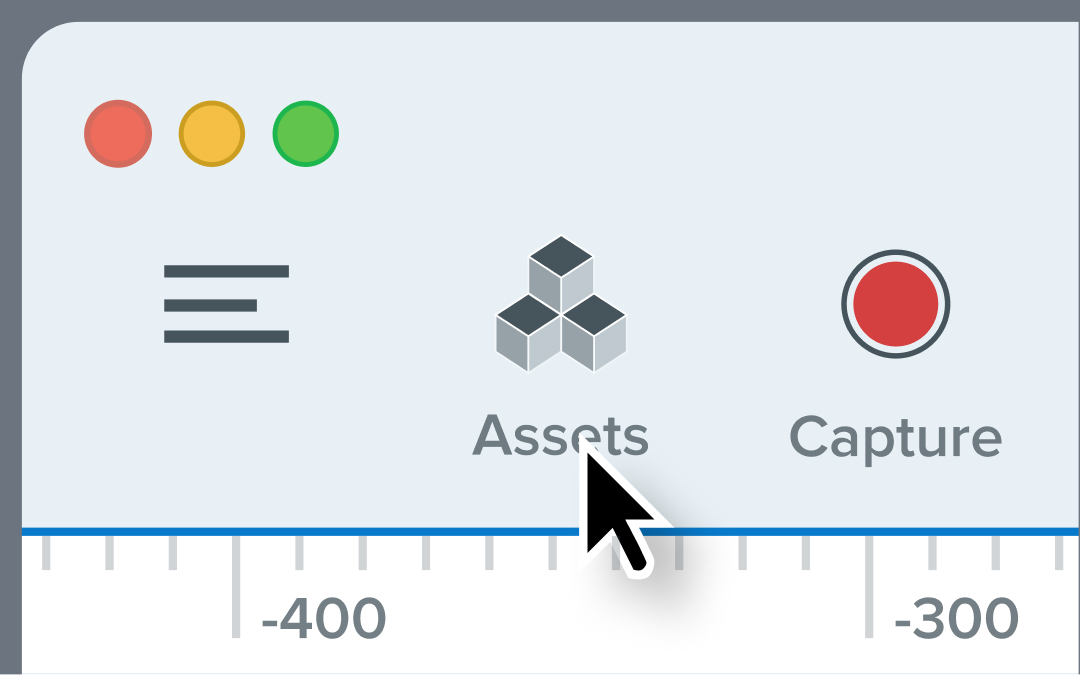
Snagit’s Editor toolbar now includes an Assets button that opens the Assets for Snagit website. Easily browse and import stamps, templates, themes, photos, and even AI-generated images directly into Snagit, giving you quick access to resources that elevate your visuals.
💡 How this helps you:
Save time with direct access to a library of design assets.Easily find and import creative elements to enhance your images.Access stamps, templates, and more without leaving Snagit.
Click the new Assets button in the Editor toolbar and start exploring today!