THE CAMTASIA SUITE


EXPLORE



SOLUTIONS


USE CASES

EDITOR FEATURES
SNAGIT FEATURES
AUDIATE FEATURES

Learn


Support


CHANGELOG
What’s new in Snagit?
Turn on your auto-updates because our team is always cooking up something fresh.
Filter posts
Clear filtersRelease Type
Operating System
Tags
June 2025
Bug Fixes
Snagit
Windows
IT and Security
2025.2.0
February 2025
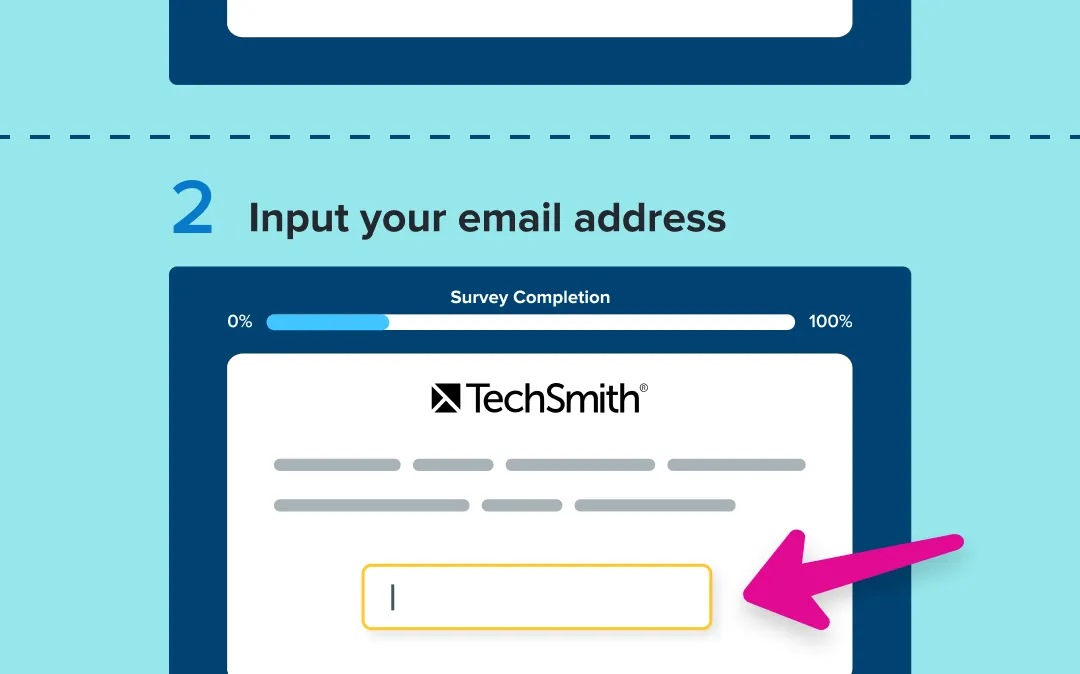
Instantly turn clicks into step-by-step guides
Snagit’s new step capture feature automatically turns your clicks into step-by-step guides, making process documentation faster and easier than ever.
Showing someone how to do something just got faster and easier with Snagit’s new step capture feature!
Instead of manually taking screenshots and assembling them into a guide, Snagit can automatically create a clear, step-by-step guide for you. Just select step capture as your image selection type and click through the process as you normally would. Snagit automatically captures each click and instantly generates a guide, complete with numbered steps.
Why step capture is a total game changer:
💡 Ways to use step capture:
Step capture takes the tedious work out of documenting a process, giving you more time to focus on what really matters.
Ready to try it for yourself?
View Tutorial
Snagit
MacOSWindows
Screen CaptureAI
2025.0.0

Instantly redact sensitive information from screenshots
Snagit’s new smart redact feature automatically detects and removes sensitive information from screenshots, saving you time and ensuring privacy.
Screenshots often contain sensitive details that need to be removed before sharing. But manually searching for and redacting information is tedious and time-consuming. Snagit now automatically detects and redacts the following types of information in just a few clicks:
Addresses
💡 Ways to use smart redact:
Whether it’s customer support teams, consultants, or business analysts, anyone who frequently shares screenshots with clients, colleagues, or the public will love how smart redact removes the guesswork and speeds up their workflow.
Ready to try it for yourself?
View Tutorial
Snagit
MacOSWindows
EditingAI
2025.0.0

Record clearer audio with background noise removal
Snagit’s Background Noise Removal filters out hums, chatter, and other distractions in real-time, so your recordings stay crisp and clear.
Not every recording environment is perfect—background hums, chatter, and other distractions can make videos harder to hear. With Snagit’s Background Noise Removal, you can instantly clean up your audio and keep the focus on what matters.
This feature is enabled by default and works in real-time during recording. Just toggle it on in the Capture Window or Ready Recording toolbar, and Snagit will automatically filter out unwanted sounds like fans, clicks, barking dogs, or background conversations.
Why background noise removal is a game changer:
Now, you can record anywhere without worrying about your surroundings.
Snagit
MacOSWindows
Screen RecordingAudioAI
2025.0.0

Seamlessly share with one-click enterprise cloud integration
Enterprise users can now share images and videos with a single click to OneDrive for Business or Google Drive, making collaboration faster and IT-compliant.
Snagit now offers one-click sharing to OneDrive for Business (Windows only) and Google Drive, making it easier than ever for enterprise users to store and share images and videos in IT-approved locations. This streamlined feature reduces steps and ensures smoother collaboration while keeping data secure.
💙Why you’ll love this update:
Enterprise admins can configure this feature within the Snagit Deployment Tool, allowing users to generate shareable links directly to OneDrive for Business or Google Drive.
No more workarounds—just fast, seamless sharing.
Snagit
MacOSWindows
CollaborationIT and Security
2025.0.0
Customize your camera video with virtual backgrounds
Snagit now lets you blur or replace your background while recording, so you can keep the focus on you—not what’s behind you.
Snagit
MacOS
Screen RecordingAI
2025.0.0
Effortlessly Remove Backgrounds & Create Perfect Cutouts
Instantly remove image backgrounds to create clean, transparent cutouts. Perfect for professional headshots, isolating objects, or seamlessly integrating images into new designs and layouts—no complex editing required.
Snagit
MacOS
EditingAI
2025.0.0
December 2024
Improved Enterprise Deployment Options and Updated Libraries
Snagit
Windows
CollaborationIT and Security
2024.0.3
Improved Video Editing, Stamps, and Support Features
Snagit
MacOS
Screen CaptureEditingCollaborationIT and Security
2024.1.0