









The same subject matter expert (SME) fields the same question for the fourth time this month. Like every other time, that answer never gets recorded anywhere teams can find it later.
That’s what SME dependency looks like in practice. It happens when your training team’s ability to answer questions, onboard new hires, or update content depends on the real-time availability of one or a few experts instead of a library of reusable recorded assets.
This is an operational bottleneck, so the fix is one workflow change. To reduce SME dependency at scale, record the answer once with Camtasia Snagit, then turn it into a reusable asset with Camtasia Editor.
Whether you’re a corporate trainer, a learning and development (L&D) manager, or an instructional designer, the rest of this article shows you how to start turning that knowledge into training, beginning with the backlog you have today.
Key takeaways
- Repeat requests keep coming because no reusable asset exists to replace the live answer.
- The fastest way to prioritize is to count how often the same question reached your SME last month, then record the highest-frequency on-screen processes first.
- Recording a process once with Camtasia Snagit’s Step Capture can produce both a static guide and a training video without scheduling a second SME session.
- Updating one modular segment is faster than rebriefing an expert, so a segmented recording approach keeps assets current without rebuilding them from scratch.
- SME dependency only drops measurably when you track live interruptions per month before and after publishing each self-service asset.
Why SMEs answer repeated questions
The same questions keep reaching your SMEs because nobody has turned the live explanation into something reusable.
The operational cost is high. 47% of workers spend 1–5 hours looking for specific information they need to do their jobs. Even among heavy AI users, that number still hovers around 30%, because the information has to be recorded somewhere for the AI to be able to find it.
The usual fixes only manage the interruption. A lunch and learn or a FAQ document nobody updates still leaves the SME showing up to explain the same thing again. The problem is a missing process that turns the answer into a reusable guide.
Which repeat requests to record first
Four traits show you where a recorded asset will pay off first. Start with the requests that:
- Arrive most often
- Involve a visible on-screen process
- Have no reusable answer on file anywhere
- Take more than five minutes to answer
Pull up your SME’s calendar and chat history from the past 30 days and count how many times the same question appeared. Frequency is your primary signal. Complexity and importance count for less than recurrence.
A question that arrives once a week adds up to roughly 50 interruptions over a year, even if each one feels small on its own. Ask whether answering it live takes more than five minutes. If yes, it’s a strong candidate.
A quick verbal answer doesn’t need a training asset. A step-by-step walkthrough that requires screen-sharing does.
Pick two or three requests that meet all four criteria. Those become your first assets. The next two sections show you how to work with your subject matter expert to record them with minimal disruption, then turn them into something your team can find and use without asking again.
Want to see how fast recording can be? See how Step Capture works in Camtasia Snagit.
Step 1: Record with Camtasia Snagit
Camtasia Snagit’s Step Capture turns one normal process walkthrough into a numbered, annotated guide, and the SME never has to narrate, format, or explain anything after the fact. As the SME works through the task, Step Capture automatically saves every click and screen change as a separate labeled screenshot.
It works asynchronously. The SME opens Camtasia Snagit, starts Step Capture, completes the process at their own pace, and stops when they’re done. The numbered guide is ready to share right away, so you don’t need a follow-up session.
That same walkthrough can also become a training video. Bring it into Camtasia Editor, and one session gives you both a static guide and a video asset.
Create how-to guides in seconds with Snagit
Document any internal process as you do it. Step capture organizes the screenshots, numbers, and steps into a clear, shareable visual.
Learn More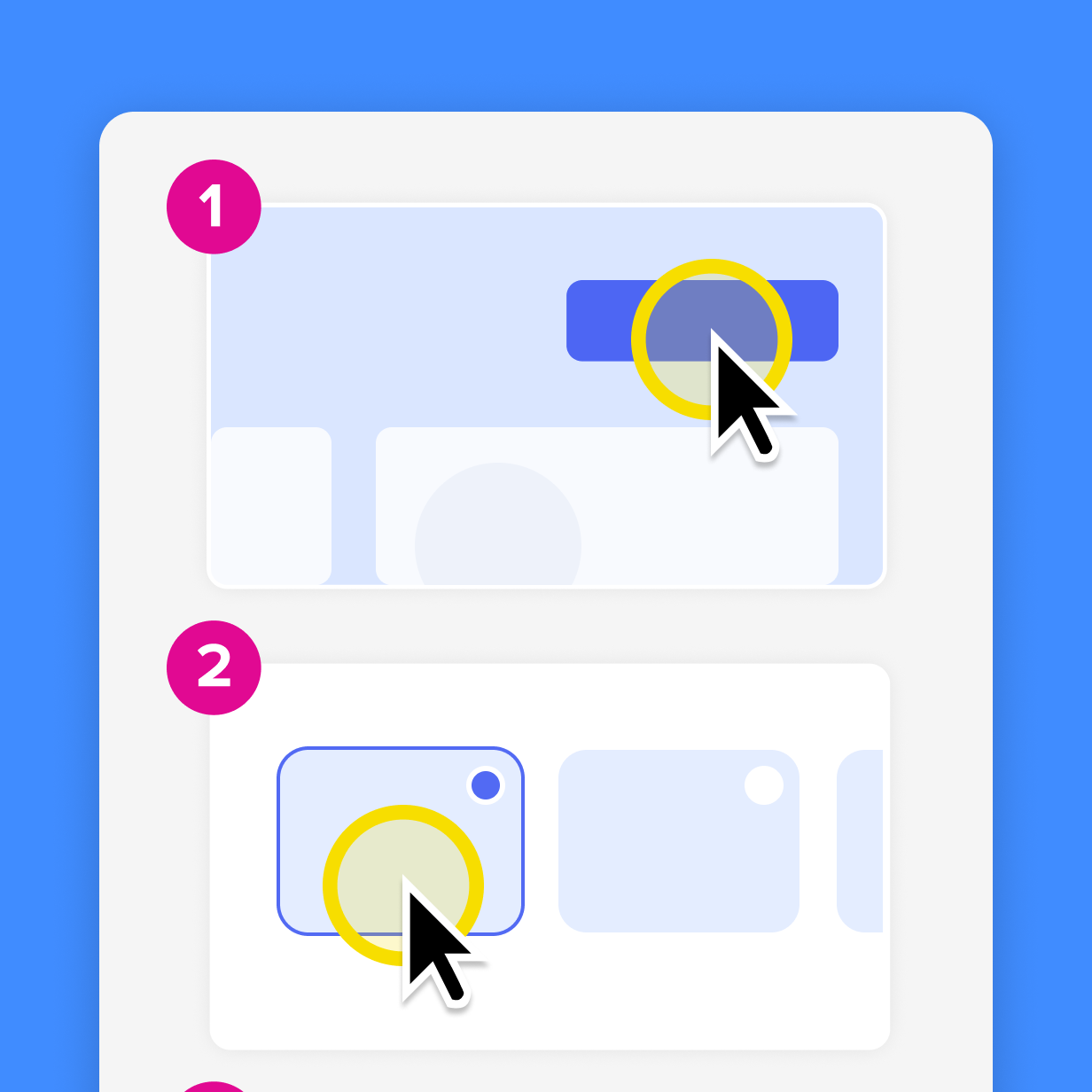
Step 2: Use Camtasia Editor
The training lead turns the recorded process into a finished asset by sending the .snagx Step Capture project file to Camtasia Editor through the Share menu in Camtasia Snagit.
The timeline opens with transitions, callouts, cursor motions, and image animations already in place, ready for further editing. This handoff needs the .snagx project file itself, so a recipient who only has the exported PNG-based guide can’t turn it into a video.
Adding narration without re-booking the SME
In Camtasia Audiate, the training lead can add or revise narration by editing the script text directly, so the SME doesn’t need another recording session. Type or adjust the script, and Camtasia Audiate generates the voiceover from that text.
But the SME still needs to review the updated script for accuracy before the training lead generates the final audio. Camtasia Audiate clears the delivery bottleneck, and the SME stays responsible for what the narration says. For more on building this kind of workflow, see how to create training videos with AI.
Because the narration is AI-generated, be sure to include a disclosure informing learners that the video uses AI-generated output, following your organization’s requirements, before you publish.
Instant lifelike AI voice over
No voice over? No problem. Audiate generates incredibly life-like voice over right from your script!
Get Audiate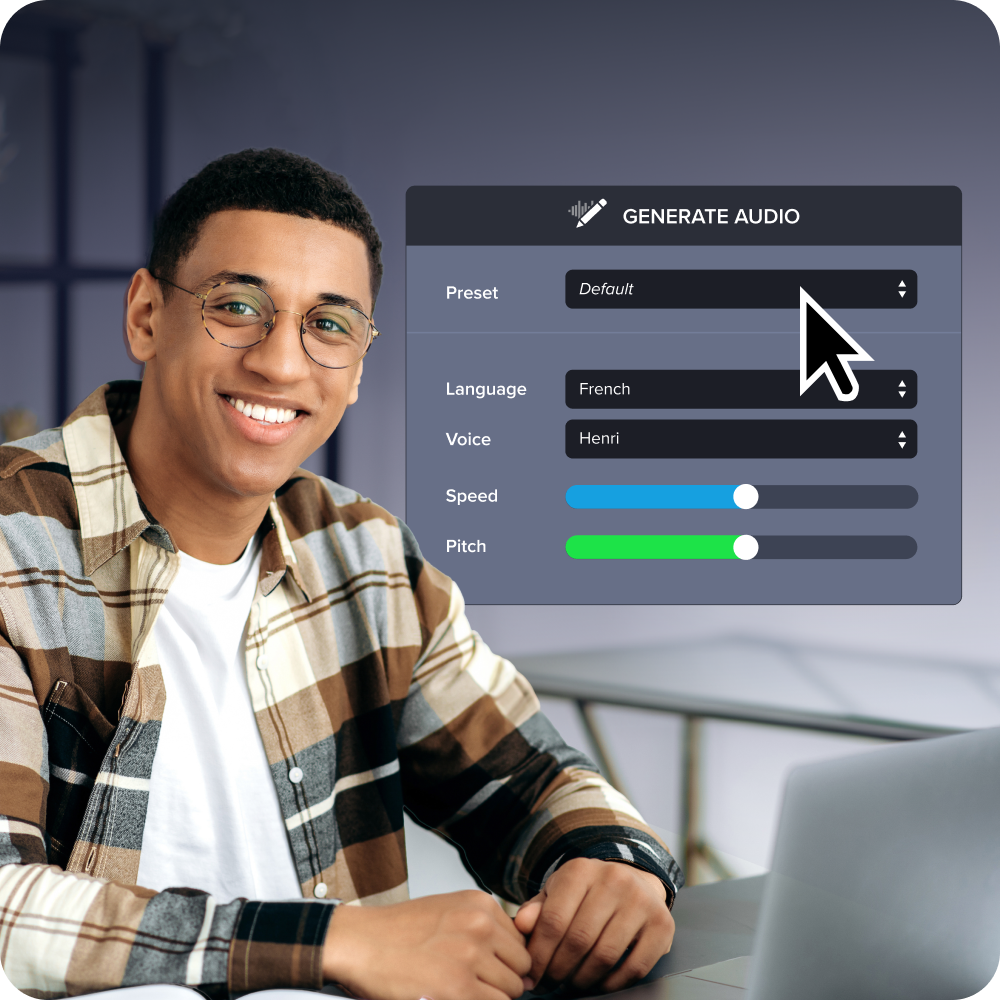
Updating the asset when the process changes
A trainer can replace a changed step without rebuilding the whole asset or rebriefing the SME, as long as the original recording was built in small, modular segments from the start.
To update one segment and leave the rest of the asset untouched:
- Identify the changed step.
- Re-record that segment alone.
- Drop it onto the timeline in place of the old one.
- Adjust the audio track if the narration changed.
Camtasia Editor records your screen, camera, and audio in one session on separate tracks, so you can swap a screen recording, correct a voiceover, or update a callout on its own. Changing one track never forces you to redo another.
Publishing it as self-service, not just storage
Learners have to be able to find the finished asset in your team’s established self-service platform without asking the SME or training lead. Otherwise, it won’t reduce repeat questions. A video sitting in a shared drive folder nobody knows about generates the same repeat questions as no video at all.
Before you publish, bring the asset into Camtasia Screencast so the training lead and SME can review it together and leave time-stamped comments on specific moments. That way, corrections happen before learners see the content.
Once the video is ready, publish it where your team already goes for training, such as your learning management system (LMS) or internal video library. Learners need a consistent, predictable place to find answers on their own schedule, which is the whole point of just-in-time training. A one-off share link won’t give them that.
Confirm whether your platform requires a specific file format or embed code before you finalize the export settings in Camtasia Editor, so the asset is ready to publish without extra steps.
Measuring whether SME dependency actually drops
Count how many times a given SME fields the same live explanation in a month. That single number is your baseline, and you need it before the self-service asset goes live.
Run the same count at 30 days after publishing, then again at 60 days. If the asset is doing its job, the interruption count drops. If it stays flat, the asset isn’t reaching learners or isn’t answering the question clearly enough.
That before-and-after comparison doubles as your business case for your manager. Something like “We cut live interruptions on this process from 12 per month to 3” makes a stronger argument for expanding the workflow than any abstract productivity claim.
Start recording this week, not next quarter
All you need to start is one request that keeps coming back.
Pick the highest-frequency question from your triage list and record the answer the next time it lands in your inbox or chat. Open Camtasia Snagit, run Step Capture as you walk through the process, and share the guide before you close the tab.
That single asset is your proof point. It shows the workflow holds up, and it lets your manager see the value before you ask to scale it.
One recorded process won’t clear your backlog. But it will show you how much time SMEs waste giving the same answer over and over, and it gives you something concrete to point to when you make the case for doing more.
If you’re ready, start recording your top repeat request now.
Build your next training video with Camtasia
Record your screen or camera. Then, use the video editor to add polish and clarity.
Learn More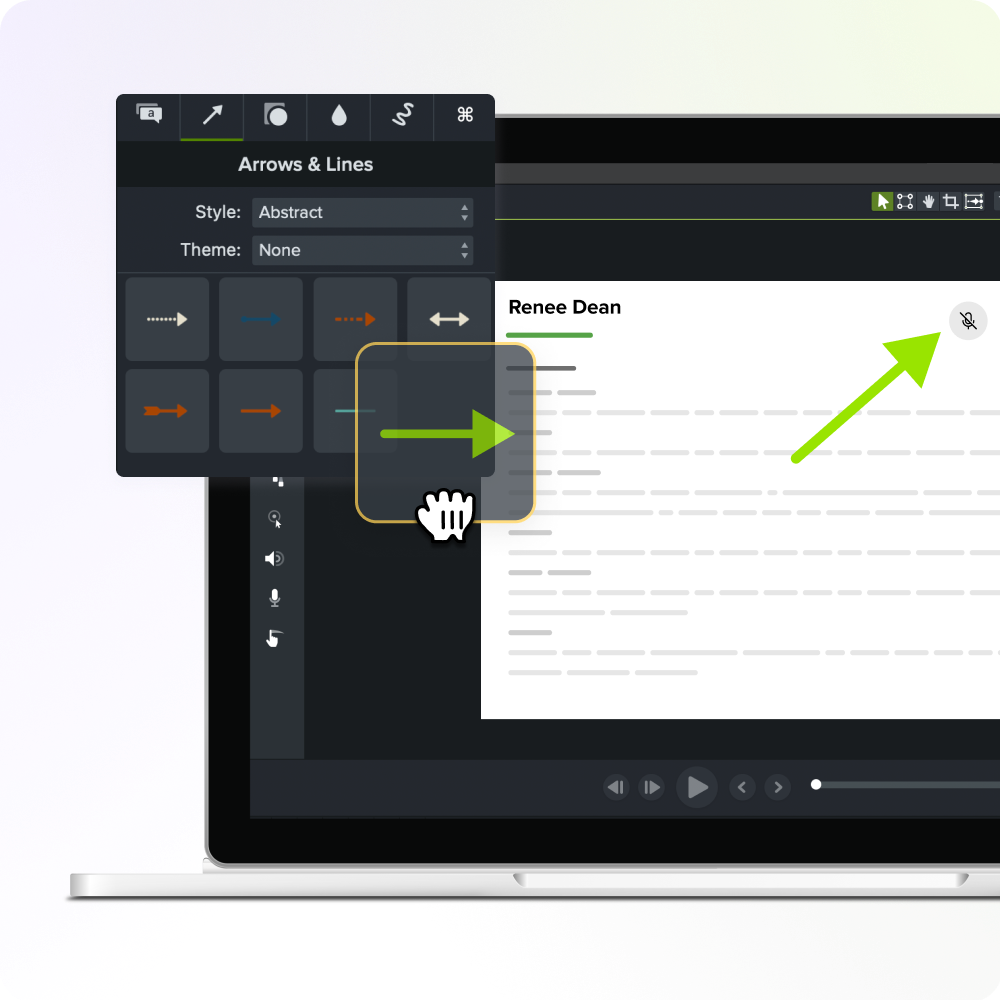
Frequently asked questions
What happens to our training program if a key SME leaves the organization?
When undocumented expertise lives only in one person’s head, their departure can halt onboarding, delay compliance cycles, and leave new hires without support. A library of recorded, self-service assets keeps the knowledge with the organization.
Does the SME need to be technically comfortable with video tools for this workflow to succeed?
No. The SME only performs the process on screen while Camtasia Snagit’s Step Capture saves each action automatically as a numbered screenshot. The training lead handles timeline editing, narration, and export decisions in Camtasia Editor, so the SME can share their expertise without becoming a content producer.
How do you prevent recorded training assets from going stale when a process or tool changes?
You have two practical options. If the process changed significantly, the fastest fix is to run Step Capture again on the new workflow and import the new Step Capture project file into your existing Camtasia Editor timeline. That takes minimal rework, since the surrounding narration and structure often still apply.
For smaller changes, recording in small, modular segments from the start lets you swap out a single step without rebuilding the whole asset. Camtasia Editor records your screen, camera, and audio on separate tracks in one session, so you can replace one clip without touching the content around it.
If the narration needs updating too, Camtasia Audiate’s AI voice generation lets a trainer edit the script as text and regenerate the narration without scheduling another recording session. Be sure to disclose AI-generated voice output to your audience according to applicable organizational or platform requirements.
Is a step-by-step screenshot guide enough on its own, or does it need to become a video?
A static, numbered guide from Camtasia Snagit’s Step Capture is often enough for straightforward on-screen processes that learners can reference while they work, and it’s fast to scan without scrubbing through a recording. Video adds the most value when the process involves motion, sequencing that’s hard to follow from still images, or content people will watch away from their workstation. The Step Capture output can go either way. Share it as a static guide right away, or import the .snagx project file into Camtasia Editor’s timeline to produce a narrated training video from the same walkthrough.
How do you make a business case internally for changing how you record SME knowledge?
Use a before-and-after count. Pick one high-frequency request, publish a self-service asset for it, then track how often people still ask that SME live over the next 60 days. A manager is more likely to approve expanding the workflow after seeing “interruptions dropped from 12 to 3 a month” than after hearing about industry-wide knowledge-sharing costs. The first is a number tied to their own team, and the second is abstract.
Share