










The same question keeps showing up in the support queue, week after week, from customers who otherwise seem satisfied with the product. They aren’t churning yet. They’re just stuck on one step, and the onboarding video they watched during setup never covers it.
That’s the real fix hiding behind the phrase “improve customer retention with video:” an ongoing, video-based customer education program that keeps teaching customers how to get value from a product so they stay. A single welcome video can’t carry that weight on its own. It answers day-one questions, then goes quiet right when customers hit the harder, later ones.
This piece walks through one worked example: taking that recurring support-ticket question and turning it into a searchable video library entry you can track against ticket volume or churn. By the end, you’ll have a repeatable way to decide which tickets deserve a video and how to prove the video did its job.
Key takeaways
- Video-based customer education works best as an ongoing, ownable retention function, not a one-time onboarding task.
- Turning one recurring support-ticket topic into a short video can reduce repeat tickets and support retention.
- Retention gains from customer education videos tend to show up earliest in a customer’s first few months.
- A searchable, role-based video library lets customers resolve issues themselves instead of opening a new support ticket.
- Segmenting retention rate, churn, and NPS by video exposure reveals whether education content is actually reducing churn.
Customer education is a retention lever
Customer education gives customer success teams an ongoing, ownable retention function that keeps working long after onboarding ends. Onboarding gets customers started. Education keeps them from getting stuck and re-asking the same questions once they’ve forgotten what they learned in week one.
That ongoing understanding shows up directly in the numbers customer success leaders already track. Formalized customer education programs drive a 35% average increase in customer lifetime value and a 15.5% drop in support costs.
Those two figures point to the same mechanism: customers who understand your product more deeply need fewer live support hours and stick around longer.
A maintained video library is what makes that mechanism repeatable, something your team can keep building on as the product changes. Record each walkthrough once in Camtasia Editor, host it where customers already look for help, and set a review schedule so it stays current as the product evolves.
Customer education isn’t the same function as onboarding or a loyalty program, and treating it that way is what causes teams to underinvest in it. Loyalty programs reward tenure. Onboarding covers setup. Customer education fills the middle: the ongoing, self-service layer that keeps customers capable as the product grows.
If you want a fuller picture of what a customer education program includes and how to structure one, this guide to customer education content is a good next stop.
Go from screen recording to polished video
A screen recording is just the start. Camtasia’s editor helps you add the callouts, animations, and edits you need to create a truly professional video.
Free Download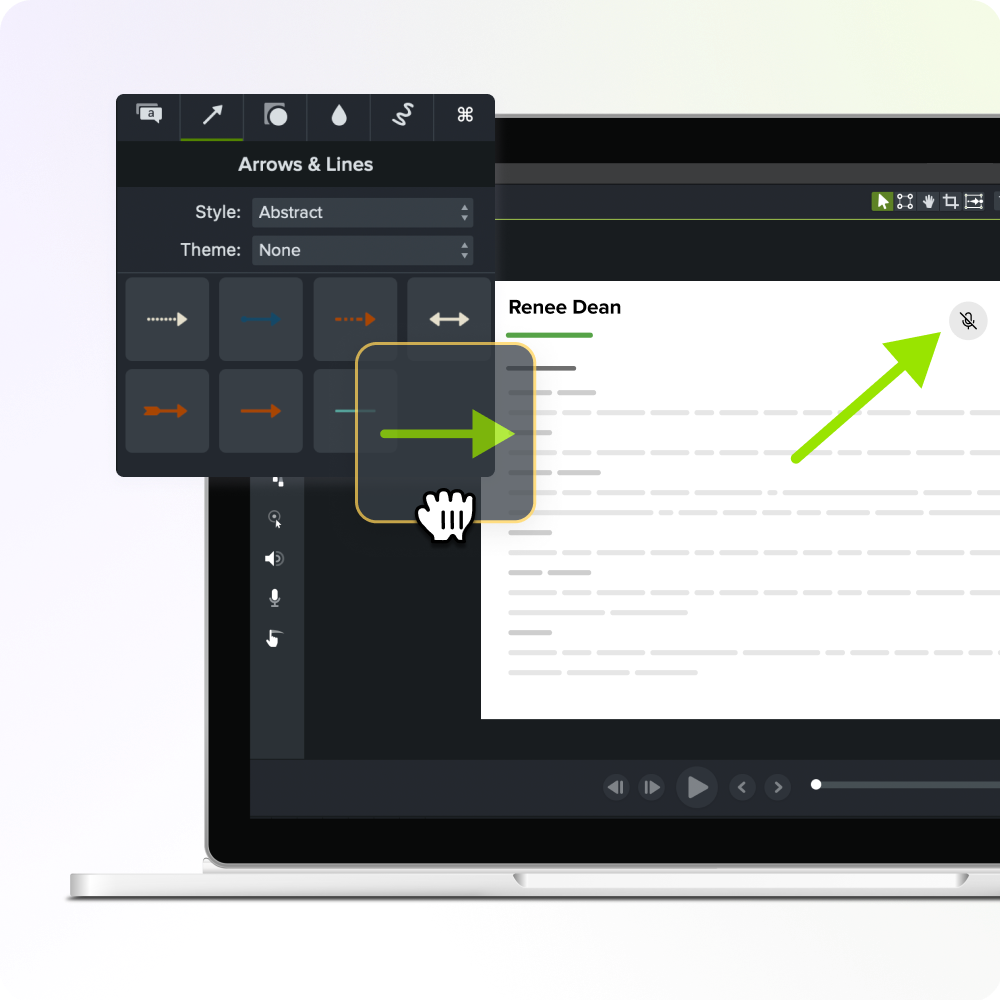
Convert a support ticket into video
A customer success or education team can convert its most repeated support question into one reusable video that cuts down on repeated explanations and positions the team as proactive rather than reactive.
Start with one topic, do it well, and publish it where customers will find it. The rest of the library can come later.
That work breaks into three steps: find the support topic worth solving first, record a focused walkthrough in Camtasia Editor, then publish it and track whether ticket volume drops.
Identify your highest-volume support topic
Pull support-ticket data to find the single most-repeated question or workflow confusion. Your help desk platform already has this information. Pull a report of tickets from the last 90 days and sort by category or tag.
Rank the resulting list two ways: by ticket volume and by time-to-resolve. A topic that generates 40 tickets a month but takes five minutes each is a different problem than one that generates 15 tickets but takes 30 minutes of an agent’s time per case. Multiply volume by average handle time for each topic, and the one with the highest total cost is your answer.
Pick that topic and commit to it as your first video. Resist the urge to solve three problems at once. One tightly scoped topic chosen from data instead of instinct is what makes the next step (recording the video) fast and focused.
Proactive resolution matters more than it might seem. Waiting for a customer to escalate a problem before addressing it puts the relationship at risk, while catching the same friction earlier keeps that customer moving forward without frustration.
Record the video with Camtasia Editor
Record one short walkthrough in Camtasia Editor that answers your chosen support-ticket question and nothing else. Keep it to one question. Save the tiered content library for a different project.
Camtasia Editor captures your screen, camera, and audio all in the same recording session, then places each source on its own track for editing. You can trim the screen footage down to just the clicks that solve the ticket, cut any dead air from your voice track, and drop your camera feed in or out, all without touching the other tracks.
Keep the runtime short for a single, self-contained question. Educational videos between one and five minutes retain over 50% viewer engagement, so treat that range as your default for a focused topic.
Skip the intro slide, the outro card, and the branded music bed. None of that helps a customer who just wants to know how to fix one thing.
A good test before you export: Does every second of this video move the viewer toward resolving the ticket? If a segment doesn’t, cut it. The goal is a video someone can watch once, follow exactly, and close the ticket in their head before support ever sees it.
Faster video creation with Rev
Make videos as easy as click, click, done! Camtasia Rev is so fast it’s like magic!
Learn More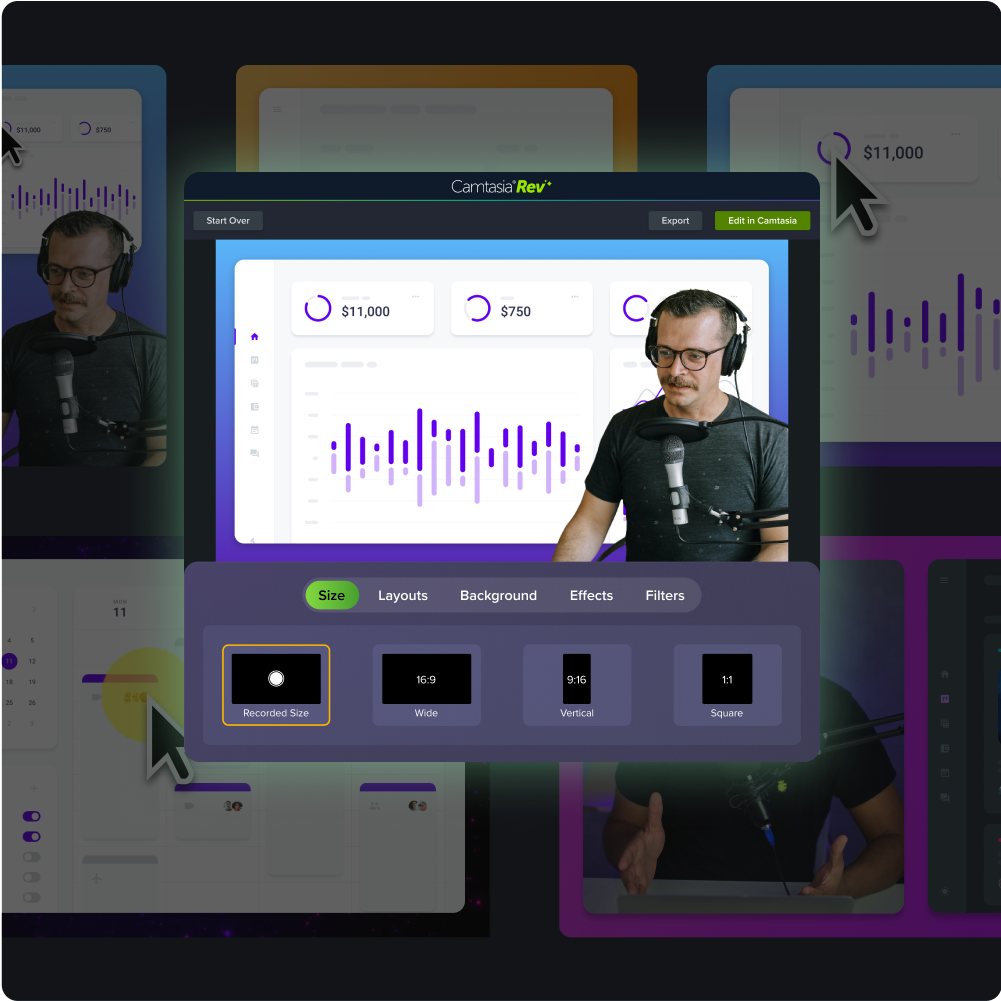
Publish it and track ticket deflection
The final step is publishing the video where customers already look for the answer, then measuring whether ticket volume on that topic drops over the following weeks. Publishing is where the real work starts: you can collect proof the video is doing its job.
Link the video directly from the support macro or knowledge base article your team already sends for this issue. If an agent currently pastes the same paragraph into a chat window or email every time this question comes up, supplement that paragraph with the video link instead of adding the video somewhere new.
Customers hit the same knowledge base article they always would, and now they get a two-minute walkthrough alongside the written steps. The text gives them something to skim and reference, and the video shows the exact clicks and screens for anyone who needs to see it done. Agents can include the video link in their standard response without retyping the explanation each time.
Before the video goes live, pull the ticket count for that topic over the prior few weeks or months, whatever window your support tool tracks cleanly. After the video is linked in, pull the same count for the same length of time and compare the two.
- Before: A set number of tickets tagged to that topic each week, each one resolved by an agent typing out the same explanation.
- After: Fewer tickets tagged to that topic, because customers who click the video resolve the question themselves before opening a ticket.
Don’t call it a win after one good week. Ticket volume can dip for reasons unrelated to your video, like a slow week or a temporary product fix. Check the topic’s ticket count again after a month, then again after a quarter. A topic that stays down across multiple measurement periods is real evidence the video is deflecting tickets.
Produce it faster with Screentelligence and Audiate
A lean customer success team can produce this content faster by pairing two tools built for this job:
- Screentelligence-powered cursor effects for visual focus
- Camtasia Audiate for AI narration and localization work
Neither requires a production team or a background in video editing.
Screentelligence-powered cursor effects highlight the click, field, or menu item you want the viewer to notice, so no one has to guess where to look on a busy screen.
Instant lifelike AI voice over
No voice over? No problem. Audiate generates incredibly life-like voice over right from your script!
Get Audiate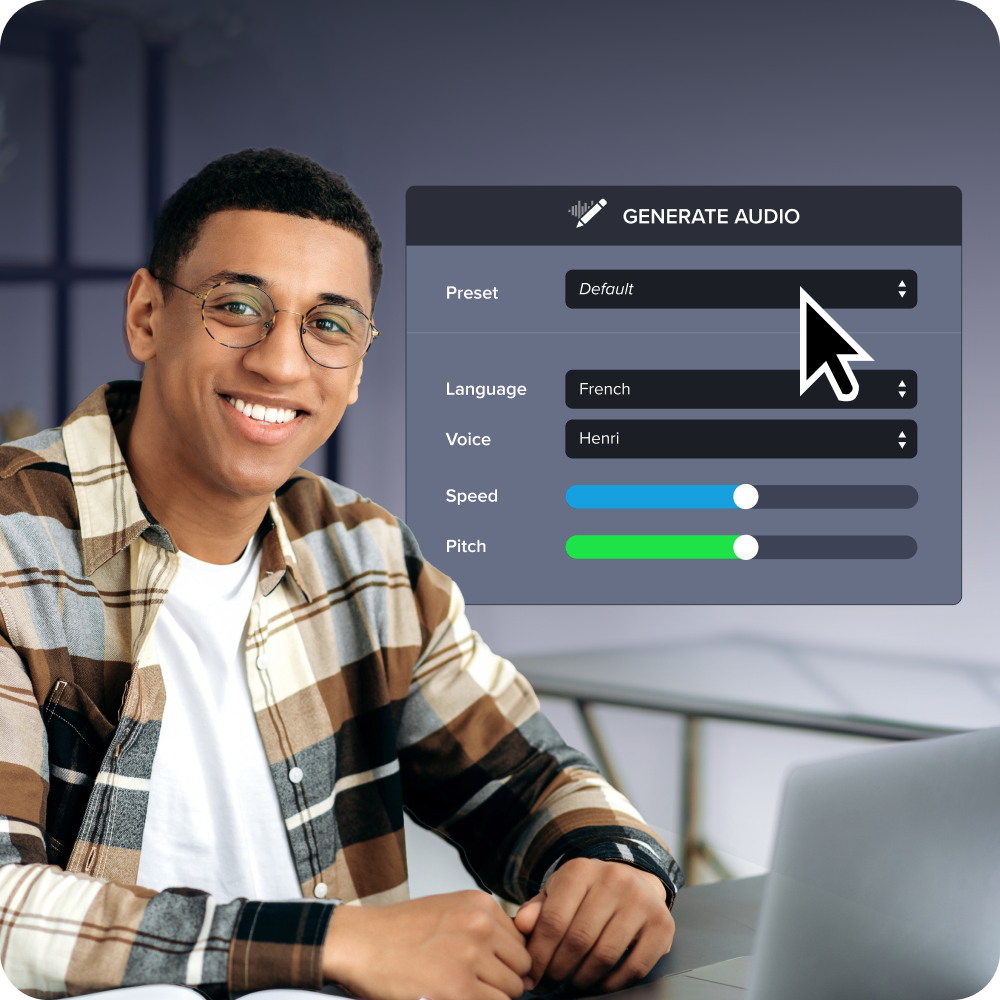
This matters most in a support walkthrough, where one missed click is often the reason a customer submits a ticket in the first place. The effect only works on footage recorded natively in Camtasia Editor using TREC format (Camtasia’s internal recording format for editing), so record your walkthrough directly in Camtasia Editor rather than importing from another source. When you export the finished video for hosting, publish it as an MP4 or other web-compatible format, not as a TREC file.
For narration, route the work to Camtasia Audiate. Its text-based editing lets you clean up filler words and rework a script by editing text, not by re-recording audio.
If a process changes next quarter, you update the script and regenerate the narration instead of scheduling a new recording session. Camtasia Audiate also handles AI voice generation, translation, and AI avatars, so localizing a support video for another market is as simple as editing the text. Any AI-generated voice, avatar, or transcript-based edit should be disclosed to viewers as AI-generated.
For more on how this kind of video connects to customer outcomes, see this breakdown of how video training impacts customer success.
Build a self-service education hub
A self-service education hub is a searchable video library with role-based tracks that lets customers find answers on their own instead of opening a ticket. It’s the destination for every walkthrough your team builds from a support ticket, and it’s what turns one-off videos into an ownable, organized retention asset.
You already know this problem if customers keep landing in the same knowledge base article or support queue for the same workflow. Without a structured path to the answer, they either give up and open a ticket anyway or churn quietly because they never found the fix.
A flat list of videos doesn’t solve this. Customers need a way to filter by their role, like admin, end user, or manager, or by the task they’re trying to complete, like setting up billing or configuring permissions. Build the hub around those tracks from the start, so a new video has an obvious home instead of getting buried in a growing list nobody scans anymore.
Camtasia’s own Academy and certification resources show what tiered, ongoing education looks like once you move past single tutorials. Customers move through structured paths, not a single explainer, and that same tiering can guide how you group support content into beginner, intermediate, and advanced tracks inside your own hub.
Track metrics that prove education works
That loop, a recurring ticket turned into a walkthrough, published to a searchable hub, and pointed at from the next 10 tickets on the same topic, is what turns customer education from a nice-to-have into something finance cares about. Segment your customer retention rate (CRR), churn rate, and Net Promoter Score® (NPS) by who saw the video or visited the hub versus who didn’t, and the case makes itself: exposed customers renew more, churn less, and score your support experience higher.
Pull your top recurring ticket, the one your team answers on autopilot, and turn it into one focused walkthrough. Publish it where customers already search, then tag who watches it so you can compare their CRR, churn, and NPS against everyone else next quarter.
Take that one ticket, record the answer once, and build your first measurable support walkthrough with Camtasia.
Looking for professional screen recording software?
From simple screen captures to polished video editing, TechSmith has everything you need to create professional-quality content.
Learn More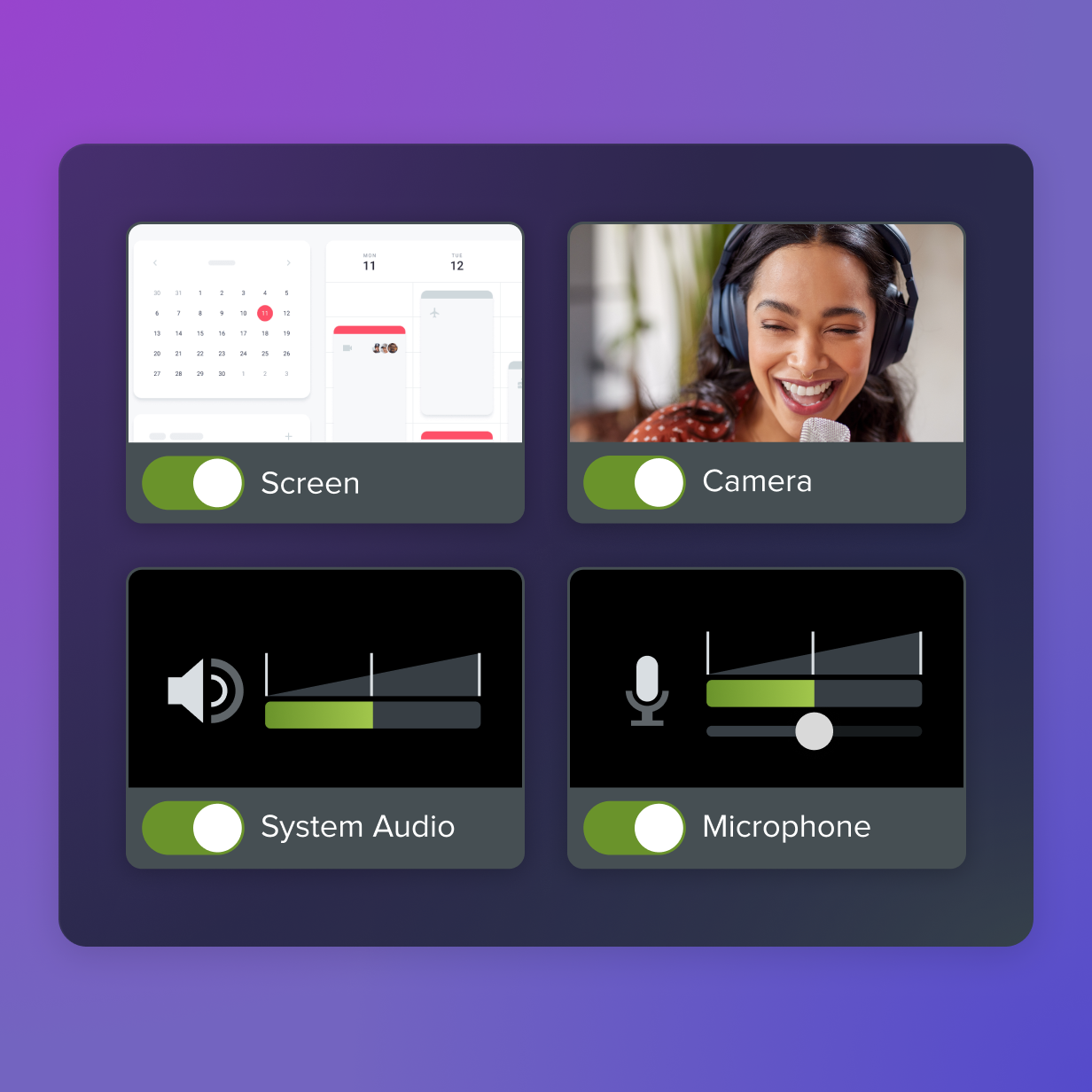
Frequently asked questions
How is video-based customer education different from a written knowledge base?
A written knowledge base explains steps in text, but video shows the exact clicks and screens involved. That distinction matters most when a workflow includes motion, multiple steps, or frequent UI changes that text can’t easily capture. Educational and tutorial videos also tend to hold viewer attention better than most other video formats, which reinforces why a visual walkthrough often lands better than a written article for this kind of content.
What if support tickets are too spread out to find one clear topic to convert into video?
If ticket topics look scattered instead of showing one clear spike, rank them by time-to-resolve instead of volume alone. The topic taking reps the longest to explain often creates the biggest retention payoff once it’s solved with video. Grouping tickets by product area or customer segment, rather than exact wording, usually reveals a shared pattern worth solving first.
Do support-ticket education videos need an AI avatar, or is screen recording with voice enough?
Straightforward how-to content usually works well with a clear voice-over paired with screen recording, no avatar required. AI avatars tend to add more value in intro or outro segments, or in soft-skills training where a visible presenter builds rapport. Camtasia Audiate generates AI voice or avatar output, and that output should be reviewed as AI-generated content before it’s published.
Should customer education videos live in the same place as onboarding training content?
t depends on the content type and the customer’s stage. How-to content that applies to both new and experienced users (like a common workflow or a core feature walkthrough) can reasonably live in both places, linked from onboarding and surfaced again in the ongoing education library. Separating content by team ownership rather than by what the customer needs creates friction: customers shouldn’t have to remember two different places to look based on whether they’re still “in onboarding.” Where separation makes more sense is for highly technical content tied to specific bugs, edge cases, or advanced configurations. That content is less relevant to new users, and keeping it in a support-specific area helps experienced users find it faster. Let the customer’s question drive the structure, not the internal team that produced the content.
How many videos does it take before a self-service education hub actually reduces support volume?
No fixed video count guarantees ticket deflection, but even one video on the highest-volume topic can measurably cut repeat questions. Support cost reductions tend to compound as the library grows, since each additional video removes another recurring ticket type from the support queue. Tracking deflection topic by topic gives a lean team a faster signal than waiting for the whole hub to reach some ideal size.
Share