









A senior support manager gives two weeks’ notice, and the team discovers that the client escalation workflow she built lives entirely in her head. No document explains which stakeholders to loop in first, which accounts get priority, or how to defuse a contract dispute before it reaches legal.
That gap is a tacit knowledge risk: a business-continuity threat that builds up when critical know-how lives only in one person’s head instead of in written, shareable documentation, and surfaces as a bottleneck, a single point of failure, or slower onboarding when that person is unavailable.
Every operations leader has a process like this running somewhere in the org chart, quietly depending on one person’s memory. By the end of this article, you should be able to name yours: the process that would stall when its owner takes a vacation, changes roles, or leaves.
Key takeaways
- A bottleneck and a single point of failure are different risks, since a bottleneck slows work while a single point of failure can stop it entirely.
- Tacit knowledge risks rarely stay contained to one team, since a bottleneck in one process can combine with onboarding drag in another to delay a launch.
- An employee’s exit doesn’t create tacit knowledge risk. It only reveals gaps that were already present but masked by day-to-day performance.
- A short self-audit, asking whether only one person can do a task or whether it exists only as tacit know-how, can surface exposure before a departure forces the issue.
- An aging workforce nearing retirement across many industries means the window to document undocumented processes is shrinking, not expanding.
Three risks hiding in undocumented processes
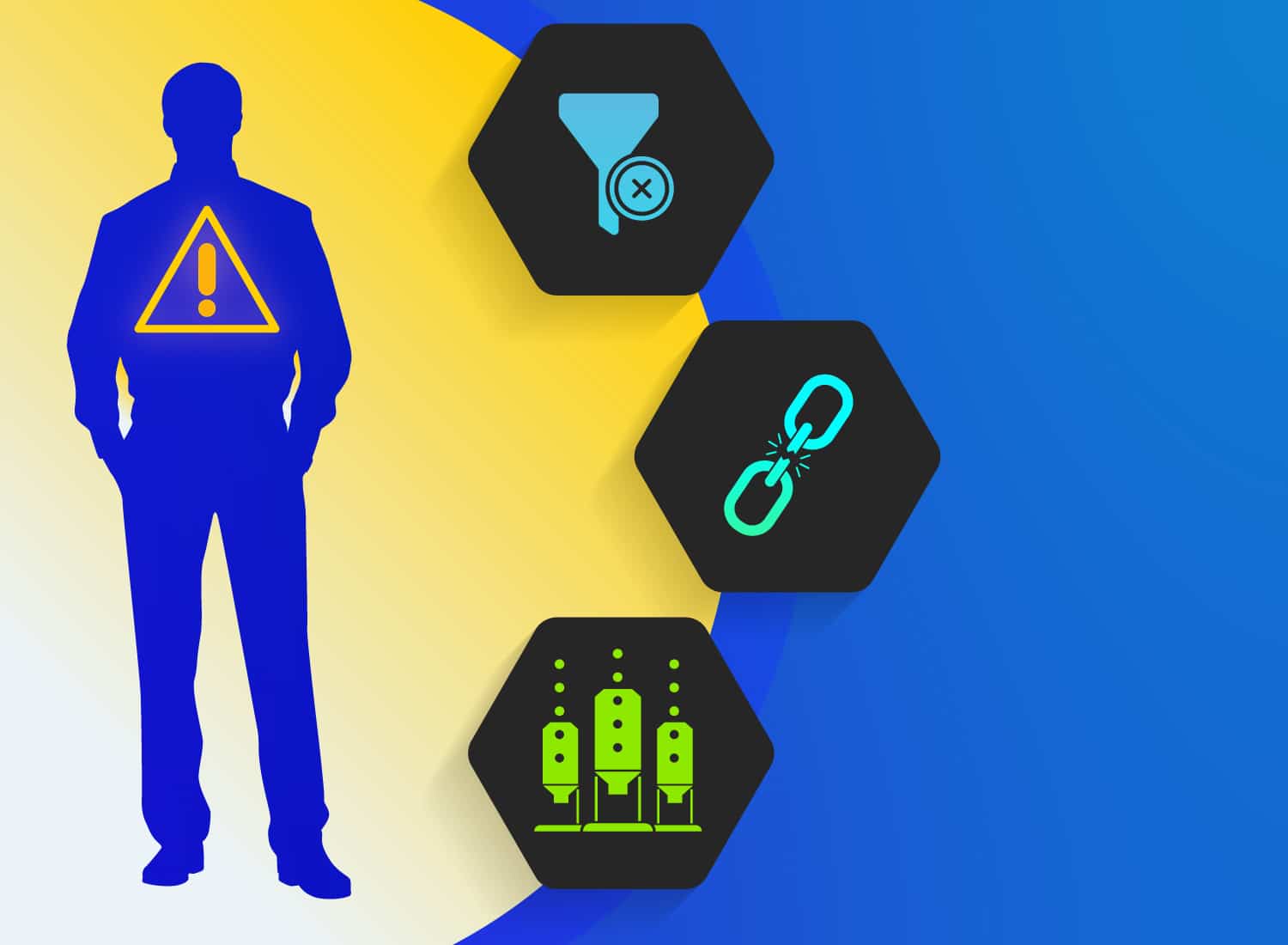
Undocumented processes create three distinct operational exposures: bottlenecks, single points of failure, and onboarding drag.
Calling this a “silo” or an “inefficiency” undersells what’s actually at stake. These are risks you already track elsewhere in the business, and they deserve the same precision.
Right now, a process looks fine because the one employee who understands it is still on the payroll and answering messages. Each risk breaks down a distinct way when that stability disappears.
1. Bottlenecks form around one person
A bottleneck forms when work slows because approvals or process steps route only through one employee, and everything waits on that person’s calendar.
A vendor contract sits in a shared drive, ready to move, and gets signed off within an hour because the one manager who understands the pricing terms is at their desk. The next week, the same contract sits untouched for three days because that manager is at a conference.
Nothing broke. The process still works. It’s just stuck.
That’s the difference between a bottleneck and a total failure: the work is still there, just delayed. But delay has a cost. A stalled approval pushes back a launch date, and a stalled report leaves a leadership team making decisions without current numbers.
2. Single points of failure sit in plain sight
A single point of failure depends entirely on one specific person, so it doesn’t slow down when they’re gone. It stops.
A payroll integration between your HR system and your bank often runs this way. One employee configured the connection, knows which fields map where, and quietly fixes it whenever a field changes. Nobody else has ever touched it.
The integration looks stable for years because the owner is there to catch the small breaks before anyone else notices. That presence is doing more work than it appears to.
The day that employee leaves, the safety net disappears. Payroll stalls, nobody knows how the mapping works, and what looked like a quiet, reliable system becomes an immediate continuity failure with no one left who can fix it.
Getting that configuration out of one person’s head before that day comes is exactly what Camtasia Snagit’s Step Capture is built for: one recorded session turns the expert’s clicks into a numbered, shareable guide without a separate write-up.
Streamline workflows with Snagit Assets
Transform your screenshots with ready-made templates, custom themes, and unique stamps.
Get Started
3. Onboarding drag stretches new hire ramp time
Onboarding drag adds weeks to ramp time when a new hire must shadow an expert because no reusable walkthrough exists.
You’ve hired someone to take over a process, but the only training available is watching the departing employee do the work in real time. The new hire follows along for days, sometimes weeks, taking notes on steps that live nowhere else. Every exception, every workaround, every “here’s what you do when the system throws that error” has to be caught live, because none of it was ever written down or recorded.
Camtasia Snagit’s Step Capture fixes that directly. Instead of shadowing sessions, the expert runs through the process once while Step Capture records each click into a numbered, shareable guide automatically. That guide is reusable from day one, so the next new hire doesn’t need the same shadowing window.
When the overlap window between a departing employee and their replacement is short, the pressure compounds fast. The new hire hasn’t seen enough repetitions to work independently, so they keep pulling the departing employee back in for questions, right up until that person’s last day. Time-to-productivity stretches, and the dependence on one person’s knowledge doesn’t end when their employment does.
Revenue and continuity exposure quietly compounds
Tacit knowledge risks compound when delays and capability gaps in different departments converge on the same launch, client commitment, or project timeline. A bottleneck in one team rarely stays contained to that team.
Say a product launch depends on a single engineer for deployment approvals, and the onboarding team is simultaneously ramping up a new account manager with no walkthrough of the client handoff process. Both gaps might be manageable on their own. Together, they push the launch past its date, delay revenue recognition, and put a client service level agreement (SLA) at risk.
This kind of exposure grows as your workforce ages. Workers 55 and older made up 24% of the U.S. workforce in 2022, up from just 10% in 1994, and they’re the fastest-growing age group in the labor force. That means more processes are concentrated in employees approaching retirement, which is why continuity risk needs ongoing monitoring, not a single project.
The departure that exposes every gap
A key employee’s exit doesn’t create continuity risk. It reveals gaps that were there all along, hidden by that person simply showing up every day.
The two weeks after a resignation notice follow a familiar pattern. First come the rushed handoff meetings, where a departing employee tries to explain months or years of judgment calls in a handful of calendar blocks. Then come the hurried notes, typed in real time, missing context the employee assumed everyone already knew. By the time someone discovers an undocumented exception or a workaround nobody else understood, there’s rarely enough runway left to fix it.
A planned exit, like a retirement or an internal promotion, gives you weeks of lead time for knowledge transfer. A resignation often gives you far less.
Which of your processes is exposed?
Treat a process as exposed once you answer yes to two or more questions in this quick audit. Pick one process you suspect is risky, and run it through these questions:
- Can only one person on your team perform this task without help?
- Is there no written step-by-step guide for it anywhere your team can find?
- Do new hires learn it by shadowing someone rather than following instructions?
- Would work stop or slow down noticeably if that person took two weeks off?
Two yes answers mean the process depends on one person’s memory instead of a repeatable system.
Flag that process as your first documentation priority. You should be able to name it specifically: an actual workflow, not a department like “onboarding” or “billing.”
Need to show your screen?
Skip the downloads. Use Camtasia online to record your screen, camera, and microphone right in your browser for free.
Start Recording
Treat documentation as continuity insurance
Process documentation is continuity insurance because its value is best measured against the operational failure it prevents, not against the hours it takes to produce it.
A delayed approval, a stalled workflow, or an extra month of ramp time all cost more than an afternoon spent capturing how the process actually works. Size the investment against that failure, starting with the one process where a single person’s absence would hurt most.
Camtasia Snagit’s Step Capture turns that expert’s workflow into a static, numbered guide in one session. Share it directly to the Camtasia Editor timeline, and it arrives with transitions, callouts, cursor motions, and animations already applied, ready to become a narrated training video without a second recording session. That’s the fastest route from knowledge in one person’s head to something your whole team can learn from, as this approach to video training and knowledge sharing shows.
Screentelligence-powered cursor effects and Camtasia Audiate’s cleanup and AI voiceover tools further reduce team members’ editing load, though AI-generated voice output still requires human review.
Move your riskiest process out of one head
That senior engineer who’s the only one who knows how the deployment pipeline works is an unaudited liability on the books, not a compliment. The self-audit above turns that liability into something you can see, name, and rank, which is the first real step toward fixing it before a two-week notice forces the issue.
Here’s what to do: take the single process that scored highest on your risk audit, the one where only one person could run it tomorrow if they didn’t show up, and get it out of their head this week. Use the Step Capture-to-Camtasia Editor handoff to do it now, not next quarter.
Go from screen recording to polished video
A screen recording is just the start. Camtasia’s editor helps you add the callouts, animations, and edits you need to create a truly professional video.
Free Download
Frequently asked questions
Is tacit knowledge always a problem for a business?
Undocumented know-how isn’t inherently a problem, since every organization relies on some experience-based expertise employees build over time. It becomes a real risk when a process depends entirely on one person and nothing is written down or recorded anywhere else. The fix is capturing that expertise before it becomes a single point of failure, not eliminating it.
How can I capture a departing employee’s knowledge if they’ve already given notice?
Move fast and focus on the highest-risk process first, not a comprehensive knowledge dump of everything they know. Record a screen walkthrough of them performing the task while they narrate their decisions out loud. Camtasia Editor can capture that session in one sitting, turning a single recorded walkthrough into a reusable training asset.
How does tacit knowledge risk affect AI or automation initiatives?
Automation and AI tools need clean, documented process data to work reliably, and tacit knowledge is the opposite of that. A workflow that only exists in someone’s head leaves nothing usable to train an automated system on. Any AI initiative built on top of that gap simply inherits the same undocumented risk.
How long does it typically take to document a single tacit knowledge process?
With Camtasia Snagit’s Step Capture, documenting a process takes as long as the process itself. It automatically turns your clicks into a step-by-step guide while the subject matter expert (SME) works, with no separate write-up phase afterward. That guide is a static, numbered document by default, ready to hand off or publish as-is. If you want a polished video instead, sharing that Step Capture guide straight to the Camtasia Editor timeline turns it into an editable video project with transitions, callouts, and cursor motion already applied, so a single capture session produces both a document and a video-ready asset.
Share