Filter posts
Clear filtersAugust 2025
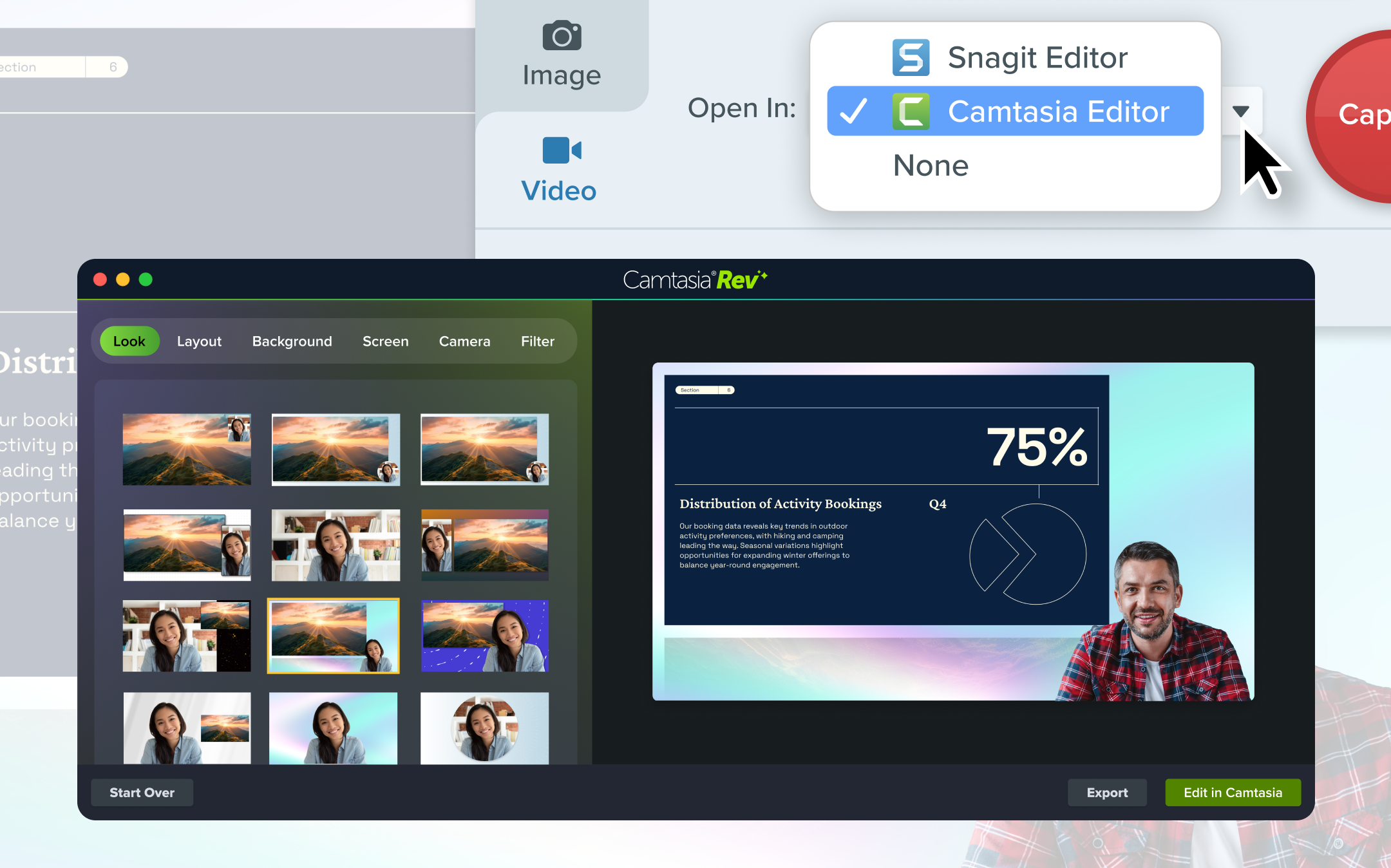
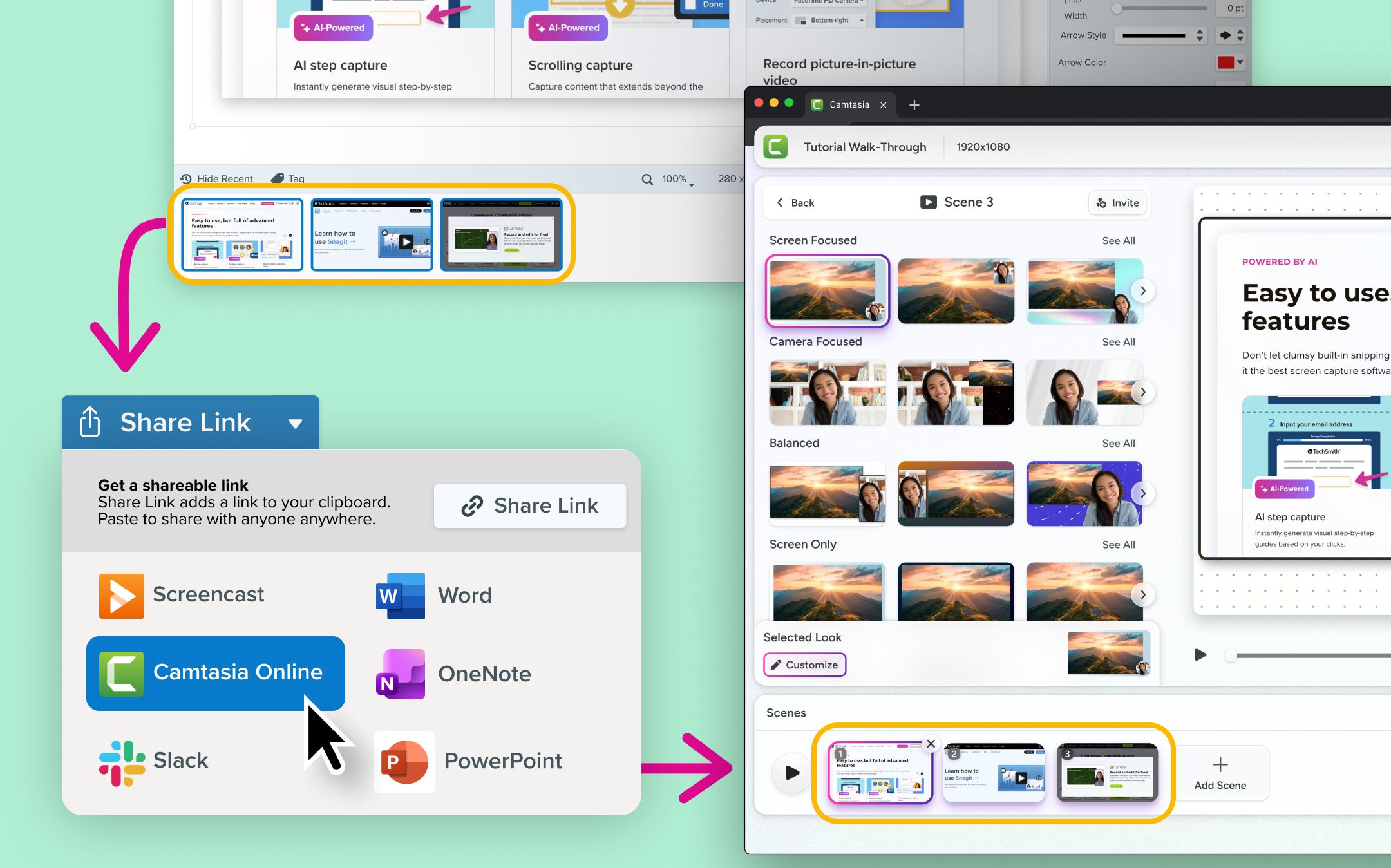
Updated to support sending multiple files simultaneously to the Camtasia Editor
June 2025
February 2025
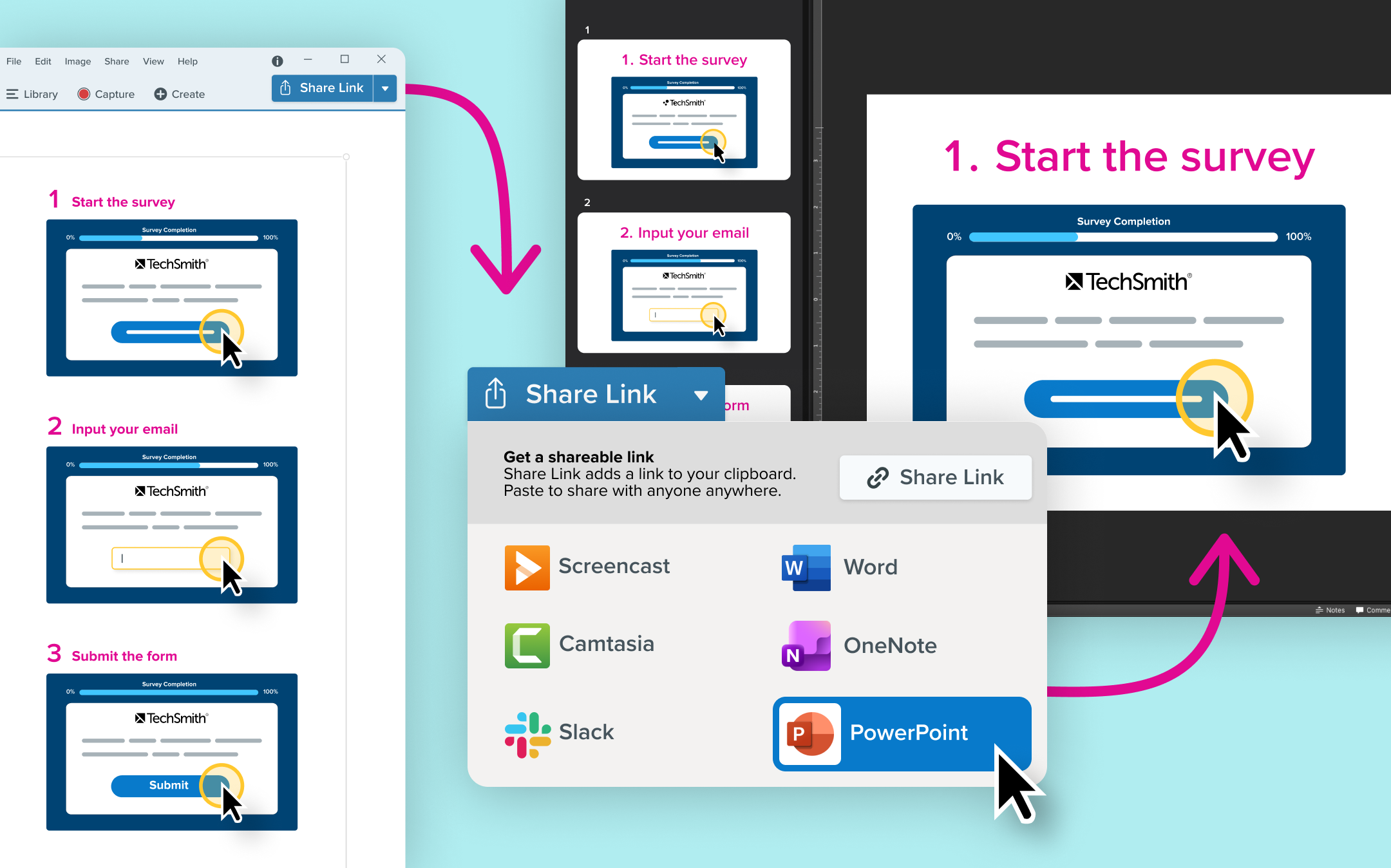
Snagit’s new step capture feature automatically turns your clicks into step-by-step guides, making process documentation faster and easier than ever.
Showing someone how to do something just got faster and easier with Snagit’s new step capture feature!
Instead of manually taking screenshots and assembling them into a guide, Snagit can automatically create a clear, step-by-step guide for you. Just select step capture as your image selection type and click through the process as you normally would. Snagit automatically captures each click and instantly generates a guide, complete with numbered steps.
Why step capture is a total game changer:
💡 Ways to use step capture:
Step capture takes the tedious work out of documenting a process, giving you more time to focus on what really matters.
Snagit’s new smart redact feature automatically detects and removes sensitive information from screenshots, saving you time and ensuring privacy.
Screenshots often contain sensitive details that need to be removed before sharing. But manually searching for and redacting information is tedious and time-consuming. Snagit now automatically detects and redacts the following types of information in just a few clicks:
Addresses
💡 Ways to use smart redact:
Whether it’s customer support teams, consultants, or business analysts, anyone who frequently shares screenshots with clients, colleagues, or the public will love how smart redact removes the guesswork and speeds up their workflow.
Snagit’s Background Noise Removal filters out hums, chatter, and other distractions in real-time, so your recordings stay crisp and clear.
Not every recording environment is perfect—background hums, chatter, and other distractions can make videos harder to hear. With Snagit’s Background Noise Removal, you can instantly clean up your audio and keep the focus on what matters.
This feature is enabled by default and works in real-time during recording. Just toggle it on in the Capture Window or Ready Recording toolbar, and Snagit will automatically filter out unwanted sounds like fans, clicks, barking dogs, or background conversations.
Why background noise removal is a game changer:
Now, you can record anywhere without worrying about your surroundings.
Snagit now lets you blur or replace your background while recording, so you can keep the focus on you—not what’s behind you.